
Leonardo AI
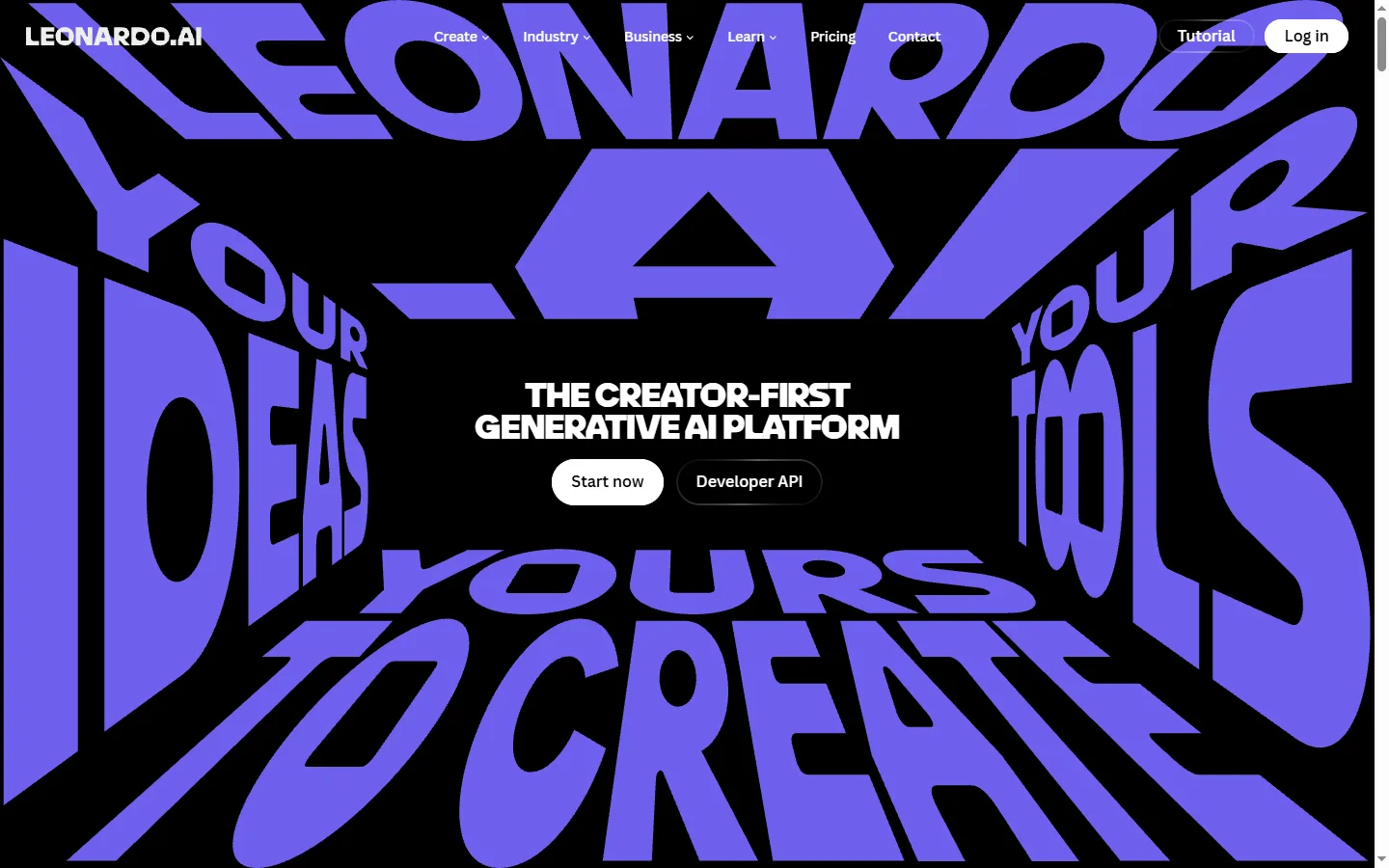
Freemium ✓ Verified 🔥 TrendingLeonardo AI is a powerful AI image generator with custom fine-tuned models, Stable Diffusion roots, and a massive community library for art and game assets.
📋 About Leonardo AI
Leonardo AI is a leonardo ai image generation platform built on Stable Diffusion and a stack of proprietary fine-tuned models that produce production-quality artwork, illustrations, concept art, and game assets in seconds. The tool stands out for its model library — users can pick from dozens of community and official models specialized in anime, photorealism, isometric scenes, RPG portraits, sci-fi environments, and more, giving artists a head start on a desired aesthetic without writing complex prompts. The interface combines a familiar text-to-image canvas with advanced controls like image-to-image, inpainting, sketch-to-image, prompt magic, alchemy, and a real-time canvas that generates as you draw.
Leonardo's appeal in gaming and indie studios comes from purpose-built generators for tileable textures, props, character portraits, and consistent characters across a series of images. The leonardo ai image generator also supports 3D texture generation, motion (short video clips from stills), and Universal Upscaler for crisp 4K outputs. Creators can train their own custom models on uploaded reference images, which is invaluable for branded content, recurring characters, or replicating a unique art style across hundreds of assets. A built-in community feed lets users browse trending creations, remix prompts, and copy settings with one click.
Leonardo AI runs on a freemium token system: every account gets daily tokens for free generations, and paid plans unlock higher resolution, faster queues, private generations, and access to premium models. It serves digital artists, game developers, marketers, tabletop RPG enthusiasts, and product teams who need fast, varied visuals without hiring an illustrator. With a polished web app, an iOS/Android app, and an API for developers, Leonardo has become one of the most widely used AI art platforms outside of Midjourney.
⚡ Key Features of Leonardo AI
Custom Fine-Tuned Model Library
Leonardo AI ships with a library of dozens of official and community fine-tuned models built on top of Stable Diffusion, each specialized for a different style — anime, photorealism, RPG portraits, isometric environments, pixel art, product shots, and more. Picking the right base model gives you a strong head start on the aesthetic you want without crafting elaborate prompts. Models like Leonardo Diffusion XL, Lightning XL, Phoenix, and AlbedoBase XL are continuously updated, and users can rate and remix community uploads. This makes the leonardo ai image generator dramatically more flexible than tools locked into a single style.
Train Your Own Models
Upload a set of reference images and Leonardo will fine-tune a custom model for you, allowing you to generate consistent characters, branded objects, or replicate a unique art style across hundreds of outputs. This is especially valuable for indie game studios building a coherent visual universe, marketers needing on-brand imagery at scale, or illustrators preserving their personal style. Training takes minutes rather than the hours required for local fine-tuning, and trained models can be set to private so they don't appear in the public feed.
Real-Time Canvas and Live Generation
The real-time canvas lets you sketch with a brush, drag shapes, or paste reference images and watch the leonardo ai image generator update the final artwork as you draw. Combined with prompt guidance and a style selector, it turns image generation into an iterative, interactive workflow rather than a guess-and-pray prompt loop. Artists use this to refine compositions, lock down poses, and explore variations rapidly. The Live Canvas significantly shortens the time from idea to finished asset compared with traditional batch generation.
Alchemy and Prompt Magic
Alchemy is Leonardo's premium rendering pipeline that boosts coherence, detail, and color fidelity, while Prompt Magic intelligently rewrites and augments your prompts behind the scenes to extract maximum quality from the chosen model. Together they reduce the need for prompt engineering expertise — beginners can type a one-line description and still get magazine-quality output. Power users can layer these enhancements with negative prompts, init images, and ControlNet-style guidance for precise creative control.
Game Asset and Texture Generation
Built-in generators produce seamless tileable textures, normal maps, isometric tiles, item icons, and concept portraits ready to drop into Unity, Unreal, or 2D engines. The leonardo ai art platform also offers a 3D texture generator that maps generated images onto basic geometry. Indie developers use these tools to prototype entire game worlds in days instead of weeks, and to fill out asset libraries without licensing third-party packs. Outputs can be exported as PNG, JPG, or transparent backgrounds for sprites.
Image-to-Image, Inpainting, and Upscaling
Leonardo supports the full Stable Diffusion toolkit: image-to-image transfer, inpainting to repaint selected regions, outpainting to extend canvas edges, and Universal Upscaler to push outputs to crisp 4K resolutions. These editing tools mean you rarely have to discard a generation — fix a face, change a background, or extend a scene without starting over. The Universal Upscaler in particular is praised for preserving fine details and reducing artifacts that plague other AI upscalers.
Motion Video and AI Animations
Turn any generated still into a short looping video clip with the built-in Motion feature, which adds camera moves, parallax, and animated elements in seconds. Useful for social media posts, product hero videos, game loading screens, and short-form ads. The motion strength is configurable, and outputs export as MP4 ready for TikTok, Instagram Reels, or YouTube Shorts. This bridges the gap between static art and dynamic content without needing a separate video tool.
🎯 Use Cases for Leonardo AI
⚖️ Leonardo AI Pros & Cons
Advantages
- ✓Huge library of fine-tuned models for many art styles
- ✓Custom model training for consistent branded outputs
- ✓Real-time canvas makes iteration fast and intuitive
- ✓Specialized tools for game assets and textures
- ✓Generous freemium tier with daily tokens
Drawbacks
- ✗Token system can feel limiting for heavy daily users
- ✗Premium models and Alchemy require paid plans for full quality
- ✗Public feed exposes free-tier generations by default
- ✗Output quality varies significantly between models
📖 How to Use Leonardo AI
Sign up at leonardo.ai using email, Google, or Apple — free accounts get 150 daily tokens.
Choose a fine-tuned model from the library that matches the style you want — anime, photorealism, RPG, etc.
Enter a text prompt, set the resolution, image count, and optional negative prompts, then click Generate.
Refine results using image-to-image, inpainting, or the real-time canvas for precise edits.
Upscale your favorite generation with Universal Upscaler for print or hero-image quality.
Train a custom model by uploading 10-30 reference images to lock in a character or brand style.
❓ Leonardo AI FAQ
Yes. Leonardo AI offers a free plan that includes 150 tokens per day, access to most community models, and standard features. Paid plans starting around $12/month unlock more tokens, Alchemy quality, private generations, faster queues, and custom model training.
It depends on your use case. Midjourney generally produces more artistically polished outputs with less prompting effort, while the leonardo ai image generator offers more flexibility through custom models, image-to-image editing, inpainting, and a real-time canvas — making it stronger for game assets, branded content, and iterative workflows.
Yes. Paid Leonardo plans grant full commercial rights to generated images. Free-tier images are generated publicly and have more limited commercial usage, so creators producing client work or selling assets should upgrade to a paid plan.
Leonardo AI is built on top of Stable Diffusion with additional proprietary fine-tuning, custom models like Leonardo Diffusion XL and Phoenix, and pipelines such as Alchemy and Prompt Magic that improve coherence and detail beyond stock Stable Diffusion output.
Yes. The Motion feature converts any generated still into a short looping video clip with camera moves and animated elements. Outputs export as MP4, useful for social media posts, ads, and game loading screens, though it's not a full text-to-video tool like Runway or Sora.
Related to Leonardo AI

Artflow AI
Artflow AI is an end-to-end AI animation platform that turns scripts into narrated animated stories with generated characters, voices, scenes, and lip-synced animation.

BlueWillow AI
BlueWillow AI is a free AI image generator that creates art, logos, illustrations, and graphics from text prompts via Discord.

Midjourney
Midjourney AI image generator that turns text prompts into high-quality artwork, illustrations, and photorealistic visuals.

OpenArt AI
OpenArt AI is an AI image generator with 100+ models including SDXL, Flux, anime, and photorealistic styles plus character consistency and training tools.

PromeAI
PromeAI is an AI image generator with a deep library of art style presets, sketch-to-image rendering, and professional design tools for creators and product teams.
Tensor.Art
Free AI image generator powered by Stable Diffusion with thousands of community models, LoRAs, ControlNet, and online training.
Featured on WhatIf.ai
Add this badge to your website to show you're listed on WhatIf AI
Alternatives to Leonardo AI

A2E AI
A2E AI productivity platform converts audio and video recordings into transcripts, summaries, and action items with speaker identification.


Abnormal AI
Abnormal AI uses behavioral AI to detect business email compromise, account takeover, and socially engineered phishing that bypasses secure email gateways.


Abridge AI
Abridge AI medical documentation platform that records and summarizes clinical conversations into structured physician notes in real time.

Air AI
Air AI conducts autonomous full-length AI phone calls for sales prospecting, appointment setting, and customer service without human agents.