OpenArt AI
FreemiumOpenArt AI is an AI image generator with 100+ models including SDXL, Flux, anime, and photorealistic styles plus character consistency and training tools.
📋 About OpenArt AI
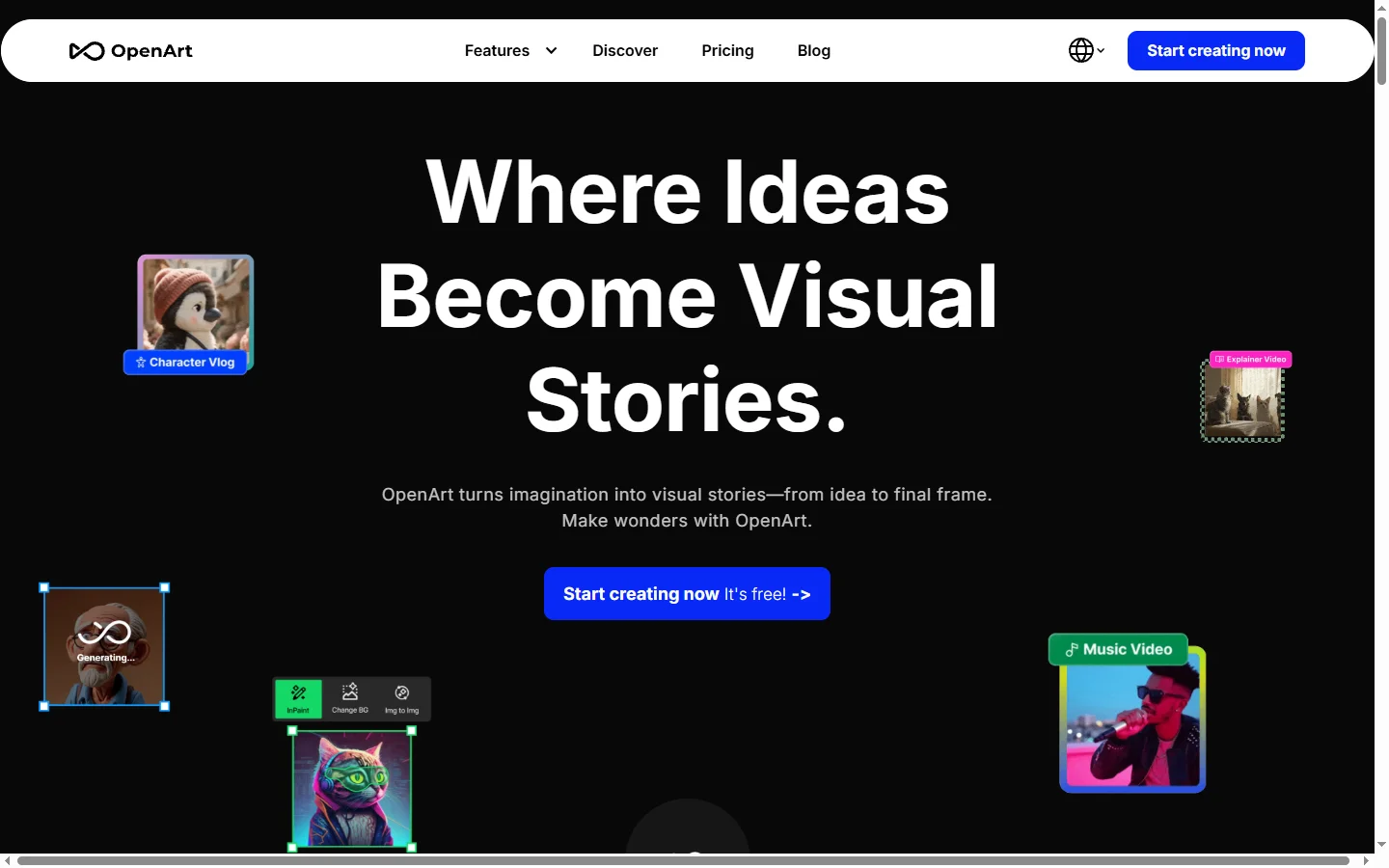
OpenArt AI is a comprehensive AI image generation platform that brings together the most popular open-source models — Stable Diffusion XL, Flux, SD 1.5, and dozens of community fine-tunes — under a single interface. Rather than locking users into one proprietary model, OpenArt lets creators switch between anime-focused checkpoints, photorealistic models, stylized illustrators, and general-purpose diffusion engines depending on the look they want. The platform also hosts a thriving community gallery where users share prompts, LoRAs, and workflows that others can remix or build on.
Beyond single-image generation, OpenArt provides advanced creative tools including character consistency via custom training, ControlNet-style pose and composition control, inpainting, outpainting, upscaling, and video generation from still images. Creators can train their own character or style LoRAs by uploading a handful of reference images, then reuse those characters across an unlimited number of generated scenes. This makes OpenArt particularly popular with comic artists, webtoon creators, indie game developers, and storytellers who need visual continuity across many images.
OpenArt serves hobbyists, professional illustrators, and commercial teams who want access to the latest open-source image models without managing a local GPU setup. The free tier offers daily credits for experimentation, while paid plans scale up for heavier use with commercial licensing. Its combination of model variety, character training, and community sharing makes it a go-to AI image generator for creators who have outgrown single-model tools like Midjourney or DALL-E.
⚡ Key Features of OpenArt AI
100+ AI Image Models in One Interface
OpenArt AI aggregates Stable Diffusion XL, Flux, SD 1.5, Pony Diffusion, and dozens of community-trained checkpoints into a single dropdown. Instead of downloading gigabytes of model files locally or signing up for multiple services, users pick the model that matches their desired style — photorealism, anime, pixel art, 3D render, oil painting — and generate immediately. This breadth means one subscription covers nearly every major open-source aesthetic without any technical setup.
Character Consistency via LoRA Training
Upload four to twenty reference images of a character or art style and OpenArt will train a custom LoRA adapter you can reuse across every subsequent generation. The trained character maintains recognizable facial features, outfits, and proportions regardless of pose, background, or scene change. Comic creators and illustrators rely on this to produce full pages featuring the same protagonist without manual retouching. Training typically completes in five to fifteen minutes and results are stored permanently on your account.
Flux and SDXL Flagship Quality
OpenArt provides first-class access to Flux.1 Pro, Flux.1 Dev, and Stable Diffusion XL — the strongest open-weight models available for photorealism and prompt adherence. Flux in particular handles text inside images, complex compositions, and human anatomy better than earlier diffusion models. This places OpenArt on par with leading proprietary generators while still offering the flexibility of open-source ecosystems.
Inpainting, Outpainting, and Upscaling
Edit specific regions of generated or uploaded images using brush-based inpainting, extend canvases with outpainting, or upscale results to 4K and beyond with dedicated upscaler models. These editing workflows let creators iterate on imperfect generations — fix a strange hand, replace a background, or lengthen a scene — rather than rerolling from scratch. The editor works directly in the browser without exporting to Photoshop.
Image-to-Video Generation
Animate still images into short video clips using integrated models like Kling and Runway. Upload a generated character portrait or scene and describe the motion you want, and OpenArt produces a 5 to 10 second clip with camera movement and subject animation. This turns the ai image generator into a full short-form content creation pipeline for social media and storyboarding.
Community Gallery and Remix
Browse millions of public generations with full prompt visibility, and click any image to remix it with your own edits — swap the subject, change the style, adjust the lighting — using the exact same model and settings. This dramatically shortens the learning curve for new users who can see working prompts rather than guessing. The community also publishes shared LoRAs that anyone with a subscription can use.
Commercial Licensing on Paid Plans
Paid tiers include full commercial use rights for all generated images, LoRAs, and videos. This matters for freelancers, agencies, and product teams who need legal clarity before using AI images in client work, merchandise, or marketing. The terms are clearly documented and cover the major open-source models hosted on the platform.
🎯 Use Cases for OpenArt AI
⚖️ OpenArt AI Pros & Cons
Advantages
- ✓Access to Flux, SDXL, and 100+ fine-tuned models in one subscription
- ✓Custom character and style LoRA training in minutes
- ✓Built-in inpainting, outpainting, upscaling, and video tools
- ✓Active community gallery with fully visible prompts to learn from
- ✓Commercial use rights included on paid plans
Drawbacks
- ✗Free tier credits are limited and refresh slowly
- ✗Flux Pro generations consume significantly more credits than SDXL
- ✗LoRA training quality varies with reference image consistency
- ✗Interface can feel overwhelming for first-time diffusion users
📖 How to Use OpenArt AI
Sign up at openart.ai using Google, email, or Discord — the free tier starts immediately with daily credits.
Click Create and choose between Image, Video, or Train Character depending on your goal.
Select a model from the dropdown — start with SDXL or Flux Dev for general use, or pick an anime checkpoint for stylized art.
Write a detailed prompt including subject, style, lighting, and composition cues, then generate a batch of four images.
Use the Inpaint tool to fix specific areas or Upscale to enlarge your favorite result to 4K.
To maintain a consistent character across images, train a LoRA by uploading 10-20 reference pictures of the subject.
Upgrade to a paid plan for commercial rights, higher resolution, faster queues, and access to premium Flux Pro.
❓ OpenArt AI FAQ
OpenArt AI has a free tier with daily credits that regenerate every 24 hours, enough for experimentation and casual use. Paid plans start around $14/month and include more credits, commercial licensing, faster queues, and premium model access.
Yes, paid plan subscribers receive full commercial usage rights for images, videos, and trained LoRAs. Free tier generations are limited to personal and non-commercial use under the community license.
Flux is a newer model with better prompt adherence, text-in-image rendering, and anatomy, especially Flux Pro. SDXL is faster, cheaper in credits, and has a larger ecosystem of community LoRAs for stylized art like anime and illustration.
You upload 10-20 reference images of a character and OpenArt trains a custom LoRA adapter in about 10 minutes. After training, you reference the character in any prompt and it will appear consistently across new poses, scenes, and styles.
OpenArt AI restricts explicit content on its main platform and enforces content policies aligned with open-source model licenses. Some community checkpoints allow mature artistic content, but hard adult material is blocked.
Related to OpenArt AI
Aragon AI
Aragon AI professional headshot generator that creates studio-quality portrait photos from uploaded selfies using a personalized AI model.

Artflow AI
Artflow AI is an end-to-end AI animation platform that turns scripts into narrated animated stories with generated characters, voices, scenes, and lip-synced animation.

ArtGuru AI
ArtGuru AI generates images from text prompts in a wide range of artistic styles, with additional tools for face enhancement, background removal, and image upscaling.
ArtSpace AI
ArtSpace AI is an AI art generator and marketplace that turns text prompts into shareable, printable artwork for hobbyists and designers.
Leonardo AI
Leonardo AI is a powerful AI image generator with custom fine-tuned models, Stable Diffusion roots, and a massive community library for art and game assets.
Midjourney
Midjourney AI image generator that turns text prompts into high-quality artwork, illustrations, and photorealistic visuals.
Featured on WhatIf.ai
Add this badge to your website to show you're listed on WhatIf AI
Alternatives to OpenArt AI
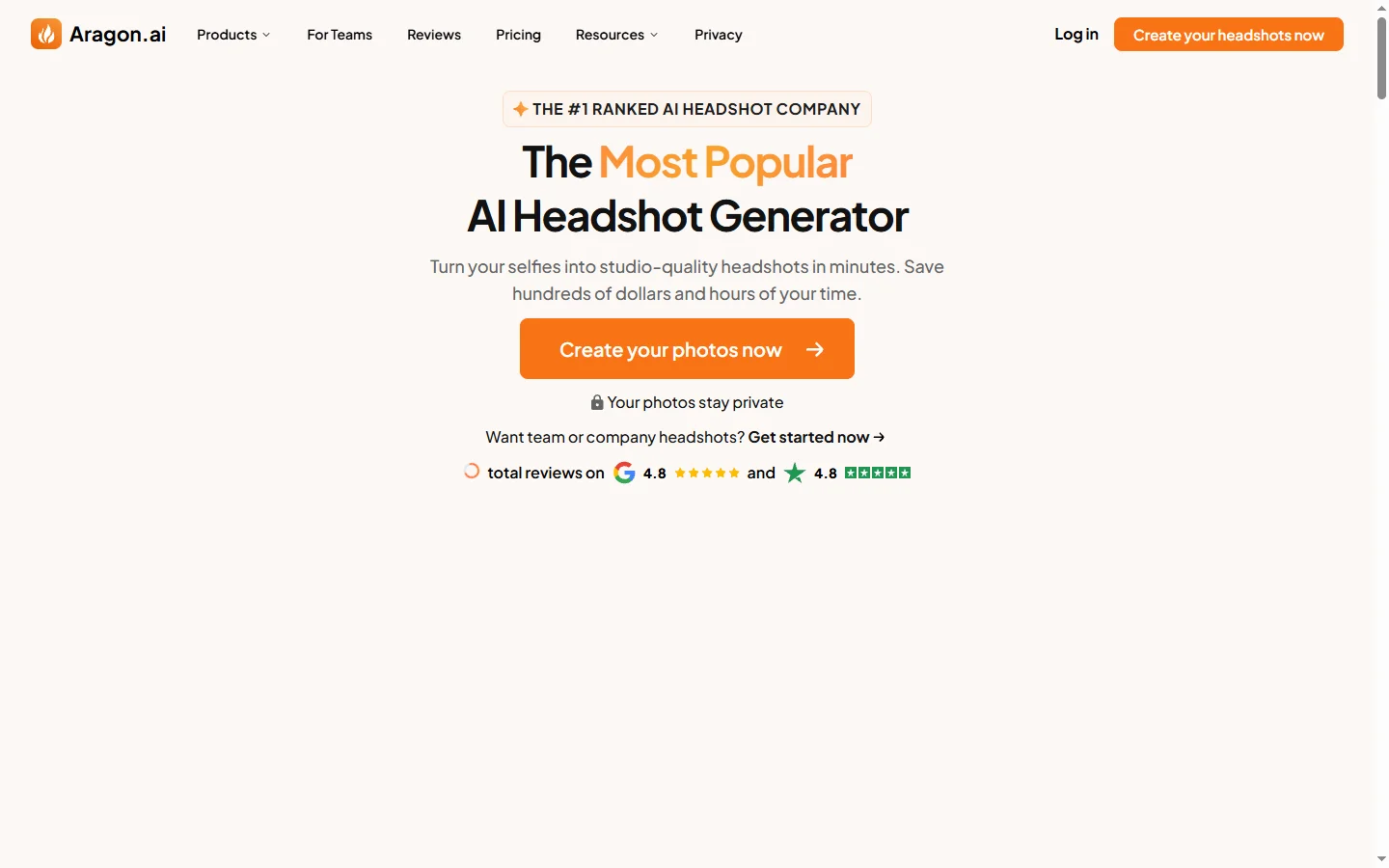
Aragon AI
Aragon AI professional headshot generator that creates studio-quality portrait photos from uploaded selfies using a personalized AI model.
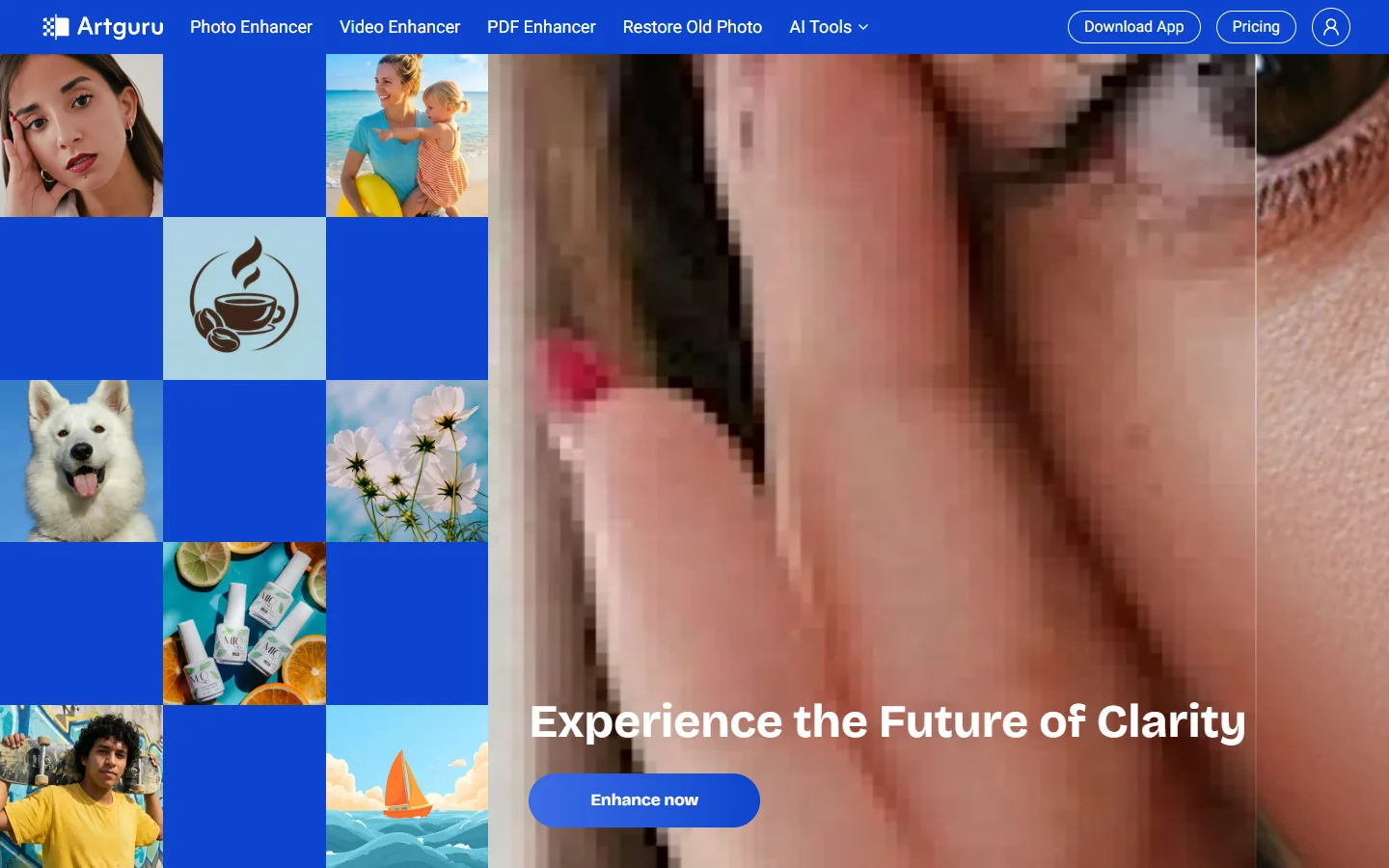
ArtGuru AI
ArtGuru AI generates images from text prompts in a wide range of artistic styles, with additional tools for face enhancement, background removal, and image upscaling.
Dezgo AI
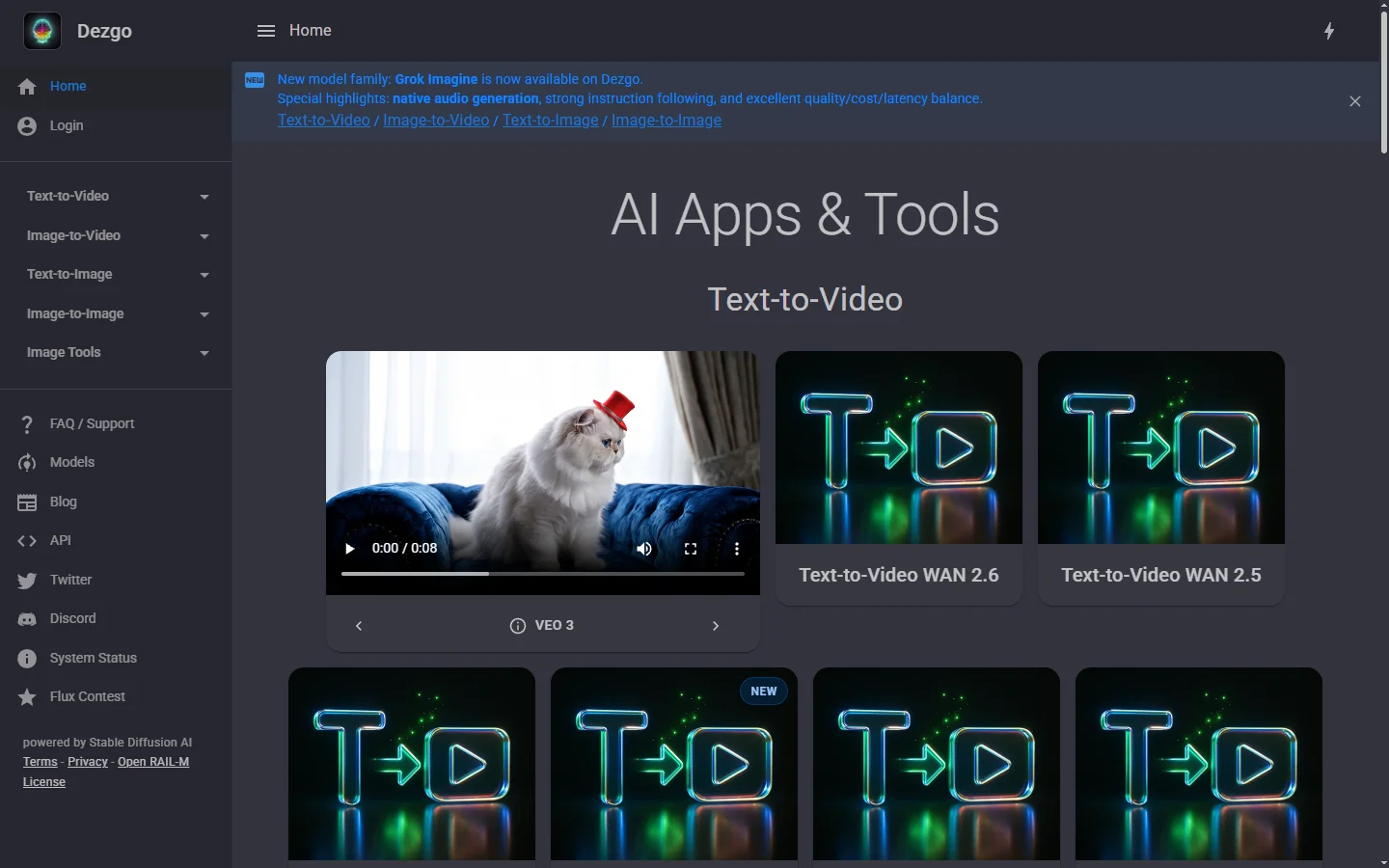
Dezgo AI is a free text-to-image generator powered by Stable Diffusion models, offering multiple model options and image editing tools in the browser.
Dzine AI
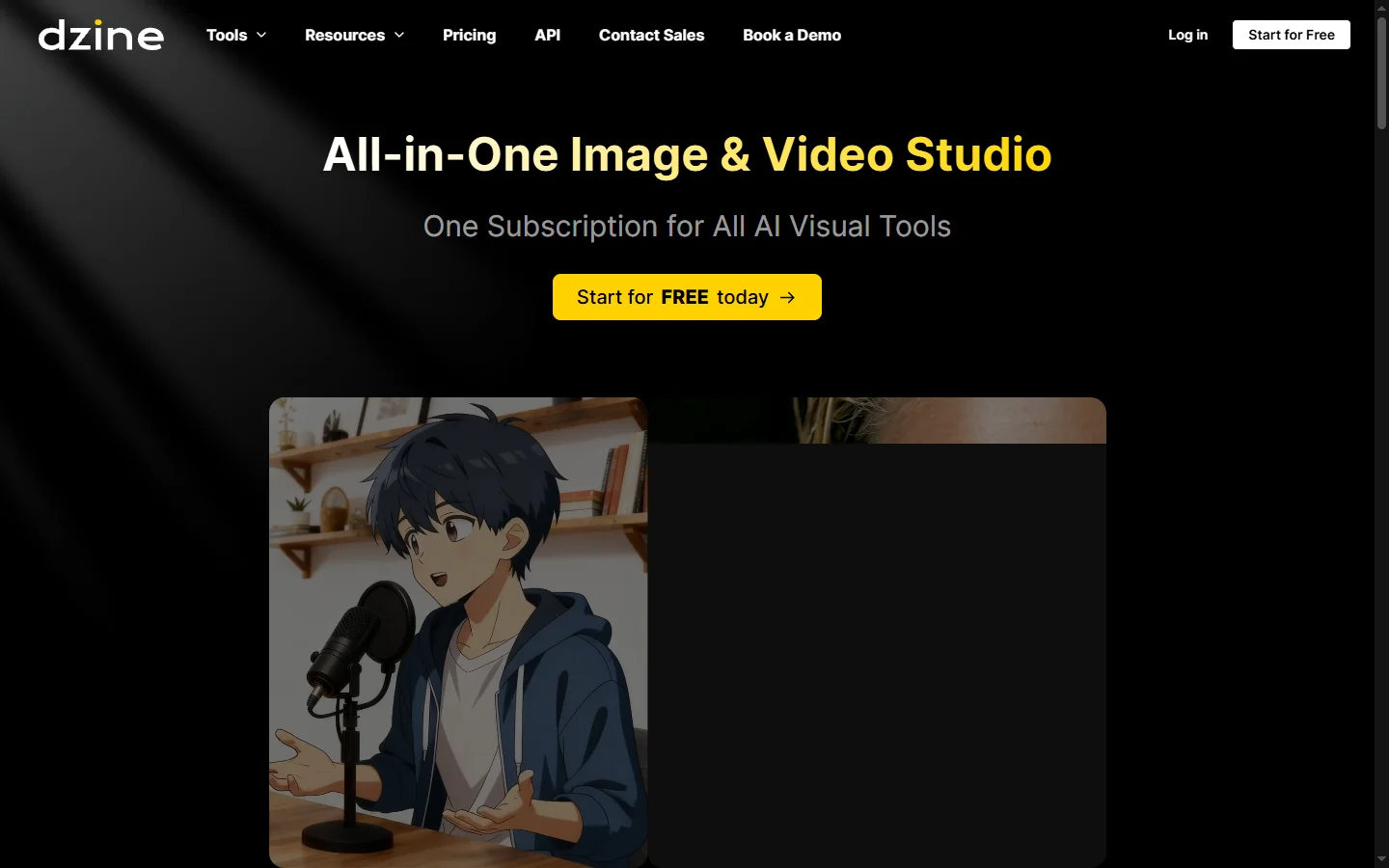
Dzine AI graphic design platform that combines AI image generation with templates and design tools for ready-to-use marketing visuals.