
BlueWillow AI
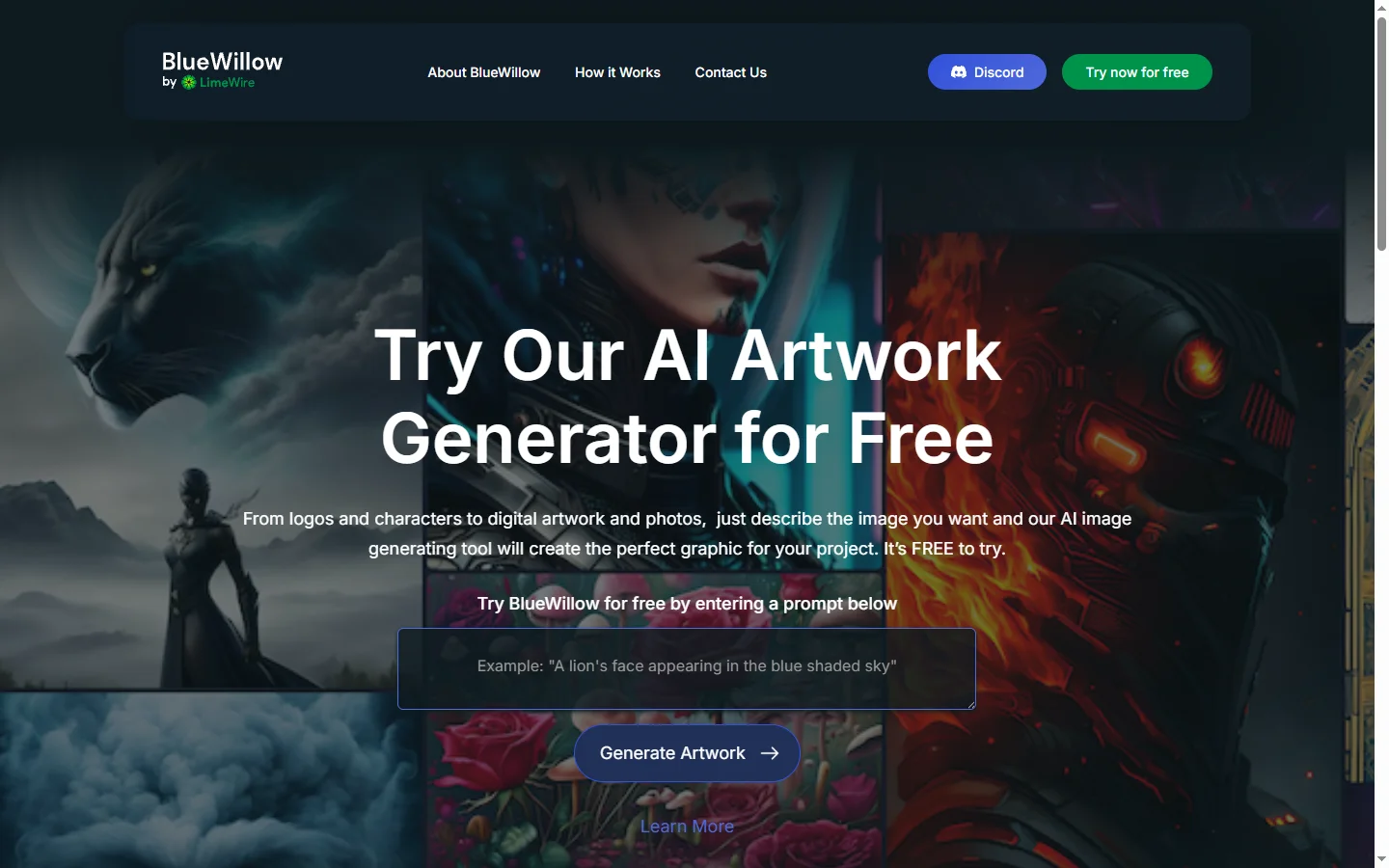
Freemium ✓ Verified 🔥 TrendingBlueWillow AI is a free AI image generator that creates art, logos, illustrations, and graphics from text prompts via Discord.
📋 About BlueWillow AI
BlueWillow AI is a free text-to-image generator that produces high-quality artwork, illustrations, logos, and photorealistic images from natural-language prompts. The bluewillow ai service runs through a Discord-based interface where users type prompts and receive four generated variations per request, similar in workflow to Midjourney. Its strength lies in offering Midjourney-like image quality with no paid subscription required for basic use, which has made it popular with hobbyists, students, indie creators, and small businesses on tight budgets.
Under the hood, BlueWillow blends multiple open and proprietary image models and routes prompts through specialized pipelines depending on style — photorealism, digital illustration, logo design, and anime-style among them. Users can upscale favorite results, request variations, and apply remix workflows to iterate toward a preferred look. As a free ai image generator, BlueWillow supports commercial use under its license terms, making it viable for small-scale product mockups, social content, and marketing assets. An increasingly active community shares prompt recipes and showcases results.
BlueWillow AI serves creators who want Midjourney-quality output without the subscription cost, early-stage entrepreneurs designing branding on a budget, and educators introducing students to AI image generation. While the Discord-based UX creates a learning curve for beginners, the free price point and strong output quality are compelling. Advanced users can experiment with prompt engineering techniques like weighting, style modifiers, and aspect ratios, and paid tiers offer priority generation and extra features for heavier use.
⚡ Key Features of BlueWillow AI
Free Text-to-Image Generation
Generate four image variations from any text prompt at no cost on the free tier, with access to multiple underlying models. The bluewillow ai engine delivers output quality competitive with paid tools in many common use cases. Users can iterate freely without worrying about per-image costs, which is ideal for exploration and prototyping. Daily generation limits apply on the free plan.
Style Modes and Specialized Pipelines
Switch between specialized modes for photorealism, digital illustration, logo design, anime-style art, and other styles. Each pipeline is tuned for its genre, improving quality versus a generic single-model approach. Users can describe style in natural language or use mode commands to route to the right pipeline. This produces more coherent results for specific design needs.
Discord-Based Workflow
All generation happens inside Discord servers, so users can see prompts and results from the community while working. This creates an open learning environment where newcomers can discover effective prompting techniques. Dedicated channels organize workflows, and private generation options exist for sensitive work. The UX is unusual but familiar to anyone who has used Midjourney.
Upscaling and Variations
Upscale favorite results to higher resolutions suitable for print or professional use, and request variations of a generated image to iterate toward your ideal look. Remix features let users modify an existing generation with prompt tweaks. This iteration workflow is central to reaching production-quality output. Premium tiers offer higher-resolution upscales.
Commercial-Use License
Free-tier images can be used commercially under BlueWillow's license, enabling creators to use output in products, marketing assets, and client work without additional fees. This is rare among free ai image generators and a big draw for freelancers and small businesses. Users should review current license terms for any edge-case restrictions. Paid tiers may offer expanded rights for enterprise use cases.
Active Community and Prompt Sharing
The BlueWillow Discord community shares prompt recipes, style references, and critique, accelerating the learning curve for newcomers. Trending prompts and featured creations are regularly highlighted. This community layer turns the ai image generator into a collaborative creative space. Contests and challenges provide fun ways to improve skills.
🎯 Use Cases for BlueWillow AI
⚖️ BlueWillow AI Pros & Cons
Advantages
- ✓Free tier with commercial-use license
- ✓Output quality comparable to paid competitors
- ✓Multiple specialized style pipelines
- ✓Active Discord community accelerates learning
- ✓Upscaling and variation workflows support iteration
Drawbacks
- ✗Discord-only interface has a learning curve
- ✗Free tier queue times can be slow during peaks
- ✗No native mobile or desktop apps outside Discord
- ✗Prompt engineering skill required for best results
📖 How to Use BlueWillow AI
Sign up for a free Discord account if you don't already have one.
Visit bluewillow.ai and follow the link to join the official BlueWillow Discord server.
Enter any rookie or newbie channel, then type /imagine followed by your prompt description.
Wait for the bluewillow ai bot to generate four image variations and respond with upscale or variation buttons.
Use U1-U4 to upscale a favorite result to higher resolution, or V1-V4 to generate variations of a chosen image.
Download final images and apply them under the commercial-use license terms, or upgrade to premium for priority generation.
❓ BlueWillow AI FAQ
Yes. BlueWillow's core image generation is free, with daily limits on the free tier. Premium plans offer priority queue access, more daily generations, and additional features for heavier users.
Yes. Free-tier users can use images commercially under BlueWillow's license. Always review the current terms before major projects to confirm coverage of your specific use case.
BlueWillow offers similar quality and a similar Discord-based workflow but is free for core use. Midjourney may have a slight edge on certain artistic styles, while BlueWillow's strengths include logo design modes and free commercial licensing.
Yes. The bluewillow ai service runs entirely through Discord. Users must join the official server and issue commands through dedicated channels to generate images.
Yes. BlueWillow has a specialized pipeline for logo-style generation that produces cleaner, more usable output than general-purpose image models for this use case.
Related to BlueWillow AI

15.ai
15.ai is a free AI voice cloning tool famous for generating realistic speech from cartoon, video game, and animated show characters using as little as 15 seconds of source audio.

Abby AI
Abby AI is an AI therapy and mental wellness chatbot that offers CBT-informed conversations, mood tracking, and self-guided coping tools.

Actively AI
Actively AI is an AI sales prospecting platform that researches accounts, identifies buyer signals, and writes personalized outbound at pipeline scale.
Airship AI
Airship AI provides video intelligence and data management solutions that use AI to search, analyze, and secure large-scale video evidence.

Amplify AI
Amplify AI is an employee advocacy and social selling platform that uses AI to create, personalize, and measure content for sharing at scale.

Claude
Claude AI assistant by Anthropic with a 200K context window, strong reasoning, and safety-focused design for writing, coding, and analysis.
Featured on WhatIf.ai
Add this badge to your website to show you're listed on WhatIf AI
Alternatives to BlueWillow AI

Aragon AI
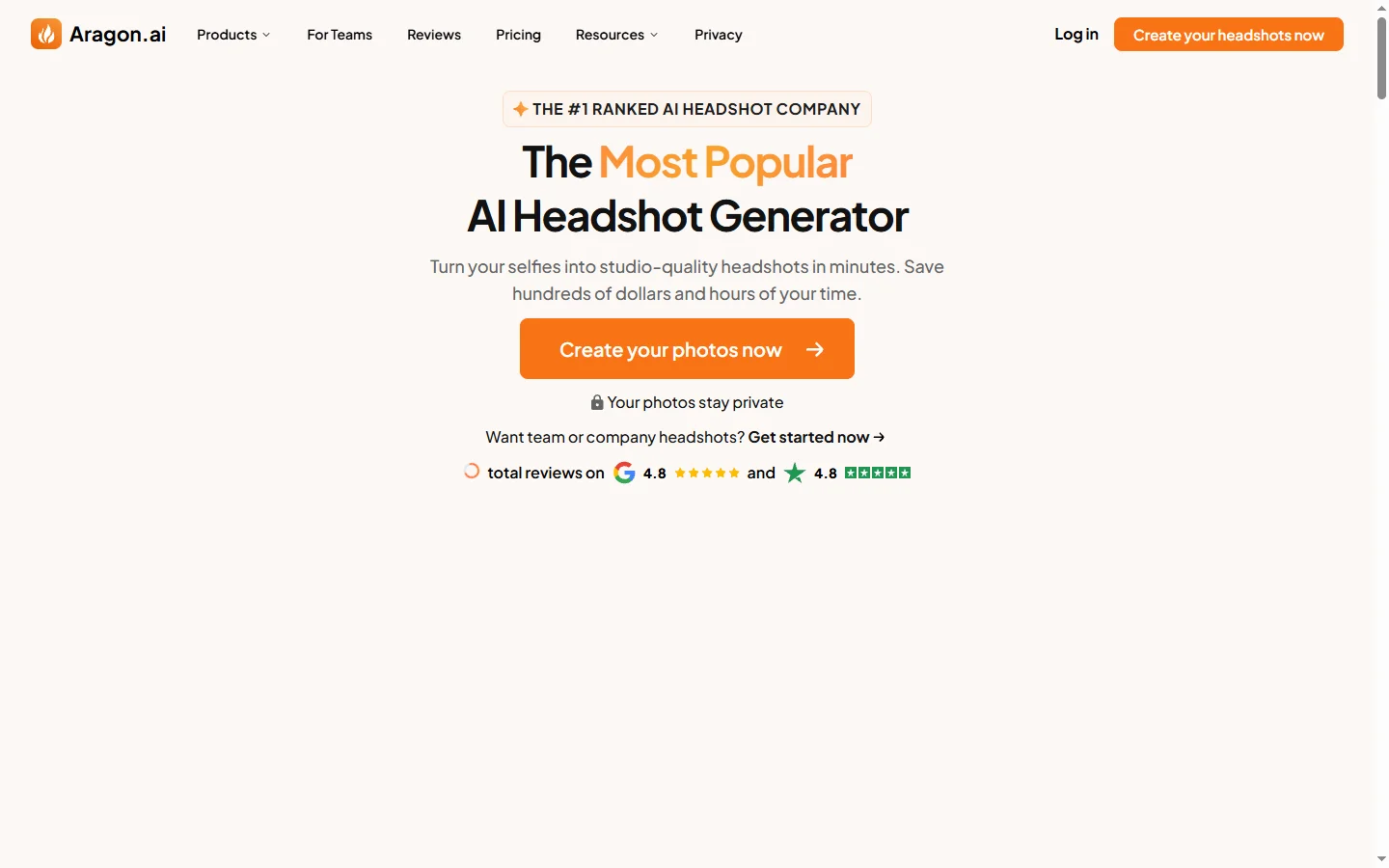
Aragon AI professional headshot generator that creates studio-quality portrait photos from uploaded selfies using a personalized AI model.

Arcads AI
Arcads AI generates UGC-style video ads using AI actors from scripts, enabling performance marketers to produce ad creative variations at scale.

ArtGuru AI
ArtGuru AI generates images from text prompts in a wide range of artistic styles, with additional tools for face enhancement, background removal, and image upscaling.
Blaze AI
Blaze AI generates on-brand social media posts, blog articles, email campaigns, and ad copy for marketers and small businesses using configurable brand voice settings.