
15.ai
Free ✓ Verified15.ai is a free AI voice cloning tool famous for generating realistic speech from cartoon, video game, and animated show characters using as little as 15 seconds of source audio.
📋 About 15.ai
15.ai is a free, non-commercial AI voice synthesis research project that became internet-famous for generating remarkably convincing speech from beloved cartoon, video game, and animated television characters. Developed by an MIT-affiliated researcher, the 15-ai tool uses a deep learning model trained to clone a voice from as little as 15 seconds of reference audio, a feat that inspired its memorable name. The system produced early viral clips of SpongeBob, GLaDOS, Twilight Sparkle, the Team Fortress 2 mercenaries, and dozens of other fan-favorite characters reading unexpected scripts.
Under the hood, 15.ai combines a text-to-speech model with emotional contextualization, letting users tag a line with an emotion such as happy, sad, or angry to color the delivery. The free AI voice cloning interface is deliberately simple: pick a character from the curated list, type the script, choose an emotion, and download the resulting WAV file. Because the models were trained on hand-cleaned, high-quality samples, output quality for supported characters often rivals commercial voice cloning tools that charge monthly subscriptions.
15.ai is used primarily by hobbyist creators, YouTubers, animators, and fan-fiction communities who want character voices for parodies, memes, fan dubs, and non-commercial animation projects. The site has experienced intermittent downtime and pauses over the years due to server costs and concerns about misuse, but it remains a landmark reference in the AI voice cloning space and a go-to resource when it is online. As a research project, 15.ai prohibits commercial use and content that could defame the original character owners.
⚡ Key Features of 15.ai
Character Voice Library
15.ai ships with a curated library of cartoon, video game, and animated series characters whose voices have been cloned and fine-tuned by the project. Each voice was built from hand-selected, clean reference recordings to maximize intelligibility and likeness. Users simply pick a character from the dropdown rather than training their own model, which keeps the interface approachable for non-technical creators. The curated roster is a major reason 15-ai output sounds more convincing than general-purpose cloning tools on the same characters.
Emotional Contextualization
Each synthesized line can be tagged with an emotion such as happy, sad, angry, or neutral, which shapes the pacing, pitch contour, and inflection of the output. This goes beyond plain text-to-speech by letting creators match the delivery to the mood of a scene in a fan dub or animation. The emotional control is especially useful for comedic and dramatic clips where monotone speech would break immersion. It is one of the features that distinguishes 15.ai from simpler free TTS tools.
15-Second Reference Learning
The underlying research model is designed to learn a voice from as little as 15 seconds of reference audio, which is what gives 15.ai its name. While end users do not upload their own samples on the public site, this technical foundation is what allowed the creator to expand the character roster quickly over time. It also set a benchmark for how little data modern voice cloning needs to produce a recognizable result.
Deep Phonetic Analysis
15.ai converts input text into a detailed phonetic representation before synthesis, which helps with unusual words, names, and slang that off-the-shelf TTS systems often mispronounce. Users can also edit the phonetic spelling directly when they want precise control over pronunciation. This is particularly valuable for fandom content that includes made-up names, spells, or character-specific catchphrases.
Direct WAV Download
Generated clips can be downloaded as WAV audio files that drop straight into video editors, game mods, and animation timelines. There is no watermark, no signup, and no paid tier gating the export — the entire free AI voice cloning workflow from prompt to download takes seconds. Creators often batch-generate lines for a whole scene and then edit them together offline.
No Signup, No Paywall
15.ai is entirely free to use with no account creation, no credit card, and no rate-limited trial. The project is funded as non-commercial research, which is why the site has no ads and no premium tier. This zero-friction access is a major reason it became a cultural touchstone in meme and fandom communities before many commercial alternatives existed.
🎯 Use Cases for 15.ai
⚖️ 15.ai Pros & Cons
Advantages
- ✓Completely free with no signup and no watermark on downloads
- ✓Voices of iconic cartoon and video game characters sound remarkably accurate
- ✓Emotion tags and phonetic editing give fine-grained control over delivery
- ✓Lightweight web interface works on almost any device
- ✓Beloved by fandom and meme communities with a huge library of example outputs
Drawbacks
- ✗Frequently offline for long periods due to server costs and moderation concerns
- ✗Strictly non-commercial, with no commercial license available
- ✗Limited to the curated character roster — users cannot upload their own voices
- ✗Quality varies between characters depending on available training data
📖 How to Use 15.ai
Visit 15.ai in a modern web browser — no account creation is required.
Select a character from the dropdown menu of supported cartoon and video game voices.
Type or paste the script you want the character to say into the text box.
Choose an emotion tag such as happy, sad, or angry to shape the delivery.
Click Generate and wait a few seconds for the free AI voice cloning output to render.
Play the preview and click Download to save the clip as a WAV file for use in your project.
❓ 15.ai FAQ
Yes. 15.ai is entirely free with no signup, no ads, and no premium tier. It is maintained as a non-commercial research project, which is why commercial use of the generated audio is explicitly not allowed.
The project runs on limited personal resources and has been paused at times due to server costs and concerns about misuse. When the site is offline, the community tracks status updates through the project's Twitter and fan forums.
No. The public 15-ai interface only supports the curated character roster. The 15-second reference learning capability is part of the underlying research model rather than a user-facing feature on the site.
No. The terms of use restrict output to non-commercial, non-defamatory purposes. Creators who want commercial voice cloning should use a paid service with proper licensing instead.
ElevenLabs is a commercial platform with a much larger voice library, API access, and paid plans for business use. 15.ai is narrower in scope but often sounds more faithful for the specific cartoon and game characters it has been tuned on.
Related to 15.ai

Abby AI
Abby AI is an AI therapy and mental wellness chatbot that offers CBT-informed conversations, mood tracking, and self-guided coping tools.

Adobe Podcast AI
Adobe Podcast AI enhances spoken audio recordings by removing background noise and improving voice clarity to broadcast-quality standards.

Airship AI
Airship AI provides video intelligence and data management solutions that use AI to search, analyze, and secure large-scale video evidence.

Akuma AI
Akuma AI is an AI music generation platform that creates original songs, instrumentals, and soundtracks from text prompts for creators and indie artists.

Ambience AI
Ambience AI is an AI medical scribe and clinician platform that automates documentation, coding, and summaries for healthcare providers during patient visits.

ElevenLabs
ElevenLabs AI voice generator for text-to-speech, voice cloning, dubbing, and sound effects in 30+ languages.
Featured on WhatIf.ai
Add this badge to your website to show you're listed on WhatIf AI
Alternatives to 15.ai
Adobe Podcast AI
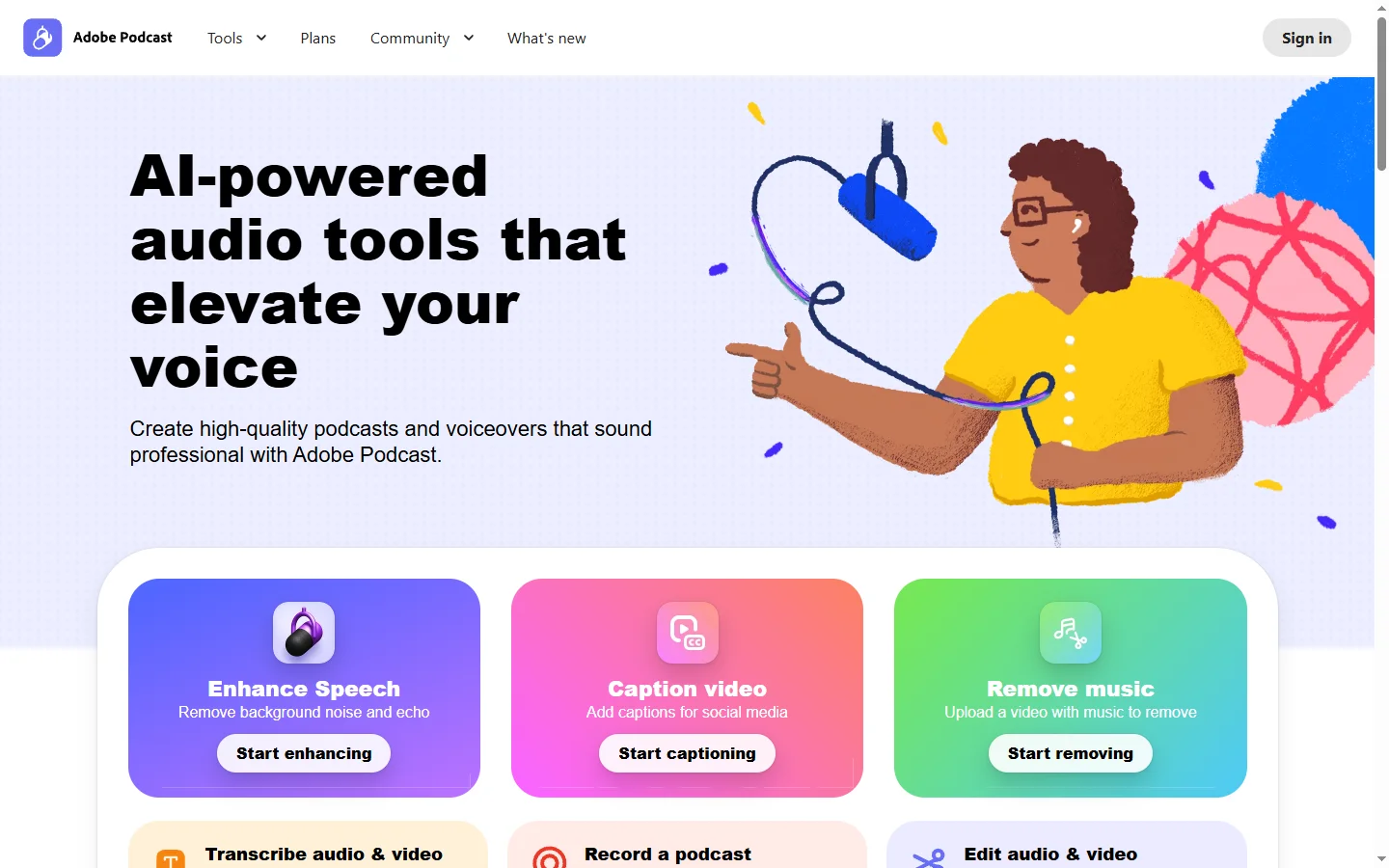
Adobe Podcast AI enhances spoken audio recordings by removing background noise and improving voice clarity to broadcast-quality standards.
ElevenLabs
ElevenLabs AI voice generator for text-to-speech, voice cloning, dubbing, and sound effects in 30+ languages.

Parakeet AI
Parakeet AI speech-to-text platform transcribes audio and video with speaker diarization, timestamps, and multi-language support.
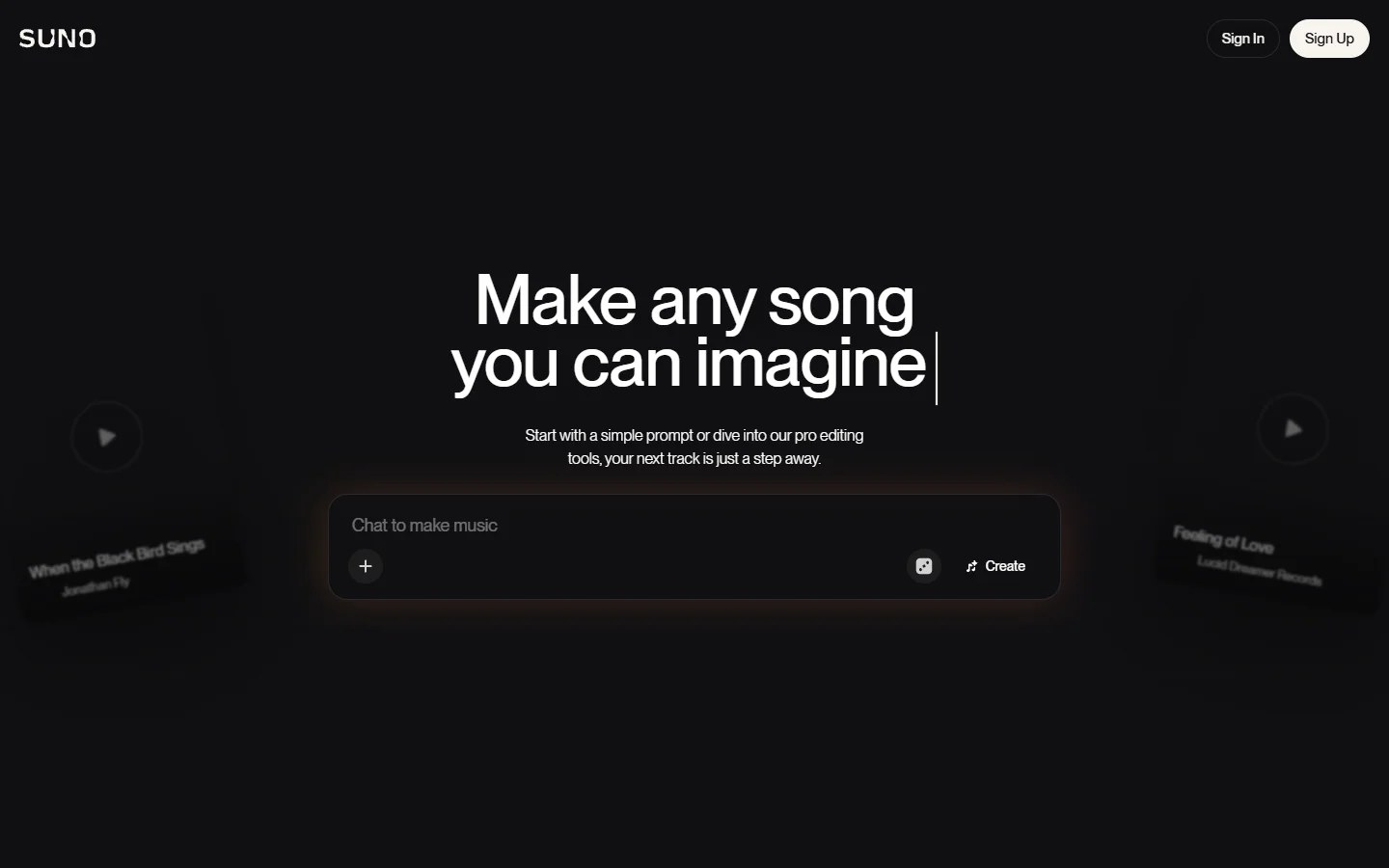

Suno
Suno ai music generator that creates complete songs with vocals, instruments, and lyrics from a text prompt.