Tensor.Art
Freemium ✓ Verified 🔥 TrendingFree AI image generator powered by Stable Diffusion with thousands of community models, LoRAs, ControlNet, and online training.
📋 About Tensor.Art
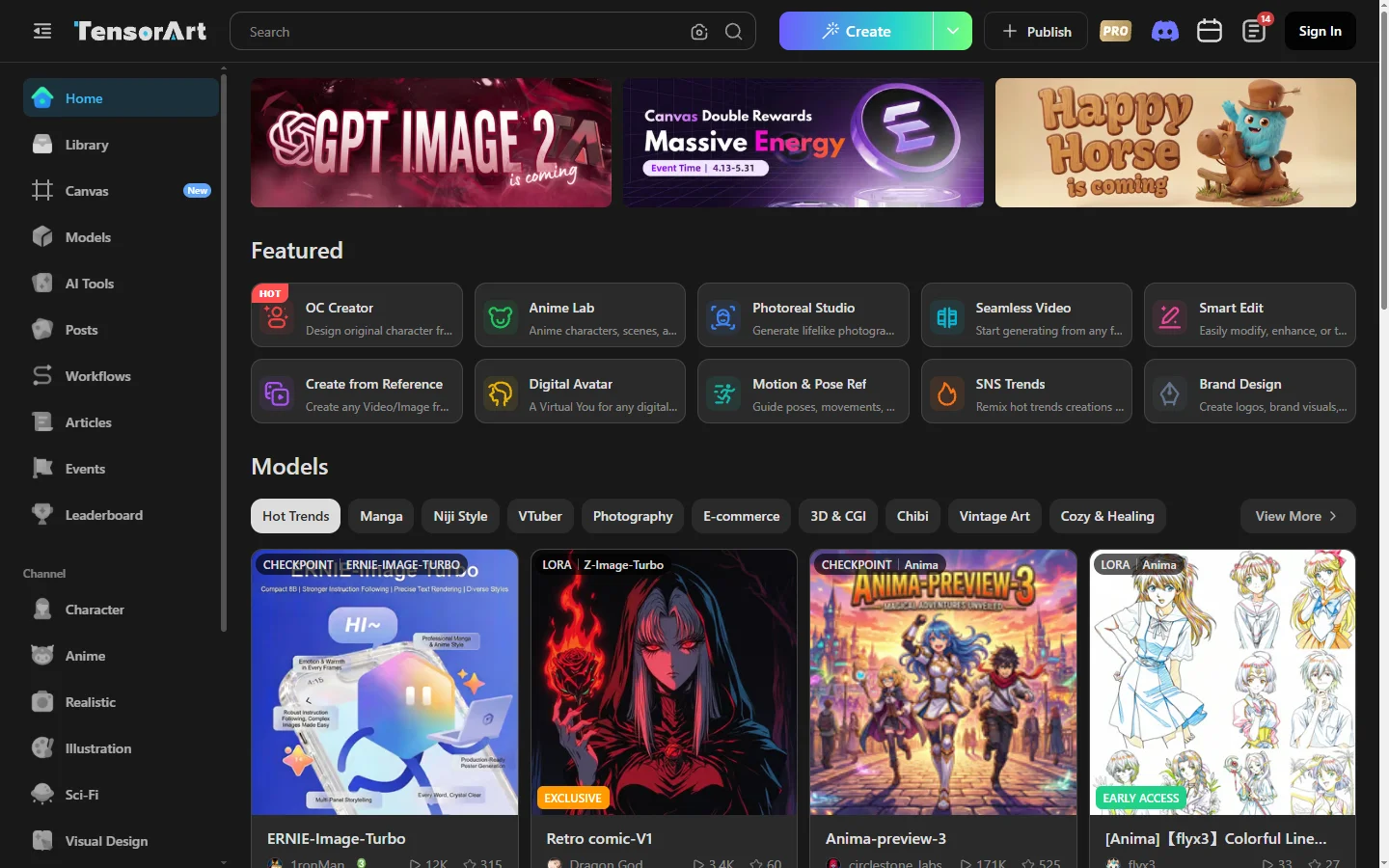
Tensor.Art is a free, community-driven AI image generation platform built on Stable Diffusion that gives users browser-based access to thousands of community-shared models, LoRAs, and image styles. The tensor.art service eliminates the need for local GPU setup, model downloads, or technical configuration — users browse the model library, pick a checkpoint and LoRA, write a prompt, and generate. The platform supports advanced controls including ControlNet, inpainting, image-to-image, upscaling, and prompt syntax familiar to Stable Diffusion users.
The defining feature is the massive model library: tensor.art hosts thousands of checkpoints, LoRAs, embeddings, and VAEs uploaded by the community across realistic, anime, fantasy, illustration, and specialty styles. Users can search, filter, and preview models with example outputs before committing credits to a generation. The platform also offers online LoRA training, letting users train custom LoRAs on uploaded reference images without owning a GPU. This makes it one of the more capable browser-based Stable Diffusion environments available.
Tensor.Art operates on a credit system: users earn daily free credits, can earn more through community participation, and can purchase additional credits or subscribe for higher tiers. The product serves both casual hobbyists and serious diffusion model enthusiasts who want the full Stable Diffusion feature set without local setup. A large active community shares prompts, models, and outputs through public galleries, making it a learning resource as well as a generation platform.
⚡ Key Features of Tensor.Art
Thousands of Community Models and LoRAs
Browse a massive library of community-uploaded Stable Diffusion checkpoints, LoRAs, embeddings, and VAEs across every popular style — realistic, anime, fantasy, illustration, pixel art, and many niches. Each model includes example outputs, parameter recommendations, and usage notes from the uploader. The tensor.art library is one of the largest free collections of diffusion models accessible without local installation. Filters by style, base model, and popularity make discovery efficient.
Online LoRA Training
Train custom LoRAs on uploaded reference images directly in the browser without owning a GPU. Upload 10–30 reference images of a character, style, or concept and the platform handles dataset preparation, training, and validation automatically. Trained LoRAs can be kept private or published to the community library. This feature dramatically lowers the barrier to fine-tuning, which previously required technical setup and significant compute.
Full Stable Diffusion Feature Set
Supports the complete advanced toolkit familiar to Stable Diffusion users: text-to-image, image-to-image, ControlNet for pose and composition control, inpainting and outpainting, upscaling, prompt weighting, and negative prompts. This makes tensor.art a serious tool for users who want full control rather than a simplified abstraction. ControlNet support includes pose, depth, edge detection, and other conditioning modes. Power users get the same workflow they'd run locally.
Credit-Based Free Tier
Free users earn daily credits that refresh each day, allowing meaningful free use without subscription commitment. Additional credits can be earned through community participation — sharing prompts, models, and outputs that get engagement. This earn-as-you-use model differentiates tensor.art from competitors that gate access behind subscription paywalls. Users can also purchase credit packs or subscribe for larger ongoing allowances.
Community Gallery and Prompts
A large active community shares prompts, models, and outputs through public galleries, making the platform a learning resource as well as a generation tool. Users can copy any prompt and its full parameters with one click to reproduce or modify outputs. This dramatically accelerates the learning curve for prompt engineering and parameter tuning. Popular outputs accumulate likes and comments, surfacing what works.
Workflow and Batch Generation
Run multiple generations in parallel, save and reuse workflow templates, and queue batch jobs for systematic exploration of prompt variations. This is essential for serious creators who iterate through many variations to find the right output. Workflows can be saved as personal templates or shared with the community. Batch generation with parameter sweeps helps identify optimal settings for a given style or subject.
🎯 Use Cases for Tensor.Art
⚖️ Tensor.Art Pros & Cons
Advantages
- ✓Massive library of community models, LoRAs, and embeddings
- ✓Online LoRA training without local GPU
- ✓Full Stable Diffusion feature set including ControlNet
- ✓Generous free tier with earnable daily credits
- ✓Active community gallery for learning prompts
Drawbacks
- ✗Learning curve steeper than simplified generators
- ✗Free tier credits can run out quickly during heavy use
- ✗Output quality varies widely by chosen community model
- ✗Some community models have unclear licensing
📖 How to Use Tensor.Art
Visit tensor.art and create a free account to start earning daily credits.
Browse the model library and pick a checkpoint and LoRA matching the style you want.
Write a prompt, set parameters like steps, CFG, and sampler, then submit the generation.
Refine with image-to-image, inpainting, or ControlNet if the first output needs adjustment.
Train custom LoRAs in the browser by uploading reference images of your character or style.
Earn more credits by sharing prompts and outputs, or buy credit packs and subscribe for higher allowances.
❓ Tensor.Art FAQ
Yes. Tensor.Art offers daily free credits that refresh each day, plus credits earnable through community participation. Additional credits can be purchased and subscriptions provide larger ongoing allowances and priority generation.
Yes. The platform supports online LoRA training where users upload 10–30 reference images and the system handles dataset preparation, training, and validation automatically. Trained LoRAs can be kept private or published to the community.
Yes. The tensor.art interface exposes the full Stable Diffusion feature set including ControlNet for pose, depth, edge detection, and other conditioning modes, alongside inpainting, outpainting, image-to-image, and upscaling.
Civitai is primarily a model-sharing community where users download models to run locally. Tensor.Art combines a model library with online generation and training, so users can run Stable Diffusion without local hardware. The two platforms overlap in community-driven model sharing but serve different workflows.
Commercial use depends on the specific model and LoRA licensing — many community models are CC0 or freely usable, while others have restrictions. Users should check each model's license before commercial use. The platform's own service terms permit commercial output on paid plans for compatible models.
Related to Tensor.Art

A2E AI
A2E AI productivity platform converts audio and video recordings into transcripts, summaries, and action items with speaker identification.

Abby AI
Abby AI is an AI therapy and mental wellness chatbot that offers CBT-informed conversations, mood tracking, and self-guided coping tools.

Akuma AI
Akuma AI is an AI music generation platform that creates original songs, instrumentals, and soundtracks from text prompts for creators and indie artists.

Alex AI
Alex AI is a macOS AI assistant that lives in your menu bar, offering instant writing help, code assistance, and context-aware productivity features.

DomoAI
AI anime image and video generator with style transfer that converts videos and photos into anime, cartoon, and stylized art outputs.

Neocoill
AI image generation platform offering style-driven art, character creation, and creative experimentation through a browser-based interface.
Featured on WhatIf.ai
Add this badge to your website to show you're listed on WhatIf AI
Alternatives to Tensor.Art

Aragon AI
Aragon AI professional headshot generator that creates studio-quality portrait photos from uploaded selfies using a personalized AI model.

ArtGuru AI
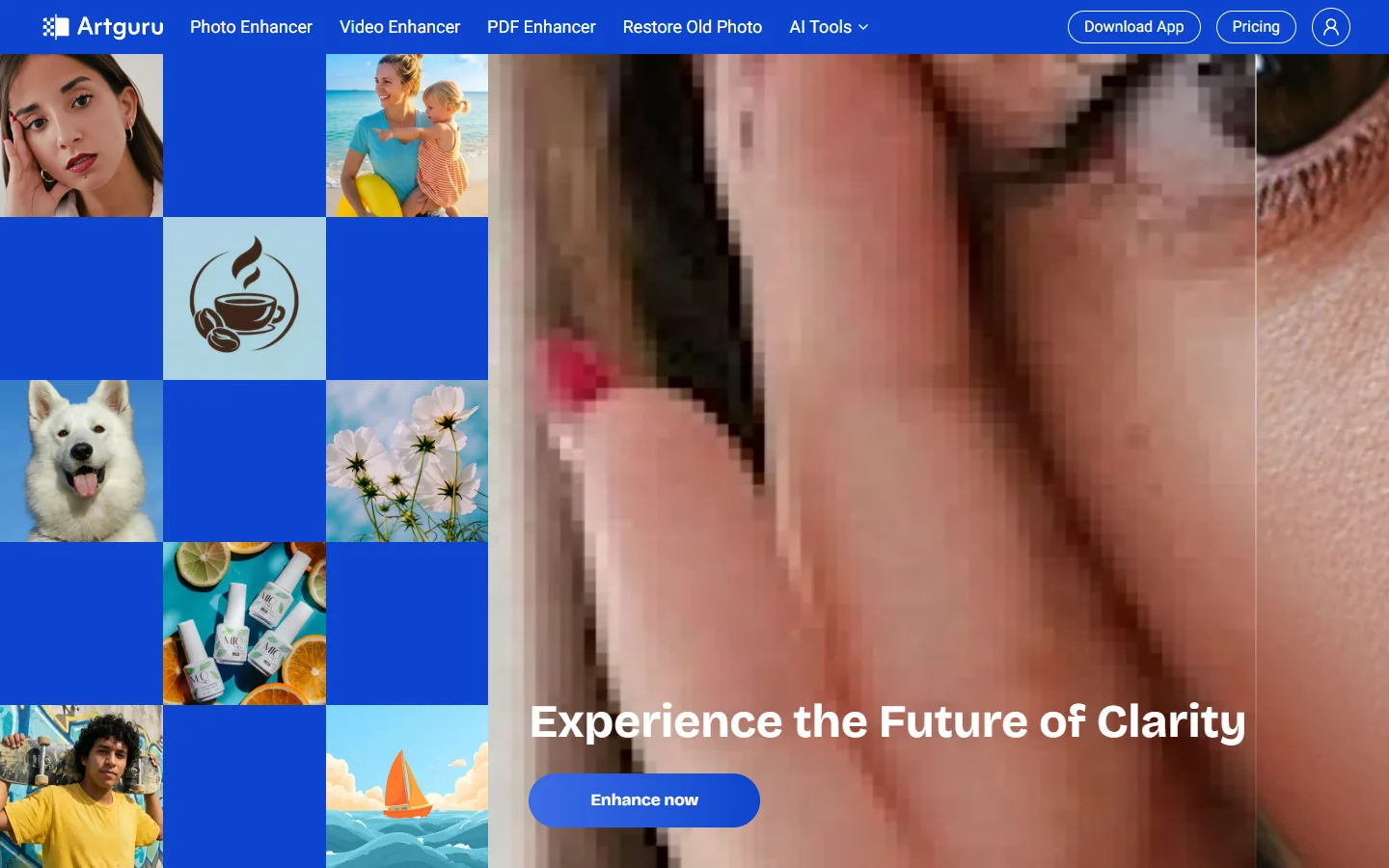
ArtGuru AI generates images from text prompts in a wide range of artistic styles, with additional tools for face enhancement, background removal, and image upscaling.
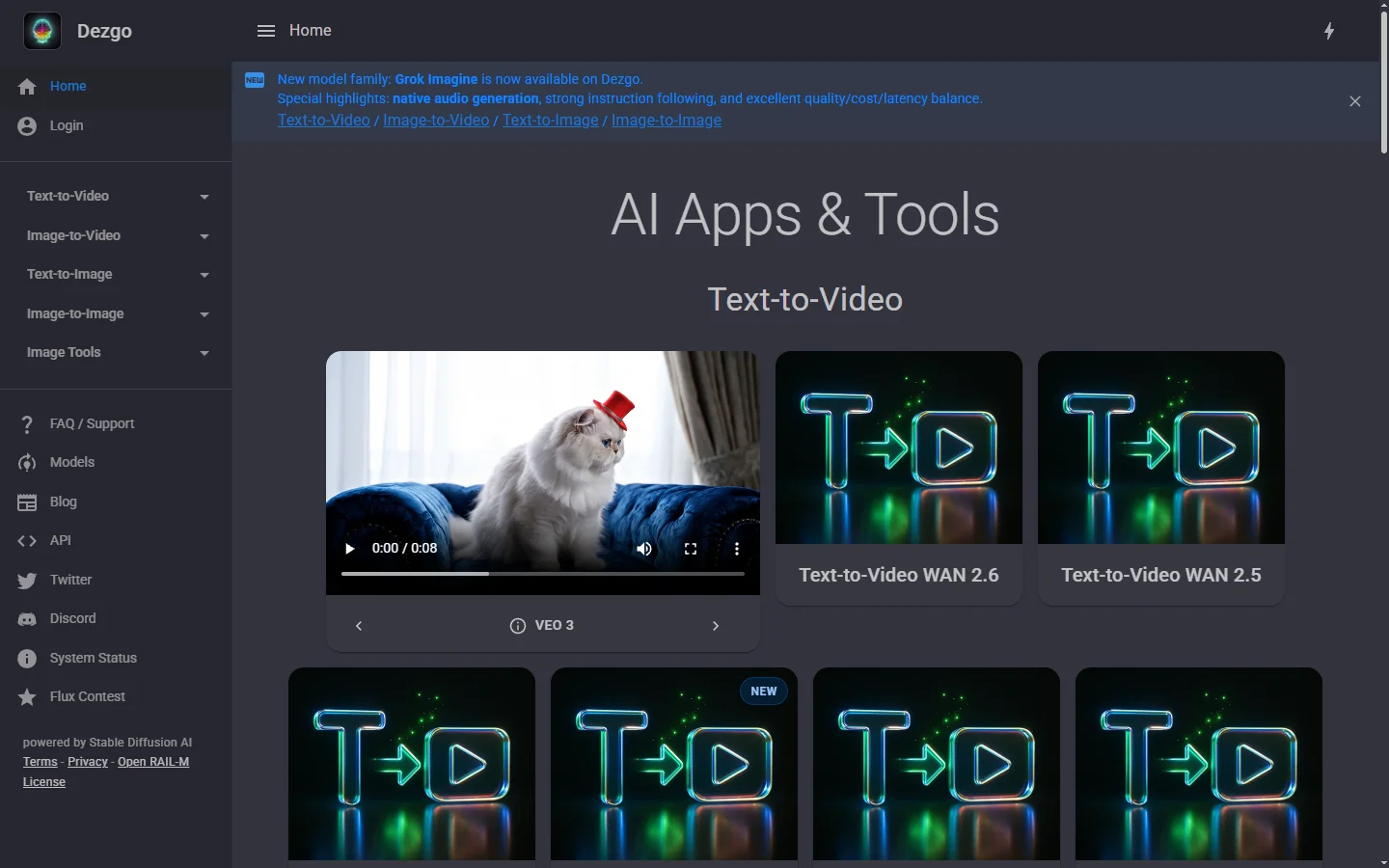

Dezgo AI
Dezgo AI is a free text-to-image generator powered by Stable Diffusion models, offering multiple model options and image editing tools in the browser.


Dzine AI
Dzine AI graphic design platform that combines AI image generation with templates and design tools for ready-to-use marketing visuals.