
Neocoill
FreemiumAI image generation platform offering style-driven art, character creation, and creative experimentation through a browser-based interface.
📋 About Neocoill
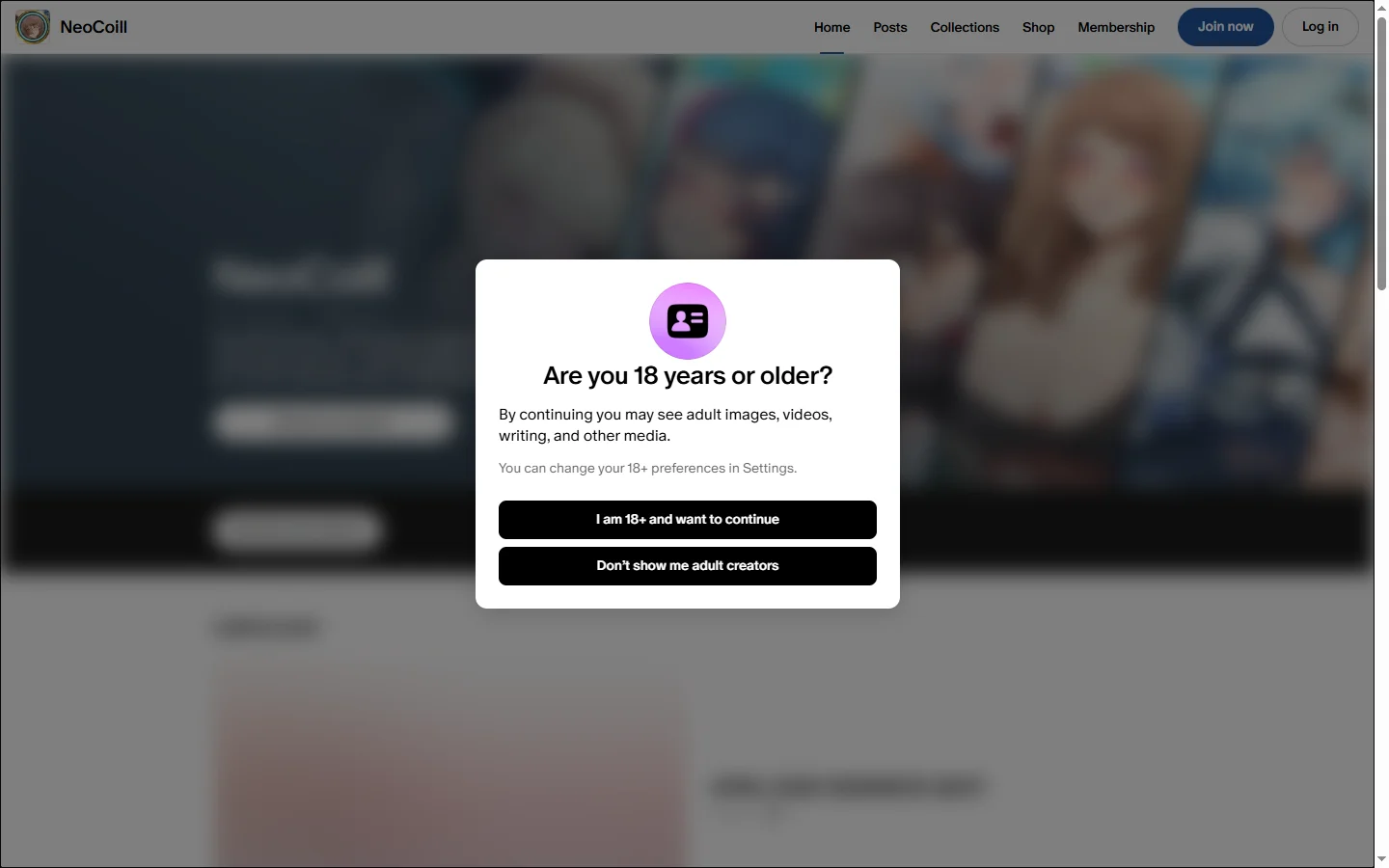
Neocoill is an AI image generation platform that provides browser-based access to diffusion models for creating stylized art, characters, and concept illustrations. The neocoill service abstracts the technical complexity of Stable Diffusion into a clean web interface, letting users generate images from text prompts without setting up local environments or wrangling model checkpoints. The platform offers multiple style presets — anime, realistic, fantasy, cyberpunk, watercolor — and supports image-to-image refinement, prompt variations, and basic editing tools like inpainting.
The service is positioned toward hobbyists, illustrators, and casual creators who want quick, attractive output without learning a full diffusion stack. Generations run on cloud GPUs so there are no hardware requirements beyond a modern browser. Users can browse a community gallery for prompt inspiration, save favorite prompts and outputs, and iterate on images through follow-up commands. The neocoill interface keeps the learning curve low while exposing enough controls for experienced users to tune output quality.
Neocoill operates on a freemium model: free users get a daily quota of generations with watermarks, while paid plans unlock unlimited generation, faster queues, higher resolution, watermark removal, and commercial use rights. The product runs entirely in the browser on desktop and mobile, with no app store dependency. It serves users who want AI image generation as a casual creative tool rather than a professional production pipeline, competing in the broader market of accessible diffusion-based image generators.
⚡ Key Features of Neocoill
Browser-Based Diffusion Image Generation
Generate AI images from text prompts directly in the browser with no local setup, model downloads, or GPU required. The neocoill engine runs on cloud GPUs, so any modern browser on desktop or mobile can produce high-quality output. This abstracts the technical complexity of Stable Diffusion into a clean web interface accessible to non-technical users. Generation latency depends on subscription tier and current queue length.
Multiple Style Presets
Choose from anime, realistic, fantasy, cyberpunk, watercolor, oil painting, and several other style presets, each tuned with appropriate model weights and prompt augmentations. Style presets simplify good output for users who don't want to engineer prompts manually. Custom prompts can override or blend with presets for more control. New styles are added periodically as the platform expands.
Image-to-Image Refinement
Upload an existing image or use a previous generation as a starting point and refine it through follow-up prompts, variation generation, or inpainting on specific regions. This iterative workflow is more practical than re-rolling from scratch when you have an output that's close but not quite right. Strength sliders control how much the original is preserved versus reimagined. Image-to-image is widely used for style transfer on existing photos.
Community Prompt Gallery
Browse a gallery of community-shared prompts and outputs for inspiration, with full prompt text visible so users can copy, modify, and remix what works. The gallery accelerates the learning curve for users new to prompt engineering by showing concrete examples of what produces good results. Filters by style, tag, and popularity make discovery efficient. Users can publish their own outputs and accumulate followers.
Inpainting and Editing Tools
Modify specific regions of a generated image by masking the area and prompting only that section, leaving the rest untouched. This is essential for fixing small issues — a misshapen hand, a wrong color — without re-rolling the whole image. The neocoill inpainting tool runs on the same diffusion model and matches the rest of the image's style automatically. Editing tools include erase, mask refinement, and zoom for precision.
Commercial Use on Paid Plans
Higher-tier plans include commercial use rights for generated output, making the platform suitable for product mockups, marketing assets, YouTube thumbnails, and other monetized content. License terms are clearly documented. This positions neocoill as a practical tool for indie creators and small businesses, not just hobbyists. Free tier output is restricted to personal use only and watermarked.
🎯 Use Cases for Neocoill
⚖️ Neocoill Pros & Cons
Advantages
- ✓No local setup or GPU required
- ✓Multiple style presets for easy good output
- ✓Image-to-image and inpainting tools included
- ✓Community gallery for prompt inspiration
- ✓Commercial use rights on paid plans
Drawbacks
- ✗Free tier output is watermarked and quota-limited
- ✗Less granular control than running diffusion models locally
- ✗Generation queue can be slow during peak hours on free tier
- ✗Smaller community than larger competitors like Midjourney
📖 How to Use Neocoill
Visit neocoill.com and create a free account.
Enter a text prompt describing the image you want, optionally choosing a style preset to guide the output.
Submit the generation and wait for the queue to return your image; paid users have higher priority.
Refine the result using image-to-image, variation, or inpainting if the first output is close but needs adjustment.
Save favorite outputs to your gallery and download in the desired resolution.
Upgrade to a paid plan for unlimited generations, faster queues, watermark removal, and commercial use rights.
❓ Neocoill FAQ
Neocoill offers a free tier with a daily generation quota and watermarked output. Paid plans unlock unlimited generation, faster queues, higher resolution, watermark removal, and commercial use rights.
Available presets include anime, realistic, fantasy, cyberpunk, watercolor, oil painting, sketch, and several mixed styles. Custom prompts can override or blend with presets for finer creative control.
Yes, on paid plans that include commercial use rights. License terms are documented, and the output quality is sufficient for product mockups, marketing graphics, YouTube thumbnails, and small business design work.
Midjourney is widely considered to produce more refined output out of the box but runs primarily on Discord with a paid-only model. Neocoill offers a free tier and a conventional web interface, making it more accessible for casual users who want to try AI image generation without committing to a subscription.
Yes. The web interface is responsive and works on mobile browsers, supporting prompt input, generation, viewing, and download from phones and tablets without a separate app.
Related to Neocoill
A2E AI
A2E AI productivity platform converts audio and video recordings into transcripts, summaries, and action items with speaker identification.

Abby AI
Abby AI is an AI therapy and mental wellness chatbot that offers CBT-informed conversations, mood tracking, and self-guided coping tools.

Akuma AI
Akuma AI is an AI music generation platform that creates original songs, instrumentals, and soundtracks from text prompts for creators and indie artists.

Alex AI
Alex AI is a macOS AI assistant that lives in your menu bar, offering instant writing help, code assistance, and context-aware productivity features.
DomoAI
AI anime image and video generator with style transfer that converts videos and photos into anime, cartoon, and stylized art outputs.
Tensor.Art
Free AI image generator powered by Stable Diffusion with thousands of community models, LoRAs, ControlNet, and online training.
Featured on WhatIf.ai
Add this badge to your website to show you're listed on WhatIf AI
Alternatives to Neocoill
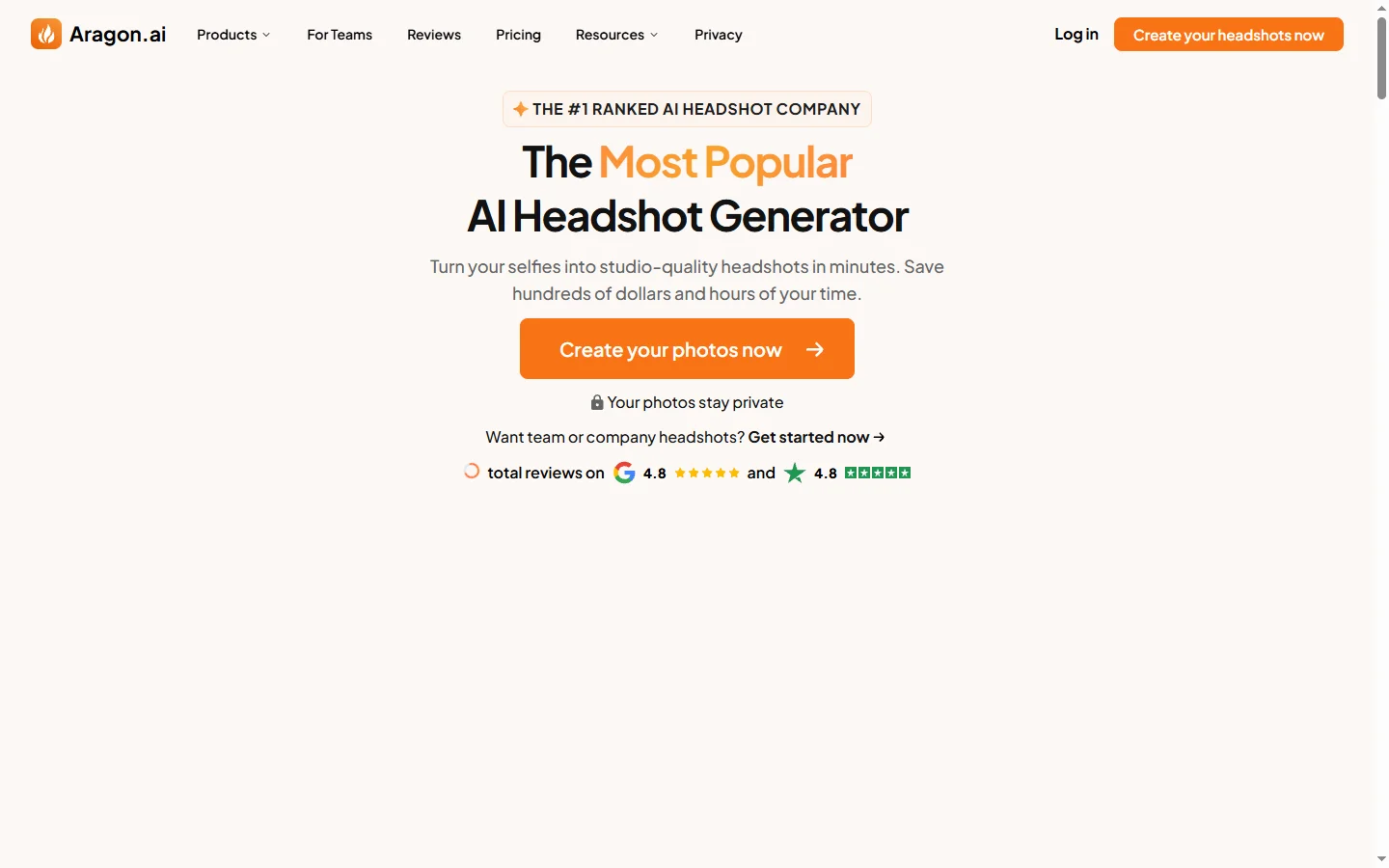

Aragon AI
Aragon AI professional headshot generator that creates studio-quality portrait photos from uploaded selfies using a personalized AI model.
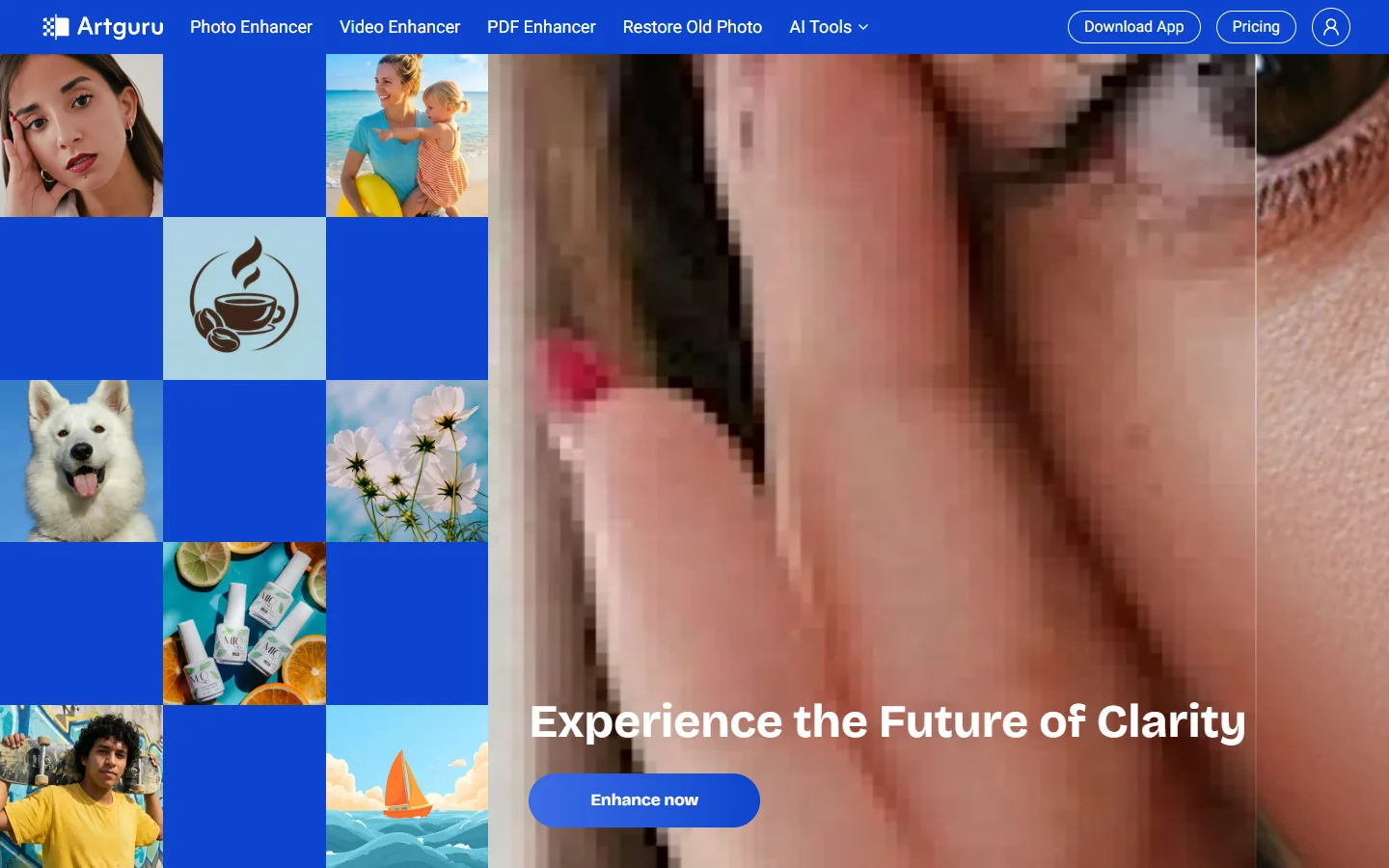

ArtGuru AI
ArtGuru AI generates images from text prompts in a wide range of artistic styles, with additional tools for face enhancement, background removal, and image upscaling.
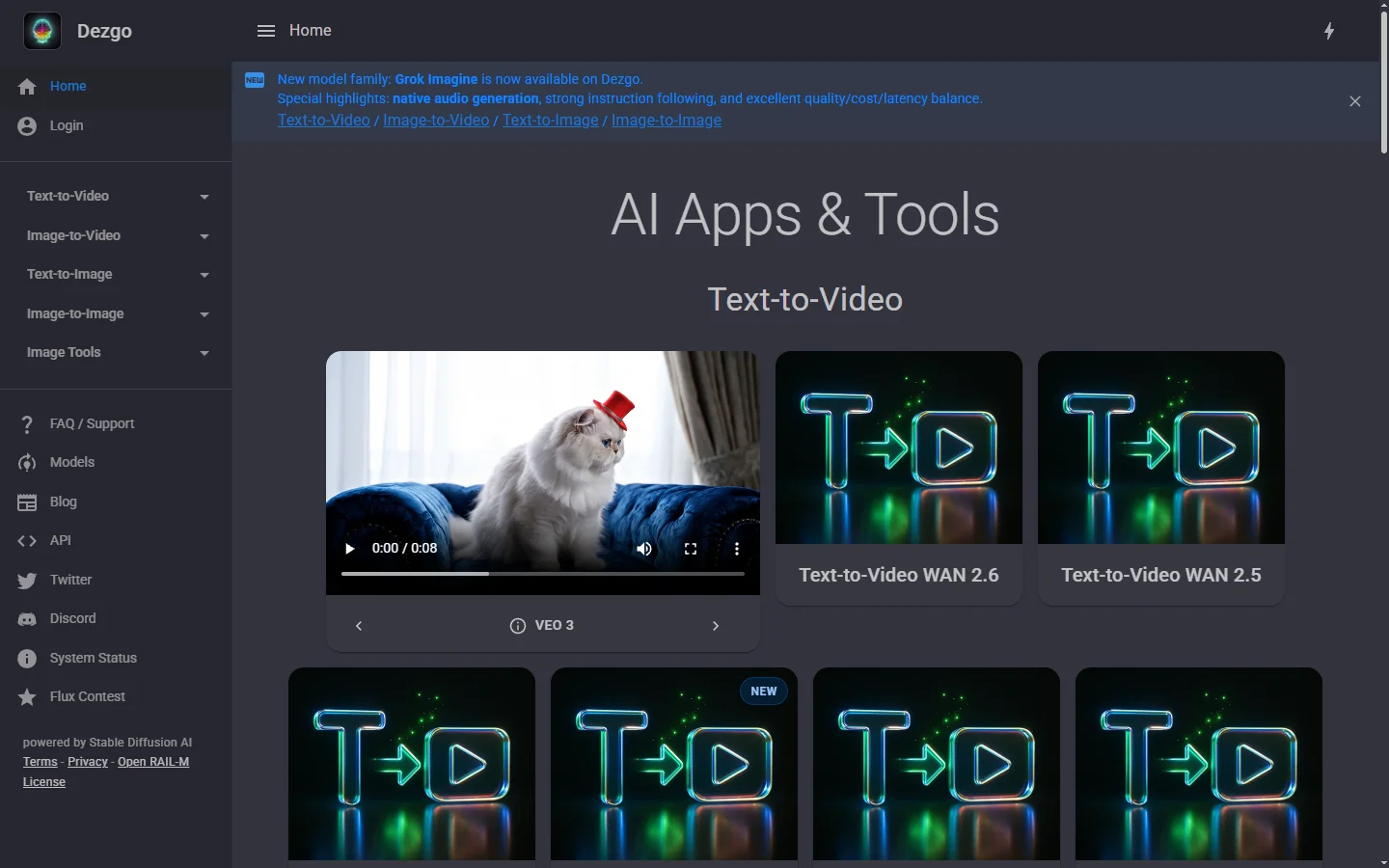
Dezgo AI
Dezgo AI is a free text-to-image generator powered by Stable Diffusion models, offering multiple model options and image editing tools in the browser.
Dzine AI
Dzine AI graphic design platform that combines AI image generation with templates and design tools for ready-to-use marketing visuals.