
PromeAI
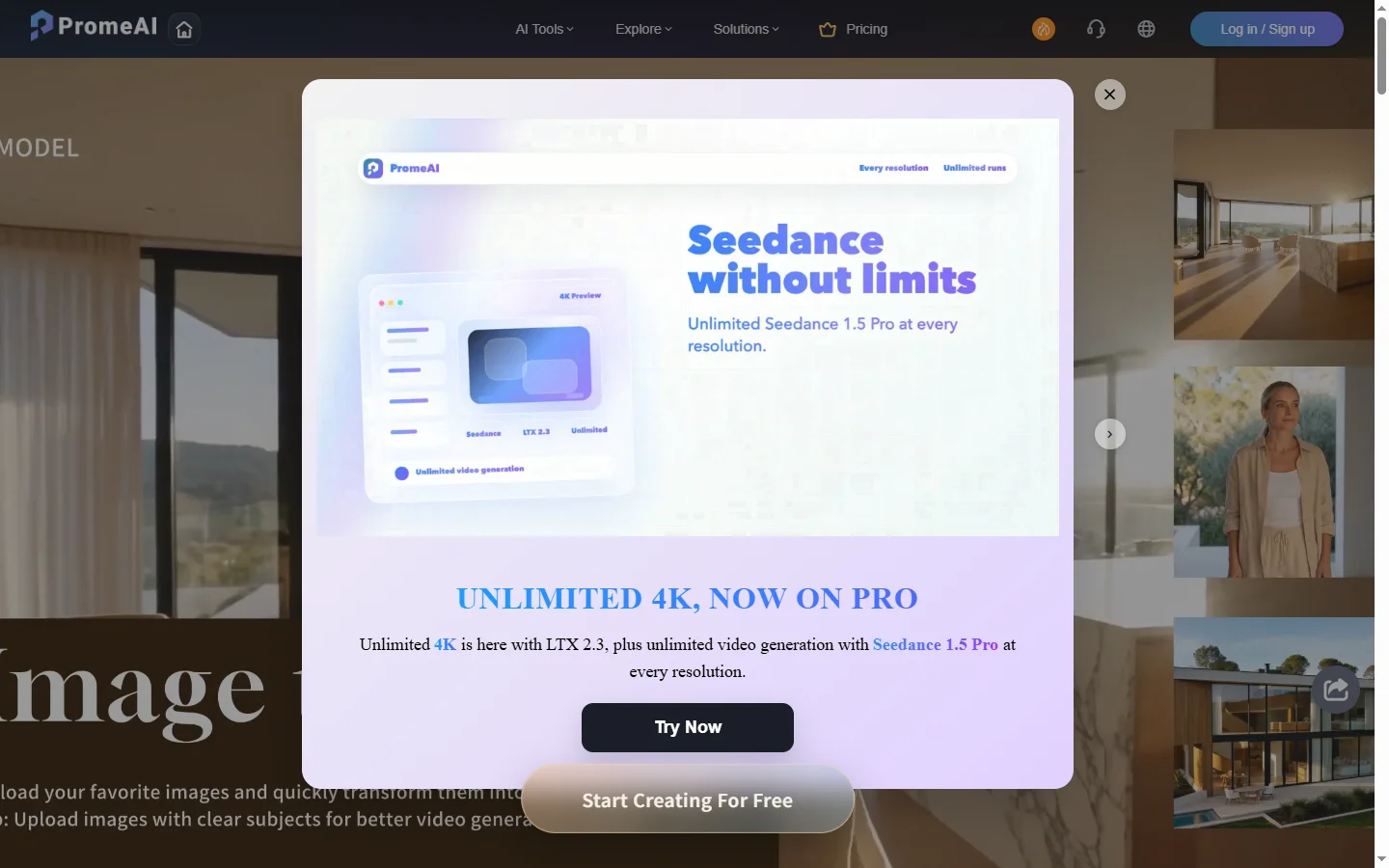
Freemium ✓ VerifiedPromeAI is an AI image generator with a deep library of art style presets, sketch-to-image rendering, and professional design tools for creators and product teams.
📋 About PromeAI
PromeAI is an AI image generator that focuses on style-driven creation, offering hundreds of curated art style presets ranging from photorealism and anime to architectural renderings, product mockups, and concept art. Unlike generalist text-to-image tools, PromeAI lets users pick a target style first and then guide the result with prompts, reference images, or rough sketches, which dramatically reduces the trial-and-error of prompt engineering. The platform is built around a Pro AI tools workflow that combines a sketch-to-image renderer, an AI image enhancer, background removal, outpainting, and a relighting module, allowing one image to be moved through an entire production pipeline inside a single interface.
Designers, architects, and marketing teams use PromeAI to convert hand-drawn sketches, wireframes, or 3D rough renders into polished visuals that can be used in client presentations, mood boards, or e-commerce shoots. The AI art generator handles both 2D illustration and 3D-style rendering, and its ControlNet-style guidance allows precise control over composition, pose, and depth. PromeAI also exposes editing tools such as smart erase, AI relight, and high-resolution upscaling, so output images don't have to be exported to Photoshop for basic clean-up before delivery.
PromeAI is positioned as a production tool rather than a novelty AI image generator, with team plans, commercial-use licensing, and faster GPU queues for paying users. Hobbyists can try most features on a freemium plan with daily credits, while studios subscribe for unlimited generations, higher resolutions, and access to the full library of art style presets. Its emphasis on controllability, style consistency, and integrated editing makes it a practical choice for anyone who needs AI-generated images to look intentional rather than randomly generated.
⚡ Key Features of PromeAI
Massive Art Style Preset Library
PromeAI ships with hundreds of curated art style presets across categories like anime, watercolor, photoreal portrait, architectural visualization, product photography, and concept art. Each preset is tuned with the right model, sampler, and prompt scaffolding so users get on-style results without writing complex prompts. This is the core differentiator from generalist generators where matching a specific style usually requires hand-tuned LoRAs.
Sketch to Image Rendering
Upload a hand-drawn sketch, wireframe, or rough 3D render and PromeAI will render it into a finished image while preserving composition, depth, and key lines. Designers use this to turn ideation sketches into client-ready visuals in minutes, and architects use it to render line drawings into photoreal exteriors and interiors. The tool exposes strength and structure controls so users can balance fidelity to the original sketch with creative reinterpretation.
AI Image Enhancer and Upscaler
Improve resolution, sharpness, and detail on existing images with the built-in AI image enhancer, which supports upscaling up to 4x or higher on paid tiers. The enhancer reconstructs realistic textures rather than just interpolating pixels, which makes it usable for printing thumbnails at poster size or restoring detail in older photographs. This removes a common reason to export PromeAI output into a separate upscaler like Topaz.
Background Removal and Replacement
Automatic background removal isolates subjects cleanly, and the background replace tool generates a new, prompt-driven background that matches lighting and perspective. E-commerce teams use this to drop products onto seasonal lifestyle scenes without a physical photoshoot, while content creators use it to put portraits into stylized environments. The output keeps edge detail on hair and fine objects, which is where simpler background removers usually fail.
AI Relight and Material Edit
Relight an existing image as if it were shot under different lighting conditions — golden hour, studio softbox, neon, overcast — without redoing the shoot. The material edit tool similarly lets users change the apparent material of objects in an image, like turning a fabric chair into leather or a plastic bottle into glass. These tools are particularly useful for product visualization where a single asset needs to be presented in many contexts.
Outpainting and Smart Erase
Expand the canvas of an existing image with outpainting that infers what lies beyond the original frame, or remove unwanted elements cleanly with smart erase. PromeAI's outpainting respects the original art style preset, so an extended anime scene stays in anime style rather than drifting to photoreal. Smart erase fills the removed area with context-aware content rather than the obvious blur or smear of older inpainting tools.
Commercial License and Team Features
Paid PromeAI plans include commercial-use rights, which is critical for agencies and freelancers who deliver AI-generated visuals to clients. Team plans add shared workspaces, faster GPU queues, batch generation, and higher daily caps, making PromeAI viable for production workflows rather than just personal experiments. The API tier exposes the same generation and editing endpoints for integration into custom apps.
🎯 Use Cases for PromeAI
⚖️ PromeAI Pros & Cons
Advantages
- ✓Hundreds of curated art style presets reduce prompt engineering
- ✓Sketch-to-image rendering preserves composition reliably
- ✓Integrated editing tools (enhancer, relight, outpaint) cover most production needs
- ✓Commercial license available on paid tiers
- ✓Generous freemium credits for evaluation
Drawbacks
- ✗Free tier credits run out quickly for heavy users
- ✗Interface can feel overwhelming due to the sheer number of tools
- ✗Style presets are opinionated — fully custom looks may need other tools
- ✗Generation queue can slow during peak hours on lower tiers
📖 How to Use PromeAI
Sign up at promeai.pro using email or a Google account to receive free daily credits.
Pick a workflow — Text to Image, Sketch to Image, AI Enhancer, or Background Edit — from the main dashboard.
Choose an art style preset that matches the look you want (anime, photoreal, architectural, etc.).
Upload a reference sketch or image if your workflow requires one, then write a short prompt describing the subject.
Adjust strength, aspect ratio, and resolution, then click Generate to produce variations.
Use the built-in enhancer, outpainter, or background tools to refine the result before downloading.
❓ PromeAI FAQ
PromeAI offers a freemium plan with daily credits that let new users try most features including art style presets and sketch-to-image rendering. Paid plans unlock unlimited generations, commercial licensing, higher resolution, and faster GPU queues.
Yes, but only on paid subscription tiers. Free-tier images are intended for personal and evaluation use. Once subscribed, users receive a commercial-use license for images they generate, which is suitable for client work, ads, and product mockups.
PromeAI emphasizes style control through a large library of curated presets and adds integrated editing tools (relight, outpaint, enhancer, background replace) in one interface. Midjourney is more focused on artistic discovery in a chat-based interface, while Stable Diffusion gives more raw control but requires more setup.
Sketch to image lets you upload a hand-drawn or digital line sketch and have PromeAI render it into a finished image while preserving your composition. It's widely used by architects, designers, and concept artists for quickly converting rough ideas into polished visuals.
Yes, PromeAI exposes an API for image generation and editing on higher subscription tiers, which lets developers integrate sketch-to-image, background removal, and style preset generation into their own apps and pipelines.
Related to PromeAI

Leonardo AI
Leonardo AI is a powerful AI image generator with custom fine-tuned models, Stable Diffusion roots, and a massive community library for art and game assets.

Midjourney
Midjourney AI image generator that turns text prompts into high-quality artwork, illustrations, and photorealistic visuals.
Featured on WhatIf.ai
Add this badge to your website to show you're listed on WhatIf AI
Alternatives to PromeAI

Aragon AI
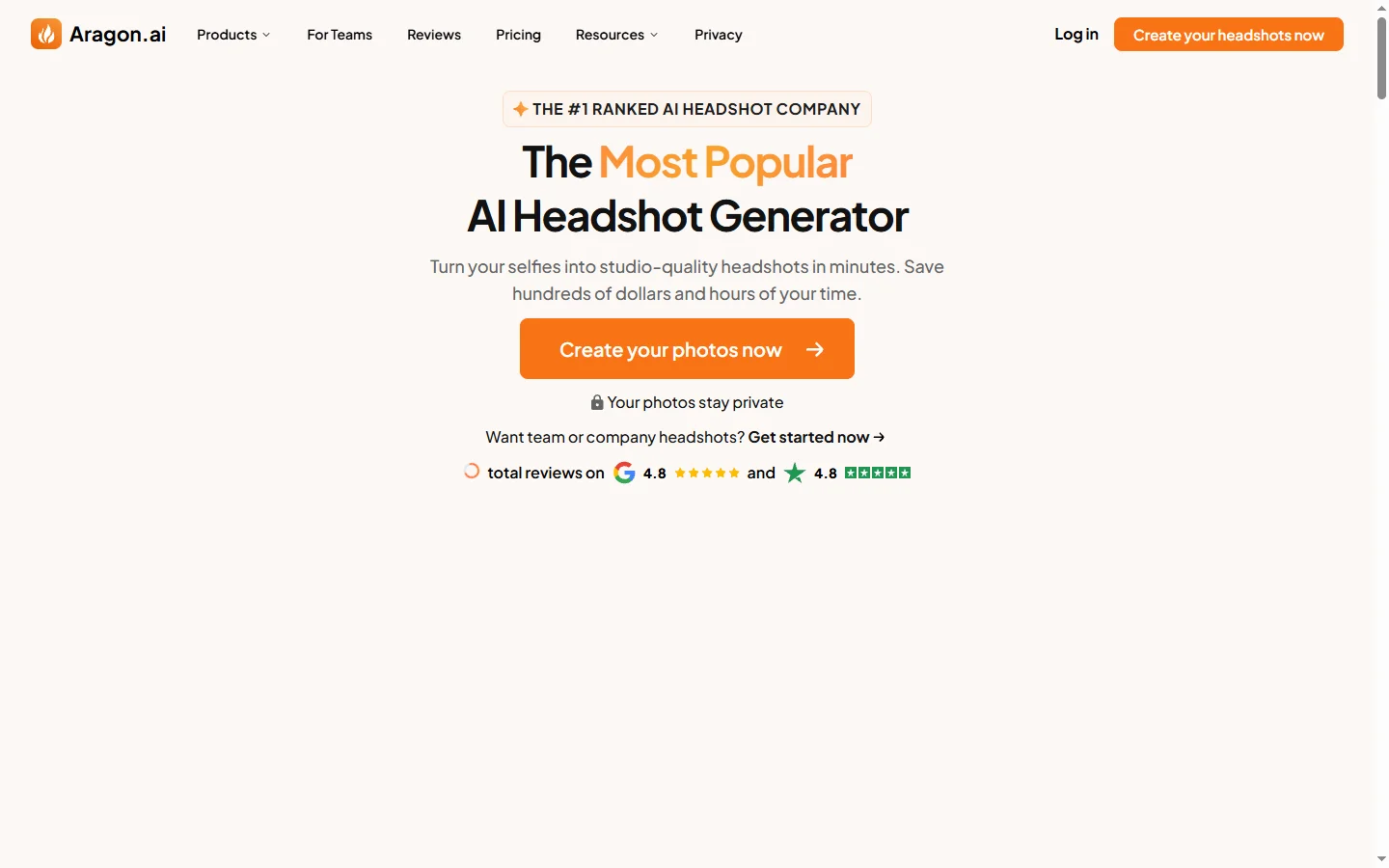
Aragon AI professional headshot generator that creates studio-quality portrait photos from uploaded selfies using a personalized AI model.

ArtGuru AI
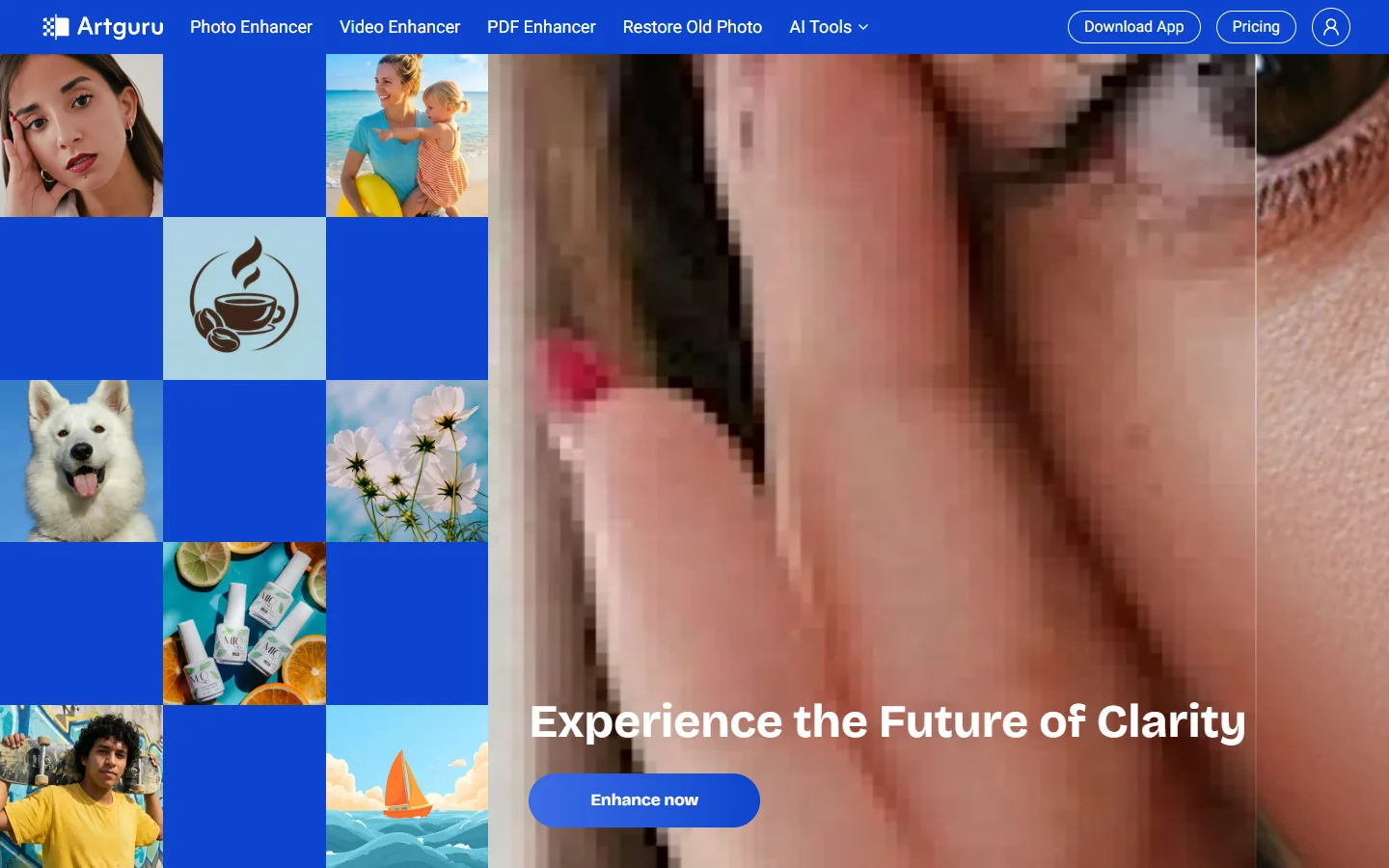
ArtGuru AI generates images from text prompts in a wide range of artistic styles, with additional tools for face enhancement, background removal, and image upscaling.

Dezgo AI
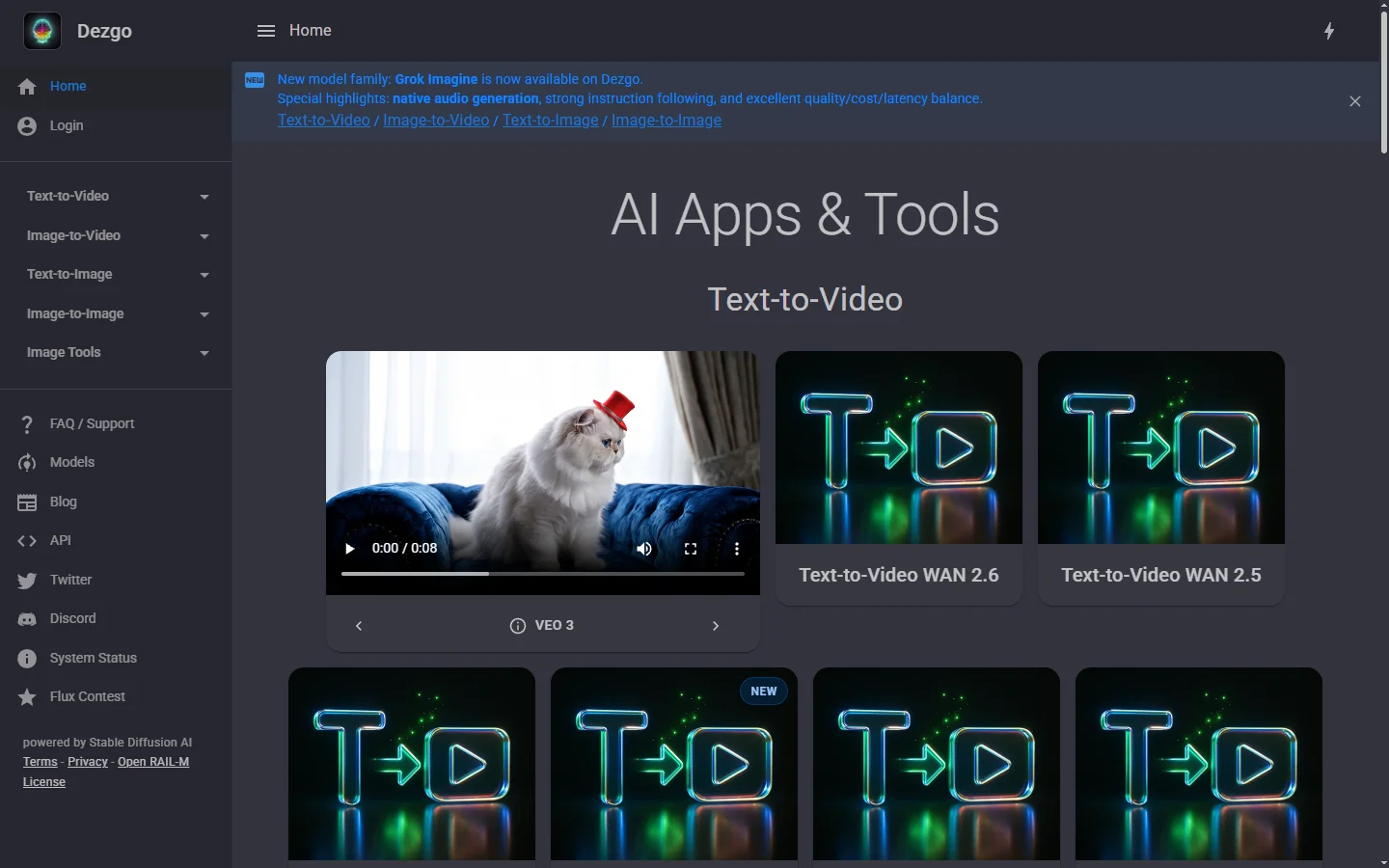
Dezgo AI is a free text-to-image generator powered by Stable Diffusion models, offering multiple model options and image editing tools in the browser.
Dzine AI
Dzine AI graphic design platform that combines AI image generation with templates and design tools for ready-to-use marketing visuals.