
Mercury AI
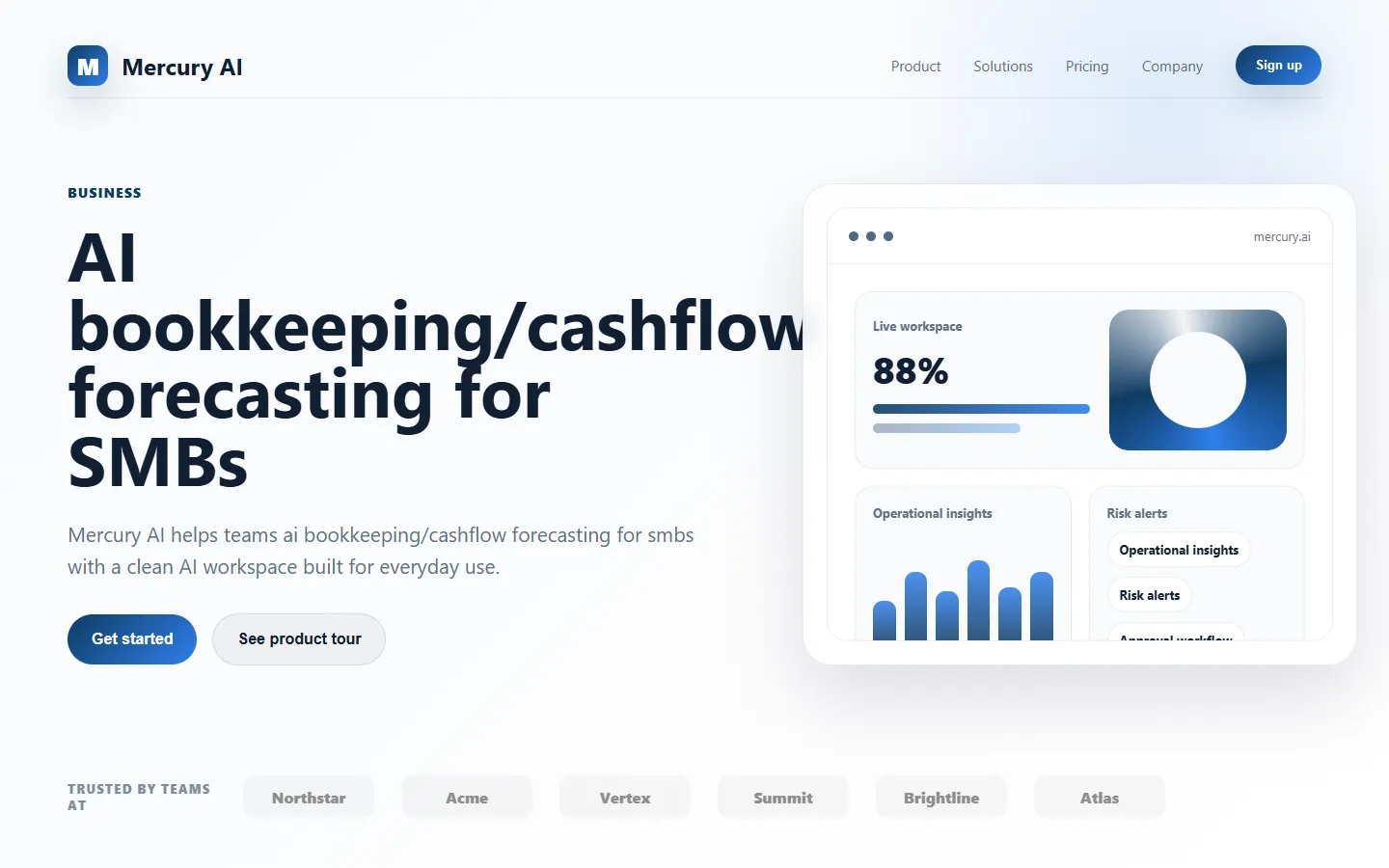
Paid ✓ VerifiedMercury AI is an AI-powered financial analysis platform that automates bookkeeping, cash flow forecasting, and reporting for small businesses.
📋 About Mercury AI
Mercury AI is a financial intelligence platform that automates bookkeeping, cash flow forecasting, and financial reporting for small businesses, startups, and solo operators. Instead of paying an outside bookkeeper or wrestling with spreadsheets, users connect their bank accounts, credit cards, and accounting software, and mercury ai handles transaction categorization, reconciliation, and reporting in near-real time. The system learns from each correction so categorization accuracy improves rapidly after initial setup.
The platform's forecasting engine projects cash balance weeks or months into the future based on historical patterns, recurring bills, and expected revenue, giving founders an early warning system for cash crunches. A scenario planner lets users model the impact of hiring a new employee, raising prices, or losing a major client without touching the underlying books. AI-generated monthly reports summarize the business's financial health in plain language, so non-finance founders can understand where money is going and what trends matter without needing a CPA to translate.
Mercury AI targets founders and small business owners who need the insights of a finance team without the cost or overhead. By automating the repetitive mechanics of bookkeeping and surfacing the signals founders actually care about — runway, burn, gross margin, top customer concentration — the tool turns financial data into strategic input rather than a compliance chore. It integrates with common accounting platforms so it augments rather than replaces existing systems.
⚡ Key Features of Mercury AI
Automated Transaction Categorization
Mercury ai connects to bank accounts, credit cards, and accounting software to automatically categorize every transaction using machine learning trained on millions of small-business entries. The system learns from each correction so accuracy improves within the first few weeks of use. Users approve exceptions rather than coding every entry manually, saving hours of bookkeeping time each month. This is the foundation on which forecasting and reporting depend.
Cash Flow Forecasting
Project cash balance weeks or months into the future using historical patterns, recurring bills, expected revenue, and seasonal trends. The forecast flags anticipated cash crunches early so founders can raise, cut costs, or accelerate collections before problems escalate. Users adjust assumptions directly in the forecast and see the impact on runway in real time. This early-warning capability is especially valuable for pre-revenue startups and seasonal businesses.
Scenario Planner
Model what-if scenarios — hiring a new employee, raising prices, signing a major client, losing a top customer — and see projected impact on cash, revenue, and margins without changing the underlying books. Scenarios can be saved, shared with advisors, and compared side by side to support decision making. Founders use this to stress-test growth plans and fundraising strategies. The scenario engine pulls from live financial data so assumptions start grounded in reality.
Plain-Language Monthly Reports
Generate narrative financial summaries that explain what happened last month in everyday language, highlighting trends, anomalies, and priorities that a non-finance founder should pay attention to. Reports include the critical metrics — runway, burn, gross margin, customer concentration, top expense categories — without requiring a CPA to interpret. The mercury ai narrative style makes reports useful for investor updates, internal team meetings, and board reviews. Users can customize the level of detail and branding.
Anomaly and Fraud Detection
Flag suspicious transactions, duplicate charges, unusual spending spikes, and vendor price changes that would otherwise slip past manual review. The detection engine uses each business's own baseline so alerts reflect genuine outliers rather than noise. Founders review flags in a prioritized queue and dismiss or investigate as needed. This layer of automated oversight reduces financial risk without requiring a full finance team.
Accounting Software Integration
Mercury AI integrates with QuickBooks, Xero, and other common accounting platforms so it augments existing systems rather than forcing a platform migration. Two-way sync keeps categorization, reconciliations, and reports consistent across tools. This is important for businesses whose accountants or bookkeepers rely on established software. The integration approach lowers adoption friction dramatically compared to replace-everything alternatives.
🎯 Use Cases for Mercury AI
⚖️ Mercury AI Pros & Cons
Advantages
- ✓Automates repetitive bookkeeping with learning categorization
- ✓Forecasting and scenario modeling built in, not bolted on
- ✓Plain-language reports accessible to non-finance founders
- ✓Integrates with existing accounting platforms, not a replacement
- ✓Anomaly detection provides automated financial oversight
Drawbacks
- ✗Paid only — no free tier for very early-stage users
- ✗Initial categorization setup requires review work
- ✗Less suited for businesses with highly complex accounting needs
- ✗International banking support varies by region
📖 How to Use Mercury AI
Sign up at mercury.ai and connect your bank accounts, credit cards, and accounting software.
Review the initial transaction categorization and correct any entries the model miscategorizes.
Set up recurring revenue and expense patterns so the forecast can project cash accurately.
Open the forecast dashboard weekly to see runway, burn, and projected cash balance.
Use the scenario planner before major decisions like hires, pricing changes, or large contracts.
Review monthly narrative reports and share investor-ready versions with stakeholders.
❓ Mercury AI FAQ
Mercury ai automates day-to-day bookkeeping, forecasting, and reporting, which reduces accountant workload. Most small businesses still work with an accountant for tax filing and advisory work, with mercury ai handling the ongoing data and analysis.
Mercury AI integrates with QuickBooks, Xero, and several other common accounting platforms, with two-way sync so categorizations and reports stay consistent.
Yes. Mercury AI uses bank-grade encryption, read-only connections to financial accounts, and standard compliance practices for handling sensitive financial data.
Forecast accuracy improves as the system learns patterns in your revenue and expenses. Most users see reliable projections within 8-12 weeks of regular use, and confidence intervals are shown alongside projections.
Yes. Higher-tier plans support multiple entities within a single login, useful for holding companies, agencies with multiple brands, or founders running several ventures.
Related to Mercury AI

15.ai
15.ai is a free AI voice cloning tool famous for generating realistic speech from cartoon, video game, and animated show characters using as little as 15 seconds of source audio.

A2E AI
A2E AI productivity platform converts audio and video recordings into transcripts, summaries, and action items with speaker identification.

Abby AI
Abby AI is an AI therapy and mental wellness chatbot that offers CBT-informed conversations, mood tracking, and self-guided coping tools.

Abnormal AI
Abnormal AI uses behavioral AI to detect business email compromise, account takeover, and socially engineered phishing that bypasses secure email gateways.

Dash AI
Dash AI is an AI-powered codebase assistant that answers engineering questions and writes code grounded in your team's actual repositories.

Foundation AI
Foundation AI is an enterprise platform for building, deploying, and governing custom large language model applications with retrieval and tools.
Featured on WhatIf.ai
Add this badge to your website to show you're listed on WhatIf AI
Alternatives to Mercury AI

A2E AI
A2E AI productivity platform converts audio and video recordings into transcripts, summaries, and action items with speaker identification.

Abnormal AI
Abnormal AI uses behavioral AI to detect business email compromise, account takeover, and socially engineered phishing that bypasses secure email gateways.


Abridge AI
Abridge AI medical documentation platform that records and summarizes clinical conversations into structured physician notes in real time.


Air AI
Air AI conducts autonomous full-length AI phone calls for sales prospecting, appointment setting, and customer service without human agents.