
Yomu AI
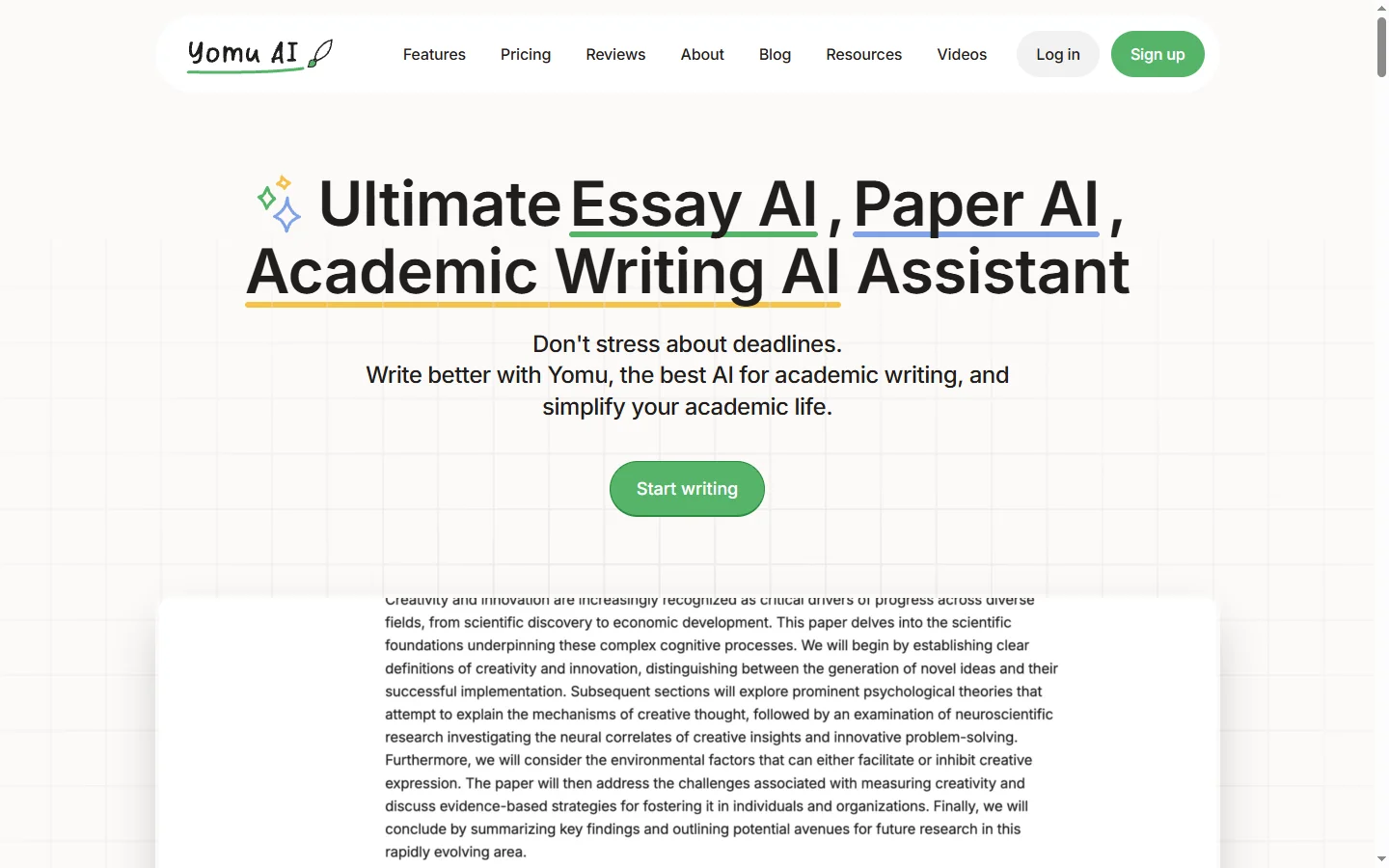
FreemiumYomu AI is an academic writing assistant that helps students and researchers draft, edit, and cite essays, papers, and theses faster.
📋 About Yomu AI
Yomu AI is an academic writing assistant purpose-built for students, graduate researchers, and academics who need to draft essays, literature reviews, dissertations, and scientific papers. Unlike general-purpose chatbots, Yomu is trained on scholarly conventions and focuses on structured argumentation, evidence-based writing, and formal academic tone. It integrates writing, editing, and citation into a single workspace so users can move seamlessly from outline to polished draft.
The platform combines autocomplete-style writing suggestions with paraphrasing, grammar correction, and contextual feedback on clarity and flow. Yomu AI includes a built-in citation generator that supports APA, MLA, Chicago, and Harvard formats and can pull references directly into the manuscript. AI commands let writers expand a paragraph, shorten dense sections, or rephrase for academic voice without leaving the document. The editor is designed to feel like a modern word processor rather than a chat window, which makes extended writing sessions more natural.
Yomu AI serves undergraduates working on essays, graduate students writing theses, and researchers drafting journal submissions. Its combination of academic focus, citation management, and inline AI editing makes it particularly useful for non-native English writers who need help with academic register. The free tier covers basic writing and editing, while paid plans unlock unlimited AI commands, higher word counts, and advanced citation features.
⚡ Key Features of Yomu AI
AI Autocomplete for Academic Writing
Yomu AI predicts the next sentence or paragraph based on your current draft, helping writers push through blocks and maintain momentum. Unlike general chat assistants, the suggestions are tuned for formal academic register, so they avoid casual language and colloquialisms. Writers can accept, reject, or edit each suggestion inline without breaking their flow. This makes long-form essay and thesis writing noticeably faster for students who know what they want to say but struggle with phrasing.
Built-In Citation Generator
Generate properly formatted citations in APA, MLA, Chicago, Harvard, and other common academic styles directly inside the editor. Yomu AI can search for sources by title or DOI and insert the full reference along with an in-text citation. This removes the friction of switching between the document, a citation tool, and the source database. A bibliography section is automatically maintained and updated as new references are added.
AI Commands for Editing
Highlight any passage and issue a command like expand, shorten, rephrase, or improve clarity to transform the text in place. Yomu AI preserves the overall voice and argument while adjusting the target passage according to the instruction. This is particularly useful for revising dense paragraphs that need to be tightened or underdeveloped sections that need elaboration. Writers retain full control because each change can be accepted or reverted.
Paraphrasing and Tone Adjustment
Rewrite sentences or paragraphs to improve clarity, avoid repetition, or match a more formal academic tone. The paraphraser is trained on academic text, so it favors scholarly vocabulary and avoids overly informal substitutions. This helps non-native English writers polish their prose and helps all writers avoid self-plagiarism when reusing their own earlier work. Multiple rewrite suggestions are offered so users can pick the best option.
Grammar and Clarity Feedback
Real-time grammar, spelling, and clarity checks flag issues as you write and suggest corrections that fit the surrounding context. The assistant goes beyond basic spellcheck to highlight wordy sentences, passive constructions, and unclear pronoun references. Feedback is non-intrusive and can be dismissed with a click. This keeps the editor clean while still giving writers the signal they need to tighten their prose.
Document Organization and Outlining
Yomu AI supports section headings, outlining tools, and a document sidebar so writers can navigate long manuscripts quickly. Users can rearrange sections, generate outlines from a topic, or ask the AI to summarize a long chapter to see its structure at a glance. This makes it practical to work on dissertation-length documents without getting lost. Version history lets users revert to earlier drafts when needed.
🎯 Use Cases for Yomu AI
⚖️ Yomu AI Pros & Cons
Advantages
- ✓Purpose-built for academic writing rather than general chat
- ✓Integrated citation generator supports major scholarly formats
- ✓AI commands work inline without breaking writing flow
- ✓Free tier available for students to evaluate the tool
- ✓Clean document editor designed for long-form work
Drawbacks
- ✗Not suitable for non-academic writing tasks like marketing or fiction
- ✗Free tier has word count and AI command limits
- ✗Citation accuracy still requires manual verification for niche sources
- ✗Limited collaboration features compared to full-featured editors
📖 How to Use Yomu AI
Sign up at yomu.ai using email or Google and open the document editor.
Create a new document and choose an academic template such as essay, thesis chapter, or literature review.
Type your draft or paste existing text, and use the autocomplete suggestions to extend sections.
Highlight a passage and use AI commands like rephrase, expand, or improve clarity to edit in place.
Add citations by searching for a source title or DOI in the citation panel and inserting the formatted reference.
Export the finished document as DOCX or PDF when ready to submit.
❓ Yomu AI FAQ
Yomu AI has a free tier with limited AI commands and word count per month. Paid plans start around $14.99 per month and unlock unlimited commands, higher document limits, and advanced citation features.
Yomu AI is a writing assistant, similar to Grammarly or citation managers. Whether its use is allowed depends on your institution's academic integrity policy. It is generally acceptable for editing, paraphrasing, and citation management, but students should disclose AI use when required.
Yomu AI supports APA, MLA, Chicago, Harvard, and other major academic citation styles. Citations can be inserted inline and the bibliography is maintained automatically as references are added.
Yomu AI can generate substantial sections of text through autocomplete and AI commands, but it is designed as an assistant rather than a full ghostwriter. The best results come from writers who guide the structure and review every suggestion.
Yomu AI focuses on writing and editing rather than plagiarism detection. Students should use dedicated tools like Turnitin or iThenticate to check final drafts before submission.
Related to Yomu AI

Abby AI
Abby AI is an AI therapy and mental wellness chatbot that offers CBT-informed conversations, mood tracking, and self-guided coping tools.

Accrete AI
Accrete AI builds autonomous enterprise AI agents for defense, government, and commercial intelligence workflows.

Ace AI
Ace AI is an AI-powered interview and career coach that helps job seekers prepare with mock interviews, resume feedback, and personalized career guidance.

Alayna AI
Alayna AI is an all-in-one AI teaching assistant that helps K-12 educators plan lessons, differentiate activities, and give personalized feedback.

Alex AI
Alex AI is a macOS AI assistant that lives in your menu bar, offering instant writing help, code assistance, and context-aware productivity features.

Altana AI
Altana AI is a global supply chain intelligence platform that maps the world's supply networks and surfaces risks with AI and public data.
Featured on WhatIf.ai
Add this badge to your website to show you're listed on WhatIf AI
Alternatives to Yomu AI

Backyard AI
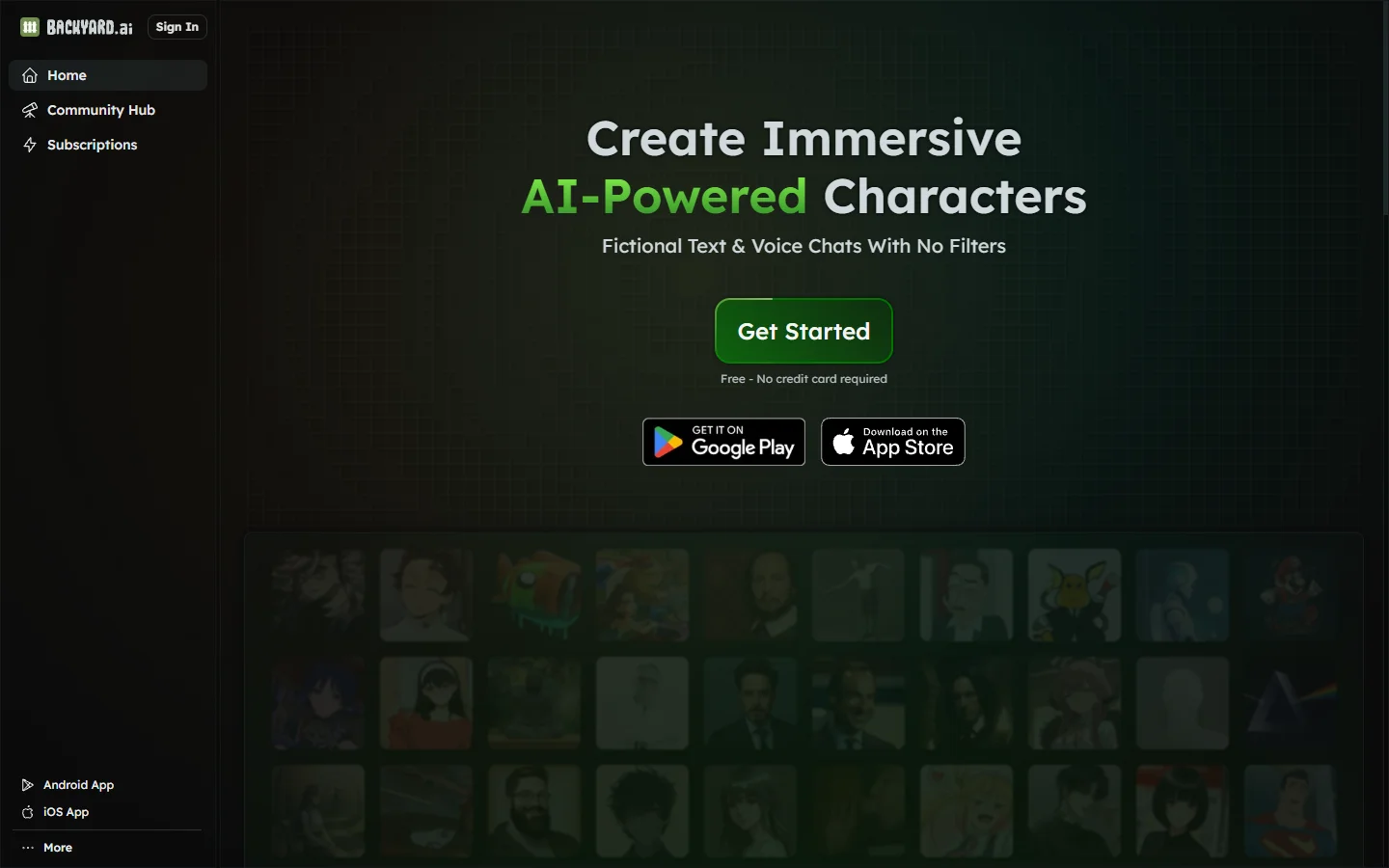
Backyard AI is a free desktop application for running local AI character chat with custom personas, private conversations, and full offline operation.


Blaze AI
Blaze AI generates on-brand social media posts, blog articles, email campaigns, and ad copy for marketers and small businesses using configurable brand voice settings.


Blush AI
Blush AI is an AI dating assistant that helps users craft better messages, improve their dating profile, and practice conversation skills.

Caveduck AI
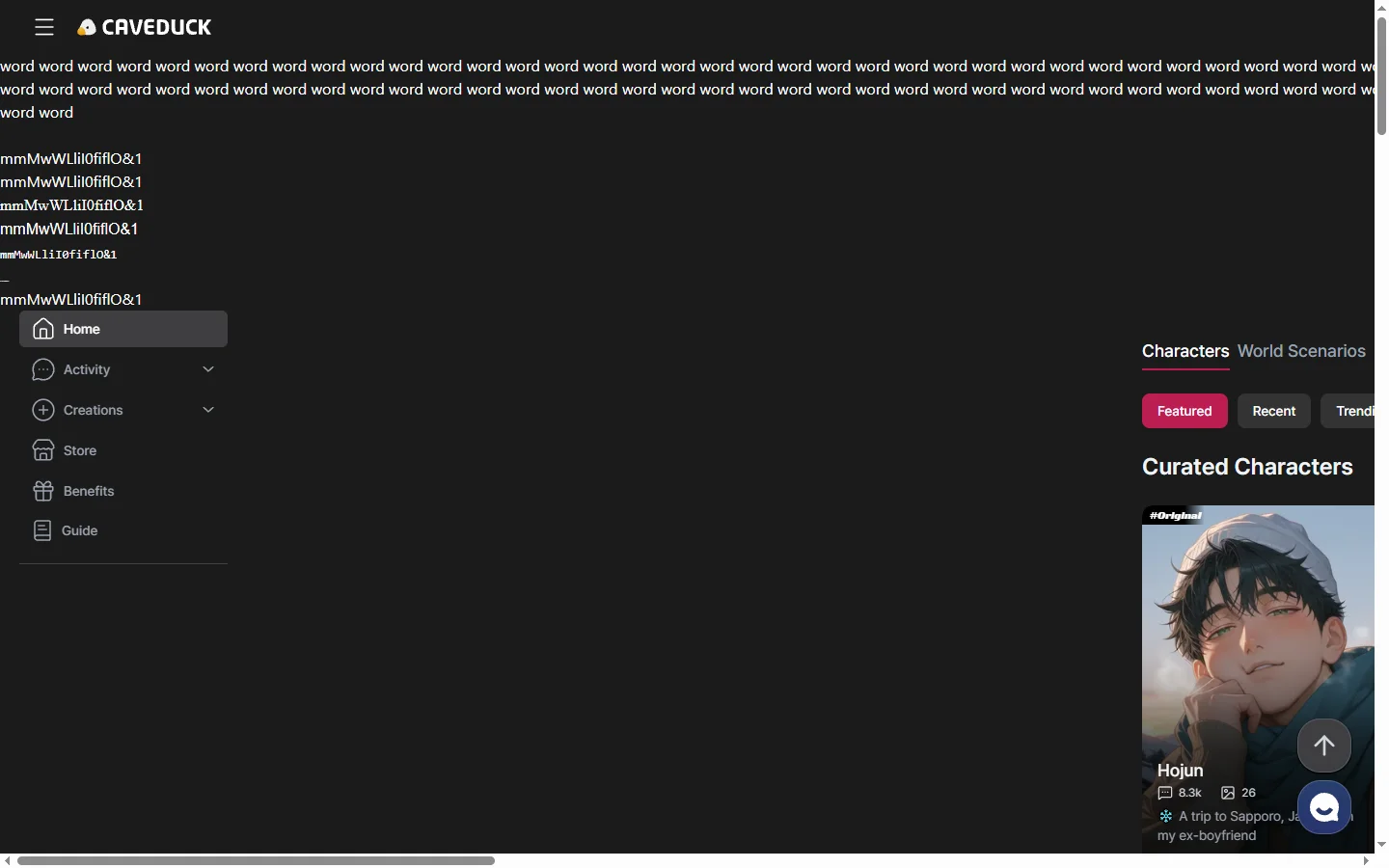
Caveduck AI is a character chat platform where users create custom AI personas and hold context-aware roleplay conversations with them.