
Twain AI
Freemium ✓ VerifiedAI-powered sales conversation assistant that analyzes outbound messages and provides real-time writing suggestions to improve reply rates and tone.
📋 About Twain AI
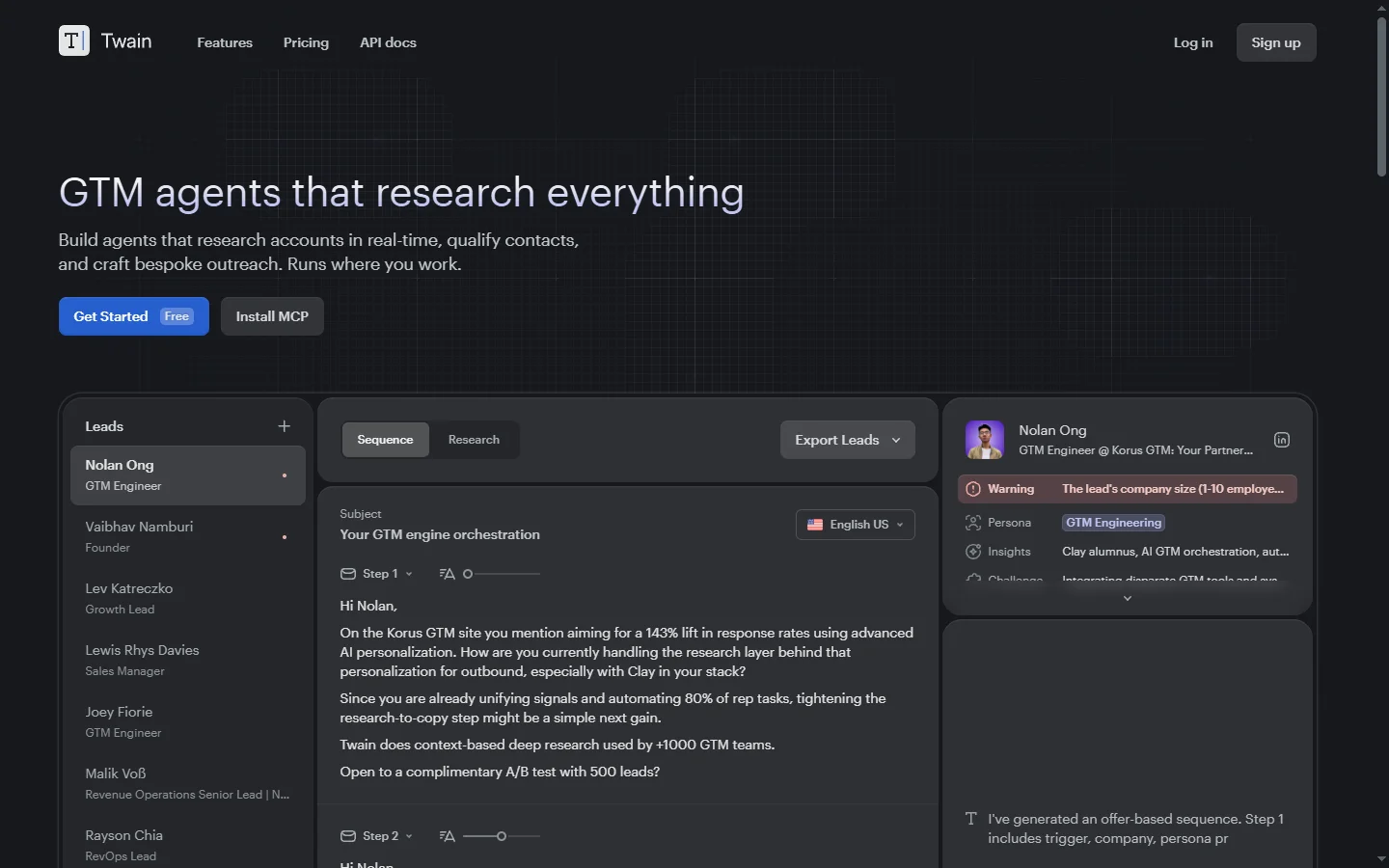
Twain AI is a writing assistant purpose-built for sales professionals who send high volumes of outbound emails, LinkedIn messages, and follow-ups. Rather than generating generic cold-email templates, Twain analyzes each message in real time and suggests specific improvements to tone, clarity, personalization, and call-to-action strength. Sales development reps and account executives use it to improve reply rates, avoid common outbound mistakes, and develop their own writing skills over time by internalizing the feedback patterns.
The platform works as a browser extension and web application, reviewing draft messages against a framework of best practices built from analyzing millions of sales conversations. Suggestions are concrete and actionable — tighten an opener, remove a pushy phrase, strengthen a question — rather than vague scores. Twain also offers message templates tailored to common outbound scenarios and can generate full first drafts when reps are starting from scratch. Manager dashboards show team-level adoption and improvement trends.
Twain AI serves outbound sales teams, sales enablement leaders, and founders doing their own outreach who want to improve the quality of written communication without expensive coaching. The platform is particularly popular with SDR teams ramping new reps, since it provides consistent feedback that would otherwise require senior coaching hours. By combining template assistance with real-time writing feedback, Twain helps sales teams produce better messages faster and scale outbound programs without sacrificing quality.
⚡ Key Features of Twain AI
Real-Time Message Analysis
As reps draft outbound messages, Twain analyzes them live and surfaces specific improvement suggestions covering tone, length, personalization, and call-to-action strength. Suggestions are concrete rather than vague quality scores, making them easy to act on. This turns every message into a learning opportunity without requiring manager review.
Best-Practice Framework
Twain's suggestions are grounded in a framework of outbound best practices built from analyzing millions of sales conversations. This catches common mistakes like overlong openers, pushy language, and weak closings that hurt reply rates. Reps develop better writing habits over time by internalizing the feedback patterns.
Scenario-Based Templates
The platform offers templates for common outbound scenarios — cold email, follow-up, break-up, reconnect — tailored by persona and use case. Templates serve as starting points that reps personalize rather than rigid scripts. This reduces the blank-page problem that slows new SDR ramp.
AI Draft Generation
When reps need to start from scratch, Twain can generate a full first draft tailored to the target persona, product, and outreach scenario. Drafts use the same best-practice framework that powers live analysis, so they land on the right side of outbound quality from the start. Reps edit drafts rather than write from scratch.
Browser Extension
A Chrome extension works inside email clients, LinkedIn, and sales engagement platforms, providing inline suggestions wherever reps write messages. This means reps do not need to copy and paste between tools to get feedback. Coverage extends to the modern outbound tech stack.
Team Dashboards
Managers see team-level adoption, suggestion acceptance rates, and quality improvements over time, making it possible to tie Twain usage to outbound performance. This helps enablement leaders prove ROI and identify reps who may benefit from additional coaching. Dashboards respect privacy by not exposing message contents.
🎯 Use Cases for Twain AI
⚖️ Twain AI Pros & Cons
Advantages
- ✓Real-time suggestions are concrete and actionable
- ✓Framework grounded in analysis of actual sales conversations
- ✓Browser extension works in existing sales tools
- ✓Helps SDRs ramp faster by providing coaching-like feedback
Drawbacks
- ✗Focused on written outbound only, not voice or video
- ✗Suggestion quality varies by industry and persona
- ✗Free tier has usage limits suited only to light use
📖 How to Use Twain AI
Visit twain.ai and sign up for a free account.
Install the Chrome extension to get inline suggestions in Gmail, LinkedIn, and sales tools.
Draft an outbound message and review Twain's suggestions before sending.
Use scenario templates or AI-generated drafts when starting from scratch.
Monitor team dashboards to track adoption and outbound improvements over time.
❓ Twain AI FAQ
Yes. The Chrome extension provides inline suggestions on LinkedIn messages as well as email clients and sales engagement platforms.
Yes. Twain offers a free tier with basic functionality and limited usage, and paid plans that unlock higher limits and team features.
Grammarly focuses on grammar and general writing quality. Twain specifically focuses on sales outbound effectiveness, with suggestions grounded in what drives replies to cold messages.
Twain follows enterprise security practices and allows organizations to configure data handling according to their policies. Message analysis happens securely.
Related to Twain AI

Accrete AI
Accrete AI builds autonomous enterprise AI agents for defense, government, and commercial intelligence workflows.

Ace AI
Ace AI is an AI-powered interview and career coach that helps job seekers prepare with mock interviews, resume feedback, and personalized career guidance.

Actively AI
Actively AI is an AI sales prospecting platform that researches accounts, identifies buyer signals, and writes personalized outbound at pipeline scale.

Airship AI
Airship AI provides video intelligence and data management solutions that use AI to search, analyze, and secure large-scale video evidence.

Alayna AI
Alayna AI is an all-in-one AI teaching assistant that helps K-12 educators plan lessons, differentiate activities, and give personalized feedback.

Alex AI
Alex AI is a macOS AI assistant that lives in your menu bar, offering instant writing help, code assistance, and context-aware productivity features.
Featured on WhatIf.ai
Add this badge to your website to show you're listed on WhatIf AI
Alternatives to Twain AI

Arcads AI
Arcads AI generates UGC-style video ads using AI actors from scripts, enabling performance marketers to produce ad creative variations at scale.

Backyard AI
Backyard AI is a free desktop application for running local AI character chat with custom personas, private conversations, and full offline operation.


Blaze AI
Blaze AI generates on-brand social media posts, blog articles, email campaigns, and ad copy for marketers and small businesses using configurable brand voice settings.

Blush AI
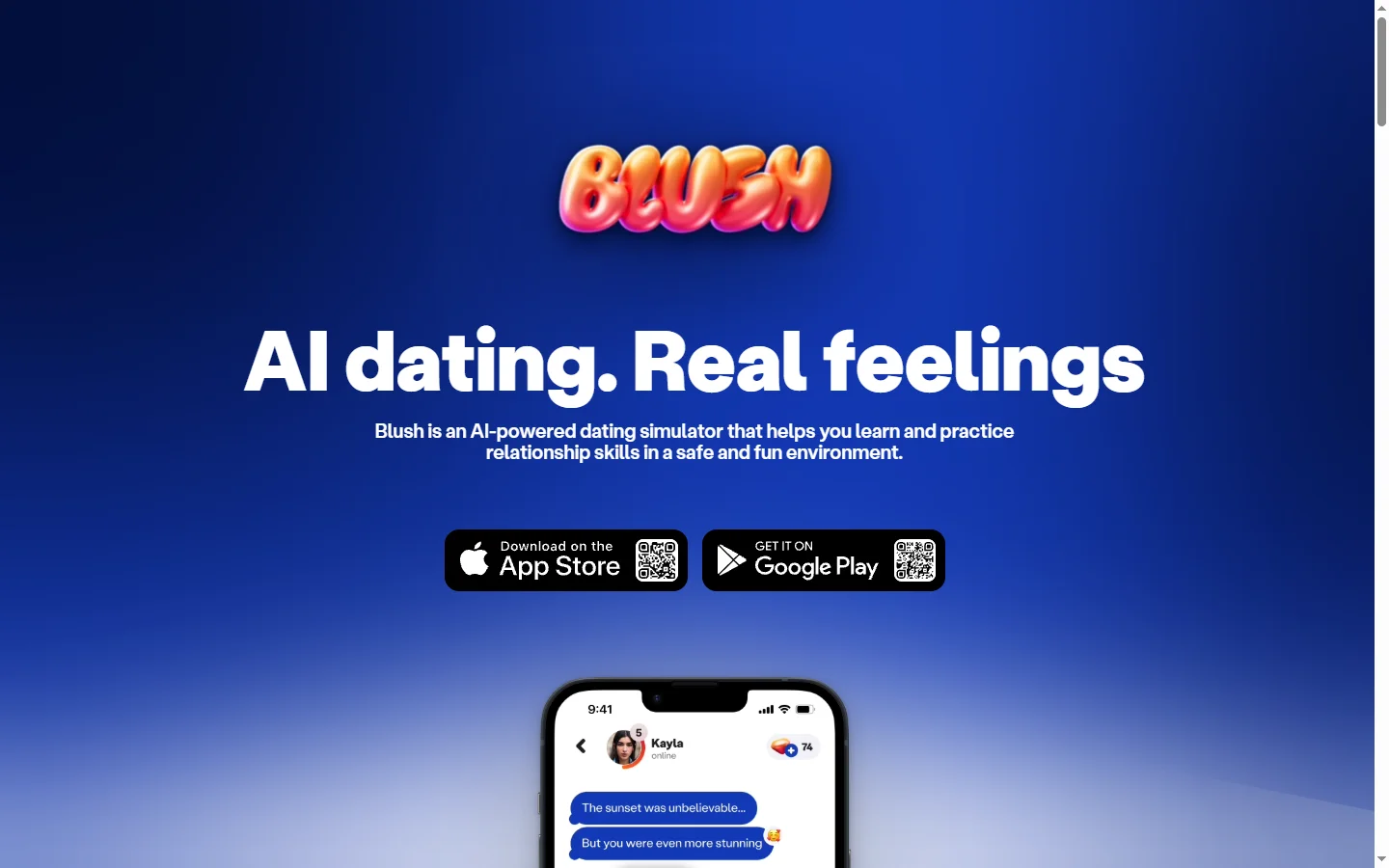
Blush AI is an AI dating assistant that helps users craft better messages, improve their dating profile, and practice conversation skills.