NightCafe Studio
Freemium ✓ VerifiedNightCafe Studio is a popular AI art generator with a creative community, supporting Stable Diffusion, DALL-E, and many style and aspect ratio options.
📋 About NightCafe Studio
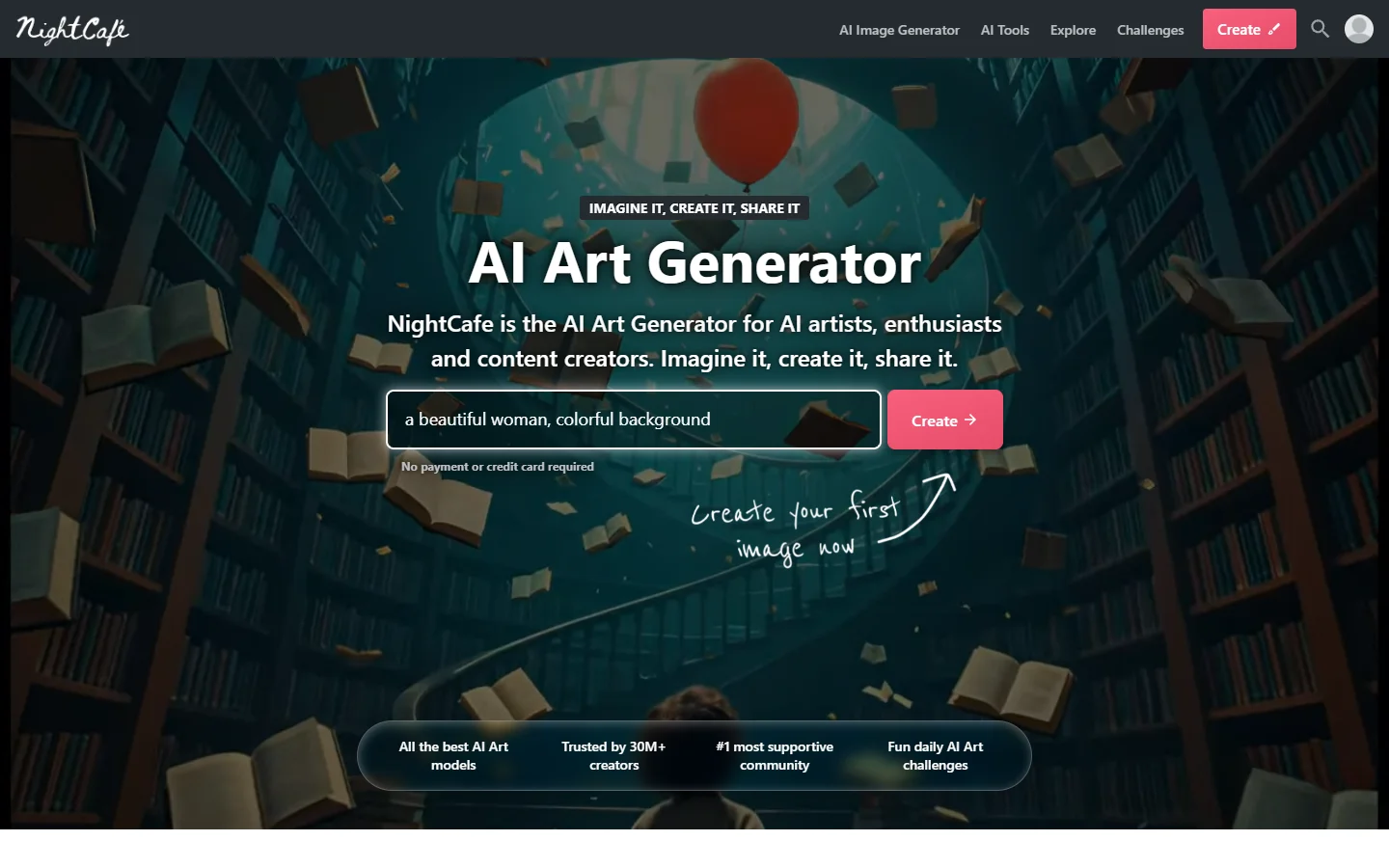
NightCafe Studio is one of the longest-running and most popular AI art generators on the web, combining access to leading text-to-image models — Stable Diffusion, DALL-E, SDXL, and others — with a strong creative community and gamified discovery features. Users describe what they want in natural language, pick a style preset, and NightCafe produces images in their chosen aspect ratio and resolution. The platform stands out for offering multiple underlying models in one interface so creators can compare outputs from different engines on the same prompt, and for the depth of its style preset library covering oil painting, anime, photoreal, surreal, watercolor, pixel art, and dozens of other looks.
What differentiates NightCafe from headless generators is the community and gamification layer. Users browse trending creations, follow favorite artists, enter daily art challenges, earn credits through participation, and chat in real time with other creators. This makes NightCafe as much an art destination as a tool — people come for the social experience, not just to generate one image and leave. The platform also includes solid image editing features: face enhance, upscaling, evolve (iterative refinement), variations, and a video evolution mode that morphs one image into another for animated outputs.
NightCafe is built around a credit system. Free users get a small daily allowance of credits to spend on generations, and they can earn more through community participation. Paid subscribers receive monthly credit packs at better rates, faster GPU queues, higher resolutions, and bulk download options. Commercial licensing is included on paid plans. NightCafe has been around long enough to develop a large, active user base and a wide gallery of public creations, which makes it a particularly good destination for newcomers who want to learn by example before committing to a paid AI art platform.
⚡ Key Features of NightCafe Studio
Multiple AI Models in One Interface
NightCafe gives users access to Stable Diffusion, SDXL, DALL-E, and other leading text-to-image models inside a single interface. The same prompt can be run on different models for side-by-side comparison, which is uniquely useful for learning the strengths of each engine and picking the right one for a given style. Few competitors expose this much model choice in one place.
Extensive Style Preset Library
NightCafe's style preset library covers oil painting, watercolor, anime, photoreal portrait, pixel art, surreal, fantasy, sci-fi, architectural visualization, and dozens of other looks. Each preset is tuned with the right model, sampler, and prompt scaffolding so users get on-style results without writing complex negative prompts or learning model-specific syntax.
Active Creative Community
Browse trending creations, follow favorite artists, like and comment on community art, and chat with other creators in real-time discussion rooms. This is one of the largest active AI-art communities online and provides a steady stream of inspiration and prompt ideas. New users often start by remixing prompts they find in the community gallery.
Daily Challenges and Gamification
NightCafe runs daily and weekly art challenges with themes and judging, and users earn credits, badges, and ranking points by participating, voting, and creating. This turns AI art from a one-off activity into an ongoing creative practice and helps newcomers build skill through deliberate themed exercises rather than aimless prompt experimentation.
Evolve and Variations
The Evolve feature iteratively refines a generated image based on a new prompt or selected style, preserving the parts you like while changing what isn't working. Variations produce alternate versions of an image with the same composition. Together these enable a much more iterative workflow than single-shot generation, which is critical for getting from a near-miss to a final result.
Upscaling and Face Enhance
Built-in upscalers can produce print-quality images at 2x or 4x resolution, and the face enhance tool improves facial detail in portraits that the base model rendered slightly off. These reduce the need to export NightCafe output into separate tools like Topaz Gigapixel or Adobe for finishing touches.
Video Evolution and Animation
NightCafe's video evolution mode morphs one image into another by interpolating between them, producing short animated clips suitable for social media or motion design backgrounds. This is a simpler entry point to AI animation than dedicated video tools, though the output is best for stylistic transitions rather than realistic motion.
🎯 Use Cases for NightCafe Studio
⚖️ NightCafe Studio Pros & Cons
Advantages
- ✓Access to multiple AI models — Stable Diffusion, DALL-E, SDXL — in one place
- ✓Huge style preset library covers most popular looks
- ✓Active community accelerates learning through example
- ✓Daily challenges encourage creative practice
- ✓Commercial license included on paid plans
Drawbacks
- ✗Credit system can feel restrictive for heavy users
- ✗Free daily credits run out quickly with high-res generations
- ✗Interface is feature-dense and can feel overwhelming for newcomers
- ✗Generation queues can slow during peak hours on lower tiers
📖 How to Use NightCafe Studio
Go to creator.nightcafe.studio and sign up for a free account using email or social login.
Browse the community feed to find inspiration and remix public prompts, or start fresh with your own idea.
Pick an underlying model (Stable Diffusion, DALL-E, SDXL) and a style preset that matches the look you want.
Write a clear prompt, choose aspect ratio and resolution, and click Create to generate variations.
Use Evolve, Variations, Face Enhance, and Upscale to refine the image without leaving NightCafe.
Share creations to the community, enter daily challenges, or download as PNG/JPG for personal or commercial use.
❓ NightCafe Studio FAQ
Yes, NightCafe is freemium. Free users receive a small daily allowance of credits and can earn more through community participation. Paid subscriptions provide monthly credit packs at better rates, faster generation, higher resolutions, and a commercial license.
NightCafe gives users access to Stable Diffusion, SDXL, DALL-E, and other leading text-to-image models in a single interface, with the ability to run the same prompt on different models for comparison.
Paid subscribers receive a commercial-use license for images generated on NightCafe, which covers selling prints, using in client work, and most commercial contexts. Free-tier images are intended for personal and non-commercial use.
NightCafe offers more model choice (Stable Diffusion, DALL-E, SDXL) and runs on a web interface with a strong public community gallery. Midjourney runs on Discord and is known for a cohesive house style. Both have active communities, but NightCafe's web interface and multi-model access make it more flexible for direct comparison.
Each generation costs credits based on model, resolution, and steps. Free users receive a small daily credit allowance and can earn more by joining challenges and participating in the community. Paid plans include monthly credit packs at better per-credit rates.
Related to NightCafe Studio
Leonardo AI
Leonardo AI is a powerful AI image generator with custom fine-tuned models, Stable Diffusion roots, and a massive community library for art and game assets.

Midjourney
Midjourney AI image generator that turns text prompts into high-quality artwork, illustrations, and photorealistic visuals.

PromeAI
PromeAI is an AI image generator with a deep library of art style presets, sketch-to-image rendering, and professional design tools for creators and product teams.
Featured on WhatIf.ai
Add this badge to your website to show you're listed on WhatIf AI
Alternatives to NightCafe Studio

Aragon AI
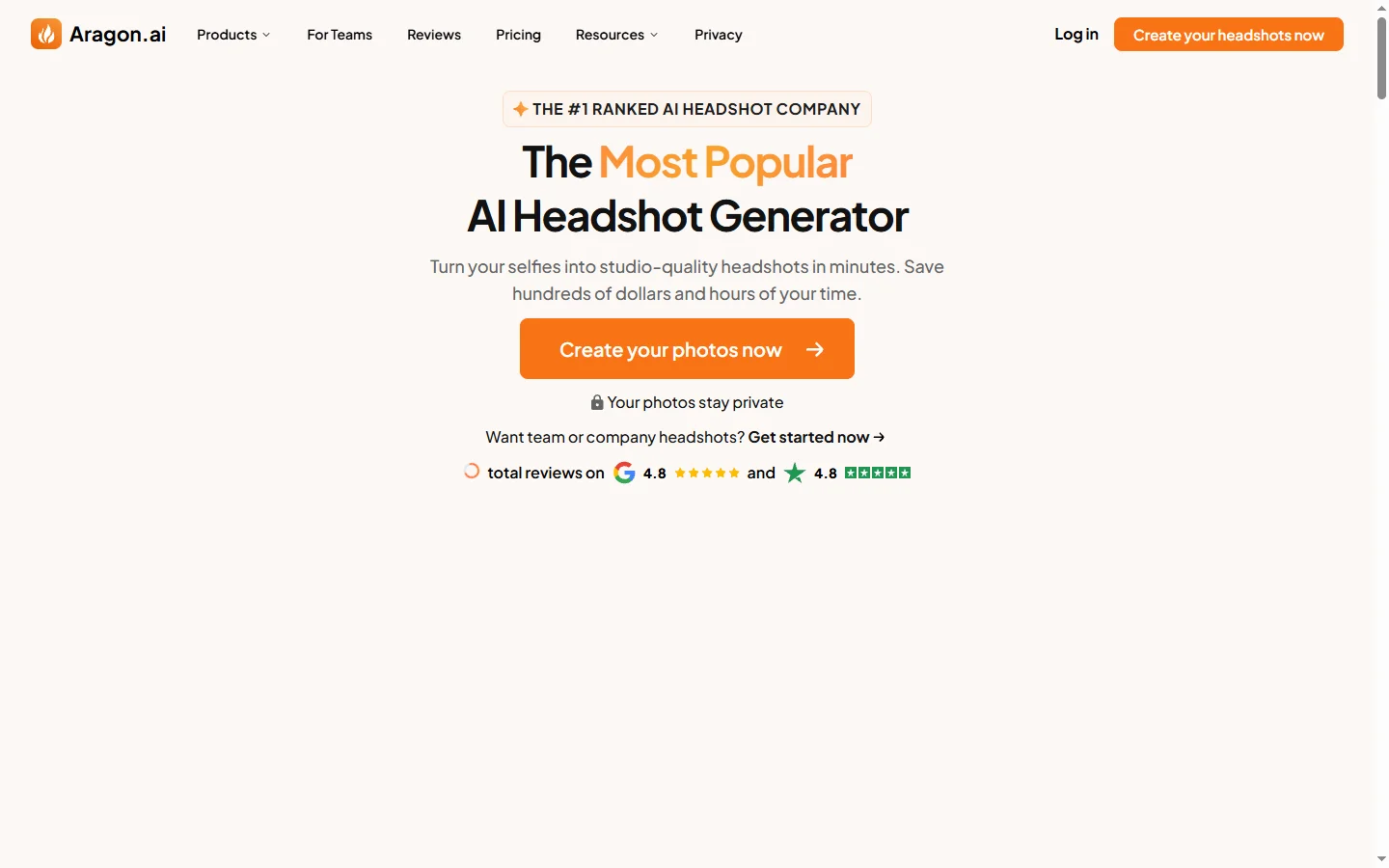
Aragon AI professional headshot generator that creates studio-quality portrait photos from uploaded selfies using a personalized AI model.

ArtGuru AI
ArtGuru AI generates images from text prompts in a wide range of artistic styles, with additional tools for face enhancement, background removal, and image upscaling.
Dezgo AI
Dezgo AI is a free text-to-image generator powered by Stable Diffusion models, offering multiple model options and image editing tools in the browser.
Dzine AI
Dzine AI graphic design platform that combines AI image generation with templates and design tools for ready-to-use marketing visuals.