
Moah AI
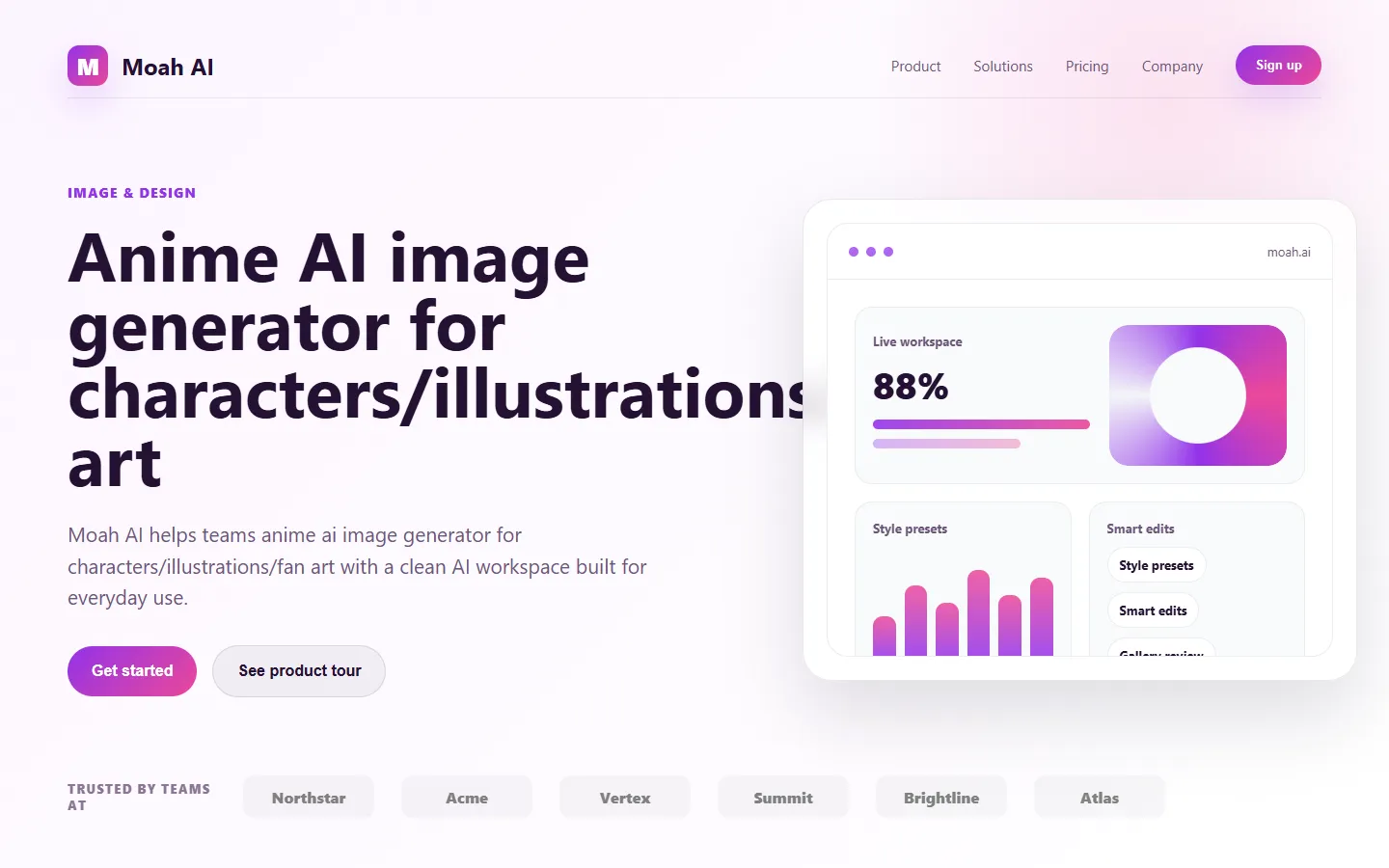
FreemiumMoah AI is an anime-focused AI image generator that creates high-quality anime characters, illustrations, and fan art from text prompts.
📋 About Moah AI
Moah AI is a text-to-image generator focused specifically on anime-style artwork. Rather than trying to be a general-purpose image model, Moah is tuned for the aesthetic conventions, color palettes, and character archetypes common to Japanese animation and illustration. This specialization makes it produce more consistent and visually pleasing anime output than models trained on broader datasets.
The platform offers a web interface with prompt fields, style selectors, and quality settings that let users dial in the look they want. Common anime subgenres such as shonen, shojo, seinen, chibi, and kawaii styles are available as preset modes. Advanced controls expose settings like aspect ratio, composition guidance, and negative prompts for users who want more precise control. A gallery showcases community creations and provides prompt inspiration, while saved history lets users revisit and iterate on their own earlier generations.
Moah AI serves anime fans, fan artists, illustrators, game designers, and content creators who need anime-style imagery but lack the time or drawing skill to produce it manually. Its combination of specialized quality and approachable interface fills a niche that general-purpose generators handle less effectively. The product is usually offered on a credit-based or subscription model with free daily generations for casual users and unlimited or higher-tier access for power users.
⚡ Key Features of Moah AI
Anime-Specialized Image Model
Moah AI is tuned specifically for anime and illustration styles, producing output that captures the line quality, color balance, and facial proportions characteristic of the medium. This specialization yields higher average quality for anime prompts than general-purpose generators. The model handles common anime archetypes, outfits, and expressions reliably. Users who need anime artwork rarely have to fight the model to produce it.
Style Presets
Switch between preset styles such as shonen, shojo, seinen, chibi, kawaii, and semi-realistic without writing elaborate prompts. Each preset adjusts the underlying generation parameters to match the conventions of that style. This lowers the barrier to entry for users who know the vibe they want but are not prompt engineering experts. Presets can be combined with custom prompt text for finer control.
Character Consistency Controls
Features that help maintain a consistent character across multiple generations, such as reference-image conditioning and saved character descriptions. Creators building webcomics or fan art series benefit from being able to reuse a recognizable character. This closes a common gap in generic image models where the same prompt produces different-looking characters each time. Controls are exposed without needing to use command-line tools.
Prompt Builder and Examples
The interface includes prompt scaffolding with tags for hair color, eye color, outfit, pose, and scene elements, reducing the need to write from scratch. New users can assemble coherent prompts by clicking options rather than memorizing terminology. A gallery of community examples shows working prompts alongside their output. This accelerates learning for users new to text-to-image generation.
Negative Prompts and Refinement
Negative prompt fields let users exclude unwanted elements like extra fingers, blurry faces, or specific styles. Refinement tools allow upscaling, face fixing, and variation generation on existing images. These controls give power users the fine-grained options they need without cluttering the basic interface. The refinement pipeline is designed for anime-specific quality issues.
Gallery and Community
A community gallery showcases featured creations with prompt and setting details users can copy or adapt. Following other creators and saving favorite prompts supports discovery and inspiration. The social layer encourages longer engagement with the platform. Moderation keeps the gallery aligned with platform guidelines.
🎯 Use Cases for Moah AI
⚖️ Moah AI Pros & Cons
Advantages
- ✓Specialized for anime produces higher-quality results in that style
- ✓Style presets lower the learning curve for new users
- ✓Character consistency controls support ongoing creative projects
- ✓Free tier lets users evaluate the model
- ✓Active community gallery provides inspiration and prompts
Drawbacks
- ✗Narrow focus means it is not suitable for non-anime styles
- ✗Credit-based model can become costly for heavy users
- ✗Hand-drawn quality on fine details still surpasses AI on complex pieces
- ✗Content moderation can feel restrictive for some fan art use cases
📖 How to Use Moah AI
Visit moah.ai and sign up with email or a social login.
Choose an anime style preset or start from the default.
Enter a prompt describing the character, outfit, pose, and setting.
Adjust aspect ratio, quality, and negative prompts as needed.
Generate images and pick the best result, using variation or upscaling for refinement.
Save favorites to your gallery and download in the desired resolution.
❓ Moah AI FAQ
Moah AI typically offers a free tier with daily generations and credit- or subscription-based paid plans for higher volume and unlimited access. Specific pricing is available on the site.
Moah AI focuses on anime and illustration styles, including shonen, shojo, seinen, chibi, kawaii, and semi-realistic variations. It is not designed for photorealistic or non-anime aesthetics.
Commercial use rights depend on the plan and the platform's terms of service. Users should review the current terms to understand licensing for generated images, especially when selling products or using art in paid projects.
Use the character consistency controls, including saved character descriptions and reference-image conditioning. Reusing the same prompt and seed also helps maintain recognizable features.
Moah AI enforces content guidelines that restrict adult and explicit content. Users should consult the current terms of service for specifics, as policies may evolve with the platform.
Related to Moah AI

15.ai
15.ai is a free AI voice cloning tool famous for generating realistic speech from cartoon, video game, and animated show characters using as little as 15 seconds of source audio.

Abby AI
Abby AI is an AI therapy and mental wellness chatbot that offers CBT-informed conversations, mood tracking, and self-guided coping tools.
Airship AI
Airship AI provides video intelligence and data management solutions that use AI to search, analyze, and secure large-scale video evidence.

Angel AI
Angel AI is an AI companion and mental wellness chatbot that provides supportive conversations, journaling prompts, and daily check-ins.

Ani AI
Ani AI is an AI companion and anime-style virtual girlfriend chatbot, best known as the Ani character inside xAI's Grok app.

Aragon AI
Aragon AI professional headshot generator that creates studio-quality portrait photos from uploaded selfies using a personalized AI model.
Featured on WhatIf.ai
Add this badge to your website to show you're listed on WhatIf AI
Alternatives to Moah AI
Aragon AI
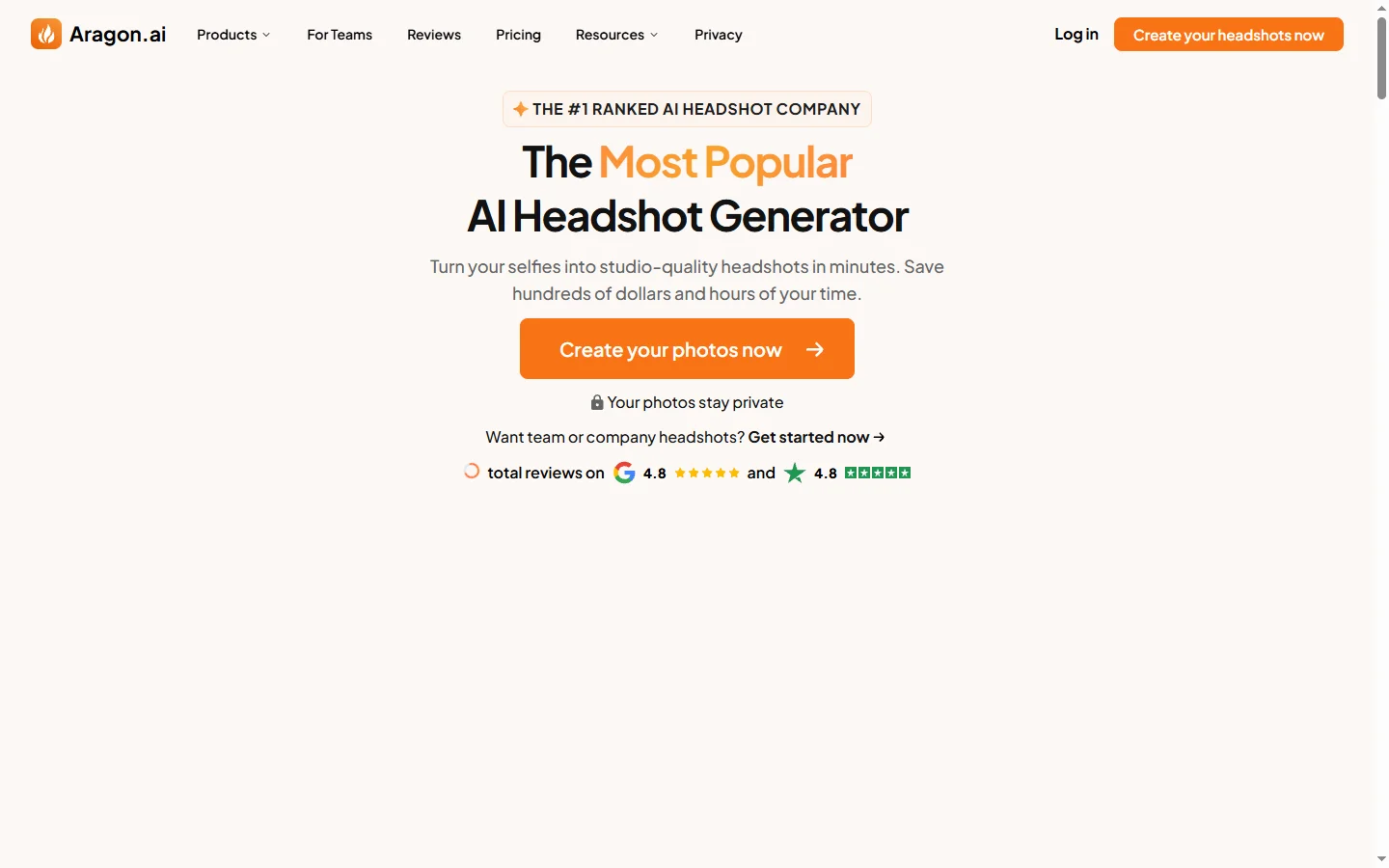
Aragon AI professional headshot generator that creates studio-quality portrait photos from uploaded selfies using a personalized AI model.

ArtGuru AI
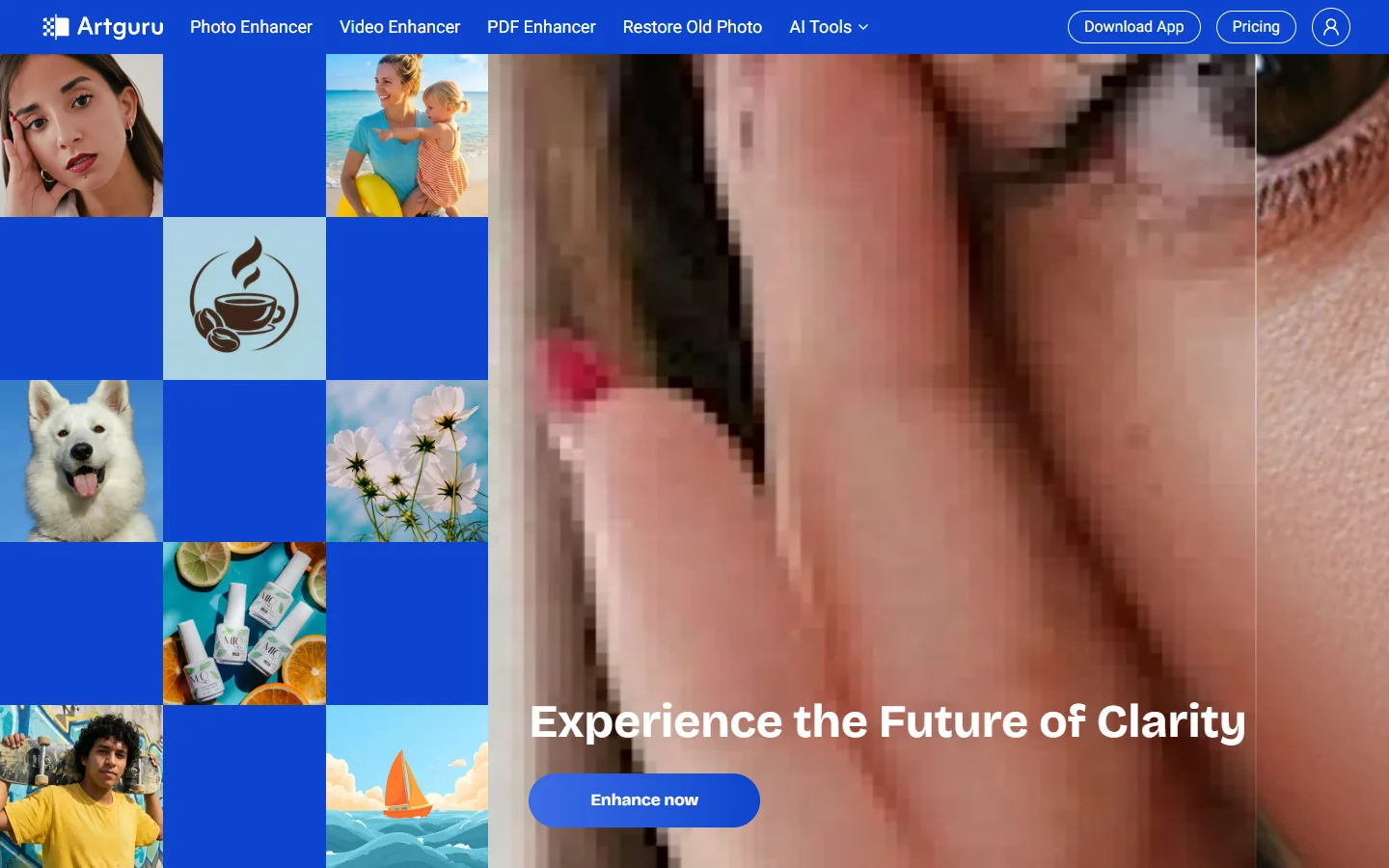
ArtGuru AI generates images from text prompts in a wide range of artistic styles, with additional tools for face enhancement, background removal, and image upscaling.
Dezgo AI
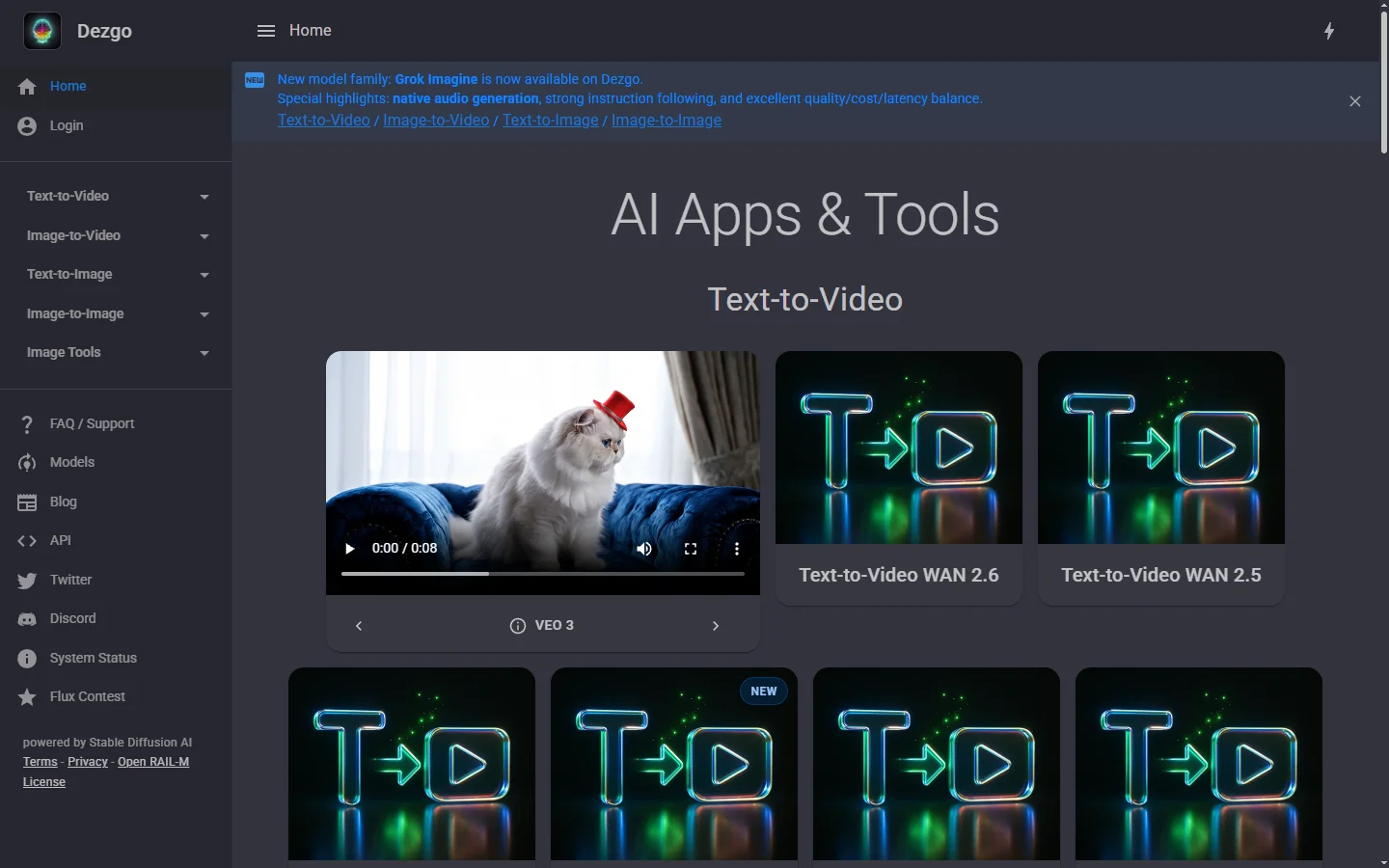
Dezgo AI is a free text-to-image generator powered by Stable Diffusion models, offering multiple model options and image editing tools in the browser.
Dzine AI
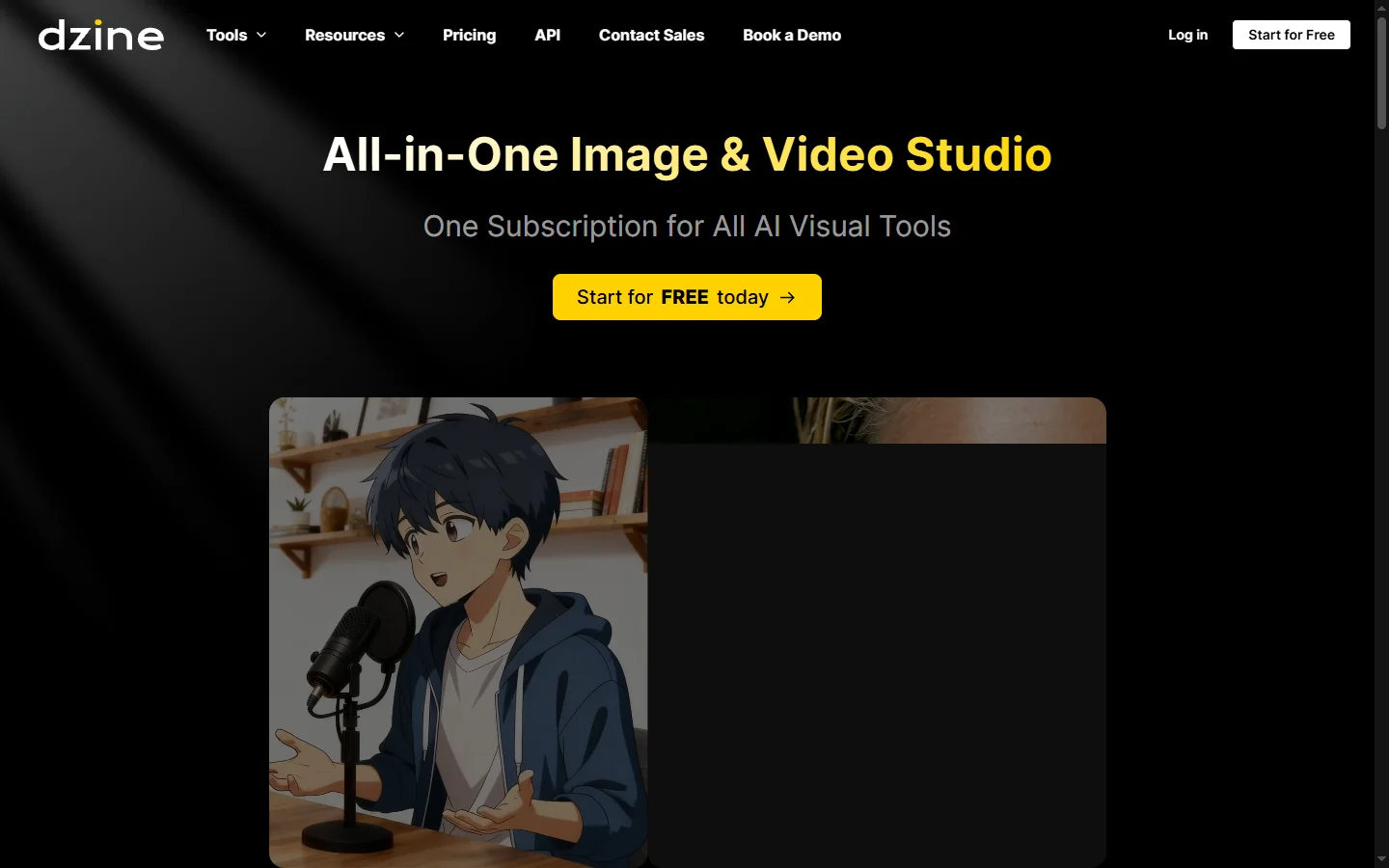
Dzine AI graphic design platform that combines AI image generation with templates and design tools for ready-to-use marketing visuals.