
Fellow AI
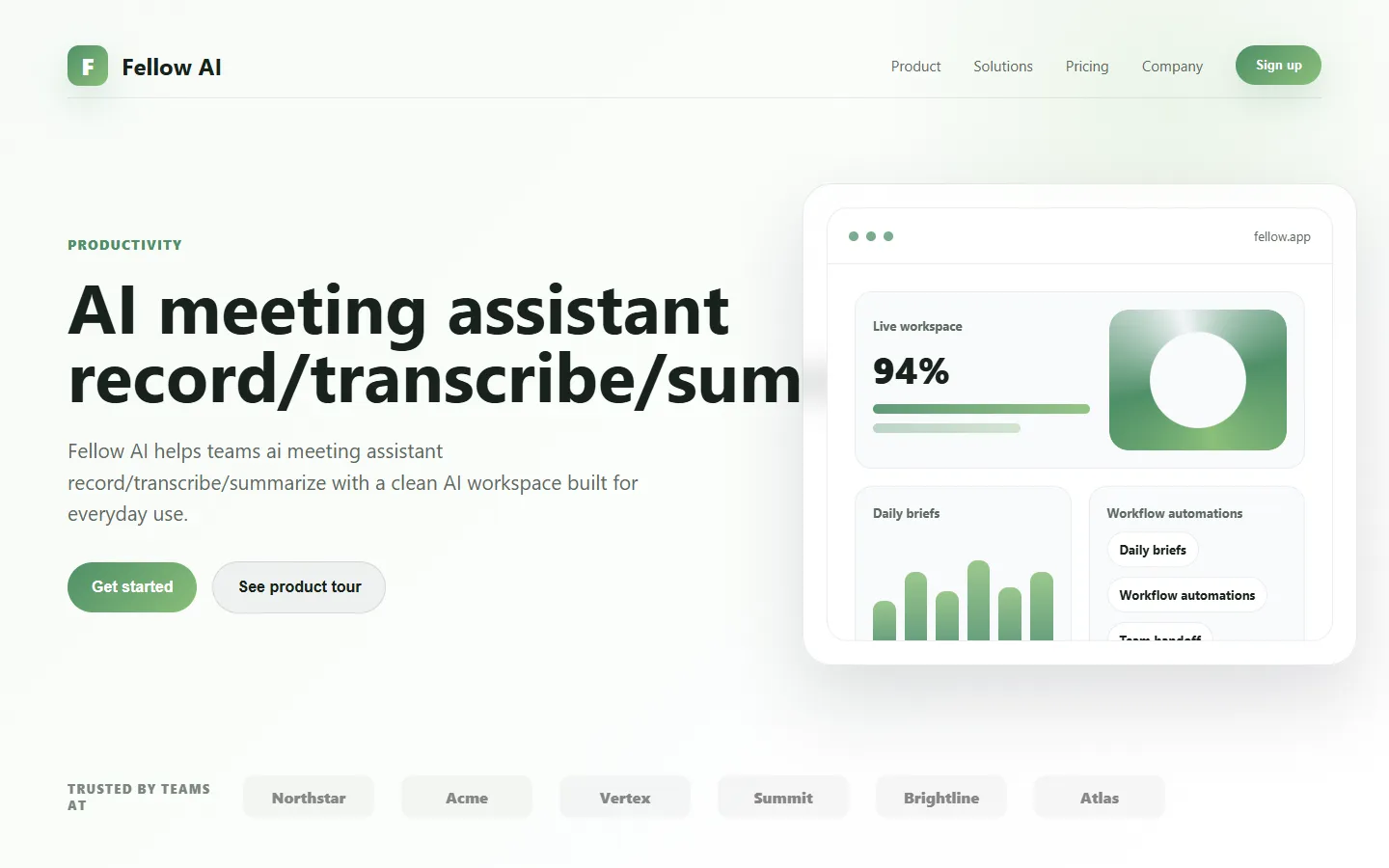
Freemium ✓ VerifiedFellow AI is an AI meeting assistant that records, transcribes, and summarizes meetings with action items and shareable notes.
📋 About Fellow AI
Fellow AI is an AI meeting assistant that joins video calls, transcribes conversation in real time, and delivers concise summaries, action items, and decisions back to participants. Built on top of Fellow's long-running meeting management platform, the fellow ai assistant goes beyond transcription to extract structured follow-ups, link notes to agendas, and feed insights into project management and CRM tools. This turns meetings from disposable events into durable, searchable knowledge that teams can revisit and act on.
Fellow AI supports Zoom, Google Meet, and Microsoft Teams natively, and captures audio securely without requiring invasive desktop installs. The fellow ai summary engine identifies decisions, action items with owners, and key discussion points, formatting them into shareable notes that teammates can edit and distribute. Recurring meetings accumulate history, so the assistant can surface "what changed since last week" insights and connect action items across cadences. Action items sync with Asana, Jira, Linear, and HubSpot so commitments move into the tools where work actually happens.
Fellow AI is especially popular with leadership teams, engineering managers, and customer-facing organizations that run many structured meetings each week. By combining AI assistance with Fellow's established meeting agenda, feedback, and 1-on-1 frameworks, the platform positions itself as a full meeting productivity suite rather than a standalone transcription tool. Enterprise features include admin controls, data residency options, and SSO integrations, supporting adoption in mid-market and regulated industries.
⚡ Key Features of Fellow AI
Automatic Meeting Recording and Transcription
Fellow AI joins scheduled meetings automatically and produces a highly accurate transcript with speaker identification across Zoom, Google Meet, and Microsoft Teams. The fellow ai recorder respects meeting privacy settings and announces its presence so participants know it is active. Transcripts are searchable, timestamped, and linked back to the meeting in Fellow's workspace. Teams use them to verify decisions, onboard new hires, and keep absentees in sync.
AI-Generated Summaries
After each meeting, fellow ai produces a concise summary that highlights decisions, key points, and context for attendees who missed it. Summaries are tuned for business meetings, so they avoid irrelevant chit-chat and focus on what matters. The summary can be regenerated with different emphasis — executive-ready, technical, or decision-log style — to suit the audience. This dramatically reduces the time people spend writing up meetings by hand.
Action Item Extraction
Fellow AI identifies action items from the conversation and assigns owners, deadlines, and context wherever possible. The extracted items appear in a structured list that teammates can edit before the meeting wraps up, ensuring accuracy while saving time. Action items sync to task systems like Asana, Jira, Linear, and Notion so commitments do not get lost. This closes the common loop where meetings generate verbal commitments that never turn into tracked work.
Agenda-Linked Notes
Because Fellow is built around structured agendas, fellow ai links transcribed content and summaries back to specific agenda items, which makes it easy to find how each topic was discussed. Recurring agendas accumulate notes over time, giving teams a longitudinal view of how decisions and metrics evolve. The fellow ai assistant can also surface unresolved items from previous meetings that should come up again. This structural linkage is a major differentiator versus pure transcription tools.
Integrations with Work Tools
Fellow AI syncs with calendar, video, CRM, and project management tools including Google Calendar, Outlook, Zoom, Teams, HubSpot, Salesforce, Asana, Jira, and Linear. This ensures meetings, notes, and action items flow into the systems of record where work happens. Slack and Microsoft Teams integrations post summaries and action items into channels for team visibility. These integrations reduce the administrative friction that usually follows meetings.
1-on-1s and Feedback Frameworks
Beyond ad-hoc meetings, fellow ai supports Fellow's established 1-on-1 and feedback frameworks, where managers and reports track career conversations, goals, and feedback over time. The AI helps summarize progress across many 1-on-1s, surface recurring themes, and draft follow-ups. This turns Fellow AI into a lightweight people management tool rather than just a meeting note-taker. Managers with many reports find this particularly valuable for staying on top of commitments.
Enterprise Security and Admin Controls
Fellow AI provides SSO, SCIM, admin-level visibility, data residency options, and retention controls for enterprise customers. Sensitive meetings can be marked private or excluded from AI processing entirely. The platform maintains security certifications appropriate for mid-market and enterprise deployments. These controls are increasingly important as AI meeting assistants handle confidential discussions across organizations.
🎯 Use Cases for Fellow AI
⚖️ Fellow AI Pros & Cons
Advantages
- ✓Accurate transcripts across major video platforms
- ✓Action items sync to task and CRM tools
- ✓Summaries tuned for business meetings
- ✓Structured 1-on-1 and feedback frameworks
- ✓Strong admin controls for enterprises
Drawbacks
- ✗Best experience requires adopting Fellow's broader platform
- ✗AI assistant needs permission to join meetings
- ✗Some integrations gated behind higher plans
- ✗Transcription quality drops with poor audio
📖 How to Use Fellow AI
Create a Fellow account and connect your calendar at fellow.app.
Install the fellow ai bot for Zoom, Google Meet, or Microsoft Teams.
Configure which meeting types should be recorded and summarized automatically.
Join meetings as usual and let fellow ai capture transcripts, summaries, and action items.
Edit extracted notes and action items before sharing, then push to Slack or task tools.
Use recurring meeting history to track decisions and follow-ups across weeks.
❓ Fellow AI FAQ
Fellow offers a free tier that includes basic meeting note features and limited AI summaries. Paid plans unlock higher AI usage, unlimited transcripts, advanced integrations, and enterprise controls.
Fellow ai natively supports Zoom, Google Meet, and Microsoft Teams, joining meetings automatically based on calendar invites.
Fellow applies enterprise-grade security practices including encryption, SSO, and admin controls. Sensitive meetings can be excluded from AI processing, and data retention is configurable for compliance.
Yes. Fellow AI integrates with Jira, Asana, Linear, HubSpot, Salesforce, and more so action items flow into the systems where your team already works.
Yes. Fellow is built around 1-on-1 and feedback frameworks, and fellow ai accelerates these by summarizing progress and surfacing recurring themes across many conversations.
Related to Fellow AI

15.ai
15.ai is a free AI voice cloning tool famous for generating realistic speech from cartoon, video game, and animated show characters using as little as 15 seconds of source audio.

A2E AI
A2E AI productivity platform converts audio and video recordings into transcripts, summaries, and action items with speaker identification.

Abnormal AI
Abnormal AI uses behavioral AI to detect business email compromise, account takeover, and socially engineered phishing that bypasses secure email gateways.

Abridge AI
Abridge AI medical documentation platform that records and summarizes clinical conversations into structured physician notes in real time.

Accrete AI
Accrete AI builds autonomous enterprise AI agents for defense, government, and commercial intelligence workflows.

OneStart AI
OneStart AI is an all-in-one AI productivity browser bundling chat, document analysis, and search into a single workspace.
Featured on WhatIf.ai
Add this badge to your website to show you're listed on WhatIf AI
Alternatives to Fellow AI
A2E AI
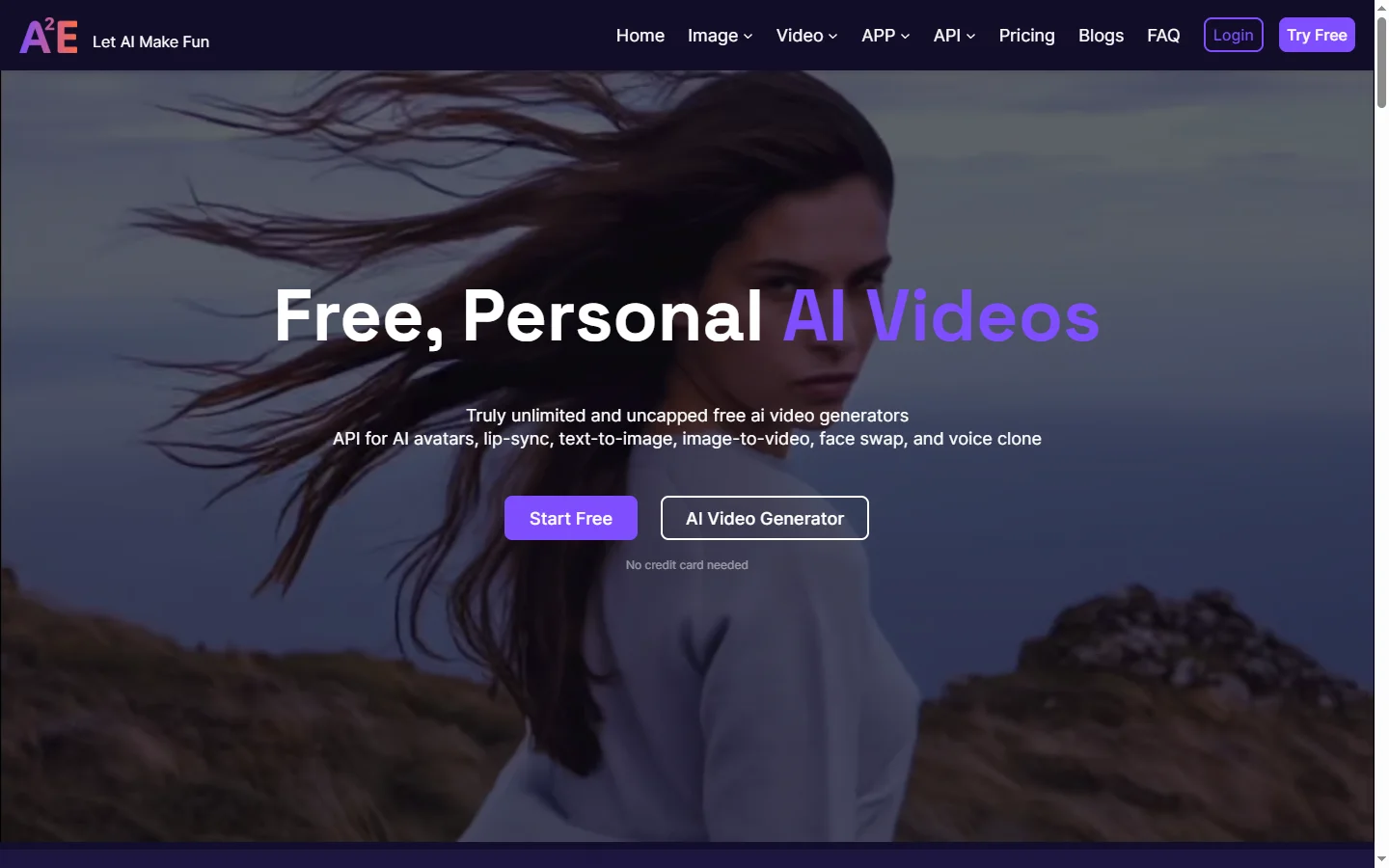
A2E AI productivity platform converts audio and video recordings into transcripts, summaries, and action items with speaker identification.
Abnormal AI
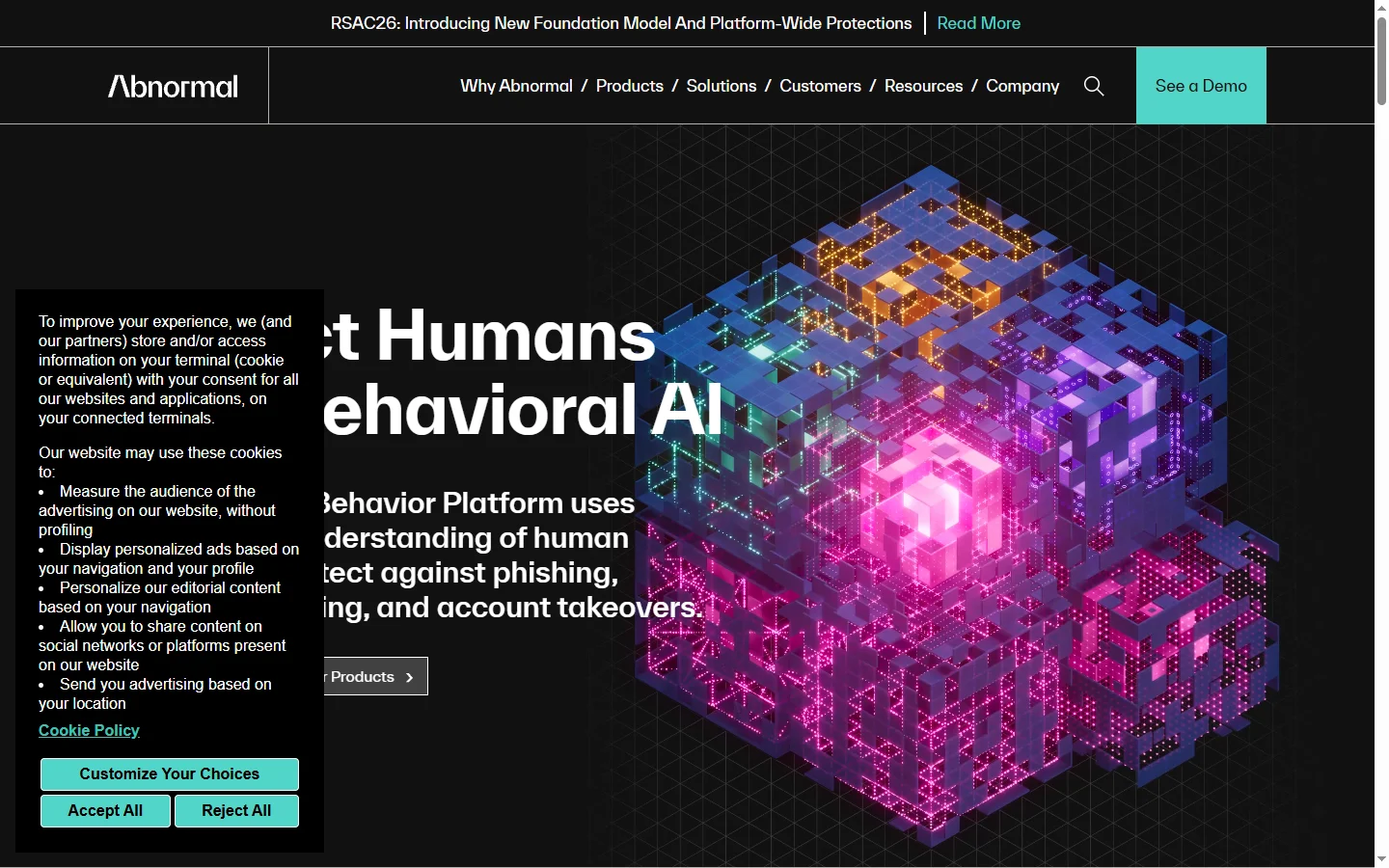
Abnormal AI uses behavioral AI to detect business email compromise, account takeover, and socially engineered phishing that bypasses secure email gateways.
Abridge AI
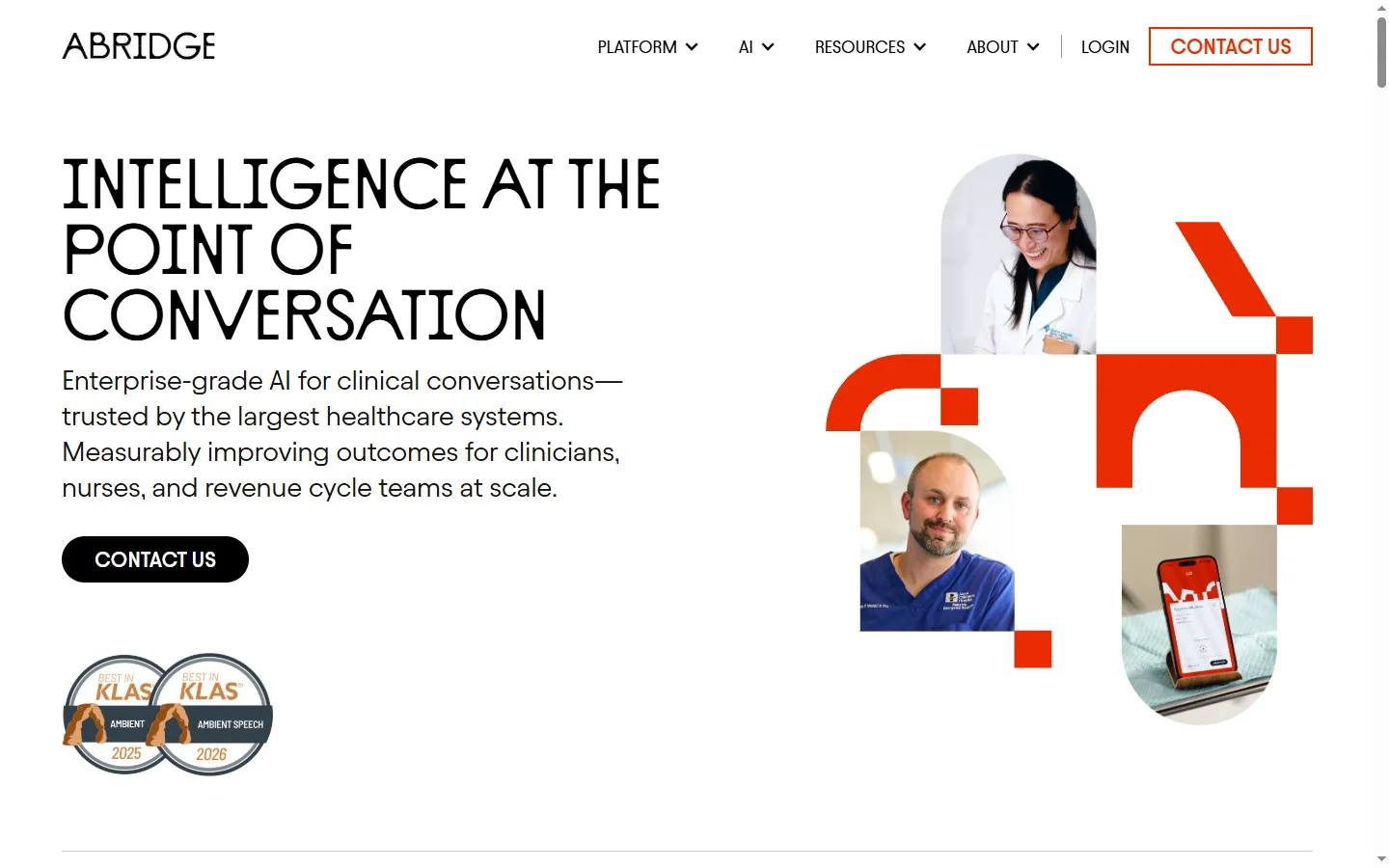
Abridge AI medical documentation platform that records and summarizes clinical conversations into structured physician notes in real time.
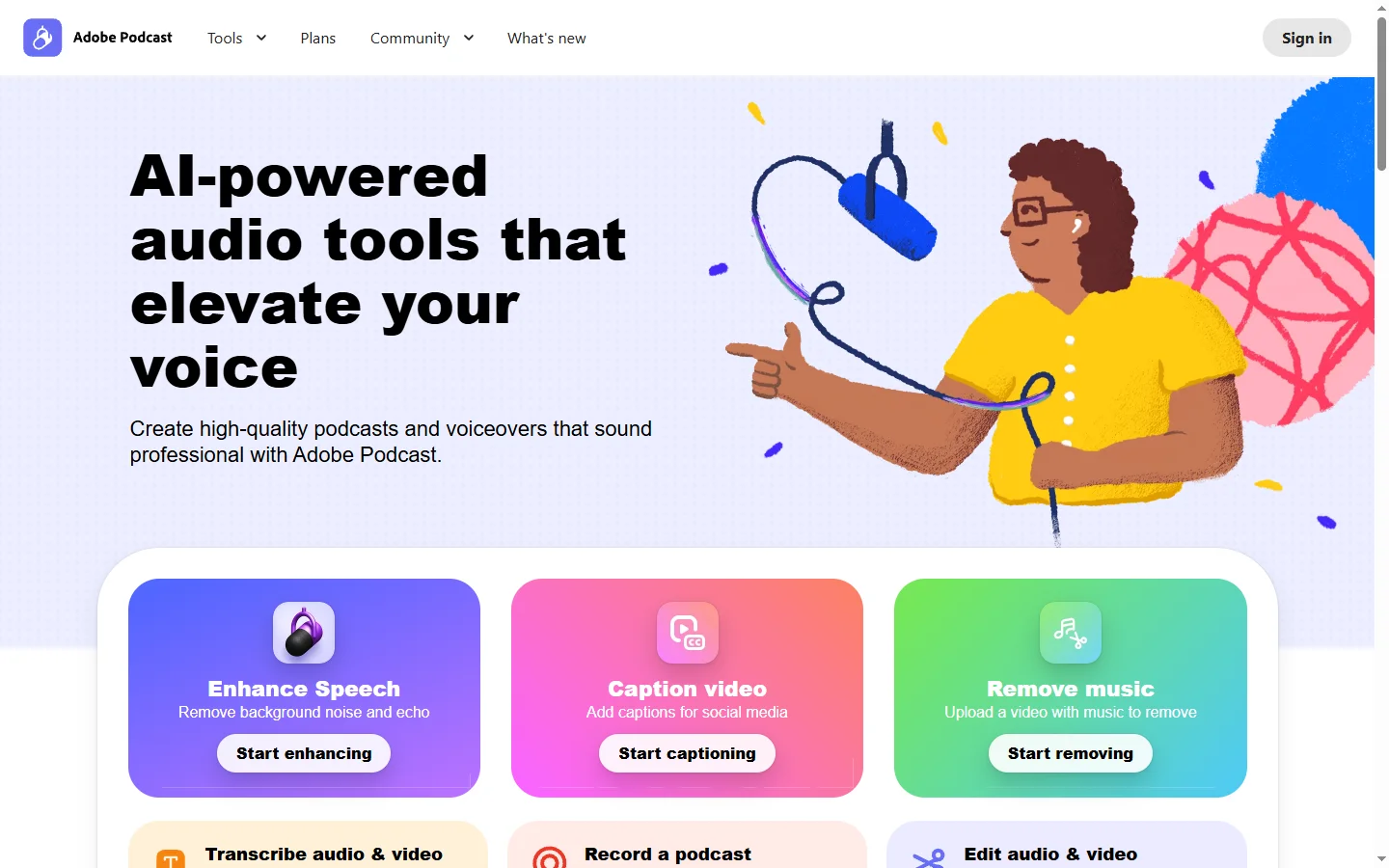

Adobe Podcast AI
Adobe Podcast AI enhances spoken audio recordings by removing background noise and improving voice clarity to broadcast-quality standards.