
Dreamina AI
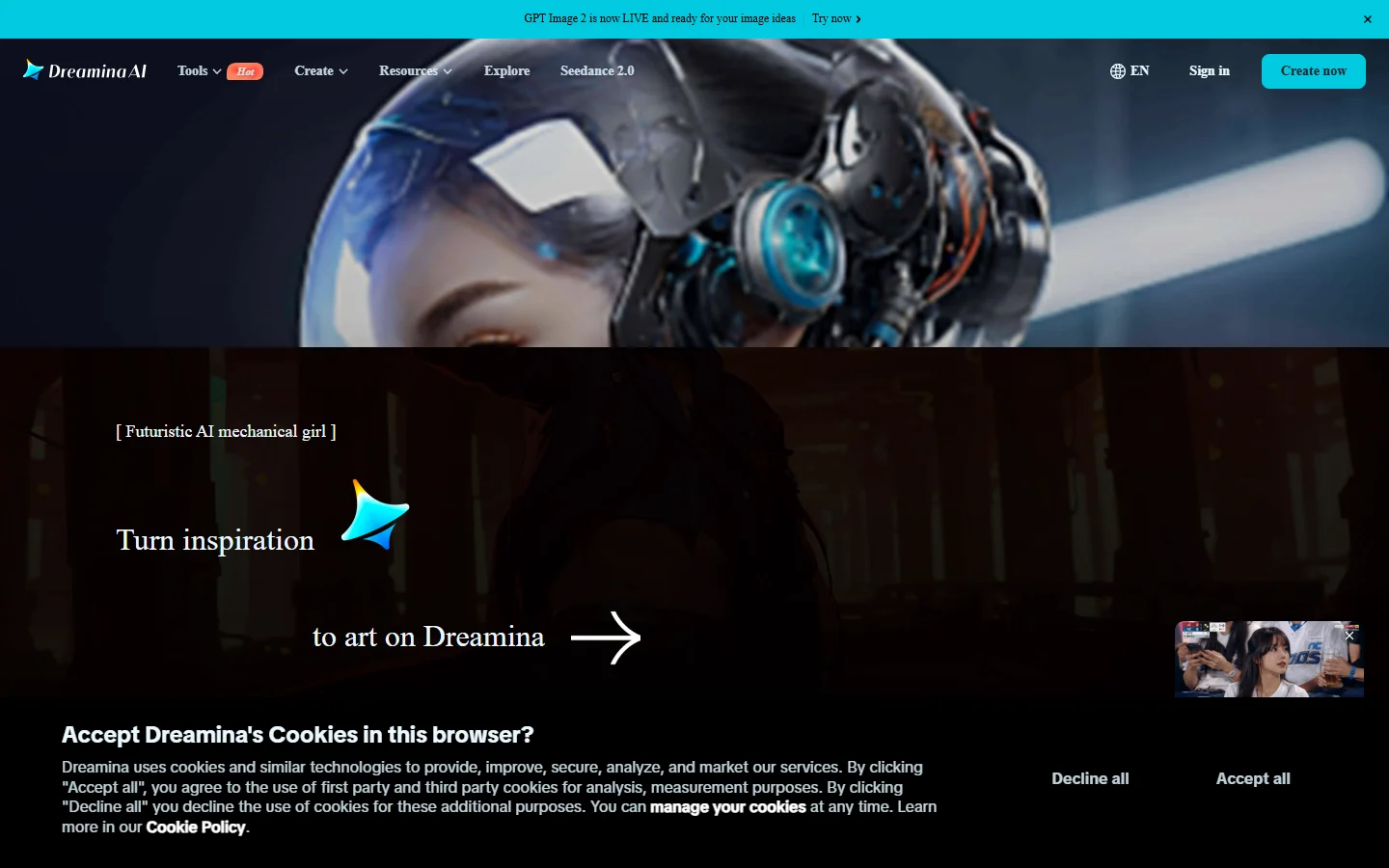
Freemium ✓ Verified 🔥 TrendingDreamina AI is ByteDance's image and video generator combining text-to-image, image-to-video, and CapCut-style editing in one creator-focused platform.
📋 About Dreamina AI
Dreamina AI is a dreamina ai generative platform built by ByteDance — the company behind TikTok and CapCut — and integrated into the CapCut creator ecosystem at dreamina.capcut.com. The tool combines high-quality text-to-image, image-to-image, text-to-video, image-to-video, and AI editing in a single interface designed for short-form social creators. Because Dreamina ships from the same team that owns TikTok, its outputs are tuned for the aspect ratios, motion styles, and trends that perform on TikTok and Instagram Reels — which is a meaningful advantage over Western-built tools optimized for cinema or stock imagery.
The dreamina ai image and video generator uses ByteDance's in-house foundation models trained on a mix of artistic and photorealistic data, producing outputs that compete with Midjourney for stills and rival Runway for short video clips. Users can write a prompt, pick a style preset (cinematic, anime, 3D, sticker, watercolor, fashion editorial, etc.), set aspect ratio, and generate four candidate images at once. Image-to-video then turns any chosen still into a 5-10 second clip with smooth camera motion, character animation, or environmental movement. The whole flow is fast, mobile-friendly, and tightly integrated with CapCut for one-click handoff to the world's most popular mobile video editor.
Dreamina runs on a credit system with a free tier that includes daily credit refills generous enough for casual creators, and paid tiers for power users. The audience is dominated by TikTok and Reels creators, marketers producing short-form ads, e-commerce sellers needing fast product visuals, and CapCut users looking to add AI-generated b-roll to existing videos. With ByteDance's resources behind it, Dreamina has rapidly become one of the fastest-growing AI creative tools globally and a default choice for creators already in the CapCut ecosystem.
⚡ Key Features of Dreamina AI
ByteDance Foundation Models
Dreamina AI runs on ByteDance's in-house image and video generation models, trained on a vast dataset that mixes photorealistic, artistic, and stylized content. The dreamina ai image generator produces outputs competitive with Midjourney for stills and rivals Runway for short clips, with particular strength on faces, fashion, food photography, and short-form social aesthetics. Because the models are tuned by the same team that runs TikTok, outputs naturally favor compositions, color palettes, and motion styles that perform on short-form platforms.
Text-to-Image and Image-to-Image
Generate up to four candidate images per prompt with adjustable aspect ratios optimized for TikTok (9:16), Instagram (1:1), and YouTube (16:9). Style presets include cinematic, anime, 3D, sticker, watercolor, oil painting, fashion editorial, and dozens more, eliminating the prompt-engineering learning curve for new users. Image-to-image transforms uploaded photos into new styles or compositions while preserving subject identity — useful for portrait restyling, ecommerce product variations, and creative brand assets.
Text-to-Video and Image-to-Video
Type a prompt or pick a generated still, and Dreamina produces a 5-10 second video clip with smooth motion, camera moves, and character animation. The video models handle natural motion patterns — walking, running water, hair movement, fabric — without the rubbery distortions that plague earlier AI video tools. Useful for short social clips, product hero videos, music video inserts, and animated story panels.
CapCut Integration
Dreamina is fully integrated with CapCut, ByteDance's market-leading mobile video editor used by hundreds of millions of TikTok creators. Generated images and clips export directly into a CapCut project with one click, eliminating the friction of downloading, transferring, and re-importing assets. This makes the dreamina ai image generator the natural choice for any creator already producing content in CapCut, since the entire pipeline from idea to published video lives in one ecosystem.
Style Presets and Templates
A library of style presets — cinematic, anime, 3D render, sticker, watercolor, ink, manga, pixar, fashion magazine, food blog, vintage film, and more — lets beginners produce on-style outputs without writing complex prompts. Templates also cover viral video formats, ad creative layouts, and seasonal themes that update with social media trends. This lowers the skill barrier dramatically for first-time users while still letting power users override style with custom prompts and negative prompts.
AI Canvas and Editing Tools
Beyond pure generation, Dreamina includes inpainting, outpainting, background removal, object removal, expand canvas, and image upscaling tools. Creators can clean up generated outputs, extend a composition into a wider aspect ratio, or remove unwanted elements without leaving the platform. The editing layer means the dreamina ai image generator doubles as a lightweight Photoshop alternative for everyday creator needs.
Multi-Device Sync via CapCut Account
Sign in with a CapCut account and your generations sync across web, iOS, and Android. Creators can prototype on desktop and finish on mobile, or vice versa, with no manual file transfers. This cross-device flow is particularly valuable for TikTok creators who script and storyboard on desktop but film and edit on phone, keeping AI-generated assets accessible at every step.
🎯 Use Cases for Dreamina AI
⚖️ Dreamina AI Pros & Cons
Advantages
- ✓Backed by ByteDance with strong foundation models
- ✓Seamless one-click export to CapCut for video editing
- ✓Optimized for short-form social aspect ratios and styles
- ✓Combines image and video generation in one tool
- ✓Generous free credits for casual creators
Drawbacks
- ✗Credits required for higher-resolution and video outputs
- ✗Less suitable for cinema-length or feature-quality video
- ✗Best experienced inside the CapCut ecosystem
- ✗Some advanced controls hidden behind paid tiers
📖 How to Use Dreamina AI
Visit dreamina.capcut.com and sign in with a CapCut or Google account.
Click Image to generate stills or Video to generate clips, then enter a text prompt.
Pick a style preset, aspect ratio, and number of outputs, then click Generate.
Refine the result with inpainting, outpainting, background removal, or restyle.
Click Image-to-Video on any still to animate it into a 5-10 second clip.
Export directly to CapCut with one click to assemble a finished short-form video.
❓ Dreamina AI FAQ
Yes. Dreamina AI offers a free tier with daily credit refills enough for casual image and short video generation. Paid plans unlock more credits, higher resolutions, longer video clips, and faster generation queues, with pricing comparable to other major AI creative platforms.
Dreamina AI is built by ByteDance, the company behind TikTok and CapCut. It runs on ByteDance's in-house foundation models and is integrated with CapCut for a seamless creator workflow from generation to published short-form video.
For short-form social content, the dreamina ai image generator is often more practical because its outputs and aspect ratios are tuned for TikTok and Reels, and it directly exports to CapCut. Midjourney still has an edge for highly artistic stills and cinematic compositions, while Dreamina wins on workflow integration and on-trend social aesthetics.
Yes. Dreamina supports both text-to-video and image-to-video, producing 5-10 second clips with smooth motion, camera moves, and character animation. Combined with CapCut export, this makes it a strong choice for short-form video creators who need both stills and motion assets.
Paid Dreamina plans grant commercial usage rights suitable for marketing, ad creatives, and client work. Free-tier usage has more restrictions, so creators producing paid or branded content should upgrade. Always check the latest terms on dreamina.capcut.com for specifics.
Related to Dreamina AI

Midjourney
Midjourney AI image generator that turns text prompts into high-quality artwork, illustrations, and photorealistic visuals.

OpenArt AI
OpenArt AI is an AI image generator with 100+ models including SDXL, Flux, anime, and photorealistic styles plus character consistency and training tools.

Pollo AI
Pollo AI generates short video clips from text and images using multiple AI video models compared side by side in one platform.

Runway
Runway AI video editor and generator offering text-to-video, inpainting, background removal, and motion tools in a browser-based creative suite.

Sora
Sora AI video generator by OpenAI that creates realistic 1080p video clips from text prompts with natural physics and cinematic motion.
Tensor.Art
Free AI image generator powered by Stable Diffusion with thousands of community models, LoRAs, ControlNet, and online training.
Featured on WhatIf.ai
Add this badge to your website to show you're listed on WhatIf AI
Alternatives to Dreamina AI

Aragon AI
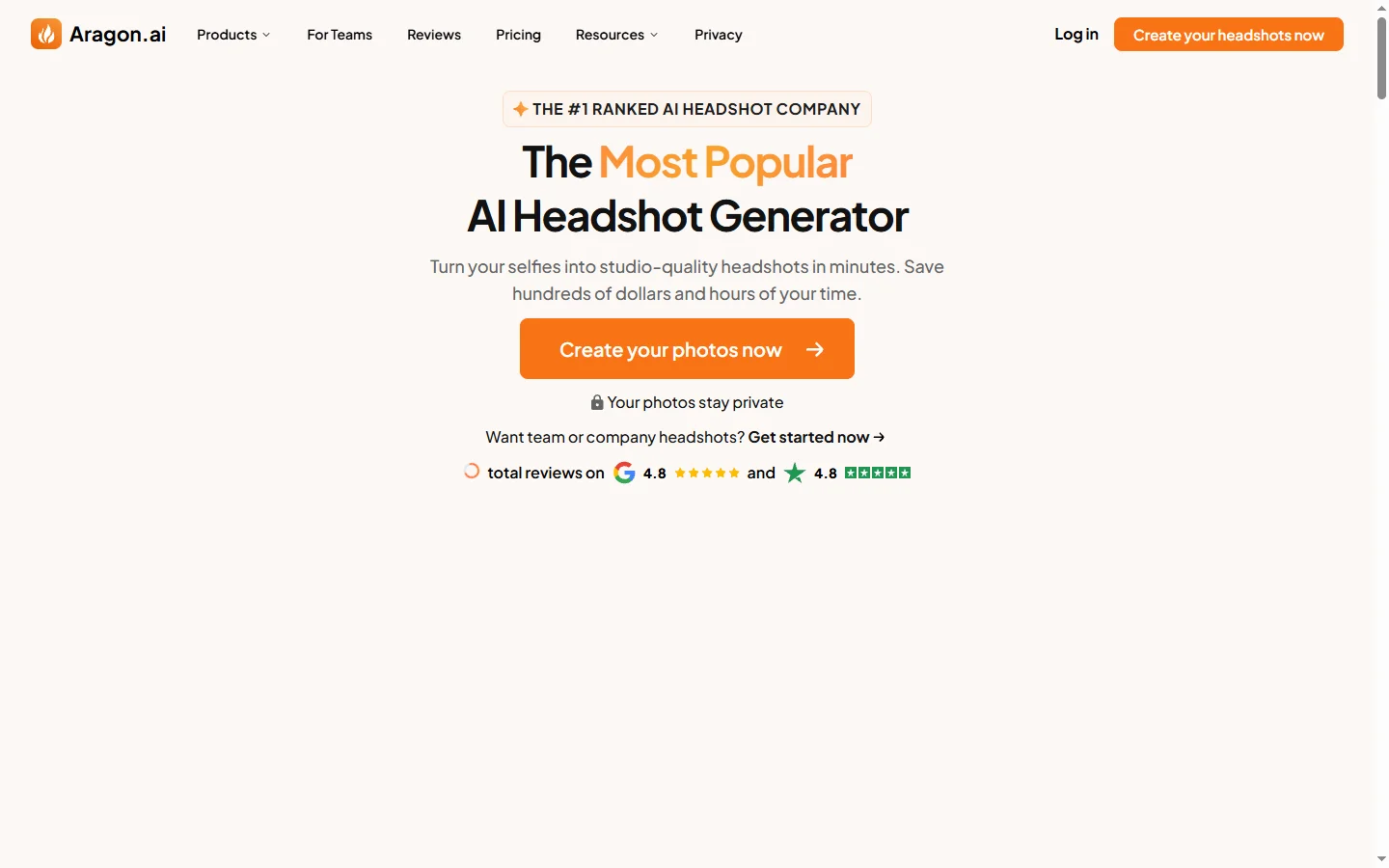
Aragon AI professional headshot generator that creates studio-quality portrait photos from uploaded selfies using a personalized AI model.

Arcads AI
Arcads AI generates UGC-style video ads using AI actors from scripts, enabling performance marketers to produce ad creative variations at scale.

ArtGuru AI
ArtGuru AI generates images from text prompts in a wide range of artistic styles, with additional tools for face enhancement, background removal, and image upscaling.

Artlist AI
Artlist AI music generation and royalty-free licensing platform for video creators, filmmakers, and content producers needing commercially cleared tracks.