
Circleback AI
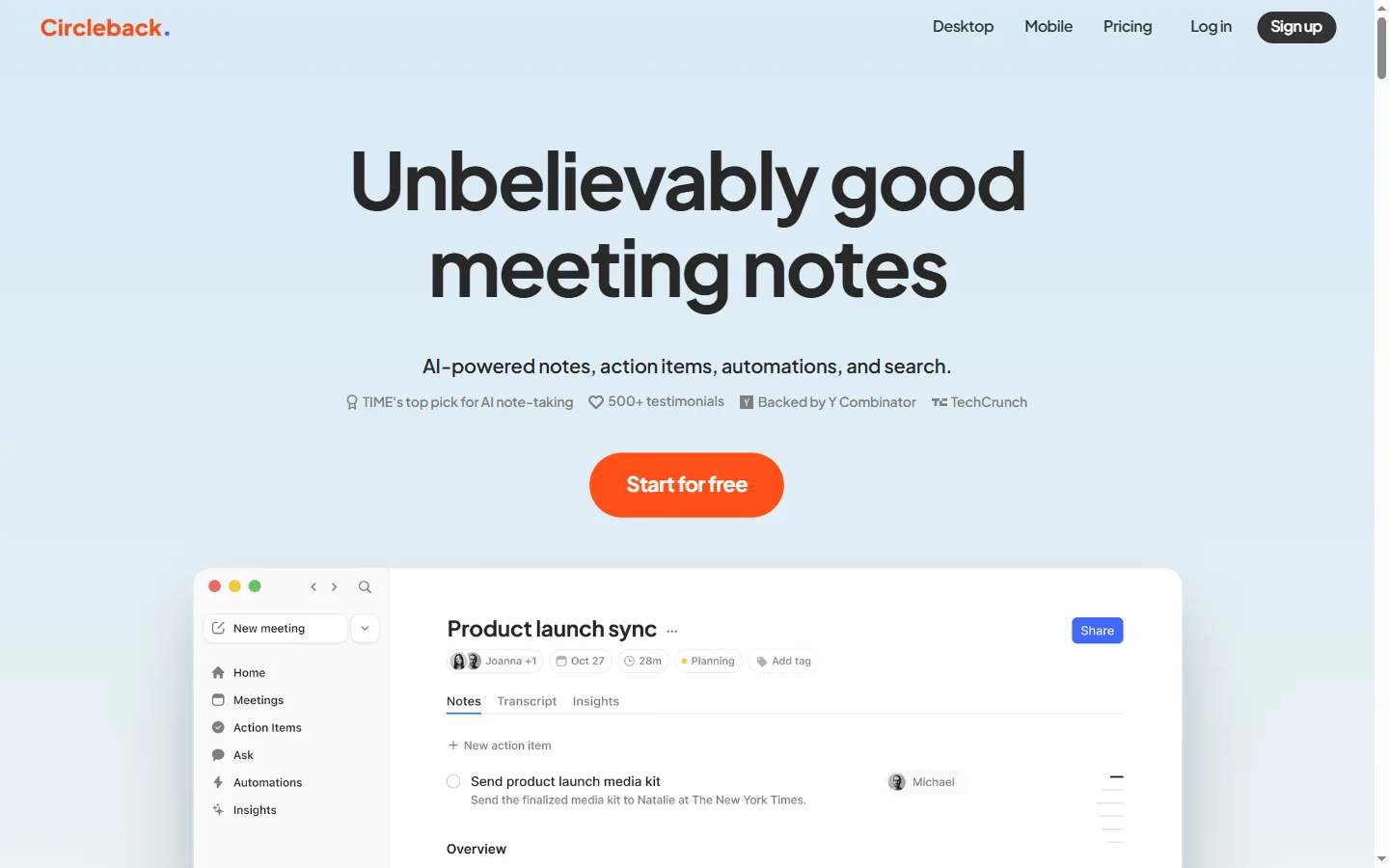
Freemium ✓ Verified 🔥 TrendingCircleback AI is an AI meeting assistant that records, transcribes, and summarizes calls, producing action items and CRM updates automatically.
📋 About Circleback AI
Circleback AI is an AI meeting assistant designed for busy professionals who want to remember every important detail from every call without manually taking notes. Circleback joins Zoom, Google Meet, and Microsoft Teams calls, captures high-quality transcripts, and produces structured summaries with action items, decisions, and open questions within minutes of the meeting ending. The circleback ai assistant goes beyond transcription by generating custom outputs — sales follow-up drafts, interview scorecards, hiring debriefs, or weekly one-on-one updates — tailored to each meeting's purpose and the user's preferences.
The platform combines speaker diarization, topic segmentation, and large language model summarization into a workflow that feels like getting a diligent human assistant back after every call. Users see not only the transcript but a polished briefing they can forward to stakeholders, with tasks automatically pushed into Asana, Notion, Linear, Salesforce, HubSpot, or email as assigned follow-ups. Search across all past meetings makes it trivial to retrieve the exact moment a decision was made or a commitment was agreed, which is transformational for people running back-to-back calls.
Circleback AI is most valuable for account executives, customer success managers, recruiters, consultants, and managers who run many meetings per week and need reliable institutional memory. It competes with Fathom, Otter, Grain, and Fireflies but emphasizes customizable AI-generated outputs per meeting type and deep automation into downstream systems rather than only recording. Team plans add shared libraries, template sharing, and admin governance, while security controls like SOC 2 and configurable retention make it acceptable for regulated and enterprise deployments.
⚡ Key Features of Circleback AI
Automatic Meeting Recording and Transcription
Circleback AI joins Zoom, Google Meet, and Microsoft Teams calls automatically based on calendar availability, capturing audio, video, and a high-accuracy transcript with speaker diarization. There is no scramble to hit record or reshare a meeting link — the circleback ai assistant shows up on time, every time. Transcripts are searchable within minutes of the call ending.
Customizable AI Summaries
Unlike tools that produce one rigid summary format, Circleback lets users define templates per meeting type — sales discovery, customer check-in, candidate interview, one-on-one — so each call produces exactly the structured output needed. The AI fills in the template from the transcript and recognizes when a section applies or should be skipped. Teams standardize briefings without manual reformatting.
Action Item Detection and Automation
Circleback identifies tasks and commitments made during the meeting, attributes them to the right person, and can push them automatically into Asana, Notion, Linear, Salesforce, HubSpot, Jira, or email. Nothing falls through the cracks because a follow-up was buried in the transcript. This is one of the strongest productivity levers of the circleback ai platform.
Global Meeting Search
Search across every past meeting in natural language to find the moment a decision was made, a price was quoted, or a commitment was given. Results link to the exact transcript timestamp and video position so context is preserved. This institutional memory is transformative for people running hundreds of meetings per quarter.
CRM and Tool Integrations
Deep integrations push meeting summaries, next steps, and key fields directly into Salesforce, HubSpot, and similar CRMs, along with Slack channels, email, and project trackers. This ensures the system of record stays current without manual note entry. For sales and success teams this alone pays for the platform.
Enterprise Security Controls
Circleback AI is SOC 2 compliant with configurable retention, encryption at rest and in transit, SSO, and admin policies for which meetings can be recorded. Teams in regulated industries can deploy the service with confidence that governance obligations are met. Admin dashboards provide visibility into usage across the organization.
🎯 Use Cases for Circleback AI
⚖️ Circleback AI Pros & Cons
Advantages
- ✓Custom summary templates per meeting type
- ✓Strong automation into CRM and project tools
- ✓Reliable calendar-based meeting joining
- ✓Natural language search across all past meetings
- ✓SOC 2 posture acceptable for enterprise
Drawbacks
- ✗Free tier has limited meeting quota
- ✗Primarily strongest for English-language calls
- ✗Some advanced templates require team tier
- ✗Calendar and bot-joining requires explicit meeting visibility
📖 How to Use Circleback AI
Sign up at circleback.ai and connect your Google or Microsoft calendar.
Configure which calls Circleback should auto-join, and invite the bot manually when needed.
After each meeting, review the generated summary, action items, and transcript.
Set up summary templates for your most common meeting types.
Integrate with Salesforce, HubSpot, Notion, Linear, Asana, or Slack to push follow-ups automatically.
Use global search to retrieve past decisions and commitments instantly.
❓ Circleback AI FAQ
Circleback AI is an AI meeting assistant that automatically joins, transcribes, and summarizes Zoom, Google Meet, and Microsoft Teams calls, with custom templates, action item detection, and CRM automation.
Yes. The circleback ai assistant offers a free tier with limited monthly meeting usage. Paid plans unlock more meetings, custom templates, integrations, and team features.
Circleback is SOC 2 compliant with encryption in transit and at rest, SSO, configurable retention, and admin policies acceptable to most enterprise security reviews.
Zoom, Google Meet, and Microsoft Teams are supported with automatic calendar-based joining. Manual invite of the Circleback bot is also possible.
Circleback emphasizes customizable AI summaries per meeting type, deep CRM and project tool automation, and search across all past meetings. Otter and Fathom are alternatives with overlapping features and different UX emphases.
Related to Circleback AI

15.ai
15.ai is a free AI voice cloning tool famous for generating realistic speech from cartoon, video game, and animated show characters using as little as 15 seconds of source audio.

A2E AI
A2E AI productivity platform converts audio and video recordings into transcripts, summaries, and action items with speaker identification.

Abnormal AI
Abnormal AI uses behavioral AI to detect business email compromise, account takeover, and socially engineered phishing that bypasses secure email gateways.

Abridge AI
Abridge AI medical documentation platform that records and summarizes clinical conversations into structured physician notes in real time.

Ambience AI
Ambience AI is an AI medical scribe and clinician platform that automates documentation, coding, and summaries for healthcare providers during patient visits.

Frame AI
Frame AI is a streaming AI data platform that turns unstructured customer conversations into real-time insights for CX, product, and marketing teams.
Featured on WhatIf.ai
Add this badge to your website to show you're listed on WhatIf AI
Alternatives to Circleback AI
A2E AI
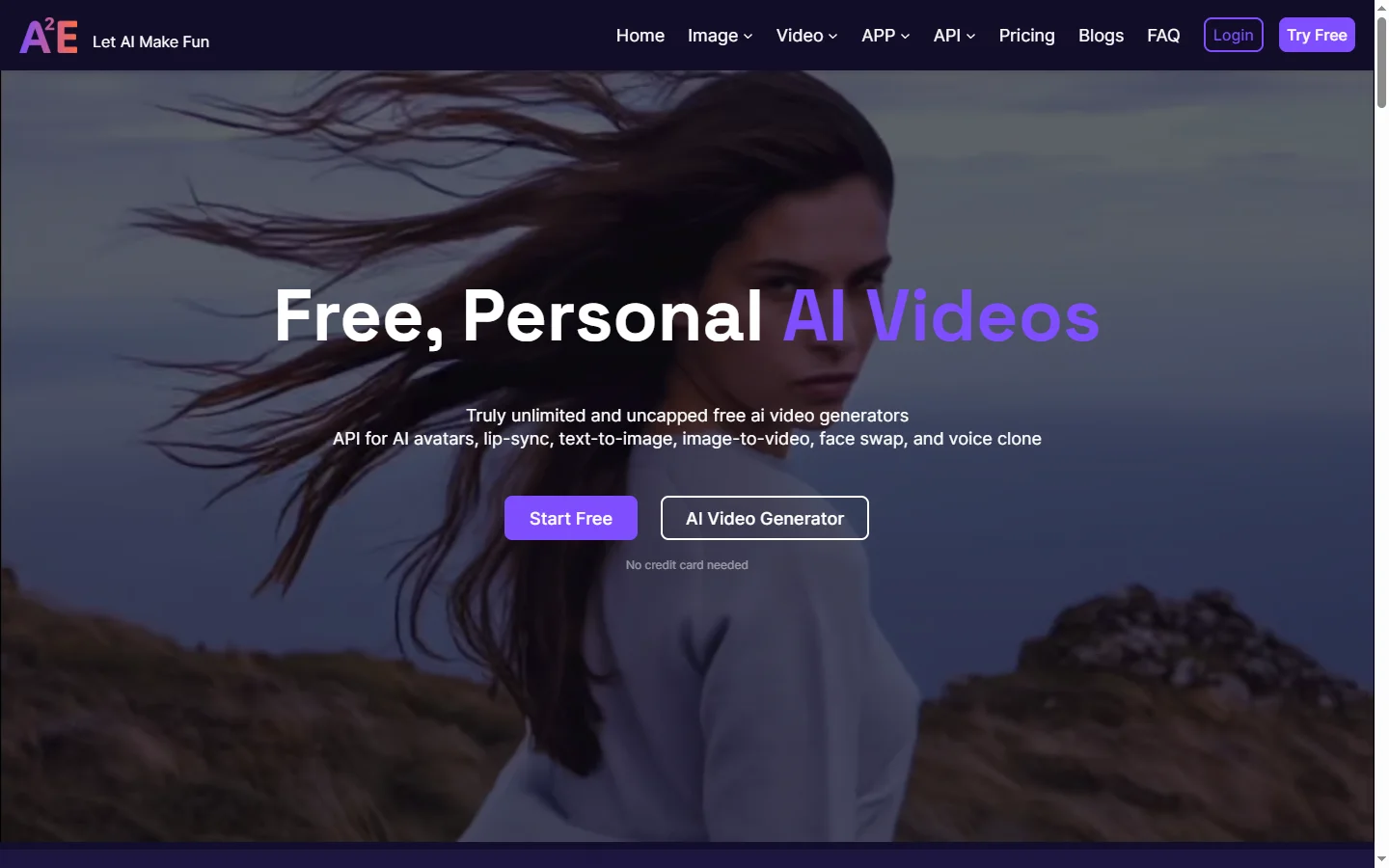
A2E AI productivity platform converts audio and video recordings into transcripts, summaries, and action items with speaker identification.
Abnormal AI
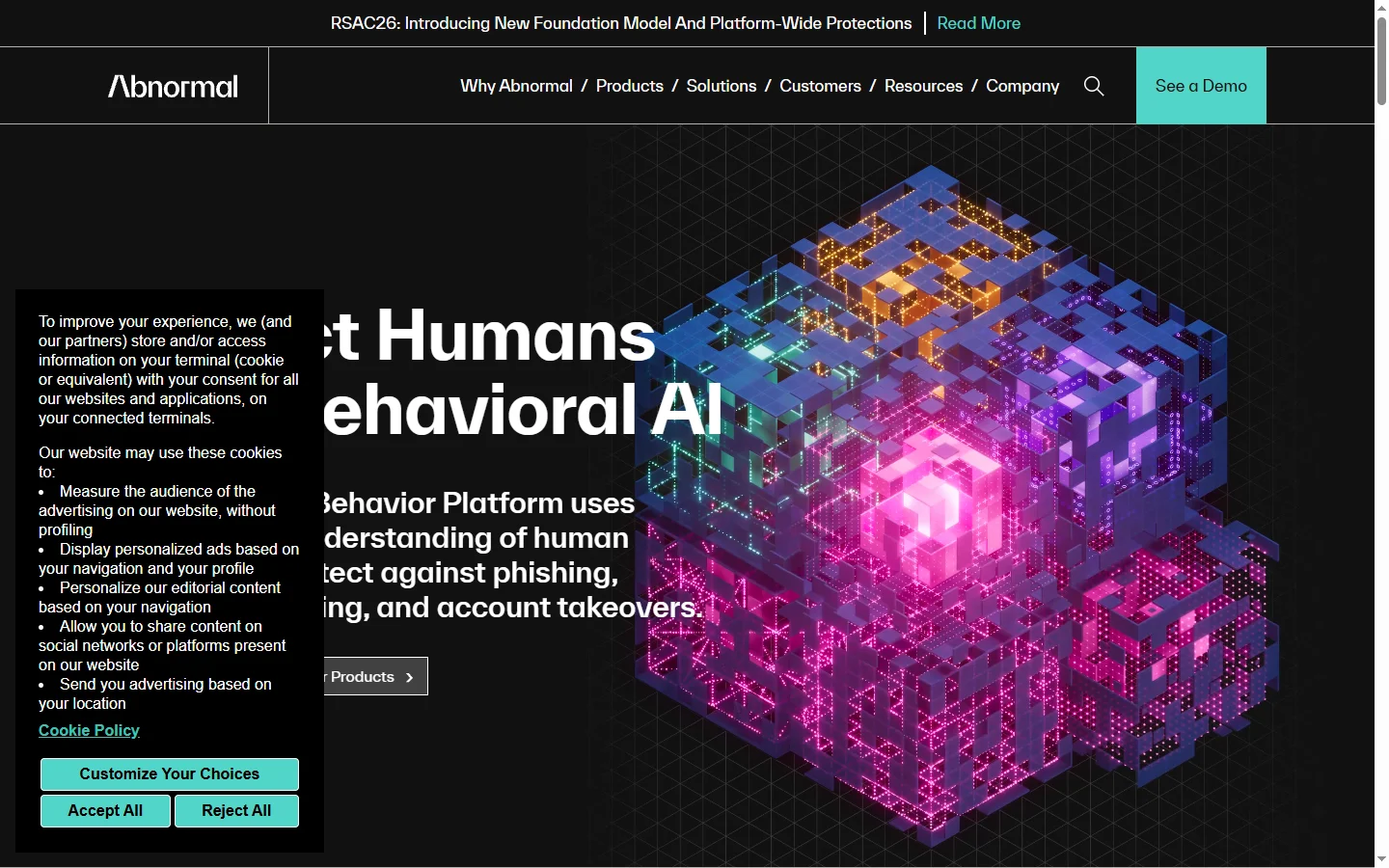
Abnormal AI uses behavioral AI to detect business email compromise, account takeover, and socially engineered phishing that bypasses secure email gateways.
Abridge AI
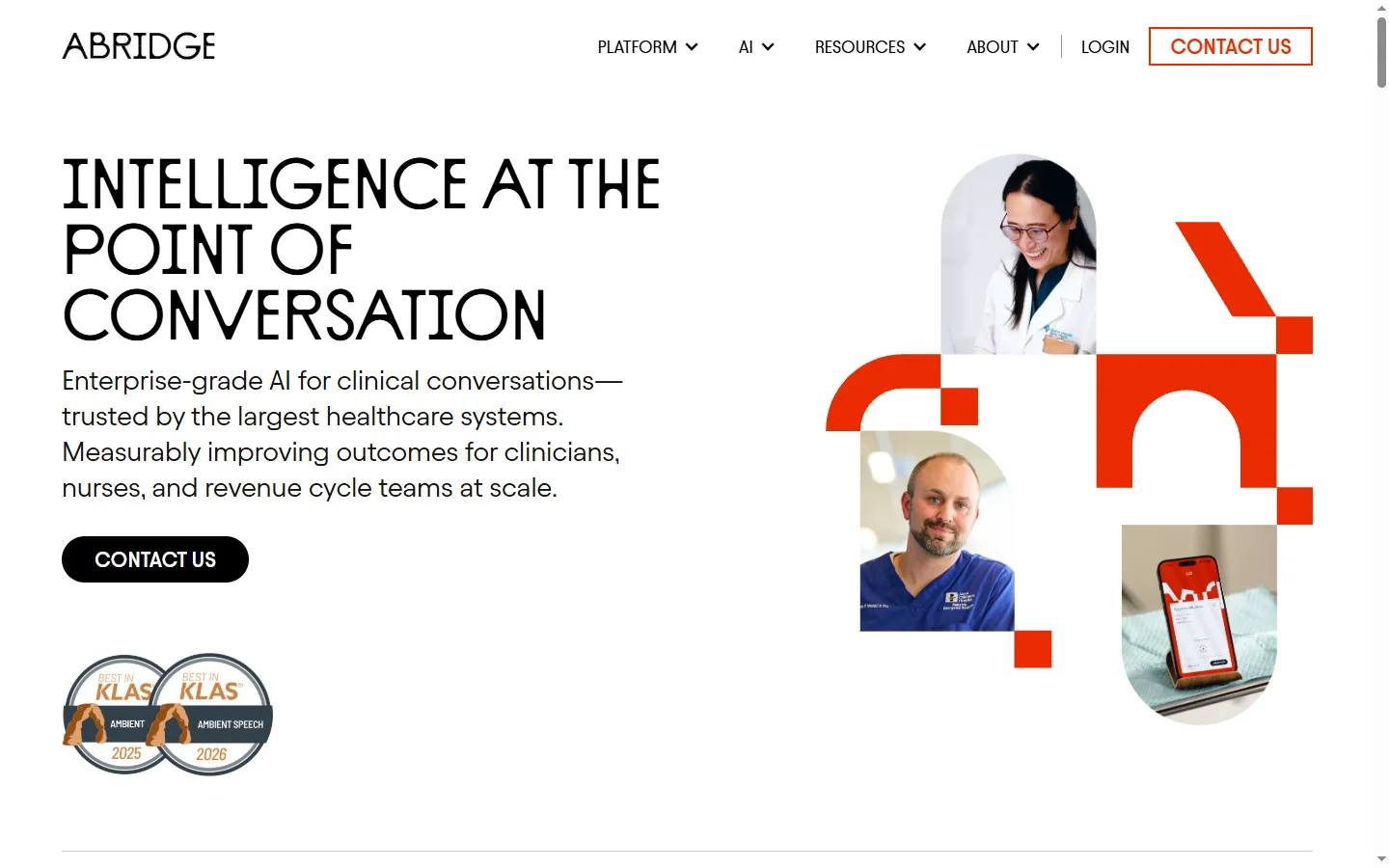
Abridge AI medical documentation platform that records and summarizes clinical conversations into structured physician notes in real time.
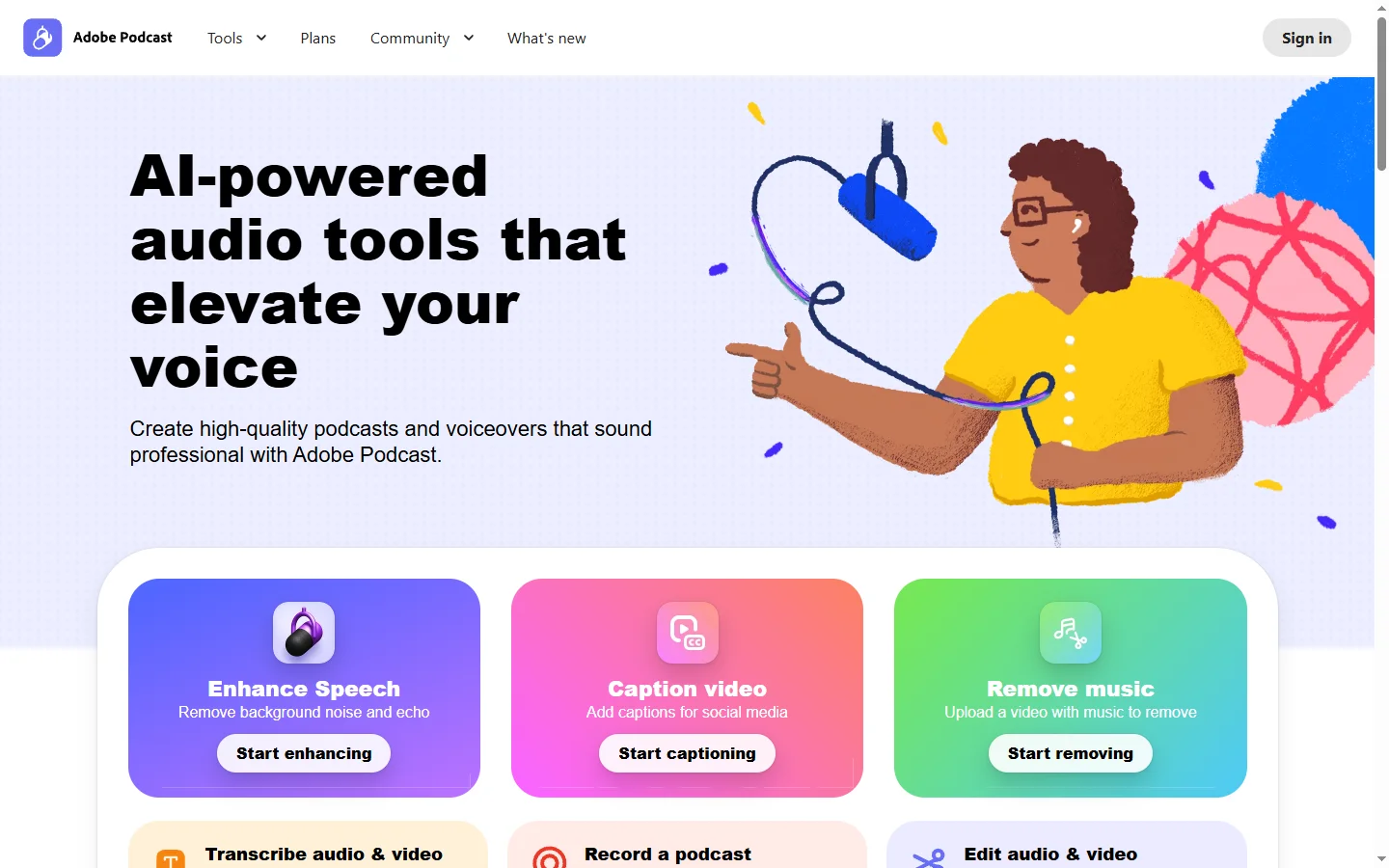

Adobe Podcast AI
Adobe Podcast AI enhances spoken audio recordings by removing background noise and improving voice clarity to broadcast-quality standards.