
Virbo AI
Freemium ✓ Verified 🔥 TrendingVirbo AI turns scripts into professional AI avatar videos in 100+ languages for marketing, training, and e-commerce.
📋 About Virbo AI
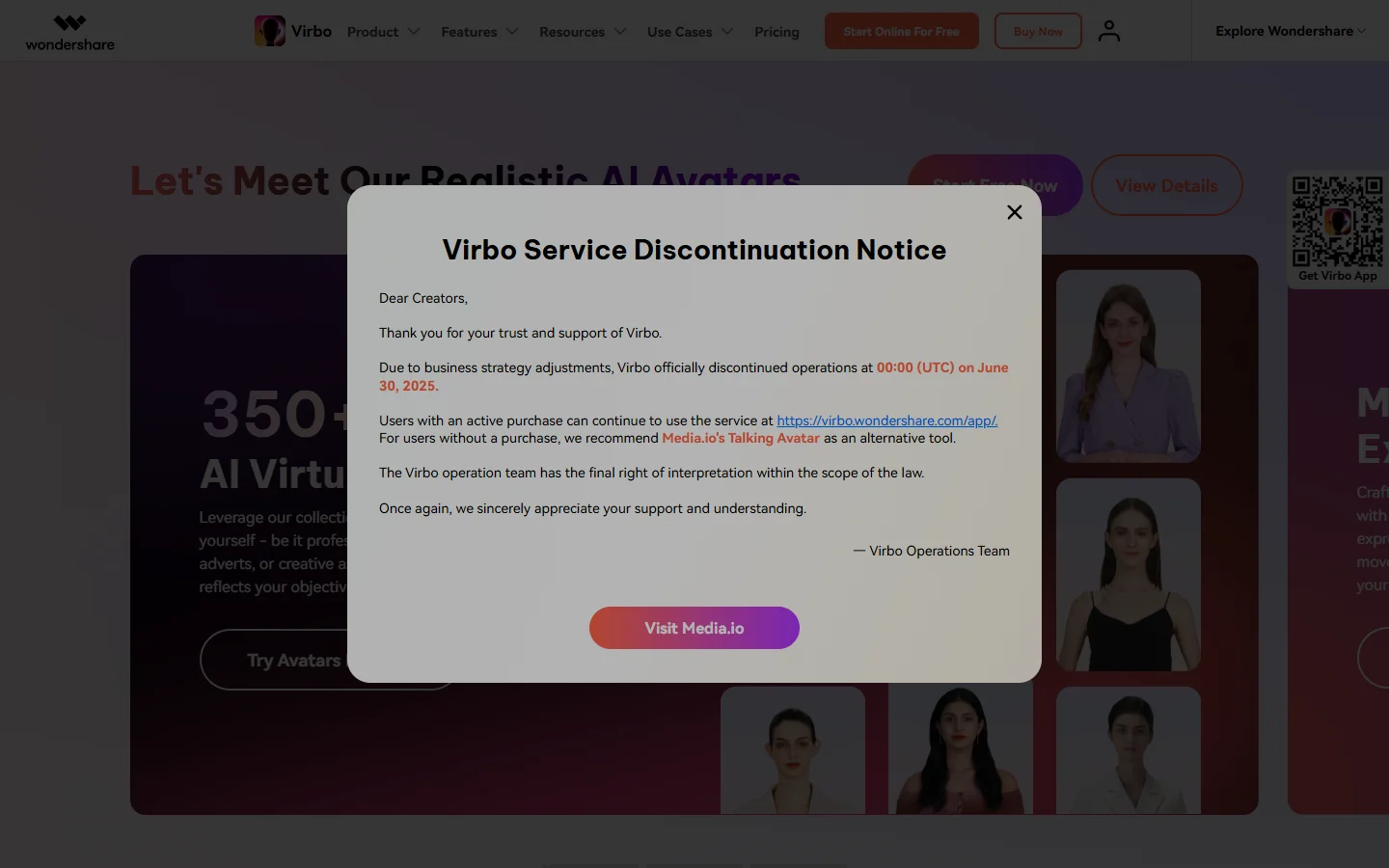
Virbo AI, developed by Wondershare, is an AI avatar video generator that turns scripts into professional presenter videos featuring realistic digital humans. Users type or paste text, choose from a library of avatars and voices across more than 100 languages, and render a studio-quality video in minutes — no camera, microphone, or editing required.
The Virbo AI platform focuses on the use cases where avatar video shines: short-form marketing videos, e-commerce product explainers, training and onboarding content, localized customer videos, and live-streaming avatars for e-commerce marketplaces. Ready-made templates, a script assistant, auto-subtitles, and background music streamline production so teams can go from idea to final MP4 in a single session. For scale, Virbo AI offers live-stream avatars that can broadcast 24/7 on major shopping platforms.
Virbo AI serves marketers, e-commerce sellers, educators, and trainers who need volume video content in many languages without hiring presenters or running shoots. Its pricing is significantly more accessible than enterprise-first avatar platforms, which makes it one of the most popular options for SMB and creator workflows where budget constraints rule out traditional video production.
⚡ Key Features of Virbo AI
Realistic AI Avatars
Virbo AI offers a library of photorealistic avatars across ages, ethnicities, and styles, all lip-synced to generated speech. Avatars can also be customized through photo-to-avatar and voice cloning on higher tiers. This gives teams a studio-quality presenter without hiring talent.
100+ Languages and Voices
Scripts can be rendered in more than 100 languages and hundreds of voices, enabling efficient localization for global audiences. Tone, pitch, and pacing controls help match each voice to the content's intended emotion. This is one of Virbo AI's strongest features for global marketers.
Template Library
Ready-made video templates cover ads, product explainers, training modules, and social posts. Users drop in their script and brand assets, and the template handles pacing, transitions, and captions. This is ideal for teams producing many videos at a consistent cadence.
Script and Captions Assistant
Virbo AI's script assistant drafts or polishes scripts based on a brief, and captions are auto-generated in the target language. This reduces the blank-page problem that slows most video projects. Captions boost social reach where autoplay video is silent by default.
Live-Stream Avatars for E-Commerce
Virbo AI's live-streaming mode broadcasts an avatar presenter 24/7 on major e-commerce marketplaces, reading dynamic scripts and answering chat. Sellers use this to extend store hours and cover time zones without human staff. This is a distinctive capability compared with most AI video tools.
Voice Cloning
On supported plans, users can clone their own voice from a short sample and pair it with any avatar, enabling personalized branded videos at scale. This is powerful for creators who want consistent audio identity across high volumes of content. Consent controls govern use of cloned voices.
Auto Subtitling and Localization
Virbo AI generates accurate captions in the target language and supports exporting localized variants of the same video quickly. This matches the needs of global teams more cleanly than manually translating and re-recording. Export formats are tuned for every major social network.
🎯 Use Cases for Virbo AI
⚖️ Virbo AI Pros & Cons
Advantages
- ✓Large avatar and voice library in 100+ languages
- ✓Affordable pricing vs enterprise-only competitors
- ✓Live-stream avatar mode is uniquely useful for e-commerce
- ✓Template library speeds production
- ✓Free tier lets users try it before upgrading
Drawbacks
- ✗Lip-sync and motion quality still trail premium avatar platforms
- ✗Free tier includes watermark
- ✗Some premium voices and avatars require higher tiers
- ✗Advanced editing is lighter than dedicated NLEs
📖 How to Use Virbo AI
Visit virbo.wondershare.com and sign up for a free account.
Pick a template or start from scratch and paste your script.
Choose an avatar, voice, and background for the video.
Preview the generated shot and tweak script or style until it matches your intent.
Generate captions, add music, and export in your target resolution.
Localize into additional languages in the same project as needed.
❓ Virbo AI FAQ
Virbo AI is an AI avatar video generator by Wondershare that turns scripts into professional presenter videos in 100+ languages, suitable for marketing, training, and e-commerce.
Yes. Virbo AI offers a free tier with a watermark and limited credits. Paid plans remove the watermark and unlock more avatars, voices, languages, and longer videos.
Yes, on supported plans. Users can clone their own voice from a short sample and use it with any avatar, enabling consistent branded audio across many videos.
Yes. Virbo AI's live-stream avatar mode can broadcast 24/7 on major e-commerce marketplaces, reading dynamic scripts and interacting with chat.
Paid plans include commercial-use rights. Review the latest terms for restrictions, especially around voice cloning and specific avatar likenesses.
Related to Virbo AI

Abby AI
Abby AI is an AI therapy and mental wellness chatbot that offers CBT-informed conversations, mood tracking, and self-guided coping tools.

Ace AI
Ace AI is an AI-powered interview and career coach that helps job seekers prepare with mock interviews, resume feedback, and personalized career guidance.

Actively AI
Actively AI is an AI sales prospecting platform that researches accounts, identifies buyer signals, and writes personalized outbound at pipeline scale.
Airship AI
Airship AI provides video intelligence and data management solutions that use AI to search, analyze, and secure large-scale video evidence.

ChatGPT
ChatGPT AI assistant by OpenAI for writing, coding, research, image analysis, and everyday problem-solving.

Claude
Claude AI assistant by Anthropic with a 200K context window, strong reasoning, and safety-focused design for writing, coding, and analysis.
Featured on WhatIf.ai
Add this badge to your website to show you're listed on WhatIf AI
Alternatives to Virbo AI

Arcads AI
Arcads AI generates UGC-style video ads using AI actors from scripts, enabling performance marketers to produce ad creative variations at scale.

Artlist AI
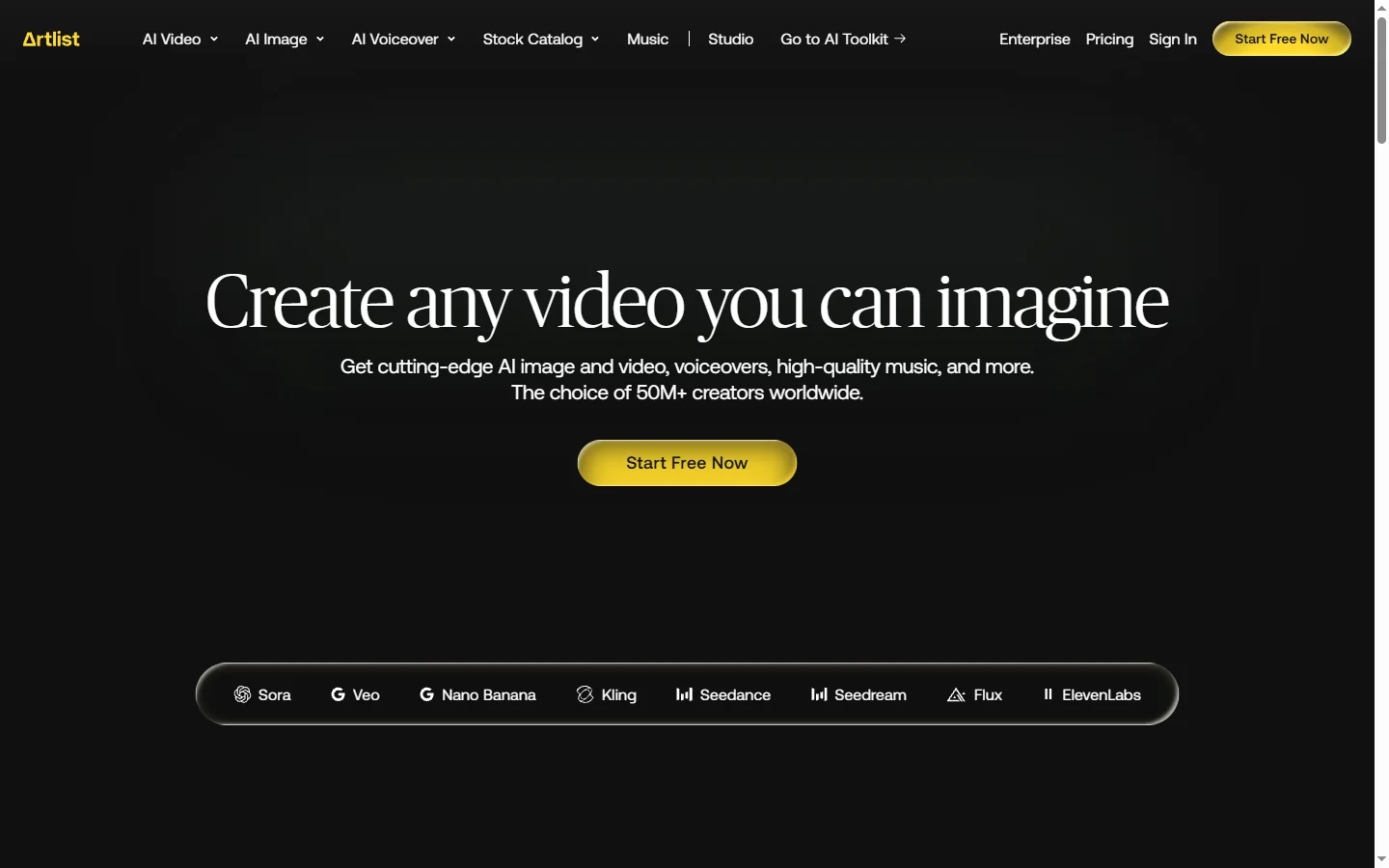
Artlist AI music generation and royalty-free licensing platform for video creators, filmmakers, and content producers needing commercially cleared tracks.

BigMotion AI
BigMotion AI video and animation generation platform that creates motion content from text prompts and image inputs without animation software skills.

Blaze AI
Blaze AI generates on-brand social media posts, blog articles, email campaigns, and ad copy for marketers and small businesses using configurable brand voice settings.