
Topaz Sharpen AI
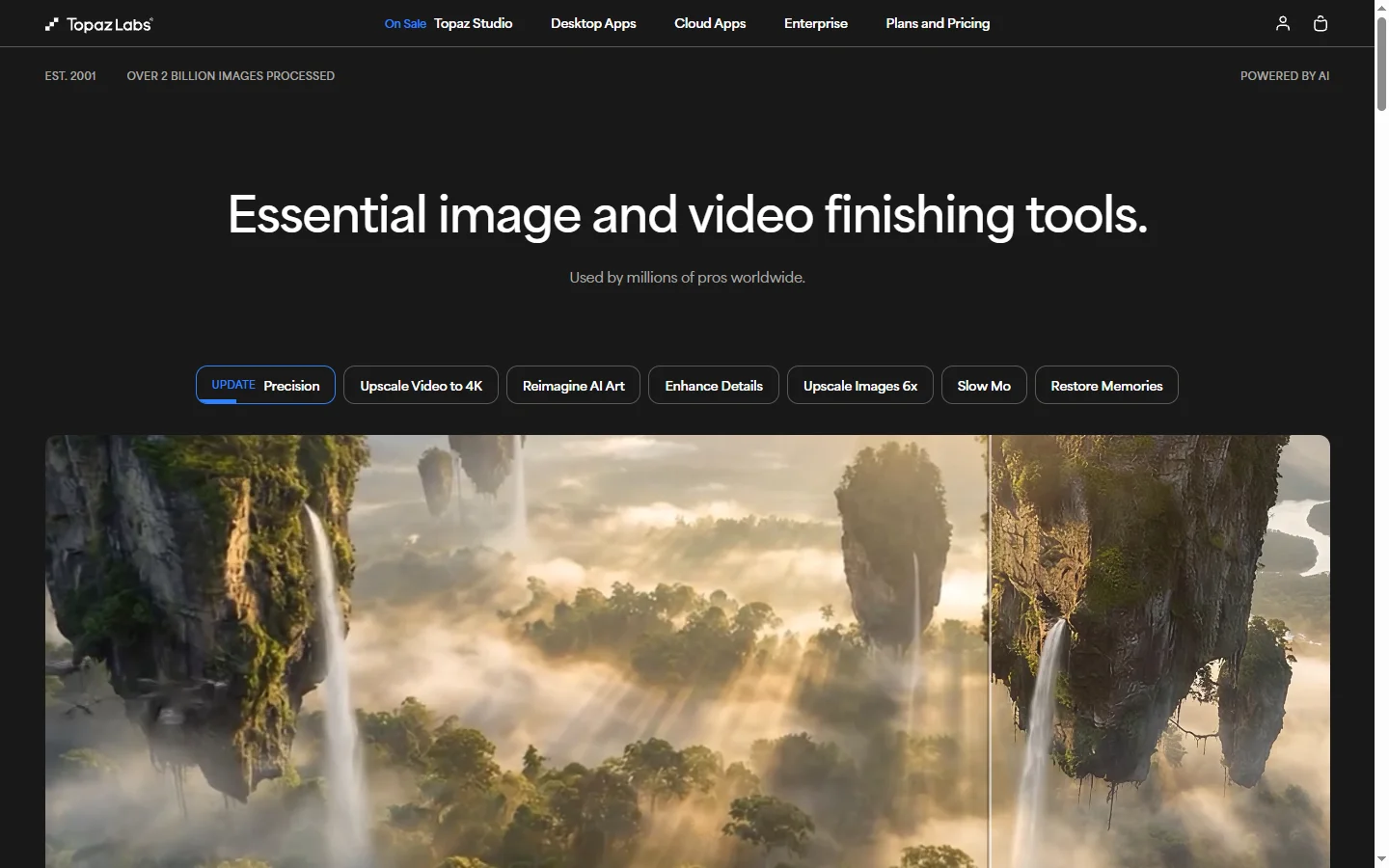
Paid ✓ VerifiedTopaz Sharpen AI is a desktop application that uses AI to remove motion blur, camera shake, and focus softness from photos while preserving natural image detail.
📋 About Topaz Sharpen AI
Topaz Sharpen AI is a specialist photo sharpening application that rescues images suffering from motion blur, camera shake, or soft focus using machine learning models trained on paired soft-and-sharp photo data. Unlike traditional sharpening filters that indiscriminately amplify edge contrast, Sharpen AI identifies the type of blur present and applies targeted corrections that restore plausible detail without introducing halos, artifacts, or visible grain. Photographers use it as the final stabilizing step in their retouching workflows.
The application offers three primary modes — Motion Blur, Out of Focus, and Too Soft — each with a distinct neural network optimized for its blur type. Users can apply corrections to the whole frame or selectively to specific areas using masking tools, important for photos where the subject is slightly soft but the rest of the image is fine. Sharpen AI runs as both a standalone app and a plugin for Lightroom, Photoshop, and Capture One, so it integrates into existing photography workflows without disrupting established processes.
Topaz Sharpen AI serves wedding and event photographers salvaging once-in-a-lifetime shots, wildlife and sports shooters working in challenging conditions, landscape photographers pushing shutter speed limits, and archival photographers recovering detail from older images. It is positioned as a practical rescue tool for moments that cannot be reshot rather than a replacement for getting focus right in camera, and most professionals keep it in their kit specifically for those irreplaceable frames.
⚡ Key Features of Topaz Sharpen AI
Motion Blur Correction
Dedicated model trained to reverse motion blur caused by camera shake or subject movement, recovering sharp edges that traditional sharpening cannot touch. Particularly valuable for sports, wildlife, and low-light photography. Results are often the difference between an unusable frame and a keeper.
Out-of-Focus Recovery
Separate model that tackles focus errors, restoring detail in slightly misfocused shots where autofocus missed the intended subject. Not a substitute for correct focus but can rescue photos where the miss is small enough for the model to reconstruct plausible detail.
Too Soft Enhancement
Handles generally soft images that lack a specific blur cause — lens softness, heavy atmospheric haze, or resolution limits — and produces crisper output. Useful for adding final punch to otherwise-well-captured images. Preserves natural texture rather than creating crunchy over-sharpened results.
Selective Masking
Apply sharpening only to portions of the image where it is needed, such as a subject face, using built-in masking brushes and AI-driven subject detection. Protects clean areas and bokeh from unwanted processing. Essential for professional retouching where heavy-handed global sharpening breaks the look.
Auto Parameter Detection
The application analyzes each image to recommend the appropriate mode and strength automatically, lowering the barrier for users who are not sure which tool to pick. Manual override is always available for fine control. Batch processing can use auto settings across hundreds of images.
Lightroom and Photoshop Plugin
Integrates as a plugin into Adobe Lightroom Classic, Photoshop, and Capture One, passing layers back and forth without disrupting existing retouching workflows. Photographers keep their catalog management and non-destructive edits intact while using Sharpen AI where needed.
Batch Processing
Process many images at once with consistent settings, useful for event photographers shooting hundreds of frames who need sharpening applied across a set. Queues run in the background while the photographer works on other editing tasks. GPU acceleration speeds up throughput on modern systems.
🎯 Use Cases for Topaz Sharpen AI
⚖️ Topaz Sharpen AI Pros & Cons
Advantages
- ✓Specialized models for different blur types beat generic sharpening
- ✓Selective masking preserves bokeh and clean areas
- ✓Integrates with Lightroom, Photoshop, and Capture One
- ✓Auto mode lowers barrier to entry
- ✓One-time license rather than mandatory subscription
Drawbacks
- ✗Cannot recover severely blurred images — physics still applies
- ✗Desktop-only, no mobile or web version
- ✗Resource-intensive on older hardware without a strong GPU
📖 How to Use Topaz Sharpen AI
Purchase and install Topaz Sharpen AI from topazlabs.com on macOS or Windows.
Open the application as a standalone app or launch it as a plugin from Lightroom, Photoshop, or Capture One.
Load the image you want to sharpen and let auto mode analyze the blur type, or pick Motion Blur, Out of Focus, or Too Soft manually.
Use the masking brush to limit processing to the subject or other specific areas where sharpening is appropriate.
Adjust strength and detail sliders until the preview looks natural without introducing halos or artifacts.
Apply the correction and return the processed image to your editor, or export directly from the standalone app.
❓ Topaz Sharpen AI FAQ
No. Sharpen AI can recover plausible detail from mild to moderate blur but cannot reconstruct information lost in severe motion or focus failures. Think of it as a rescue tool for marginal images rather than a miracle worker.
Yes. Sharpen AI installs as a plugin for Lightroom Classic, Photoshop, and Capture One, and passes layers back and forth so you can continue working in your preferred editor.
Topaz Labs sells Sharpen AI as a one-time license with optional paid upgrades rather than requiring an ongoing subscription. Current customers typically get a year of updates included.
Yes. Sharpen AI supports batch processing with consistent settings across many files, using GPU acceleration to keep throughput reasonable on modern systems.
Yes. Topaz has released native Apple Silicon builds that run efficiently on M1, M2, M3, and newer Macs.
Related to Topaz Sharpen AI

Aragon AI
Aragon AI professional headshot generator that creates studio-quality portrait photos from uploaded selfies using a personalized AI model.

Artflow AI
Artflow AI is an end-to-end AI animation platform that turns scripts into narrated animated stories with generated characters, voices, scenes, and lip-synced animation.

ArtGuru AI
ArtGuru AI generates images from text prompts in a wide range of artistic styles, with additional tools for face enhancement, background removal, and image upscaling.

ArtSpace AI
ArtSpace AI is an AI art generator and marketplace that turns text prompts into shareable, printable artwork for hobbyists and designers.

Based Labs AI
Based Labs AI is a creative suite for generating cinematic video, motion, and stylized imagery from text prompts and reference images.

BlueWillow AI
BlueWillow AI is a free AI image generator that creates art, logos, illustrations, and graphics from text prompts via Discord.
Featured on WhatIf.ai
Add this badge to your website to show you're listed on WhatIf AI
Alternatives to Topaz Sharpen AI
Aragon AI
Aragon AI professional headshot generator that creates studio-quality portrait photos from uploaded selfies using a personalized AI model.
ArtGuru AI
ArtGuru AI generates images from text prompts in a wide range of artistic styles, with additional tools for face enhancement, background removal, and image upscaling.
Dezgo AI
Dezgo AI is a free text-to-image generator powered by Stable Diffusion models, offering multiple model options and image editing tools in the browser.


Dzine AI
Dzine AI graphic design platform that combines AI image generation with templates and design tools for ready-to-use marketing visuals.