
Rewind AI
Freemium ✓ VerifiedPersonalized AI assistant that records everything you see, say, and hear on your Mac and lets you search and summarize it using natural language.
📋 About Rewind AI
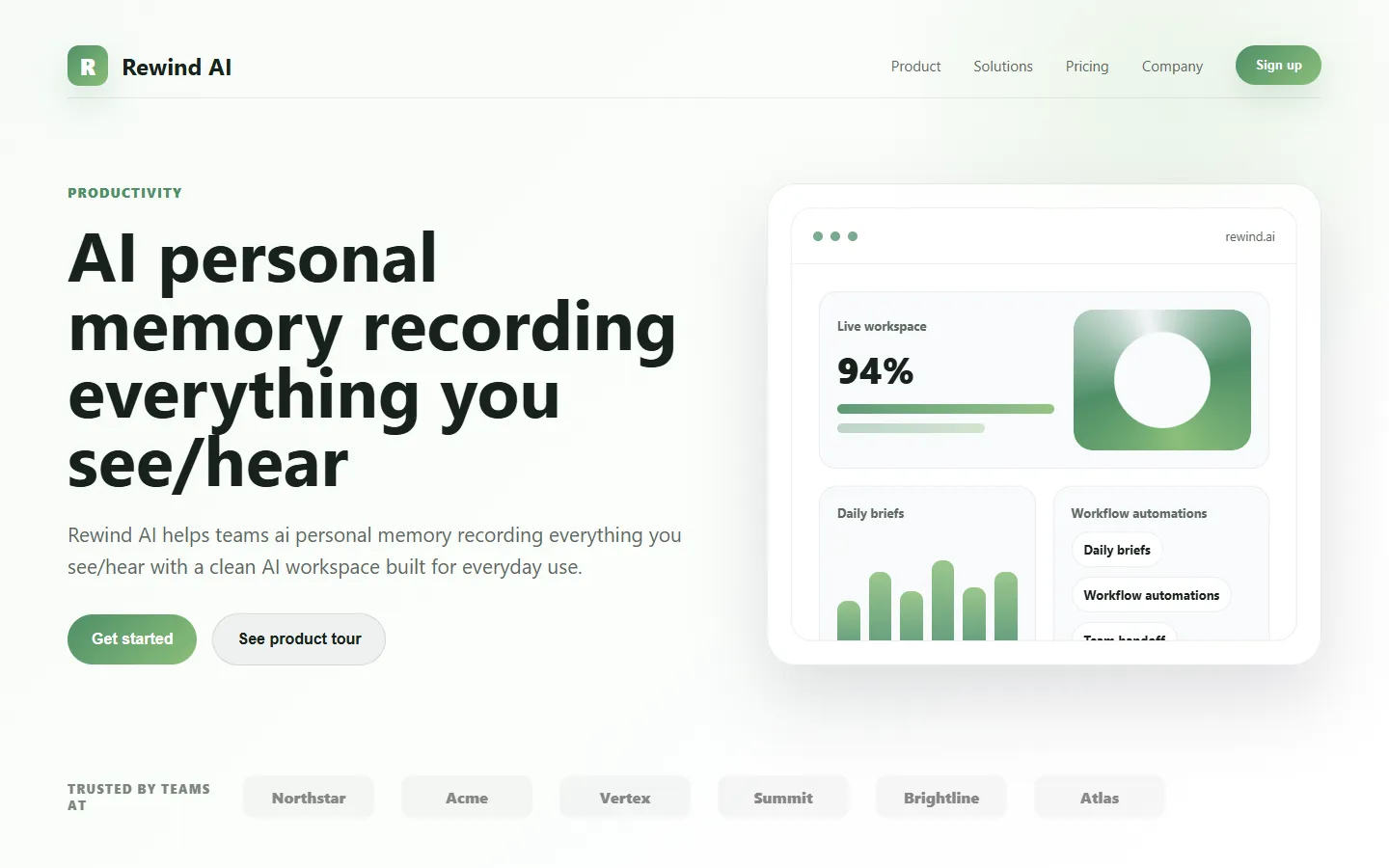
Rewind AI is a personalized AI memory tool for macOS and iPhone that captures everything you see, say, and hear on your device and makes it instantly searchable through natural language. The app runs locally in the background, continuously recording screen activity, audio, and meetings, then compressing that data on-device so years of history can fit on a standard laptop. Users treat Rewind as a photographic memory for their digital life, able to recall any document, website, message, or conversation simply by describing what they remember about it.
The standout feature is an AI assistant that draws on your personal recording history to answer questions grounded in what you actually did. Instead of generic answers, the assistant can summarize yesterday's meetings, draft follow-up emails referencing specific conversations, or retrieve the exact moment a teammate mentioned a decision. Rewind emphasizes privacy by keeping all recordings stored locally by default, with optional cloud sync that is end-to-end encrypted. Users control what is recorded through pause buttons, app filters, and automatic exclusions for sensitive apps.
Rewind AI serves knowledge workers, executives, researchers, and students who want to reduce the friction of remembering and finding information across the many tools they use every day. Typical use cases include catching up on missed meetings, recovering lost notes, preparing for client calls by reviewing prior conversations, and turning ambient work into structured outputs like emails and summaries. The app is particularly popular with people who sit through many meetings and struggle to retain or document them consistently.
⚡ Key Features of Rewind AI
Continuous Screen and Audio Capture
Rewind runs quietly in the background on macOS, compressing screen activity and audio into a small on-device archive that spans weeks, months, or years depending on disk space. The compression is aggressive enough that a year of history can fit in tens of gigabytes, making a practical personal memory layer possible. Users can scrub back through time visually or search using natural language prompts.
Rewind AI Assistant
An on-device AI assistant answers questions grounded in your personal recording history, letting you ask things like 'what did my manager say about Q3 priorities last week?' and receive specific quotes with context. The assistant can summarize meetings, draft emails referencing past conversations, and extract action items from any time window. Because it is grounded in your actual recordings, it avoids generic or hallucinated answers.
Automatic Meeting Summaries
Rewind automatically detects meetings across Zoom, Google Meet, Microsoft Teams, and other platforms, then generates transcripts, summaries, and action items without requiring you to invite a separate bot. This is particularly valuable for private or sensitive calls where external bots are not permitted. You can share summaries with colleagues or keep them private.
Privacy-First Local Storage
All recordings are stored locally on your device by default, encrypted at rest, and never leave your machine unless you explicitly enable cloud sync. Users can pause recording with a global shortcut, exclude specific apps, and delete any window of history. This design makes Rewind usable in compliance-sensitive roles where cloud recording would be prohibited.
Smart Search Across Everything
Search is not limited to text — Rewind indexes everything visible on screen, so you can find a specific paragraph from a web article you read two weeks ago even if you cannot remember the site. Audio search surfaces moments in meetings by topic or quote, letting you jump to the exact timestamp. This makes information retrieval dramatically faster than traditional file or email search.
iPhone Companion App
Rewind's iPhone app captures meetings and voice memos on mobile and syncs them into the same personal memory archive, so you get consistent coverage whether you are at your Mac or in a meeting room. This extends the assistant's grounding to conversations that happen away from your computer. Syncing is end-to-end encrypted when enabled.
🎯 Use Cases for Rewind AI
⚖️ Rewind AI Pros & Cons
Advantages
- ✓Comprehensive personal memory that indexes screen and audio content
- ✓Local-first storage keeps recordings private by default
- ✓AI assistant provides grounded answers from your own history
- ✓Automatic meeting capture works without invited bots
Drawbacks
- ✗macOS and iOS only — no Windows or Android clients
- ✗Continuous recording has disk space and CPU overhead
- ✗Some workplaces prohibit always-on recording
📖 How to Use Rewind AI
Download Rewind from rewind.ai and install on your Mac.
Grant screen recording and microphone permissions when prompted.
Configure any apps or websites you want excluded from recording in settings.
Let Rewind run in the background as you work so it builds a searchable history.
Use the Rewind AI assistant to ask questions about your past activity or generate meeting summaries.
❓ Rewind AI FAQ
By default, all recordings are stored locally on your Mac and encrypted at rest. Cloud sync is optional and end-to-end encrypted.
Rewind is currently available only for macOS and iPhone. A Windows version has been announced but is not yet widely available.
Thanks to aggressive compression, a year of history typically fits in tens of gigabytes. Users can adjust retention and exclusions to control storage usage.
Yes. Rewind provides a global pause shortcut and granular controls to exclude specific apps, websites, or time windows from being recorded.
Related to Rewind AI

15.ai
15.ai is a free AI voice cloning tool famous for generating realistic speech from cartoon, video game, and animated show characters using as little as 15 seconds of source audio.

A2E AI
A2E AI productivity platform converts audio and video recordings into transcripts, summaries, and action items with speaker identification.

Abby AI
Abby AI is an AI therapy and mental wellness chatbot that offers CBT-informed conversations, mood tracking, and self-guided coping tools.

Abnormal AI
Abnormal AI uses behavioral AI to detect business email compromise, account takeover, and socially engineered phishing that bypasses secure email gateways.

Abridge AI
Abridge AI medical documentation platform that records and summarizes clinical conversations into structured physician notes in real time.

Accrete AI
Accrete AI builds autonomous enterprise AI agents for defense, government, and commercial intelligence workflows.
Featured on WhatIf.ai
Add this badge to your website to show you're listed on WhatIf AI
Alternatives to Rewind AI
A2E AI
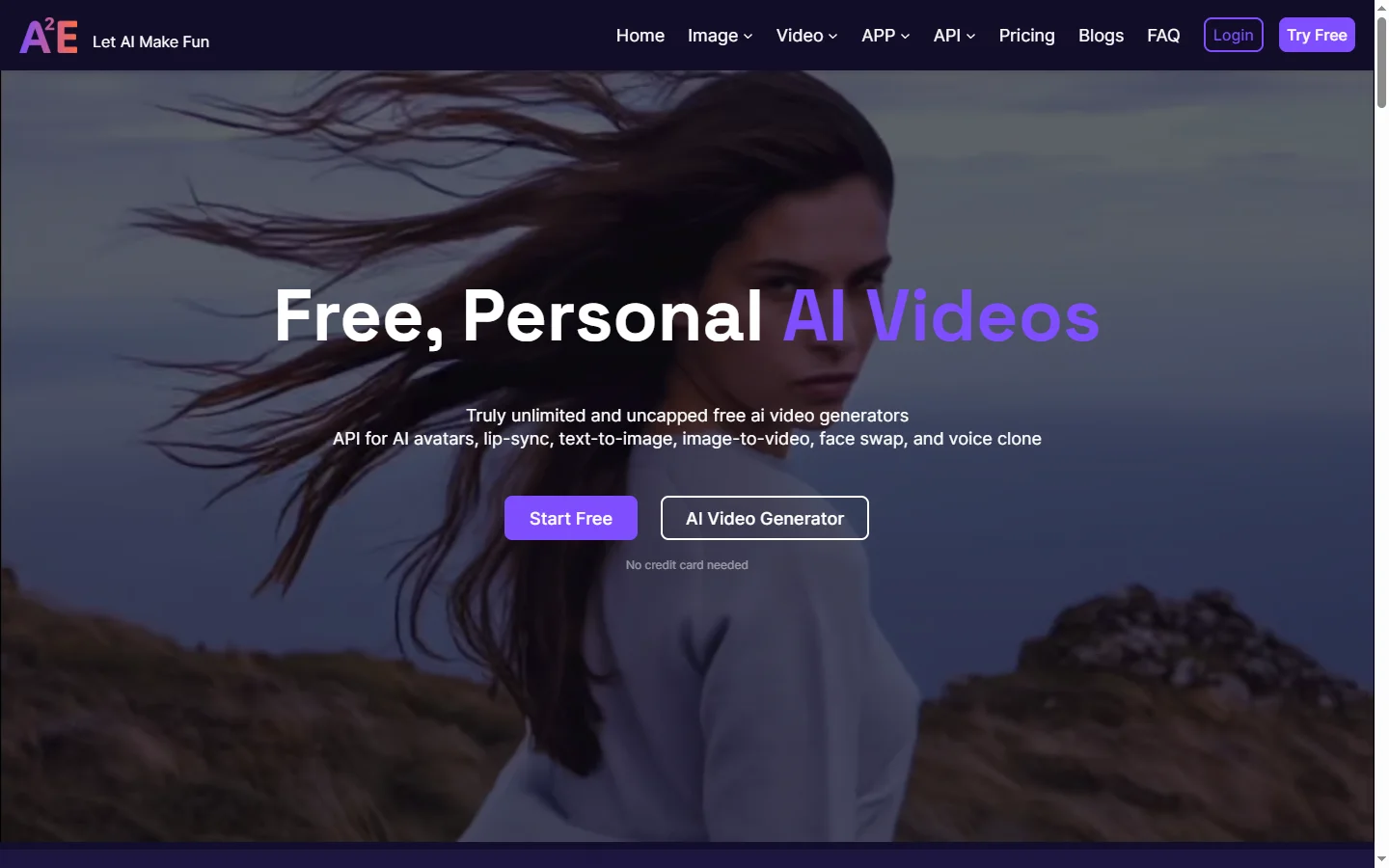
A2E AI productivity platform converts audio and video recordings into transcripts, summaries, and action items with speaker identification.
Abnormal AI
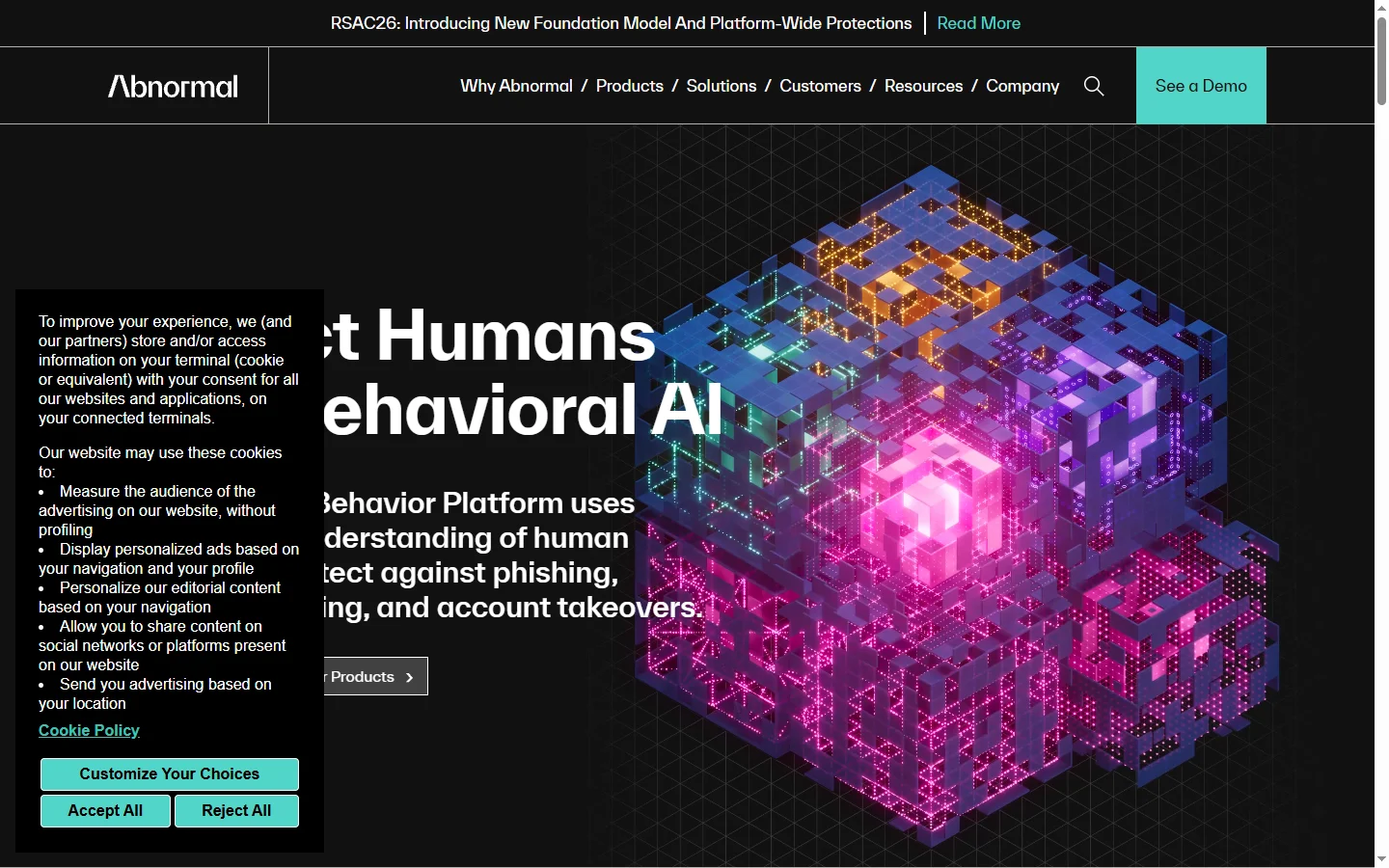
Abnormal AI uses behavioral AI to detect business email compromise, account takeover, and socially engineered phishing that bypasses secure email gateways.
Abridge AI
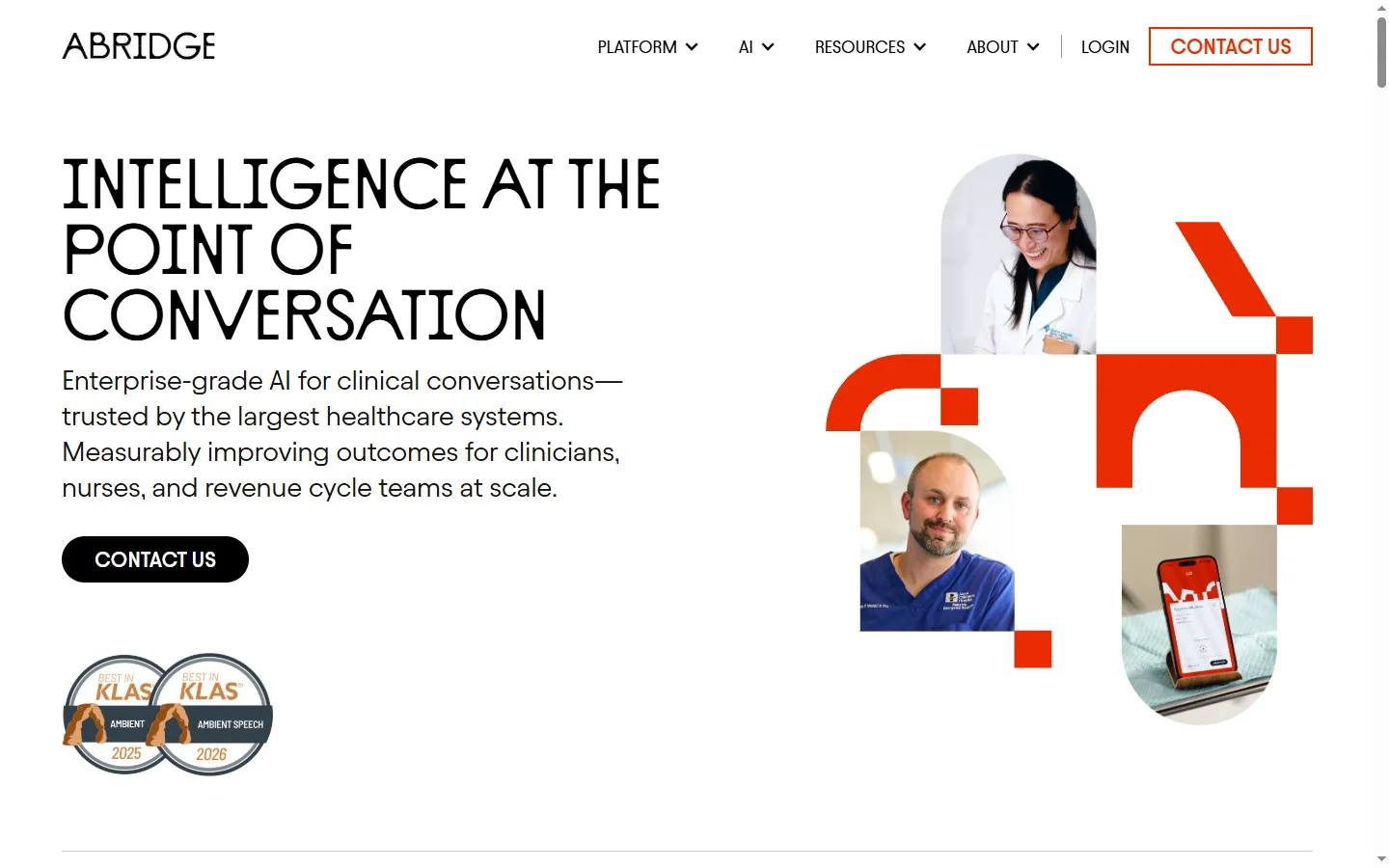
Abridge AI medical documentation platform that records and summarizes clinical conversations into structured physician notes in real time.

Air AI
Air AI conducts autonomous full-length AI phone calls for sales prospecting, appointment setting, and customer service without human agents.