
Photify AI
Freemium ✓ Verified 🔥 TrendingPhotify AI is an AI photo editing app for iOS and Android that swaps outfits, changes backgrounds, and enhances selfies with one tap.
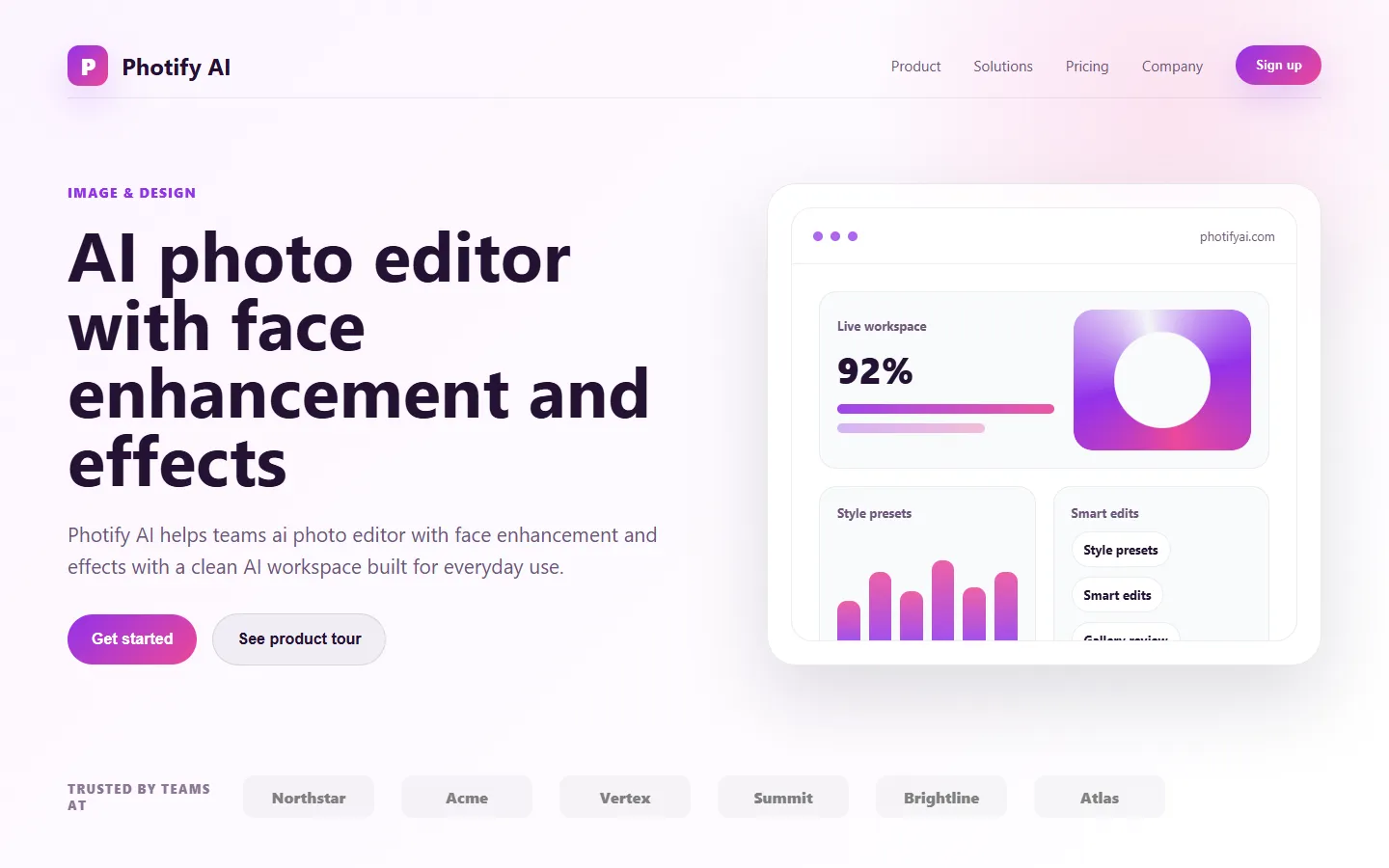
📋 About Photify AI
Photify AI is a mobile-first AI photo editing app that lets everyday users transform their selfies and portraits with professional-looking effects — outfit changes, background swaps, studio lighting, beauty enhancement, and artistic filters — without any editing skill. The app is built around simple one-tap templates that apply complex generative AI transformations invisibly behind a friendly interface, so users upload a photo, pick a look, and receive a polished result in seconds. Popular effects include replacing the outfit in a selfie with a suit, gown, or cultural attire, placing the subject in an entirely different environment, and generating professional headshots from casual phone photos.
Under the hood, Photify uses diffusion-based image generation and segmentation models to identify the subject, preserve facial likeness, and modify only the elements the chosen template targets. This is substantially more sophisticated than the filter-based photo editing that dominated the previous generation of mobile apps, and the results read as plausibly real photographs rather than obvious edits in most cases. The app ships new template packs regularly to match seasonal trends — holiday outfits, graduation looks, wedding themes, professional headshots — which drives repeat usage and social sharing among its younger audience.
Photify AI targets consumer users on iOS and Android who want Instagram-ready or profile-worthy photos without booking shoots or learning editing software. Typical users are young adults preparing content for social media, job seekers wanting polished headshots cheaply, and casual users experimenting with how they look in different contexts. The business model is freemium — a limited number of free edits with daily quotas, and subscriptions unlocking unlimited use, the most popular templates, and faster processing. The app competes in the crowded AI photo editor category alongside tools like FaceApp, Remini, and Lensa, distinguishing itself with a strong outfit-change feature set and frequent template refreshes.
⚡ Key Features of Photify AI
One-Tap Outfit Swap
Upload a selfie or portrait and Photify replaces the outfit with a chosen template — suits, gowns, cultural attire, costumes, fashion looks — while preserving facial likeness and realistic pose. The generated result reads as a plausible photograph in most cases rather than an obvious edit, which is the core reason outfit-swap has been the app's most viral feature. Template packs are refreshed regularly to match seasonal and cultural trends.
AI Background Change
Remove the existing background from a photo and replace it with a studio backdrop, beach, urban environment, or fantasy setting using AI segmentation and diffusion-based generation. The replacement handles lighting and shadow blending to avoid the obvious-cutout look typical of older photo apps, which makes the output more usable for profile photos and social content.
Professional Headshot Generation
Generate business-quality headshots from a casual phone selfie, with studio lighting, corporate attire, and neutral backgrounds appropriate for LinkedIn, resumes, and professional profiles. For job seekers and early-career professionals, this replaces the cost of booking a headshot photographer, which has made the feature one of the app's higher-value use cases.
Beauty and Skin Enhancement
Apply subtle skin smoothing, lighting correction, and portrait enhancement that improves perceived quality without the obvious plastic over-smoothing typical of earlier beauty apps. The AI-based approach preserves natural texture while addressing blemishes, lighting issues, and color balance, producing results that look professionally edited rather than heavily filtered.
Artistic Style Filters
Transform photos into different artistic styles — oil painting, watercolor, anime, vintage film, cinematic — using style-transfer diffusion models. These filters offer creative flexibility that mimics the output of trained illustrators or specific photographic aesthetics, which is popular for social media content and avatar creation.
Regular Template Updates
New template packs ship regularly to match seasonal trends, cultural moments, and viral social content — holiday outfits, graduation looks, wedding themes, pride content, sports fan attire. This template cadence drives repeat engagement and social sharing, which is particularly important in the consumer AI photo editor category where novelty is a key engagement driver.
🎯 Use Cases for Photify AI
⚖️ Photify AI Pros & Cons
Advantages
- ✓One-tap workflow requires no editing skill
- ✓Outfit swap and background change quality above category norms
- ✓Regular template refreshes keep the app engaging
- ✓Professional headshot feature provides real practical value
- ✓Free tier lets users evaluate before subscribing
Drawbacks
- ✗Free tier has daily usage limits and watermarks
- ✗Quality varies with source photo angle and lighting
- ✗Mobile-only — no desktop workflow for heavier users
- ✗Subscription auto-renewal is a common user complaint in the category
📖 How to Use Photify AI
Install Photify AI from the Apple App Store or Google Play Store and open the app.
Sign up with email, Google, or Apple sign-in, and grant photo library access when prompted.
Upload a selfie or portrait, ideally a clear well-lit photo with the subject facing the camera.
Pick a template from categories like outfit swap, background change, headshot, artistic style, or seasonal trends.
Wait a few seconds for processing, then review the result — you can generate multiple variations and save your favorites.
Upgrade to the paid subscription for unlimited edits, removal of watermarks, access to premium templates, and faster processing.
❓ Photify AI FAQ
Photify offers a freemium model with a limited number of daily edits on the free tier, typically with watermarks. Paid subscriptions unlock unlimited use, premium templates, and watermark removal.
For most well-lit frontal portraits, results read as plausibly real photographs rather than obvious edits. Quality varies with source photo angle, lighting, and the specific template applied — complex outfit swaps are usually better than extreme background changes.
Processing happens on Photify's cloud servers rather than locally, so even older phones can run the app as long as they support the current iOS or Android version. Performance depends primarily on internet connection speed rather than device power.
Photify's privacy practices are documented in the app's privacy policy and should be reviewed before use. Consumer AI photo apps have had mixed privacy reputations in the past, so users concerned about uploaded photo handling should read the current terms before creating an account.
Personal use is generally unrestricted under typical consumer app terms. Commercial use — in advertising, product photos, or paid content — may be subject to specific terms in the subscription plan and should be reviewed before use in any professional context.
Related to Photify AI

Aragon AI
Aragon AI professional headshot generator that creates studio-quality portrait photos from uploaded selfies using a personalized AI model.

Artflow AI
Artflow AI is an end-to-end AI animation platform that turns scripts into narrated animated stories with generated characters, voices, scenes, and lip-synced animation.

ArtGuru AI
ArtGuru AI generates images from text prompts in a wide range of artistic styles, with additional tools for face enhancement, background removal, and image upscaling.

ArtSpace AI
ArtSpace AI is an AI art generator and marketplace that turns text prompts into shareable, printable artwork for hobbyists and designers.

Based Labs AI
Based Labs AI is a creative suite for generating cinematic video, motion, and stylized imagery from text prompts and reference images.

BlueWillow AI
BlueWillow AI is a free AI image generator that creates art, logos, illustrations, and graphics from text prompts via Discord.
Featured on WhatIf.ai
Add this badge to your website to show you're listed on WhatIf AI
Alternatives to Photify AI
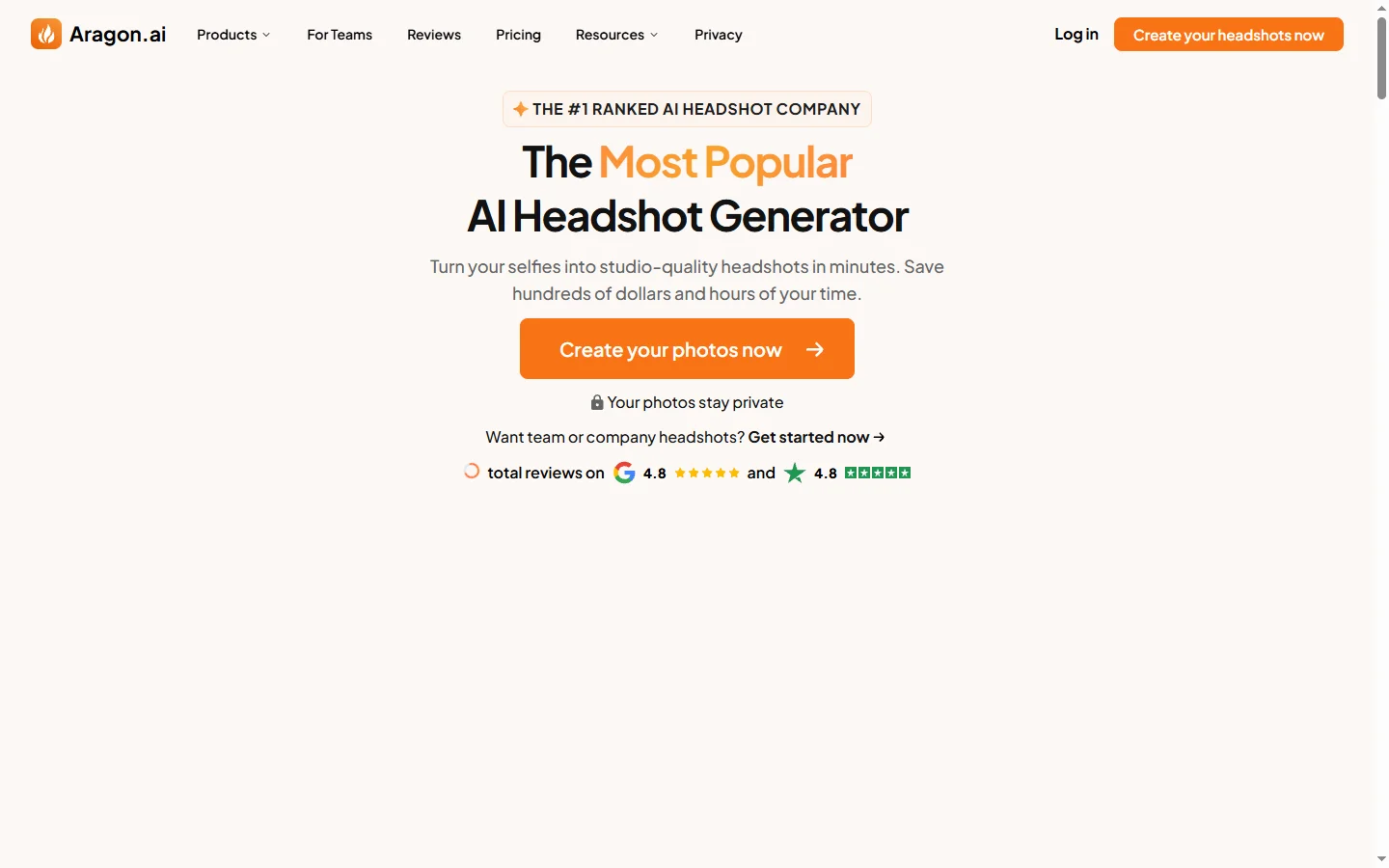
Aragon AI
Aragon AI professional headshot generator that creates studio-quality portrait photos from uploaded selfies using a personalized AI model.
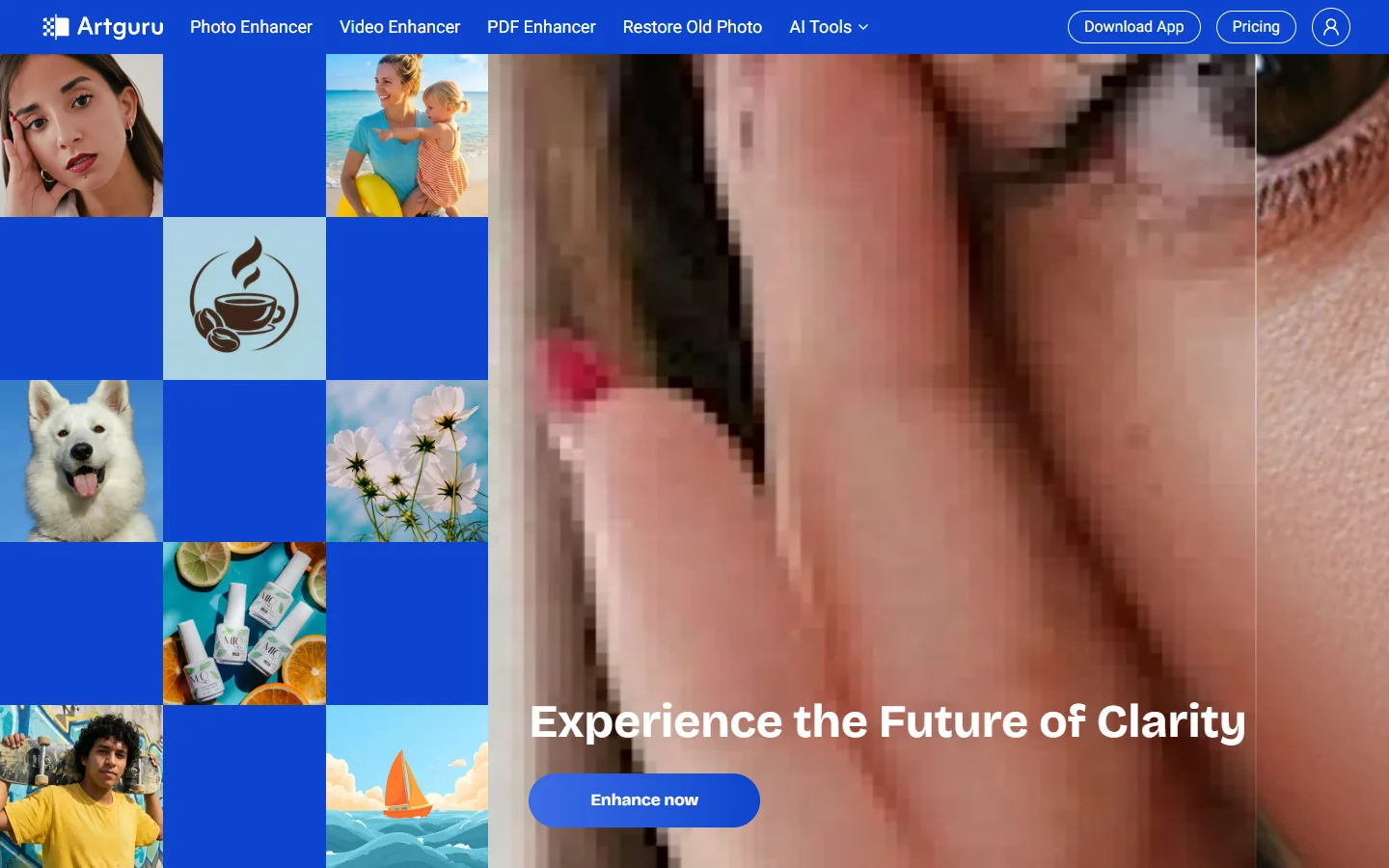
ArtGuru AI
ArtGuru AI generates images from text prompts in a wide range of artistic styles, with additional tools for face enhancement, background removal, and image upscaling.
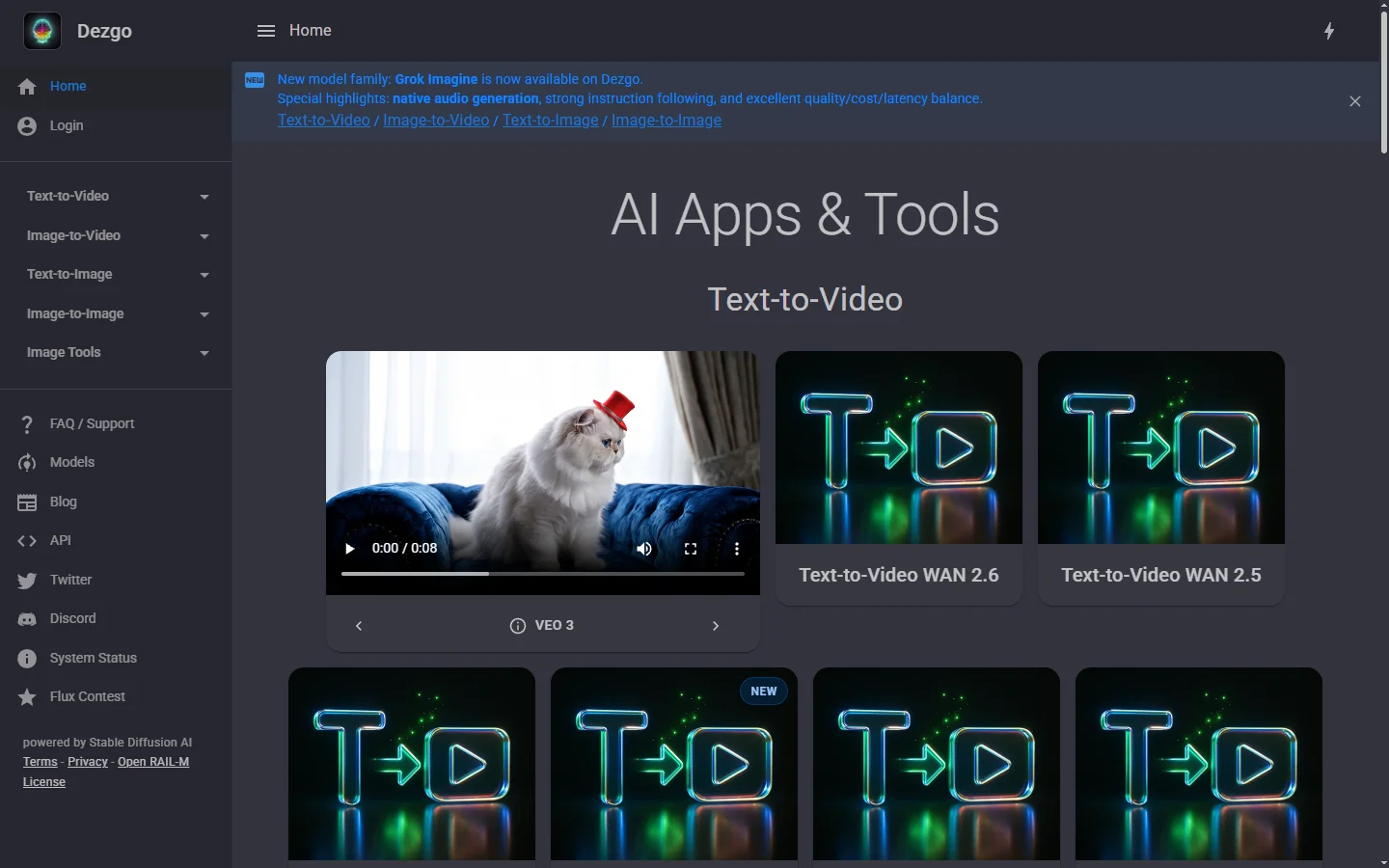
Dezgo AI
Dezgo AI is a free text-to-image generator powered by Stable Diffusion models, offering multiple model options and image editing tools in the browser.


Dzine AI
Dzine AI graphic design platform that combines AI image generation with templates and design tools for ready-to-use marketing visuals.