
Ollama AI
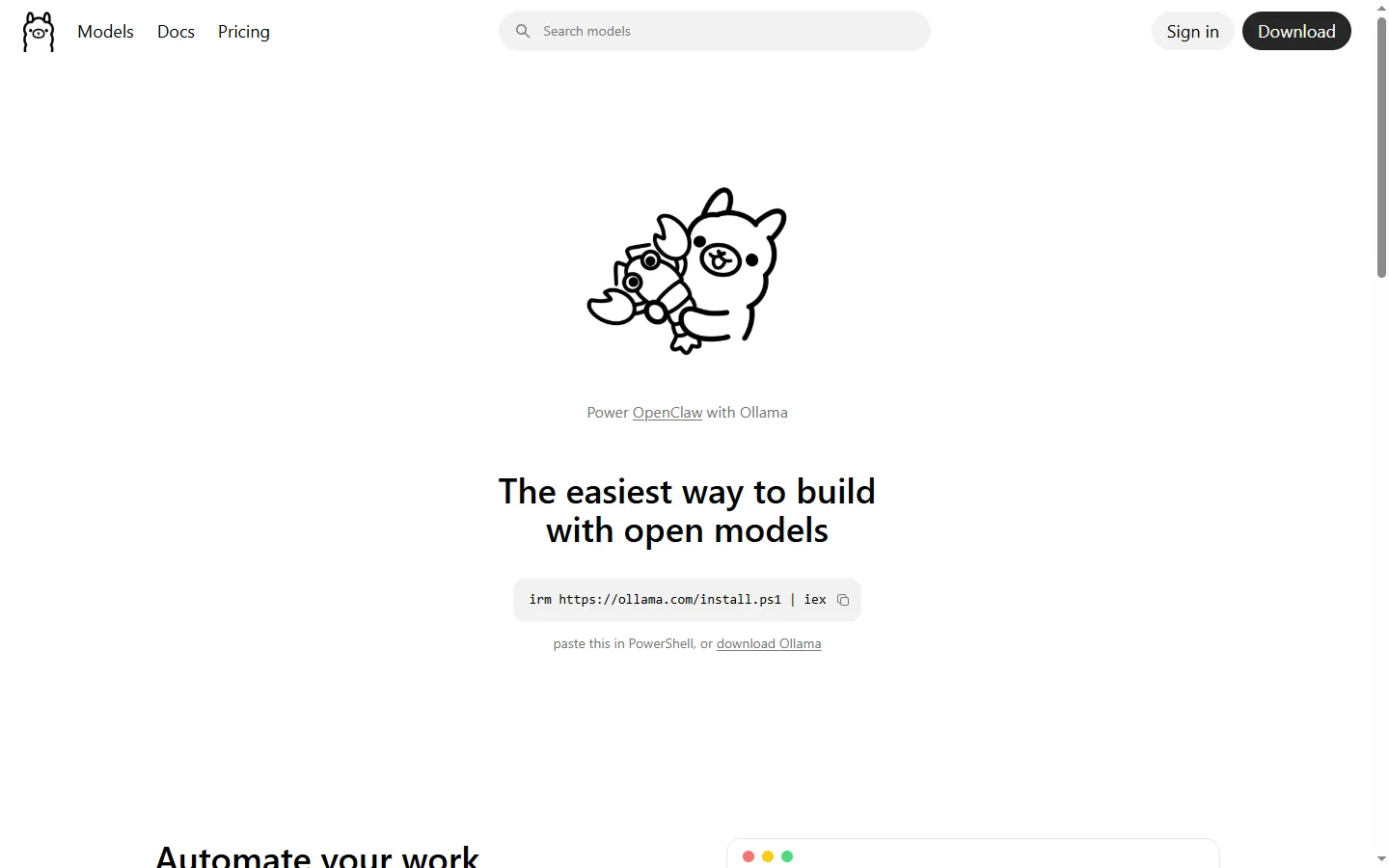
Free ✓ Verified 🔥 TrendingOllama AI is an open-source platform that lets you run large language models locally on your own computer with a single command.
📋 About Ollama AI
Ollama AI is a lightweight, open-source tool that makes it trivial to download, run, and manage large language models directly on your local machine. With a single command you can pull and execute models like Llama 3, Mistral, Gemma, Phi, Qwen, and many other popular open-weight checkpoints. The platform handles model quantization, GPU acceleration, and memory management automatically, so developers don't need to wrestle with CUDA setup or model conversion scripts.
The tool exposes a clean REST API and an OpenAI-compatible endpoint, which means existing applications built for ChatGPT can often be pointed at Ollama with a single configuration change. Ollama supports macOS, Linux, and Windows natively, and it ships with a library of hundreds of curated models ready to download. Custom Modelfiles let users define system prompts, parameters, and adapters, producing reusable local model variants tailored for specific workflows. Because everything runs locally, sensitive data never leaves the machine, which is valuable for regulated industries and privacy-conscious developers.
Ollama AI is used by independent developers, researchers, and enterprises that want the flexibility of open models without the complexity of running raw inference frameworks. Integrations exist with popular UI projects, LangChain, LlamaIndex, and coding assistants, making Ollama a common backend for local RAG systems and offline AI assistants.
⚡ Key Features of Ollama AI
One-Command Model Installation
Ollama AI lets you pull and run any supported model with a single command such as 'ollama run llama3'. The tool automatically selects the best quantization for your hardware, downloads weights from a curated registry, and launches an interactive session. This eliminates the friction normally associated with converting, quantizing, and loading open-weight models.
Local, Private Inference
All prompts and responses are processed on your own hardware, meaning no data is transmitted to external servers. This makes Ollama AI suitable for confidential codebases, medical records, legal documents, and other sensitive workloads that cannot be sent to cloud providers. Organizations in regulated industries use it as a compliant way to adopt generative AI.
OpenAI-Compatible API
Ollama exposes a REST API and a drop-in OpenAI-compatible endpoint that existing tools can hit without code changes. Applications written against the OpenAI SDK can switch to a local model by pointing the base URL at Ollama. This dramatically simplifies prototyping, testing, and migration between providers.
Custom Modelfiles
Modelfiles let you define a new model variant from a base checkpoint with custom system prompts, temperature, context length, LoRA adapters, and templates. The syntax is similar to a Dockerfile and makes it easy to version and share specialized assistants. Teams use Modelfiles to package coding assistants, support bots, and domain experts.
GPU and CPU Acceleration
Ollama automatically uses NVIDIA CUDA, Apple Metal, or AMD ROCm when available, and gracefully falls back to optimized CPU inference when no GPU is present. This flexibility means the same tool works on laptops, workstations, and dedicated servers without configuration. Users get the best performance their hardware can deliver.
Extensive Model Library
The Ollama registry hosts hundreds of ready-to-run models including Llama 3.1, Mistral, Mixtral, Gemma, Phi-3, Qwen, Code Llama, and specialized variants for coding, vision, and embedding. New releases are often available within days of upstream publication. Users can also push their own models or import GGUF files directly.
Multimodal and Embedding Support
Beyond text chat, Ollama supports vision-capable models such as LLaVA for image understanding and dedicated embedding models for building vector search and RAG pipelines. The same simple CLI and API cover all modalities, so developers can assemble full applications without juggling multiple runtimes.
🎯 Use Cases for Ollama AI
⚖️ Ollama AI Pros & Cons
Advantages
- ✓Completely free and open source with no usage limits
- ✓Runs fully offline for maximum privacy
- ✓Simple one-line install and one-line model execution
- ✓Broad model library updated with latest open weights
- ✓OpenAI-compatible API eases migration
Drawbacks
- ✗Requires capable local hardware for larger models
- ✗No built-in graphical chat interface — CLI by default
- ✗Inference speed trails dedicated cloud accelerators
- ✗Smaller open models lag frontier closed models in quality
📖 How to Use Ollama AI
Download and install Ollama from ollama.com for your operating system.
Open a terminal and run 'ollama run llama3' to download and start chatting with Llama 3.
Browse the model library at ollama.com/library to find a model that fits your hardware.
Point any OpenAI-compatible client at http://localhost:11434 to use Ollama as a drop-in backend.
Create a Modelfile to customize system prompts, temperature, and context length for repeatable setups.
Integrate Ollama with frontends like Open WebUI, LibreChat, or your own application via the REST API.
❓ Ollama AI FAQ
Yes. Ollama is fully open source under the MIT license and costs nothing to use. The only cost is the electricity and hardware to run the models locally.
A modern laptop with 8-16GB RAM can run smaller models like Phi-3 or Llama 3 8B. For larger 70B-class models you'll want 64GB+ RAM or a GPU with 40GB+ VRAM.
Yes. Ollama has native support for Windows, macOS, and Linux. GPU acceleration is available on NVIDIA, AMD, and Apple Silicon hardware.
For many tasks, especially coding, summarization, and simple Q&A, yes. Frontier proprietary models still lead on complex reasoning, but open models close the gap every release.
All inference happens locally on your machine. No prompts, files, or responses are sent to Ollama's servers or any third party.
Related to Ollama AI

15.ai
15.ai is a free AI voice cloning tool famous for generating realistic speech from cartoon, video game, and animated show characters using as little as 15 seconds of source audio.

A2E AI
A2E AI productivity platform converts audio and video recordings into transcripts, summaries, and action items with speaker identification.

Abby AI
Abby AI is an AI therapy and mental wellness chatbot that offers CBT-informed conversations, mood tracking, and self-guided coping tools.

Abnormal AI
Abnormal AI uses behavioral AI to detect business email compromise, account takeover, and socially engineered phishing that bypasses secure email gateways.

ChatGPT
ChatGPT AI assistant by OpenAI for writing, coding, research, image analysis, and everyday problem-solving.

Claude
Claude AI assistant by Anthropic with a 200K context window, strong reasoning, and safety-focused design for writing, coding, and analysis.
Featured on WhatIf.ai
Add this badge to your website to show you're listed on WhatIf AI
Alternatives to Ollama AI

A2E AI
A2E AI productivity platform converts audio and video recordings into transcripts, summaries, and action items with speaker identification.

Abnormal AI
Abnormal AI uses behavioral AI to detect business email compromise, account takeover, and socially engineered phishing that bypasses secure email gateways.


Abridge AI
Abridge AI medical documentation platform that records and summarizes clinical conversations into structured physician notes in real time.


Air AI
Air AI conducts autonomous full-length AI phone calls for sales prospecting, appointment setting, and customer service without human agents.