
Nami AI
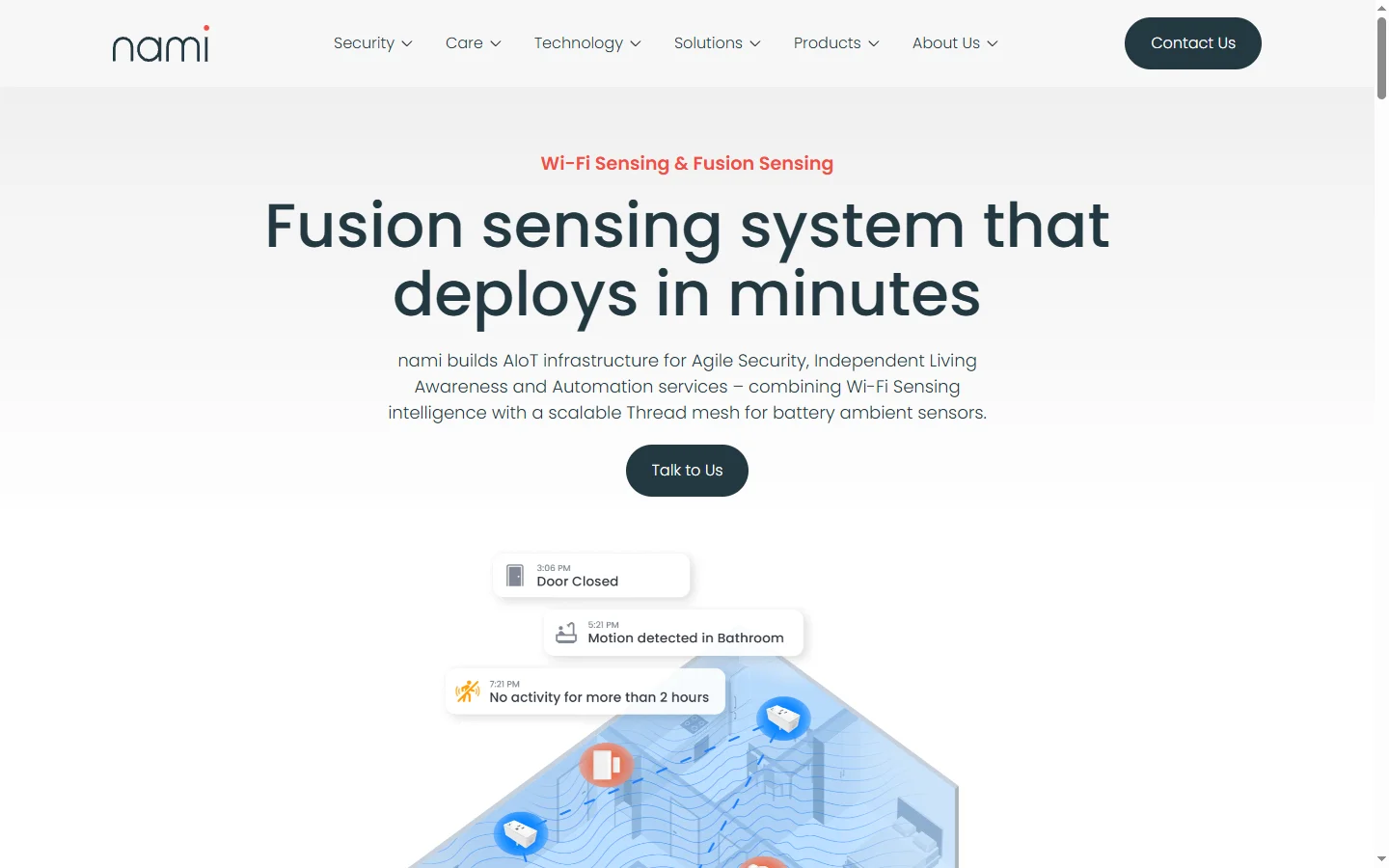
Freemium ✓ VerifiedNami AI is a conversational AI assistant for personal productivity, combining scheduling, notes, tasks, and research in one chat interface.
📋 About Nami AI
Nami AI is a personal productivity assistant that merges chat, scheduling, note-taking, task management, and lightweight research into a single conversational workspace. Instead of context-switching between a calendar, notes app, to-do list, and AI chatbot, users talk to nami ai in natural language and it performs the right action in the right module. The assistant remembers ongoing projects, preferred working hours, and recurring commitments, so prompts like "schedule a focus block tomorrow morning after my standup" resolve correctly without repeated setup.
The platform's differentiator is its persistent memory layer. Nami AI retains notes, decisions, and context across sessions so users can ask follow-up questions weeks later — for example "what did we agree on in the Q2 marketing plan?" — and receive accurate answers drawn from prior conversations. A lightweight research mode can summarize web pages, extract key points from uploaded PDFs, and compare multiple sources side by side. Integrations with Google Calendar, Gmail, and common task apps keep the assistant connected to existing workflows rather than forcing a separate silo.
Nami AI is built for knowledge workers, students, consultants, and solo professionals who juggle many small tasks and benefit from a single assistant that can pivot between planning, writing, and research within one thread. The conversational interface reduces the mental cost of choosing which tool to open, and the memory layer gradually turns nami ai into a personal second brain that understands the user's working style and priorities.
⚡ Key Features of Nami AI
Unified Conversational Interface
Nami ai lets users manage calendar, notes, tasks, and research from a single chat thread rather than switching between separate apps. Natural-language commands like "add a note about the client call and schedule a follow-up next Tuesday" resolve into correct actions across multiple modules. This reduces the cognitive overhead of choosing the right tool for each micro-task. Users report smoother work sessions because context stays in one place.
Persistent Memory Layer
Unlike most chatbots that forget prior conversations, nami ai retains notes, decisions, and project context across sessions so users can ask follow-up questions weeks or months later. The memory graph connects related topics so a question about a project surfaces relevant past discussions automatically. Users can view, edit, or purge specific memories from a settings panel for full control. This turns the assistant into a personal knowledge base that grows more useful over time.
Smart Scheduling
Nami AI integrates with Google Calendar and Outlook to schedule meetings, focus blocks, and reminders using natural language that references existing commitments. Commands like "find 30 minutes for a writing block tomorrow before my first meeting" work without manually checking the calendar. The assistant learns preferred working patterns — for example no meetings before 10am, deep work mornings — and suggests times that match. This makes calendar management far less mechanical.
Research and Summarization Mode
Switch into research mode to summarize web pages, extract key points from PDFs, and compare multiple sources side by side without leaving the chat. Nami ai cites sources and highlights contradictions between them so users can trust and verify findings. This is especially useful for students, consultants, and analysts who synthesize information from many short sources. Summaries are saved to the notes module automatically if desired.
Integrated Task Management
Create, update, and complete tasks through natural conversation, with the assistant breaking down larger goals into actionable subtasks automatically. Tasks appear in a clean list view with filters by project, priority, or deadline for users who prefer a visual overview. Integrations with common task apps keep nami ai in sync with existing workflows rather than forcing duplicate data entry. Recurring tasks and subtasks are handled cleanly.
Multi-Device Sync
Access nami ai across desktop, iOS, and Android with real-time sync so a note captured on phone during a walk appears instantly on the desktop workspace. The mobile apps include voice input for capturing thoughts hands-free. Offline mode queues actions for sync when connection returns. This continuity makes the tool practical for people whose work fluctuates between focused desk sessions and on-the-go capture.
🎯 Use Cases for Nami AI
⚖️ Nami AI Pros & Cons
Advantages
- ✓Unified chat interface replaces multiple productivity apps
- ✓Persistent memory creates a growing personal knowledge base
- ✓Smart scheduling respects working patterns and preferences
- ✓Cross-platform sync with desktop and mobile apps
- ✓Research mode with source citations and summaries
Drawbacks
- ✗Memory features require a privacy-aware approach to sensitive data
- ✗Team collaboration features are limited compared to dedicated PM tools
- ✗Free tier caps monthly message volume
- ✗Some power-user features are desktop-only
📖 How to Use Nami AI
Sign up at nami.ai and install the desktop or mobile app for your preferred device.
Connect Google Calendar or Outlook to enable smart scheduling and meeting awareness.
Start a chat and describe your day, tasks, or questions — nami ai will route actions to the right module.
Use research mode to summarize PDFs, web pages, or notes when you need synthesized information.
Review and edit your memory graph from the settings panel to curate what the assistant remembers.
Check the task and calendar views periodically to get a visual overview when chat alone isn't enough.
❓ Nami AI FAQ
Nami ai offers a free tier with monthly message and memory limits. Paid plans provide expanded memory, higher message volume, and access to advanced research features.
Unlike general-purpose chatbots, nami ai includes persistent memory, native calendar and task integration, and a research mode with source citations, making it a full personal productivity workspace rather than just a chat window.
The mobile apps include an offline capture mode that queues notes and tasks for sync when connection returns. Real-time AI responses require an internet connection.
Yes. Users can view, edit, or purge individual memories from the settings panel. A full memory reset is also available if you want to start fresh.
Nami AI supports Google Calendar and Outlook for scheduling, and integrates with common task management apps. Specific integrations depend on your plan tier.
Related to Nami AI

A2E AI
A2E AI productivity platform converts audio and video recordings into transcripts, summaries, and action items with speaker identification.

Abby AI
Abby AI is an AI therapy and mental wellness chatbot that offers CBT-informed conversations, mood tracking, and self-guided coping tools.

Abnormal AI
Abnormal AI uses behavioral AI to detect business email compromise, account takeover, and socially engineered phishing that bypasses secure email gateways.

Abridge AI
Abridge AI medical documentation platform that records and summarizes clinical conversations into structured physician notes in real time.

Hermes AI
Hermes AI is an AI-powered research and analysis assistant for finance professionals, combining market data, filings, and news in one workspace.

Mercury AI
Mercury AI is an AI-powered financial analysis platform that automates bookkeeping, cash flow forecasting, and reporting for small businesses.
Featured on WhatIf.ai
Add this badge to your website to show you're listed on WhatIf AI
Alternatives to Nami AI
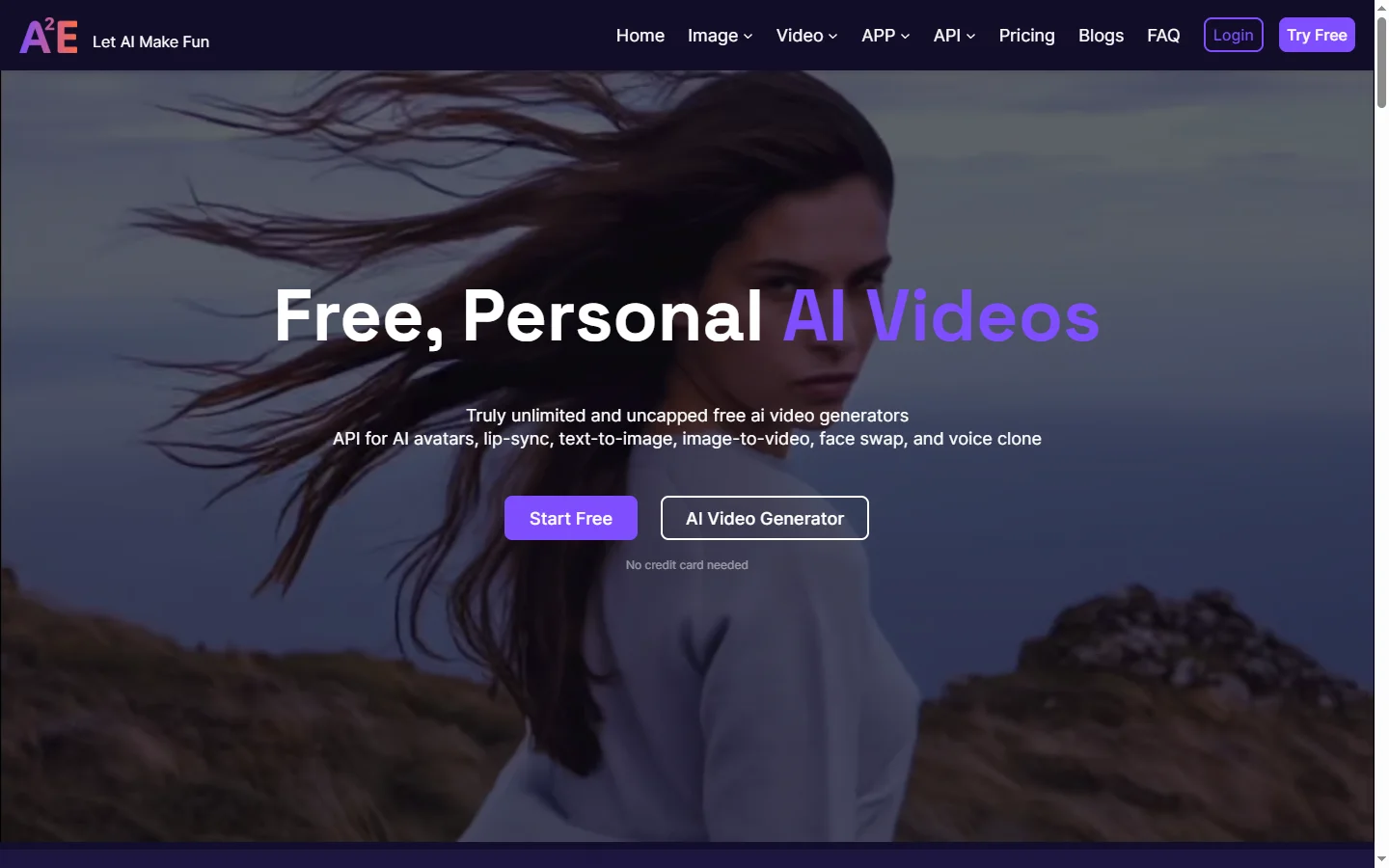
A2E AI
A2E AI productivity platform converts audio and video recordings into transcripts, summaries, and action items with speaker identification.
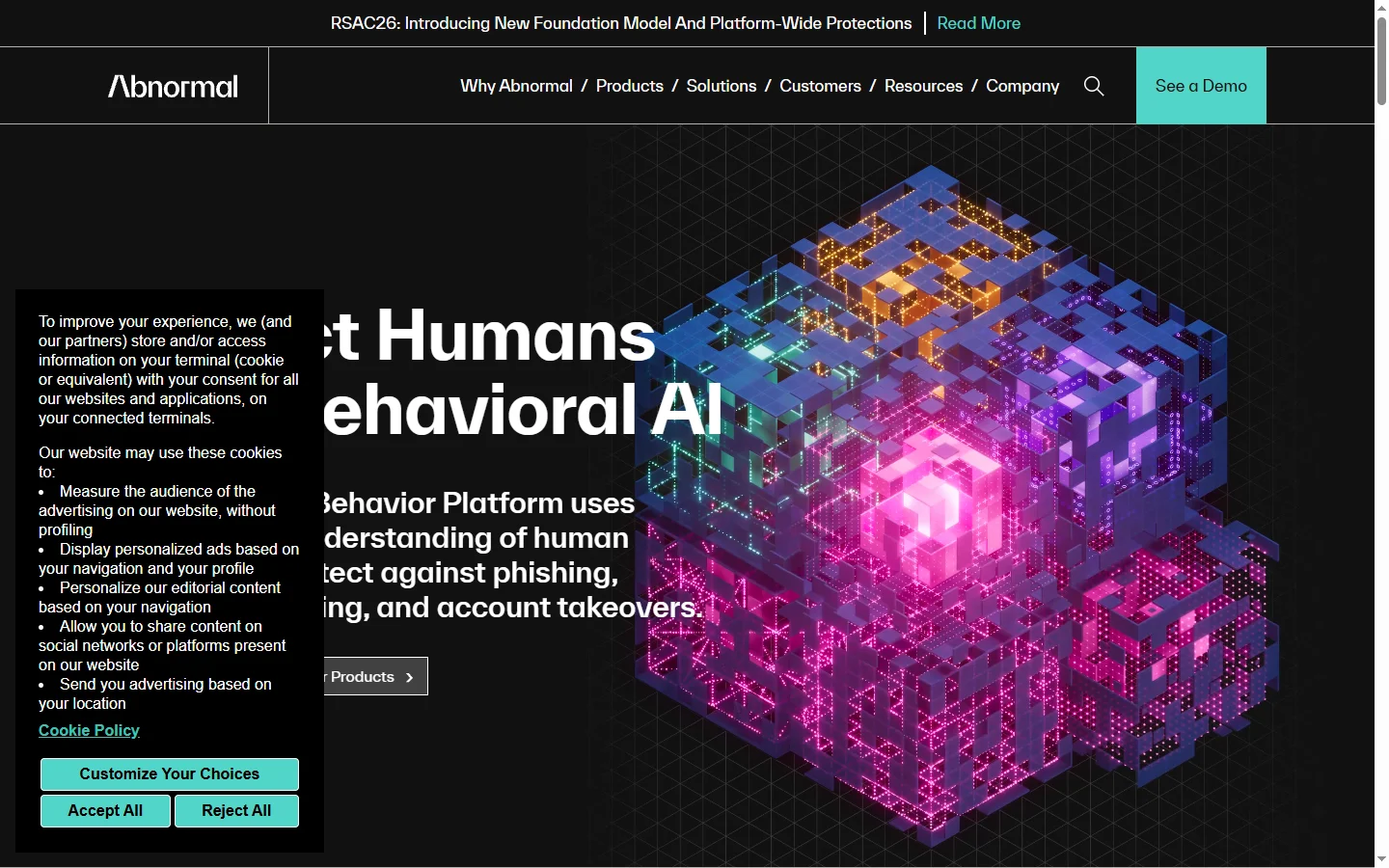
Abnormal AI
Abnormal AI uses behavioral AI to detect business email compromise, account takeover, and socially engineered phishing that bypasses secure email gateways.
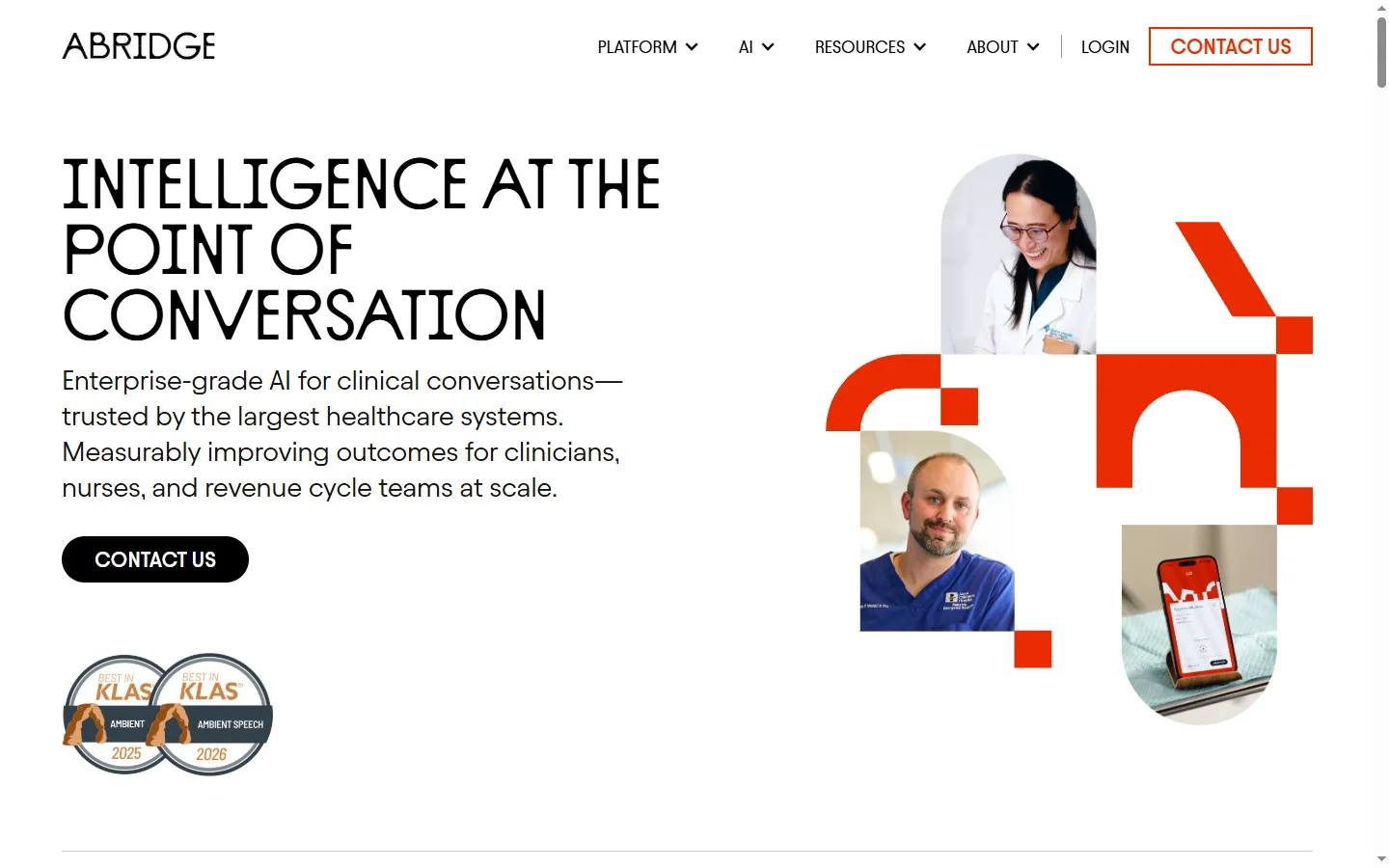
Abridge AI
Abridge AI medical documentation platform that records and summarizes clinical conversations into structured physician notes in real time.

Air AI
Air AI conducts autonomous full-length AI phone calls for sales prospecting, appointment setting, and customer service without human agents.