
Martin AI
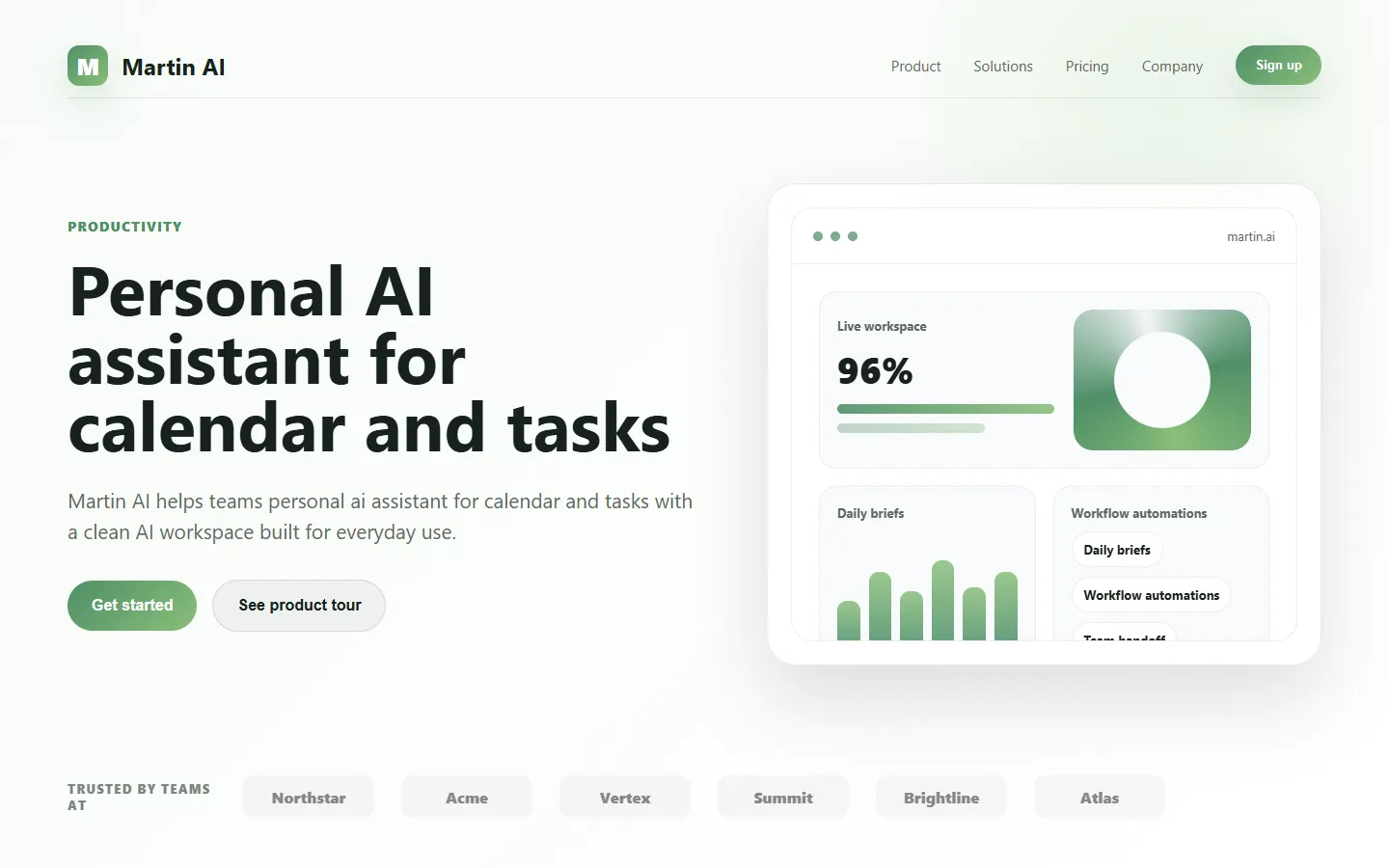
Freemium ✓ VerifiedMartin AI is a personal AI assistant that manages your calendar, email, tasks, and reminders through natural language voice and text chat.
📋 About Martin AI
Martin AI is a proactive personal AI assistant designed to handle the daily administrative overhead of modern life — scheduling, email, reminders, tasks, research, and small errands — through a single conversational interface accessible by voice or text. Unlike pure chatbots that wait for prompts, Martin is built to take initiative: it reminds you about follow-ups, suggests calendar optimizations, drafts responses to incoming emails based on your established patterns, and handles recurring tasks like booking, research, and coordination on your behalf. The goal is to compress the fragmented friction of managing many small things into a single relationship with one assistant that learns your preferences over time.
The platform integrates with Google Workspace, Microsoft 365, major calendar and task systems, and common communication channels, acting as a connective layer over tools you already use rather than a replacement that forces migration. Martin's proactive behavior is configurable — users can dial up how autonomously it acts, from suggestions-only to actually sending routine replies, booking tentative meetings, or filing expenses based on learned rules. Voice is a first-class interface, so users can triage email or schedule a morning commute in the same way they would direct a human assistant.
Martin AI targets busy professionals, executives, solopreneurs, and knowledge workers who spend too much of their day on administrative overhead relative to the value of their time. It is positioned as a mass-market version of the personal assistant experience that was previously only available to executives with human chiefs of staff. The product competes with a growing category of personal AI assistants — Pi, Inflection, Rabbit, and others — by emphasizing proactive action, deep tool integration, and a consumer-friendly voice-first design rather than a pure Q&A chat.
⚡ Key Features of Martin AI
Proactive Calendar and Email Management
Martin actively manages your calendar and inbox — scheduling meetings, proposing times, drafting responses, flagging conflicts, and keeping your day organized — rather than waiting for you to ask. The assistant learns your preferences over time, such as preferred meeting lengths, no-meeting blocks, and VIP contacts who warrant faster responses. This proactive design is what distinguishes Martin from reactive chatbots.
Voice-First Interaction
Voice is a primary interface rather than an afterthought, so users can triage email, review their day, or ask Martin to handle a task while commuting, cooking, or walking. The voice experience is conversational rather than command-driven, which fits how users actually interact with human assistants. Text chat is also available for situations where voice is inconvenient.
Deep Tool Integration
Martin connects to Google Workspace, Microsoft 365, Slack, major calendar and task systems, and common SaaS tools, acting as a connective layer over your existing stack. This avoids the migration penalty that limits adoption of tools requiring you to change habits — Martin works with the calendar and inbox you already use rather than asking you to switch.
Configurable Autonomy
Users can dial Martin's autonomy from suggestion-only — where it drafts and asks for confirmation — to actively executing routine tasks like sending replies, booking tentative meetings, or filing expenses based on learned rules. This configurability lets users build trust gradually rather than committing to full autonomy on day one. Most users settle into a middle ground where Martin handles clear patterns automatically and asks for complex judgment calls.
Task and Reminder Handling
Martin maintains a rolling list of tasks and commitments across projects, nudging you about upcoming deadlines, suggesting prioritization, and breaking down larger goals into actionable steps. Reminders can be set conversationally — remind me to follow up with Sarah next Tuesday — and the assistant handles the scheduling and notification without requiring a separate task app.
Research and Small Errands
Beyond personal admin, Martin handles light research, comparison shopping, and errand coordination — finding a dentist near a new address, comparing flight options for an upcoming trip, drafting a polite cancellation note to a vendor. This surface area expands the assistant's usefulness beyond pure productivity into the smaller errands that tend to fall through the cracks.
🎯 Use Cases for Martin AI
⚖️ Martin AI Pros & Cons
Advantages
- ✓Proactive rather than purely reactive AI behavior
- ✓Deep integration with existing calendar and email stacks
- ✓Voice-first interface fits real-world usage patterns
- ✓Configurable autonomy builds trust gradually
- ✓Covers full range of personal admin in one assistant
Drawbacks
- ✗Requires trusting the assistant with calendar and inbox access
- ✗Proactive behavior may feel intrusive until tuned
- ✗Privacy and data handling depend on platform policies
- ✗Advanced autonomy features gated to paid plans
📖 How to Use Martin AI
Visit martin-ai.com and create an account, starting with the free tier to evaluate the experience.
Connect Martin to your calendar, email, and tasks — typically Google Workspace or Microsoft 365 — using the provided integrations.
Set your initial preferences around meeting lengths, no-meeting blocks, priority contacts, and communication style.
Begin with suggestion-only mode to see what Martin would do before granting autonomy, then gradually dial up as you build confidence.
Use voice or text to hand off tasks — scheduling a meeting, drafting a reply, researching a question — as they arise during the day.
Review Martin's daily summary and adjust preferences over time so the assistant learns your specific style.
❓ Martin AI FAQ
ChatGPT is a reactive assistant that responds to prompts. Martin is proactive — it takes initiative on calendar, email, and task management, integrates deeply with your existing tools, and can actually execute routine tasks rather than only advising on them.
Martin uses secure OAuth connections to your calendar and email accounts, and users control the level of autonomy granted to the assistant. Specific security and privacy practices are documented in the platform's policies, which you should review before connecting any account.
Yes. Martin integrates with Google Workspace, Microsoft 365, and common SaaS tools. It does not require you to migrate away from the email or calendar you already use — the assistant operates on top of your existing stack.
Yes. Voice is a first-class interface for Martin, so users can triage email, schedule meetings, or hand off tasks conversationally by voice in addition to text chat. This is particularly useful while commuting or between meetings.
Martin typically offers a free tier for basic use with paid plans unlocking higher autonomy, additional integrations, and expanded usage limits. Pricing specifics are published on the website and may change as features evolve.
Related to Martin AI

15.ai
15.ai is a free AI voice cloning tool famous for generating realistic speech from cartoon, video game, and animated show characters using as little as 15 seconds of source audio.

A2E AI
A2E AI productivity platform converts audio and video recordings into transcripts, summaries, and action items with speaker identification.

Abby AI
Abby AI is an AI therapy and mental wellness chatbot that offers CBT-informed conversations, mood tracking, and self-guided coping tools.

Abnormal AI
Abnormal AI uses behavioral AI to detect business email compromise, account takeover, and socially engineered phishing that bypasses secure email gateways.

Abridge AI
Abridge AI medical documentation platform that records and summarizes clinical conversations into structured physician notes in real time.

Accrete AI
Accrete AI builds autonomous enterprise AI agents for defense, government, and commercial intelligence workflows.
Featured on WhatIf.ai
Add this badge to your website to show you're listed on WhatIf AI
Alternatives to Martin AI

A2E AI
A2E AI productivity platform converts audio and video recordings into transcripts, summaries, and action items with speaker identification.

Abnormal AI
Abnormal AI uses behavioral AI to detect business email compromise, account takeover, and socially engineered phishing that bypasses secure email gateways.

Abridge AI
Abridge AI medical documentation platform that records and summarizes clinical conversations into structured physician notes in real time.

Adobe Podcast AI
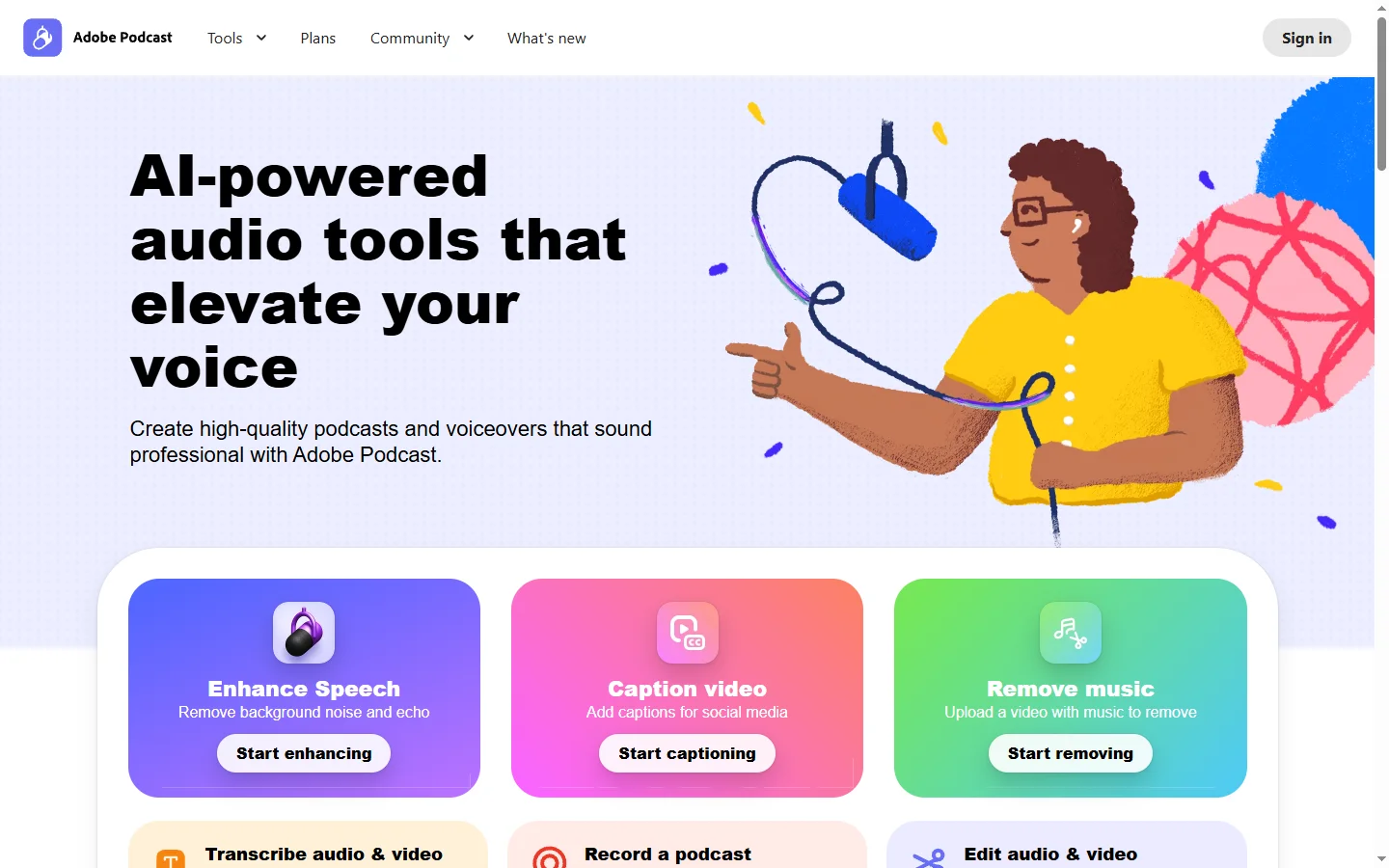
Adobe Podcast AI enhances spoken audio recordings by removing background noise and improving voice clarity to broadcast-quality standards.