
MagicHour AI
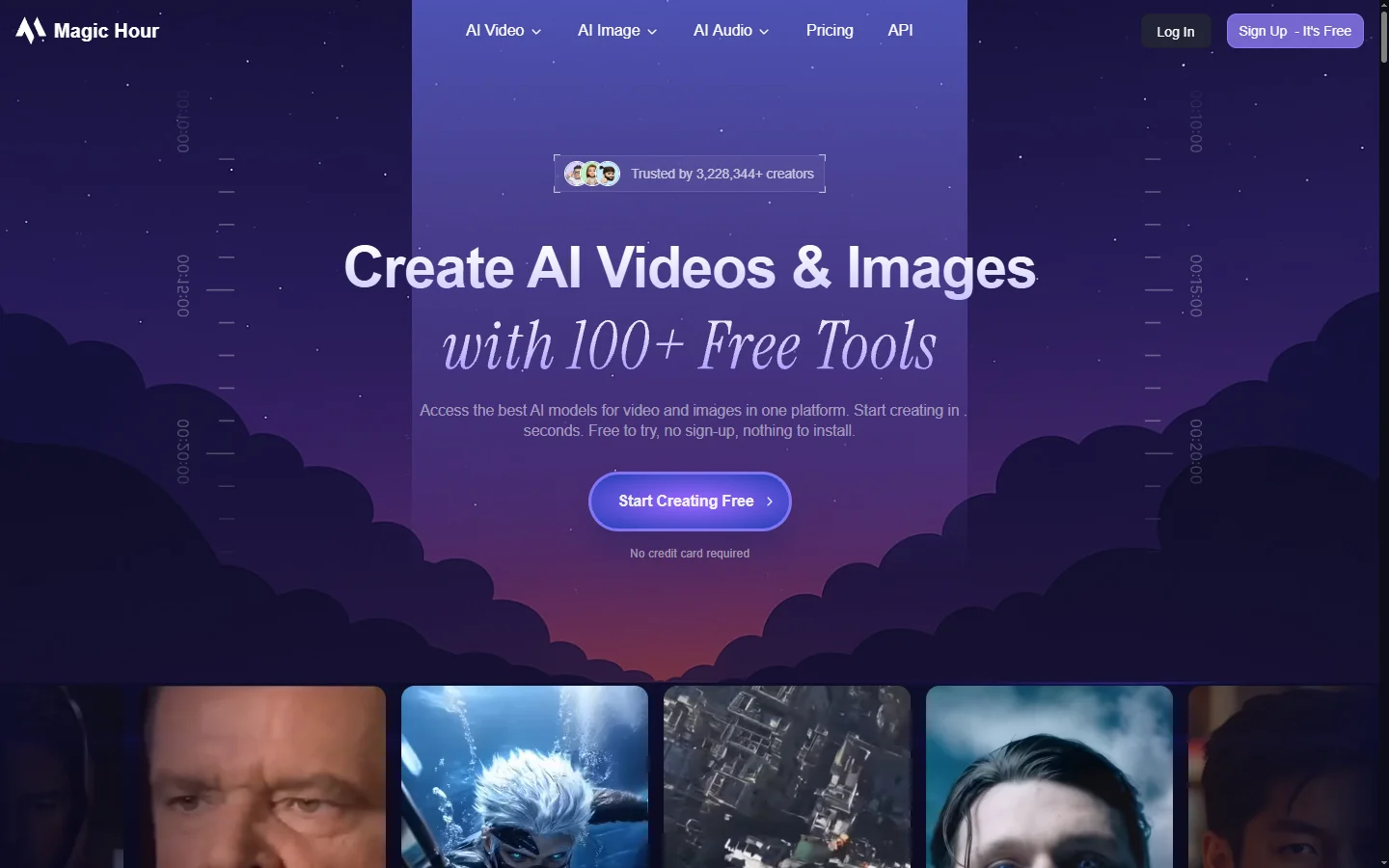
Freemium ✓ Verified 🔥 TrendingMagicHour AI is an all-in-one AI video platform for face swaps, lip sync, text-to-video, and automated short-form video creation.
📋 About MagicHour AI
MagicHour AI is an all-in-one AI video platform that combines face swaps, lip sync, text-to-video generation, image-to-video animation, and automated short-form video creation inside a single web app. The magichour ai platform targets creators, marketers, and agencies who want to produce social media videos, ads, and UGC-style content without a production team, offering templates and one-click workflows that handle the technical complexity of video diffusion models behind the scenes.
The platform groups its tools into distinct studios — face swap, AI avatar, text-to-video, image-to-video, video-to-video, lip sync, and caption generator — so users can pick a tool based on the outcome they want. MagicHour AI also offers an automations workflow that strings tools together for end-to-end content pipelines, such as turning a blog post into a narrated short video or generating a batch of variants from a single script. Outputs can be exported in multiple aspect ratios for TikTok, Reels, YouTube Shorts, and horizontal formats, with watermark-free exports on paid plans.
MagicHour AI serves social media managers, small business owners, affiliate marketers, and content creators who need consistent output without mastering a full video editor. Teams appreciate the unified billing for what would otherwise be a handful of separate tools, along with an API that lets developers embed these capabilities into internal creative tools. The platform continues to expand its model library, balancing ease of use with access to advanced controls for users who want more direction over style, motion, and pacing.
⚡ Key Features of MagicHour AI
AI Face Swap for Video and Images
Upload a source video and a target face, and magichour ai swaps the face across every frame while preserving expressions and lighting. The face swap model handles multiple subjects, partial occlusions, and moderate camera movement, producing results that look natural in most conditions. This feature is widely used for creative content, skits, and promotional videos where consistent branding or casting is needed. Users retain control over how aggressive the swap is, with sliders for identity preservation and expression blending.
Lip Sync for Any Video
Upload a clip with an on-screen speaker and any audio track, and magichour ai re-renders the mouth to match the new audio, preserving head motion and expressions. This is a core tool for dubbing videos into new languages, fixing audio mistakes without reshoots, and creating stylized UGC-style ads. The lip sync model handles close-ups and mid-shots well, and supports multiple languages through phoneme-aware alignment. Marketers use it to localize campaigns without producing new footage.
Text-to-Video Generation
Describe a scene in natural language and magichour ai generates a short video clip using state-of-the-art diffusion models, with controls for style, camera motion, and aspect ratio. The platform exposes multiple underlying models so users can choose between speed and quality, and offers presets for cinematic, anime, and stylized looks. Generated clips can be extended, remixed, or combined with other AI studios for more polished output. This is particularly useful for creating b-roll and motion graphics without stock libraries.
AI Avatar Creator
Generate talking-head videos from a script by pairing a custom avatar or preset with an AI voice, delivering finished presenter-style content without a camera. The magichour ai avatar engine lets users upload a reference image to create a custom avatar or select from a library of diverse presets. Output videos include natural lip sync and expression animation, which makes them suitable for training content, product explainers, and social media. Voice cloning is available for users who want their avatar to speak in their own voice.
Image-to-Video Animation
Turn static images into short animated clips with subtle motion, parallax, or full scene animation depending on the selected model. This feature is popular for turning product photos into social ads, giving still art pieces motion, and creating ambient visuals for livestreams. Magichour ai offers controls for motion intensity and direction, letting users dial in the effect they want. Outputs can be chained with lip sync and text-to-video to build longer narrative sequences.
Automated Video Workflows
String multiple magichour ai tools together into a single automation — for example, turning a written script into a narrated avatar video with captions and music in one run. The automation builder exposes triggers, inputs, and branching logic without requiring code. Creators use this to produce recurring content formats at scale, such as daily news shorts or weekly product highlights. Workflows can be shared with teammates or cloned as starting points for new projects.
Developer API
All magichour ai tools are available through a REST API, letting developers integrate face swap, lip sync, and text-to-video into their own apps, CMS systems, or video pipelines. The API handles long-running jobs asynchronously and returns structured metadata about generated assets. Agencies use the API to build internal creative tools that combine Magichour models with their own assets and branding. SDKs and sample code are provided for common languages.
🎯 Use Cases for MagicHour AI
⚖️ MagicHour AI Pros & Cons
Advantages
- ✓Multiple video AI tools in one platform
- ✓Affordable compared to separate subscriptions
- ✓API available for developers
- ✓Supports vertical and horizontal aspect ratios
- ✓Active roadmap with new models added regularly
Drawbacks
- ✗Free plan outputs include a watermark
- ✗Long or high-resolution videos can be slow to render
- ✗Some models still show occasional artifacts
- ✗Face swap raises obvious misuse concerns requiring good policies
📖 How to Use MagicHour AI
Create a free account on magichour.ai.
Pick the studio that matches your goal — face swap, lip sync, text-to-video, avatar, or automations.
Upload the required inputs such as a source video, target face, or script.
Adjust settings like style, aspect ratio, and motion intensity before rendering.
Preview the output, regenerate if needed, and export in your desired format.
Upgrade to a paid plan for faster rendering, watermark-free exports, and API access.
❓ MagicHour AI FAQ
Yes. Magichour ai offers a free tier with limited credits and watermarked exports. Paid plans unlock more credits, higher resolutions, watermark-free outputs, and API access.
Paid plans grant commercial usage rights to generated content, subject to the platform's terms, which prohibit using the tools to impersonate real people without consent.
Rendering time depends on the tool and the length of the video. Short clips usually finish in minutes, while longer or higher-resolution jobs can take longer, especially on shared free-tier infrastructure.
Yes. The lip sync and avatar tools support many languages, and the voice library includes natural-sounding speakers across multiple locales.
Yes. An API is available on paid plans, allowing developers to integrate face swap, lip sync, and text-to-video capabilities into custom applications.
Related to MagicHour AI

Actively AI
Actively AI is an AI sales prospecting platform that researches accounts, identifies buyer signals, and writes personalized outbound at pipeline scale.

Airship AI
Airship AI provides video intelligence and data management solutions that use AI to search, analyze, and secure large-scale video evidence.

Akuma AI
Akuma AI is an AI music generation platform that creates original songs, instrumentals, and soundtracks from text prompts for creators and indie artists.

Amplify AI
Amplify AI is an employee advocacy and social selling platform that uses AI to create, personalize, and measure content for sharing at scale.

Arcads AI
Arcads AI generates UGC-style video ads using AI actors from scripts, enabling performance marketers to produce ad creative variations at scale.

BigMotion AI
BigMotion AI video and animation generation platform that creates motion content from text prompts and image inputs without animation software skills.
Featured on WhatIf.ai
Add this badge to your website to show you're listed on WhatIf AI
Alternatives to MagicHour AI

Aragon AI
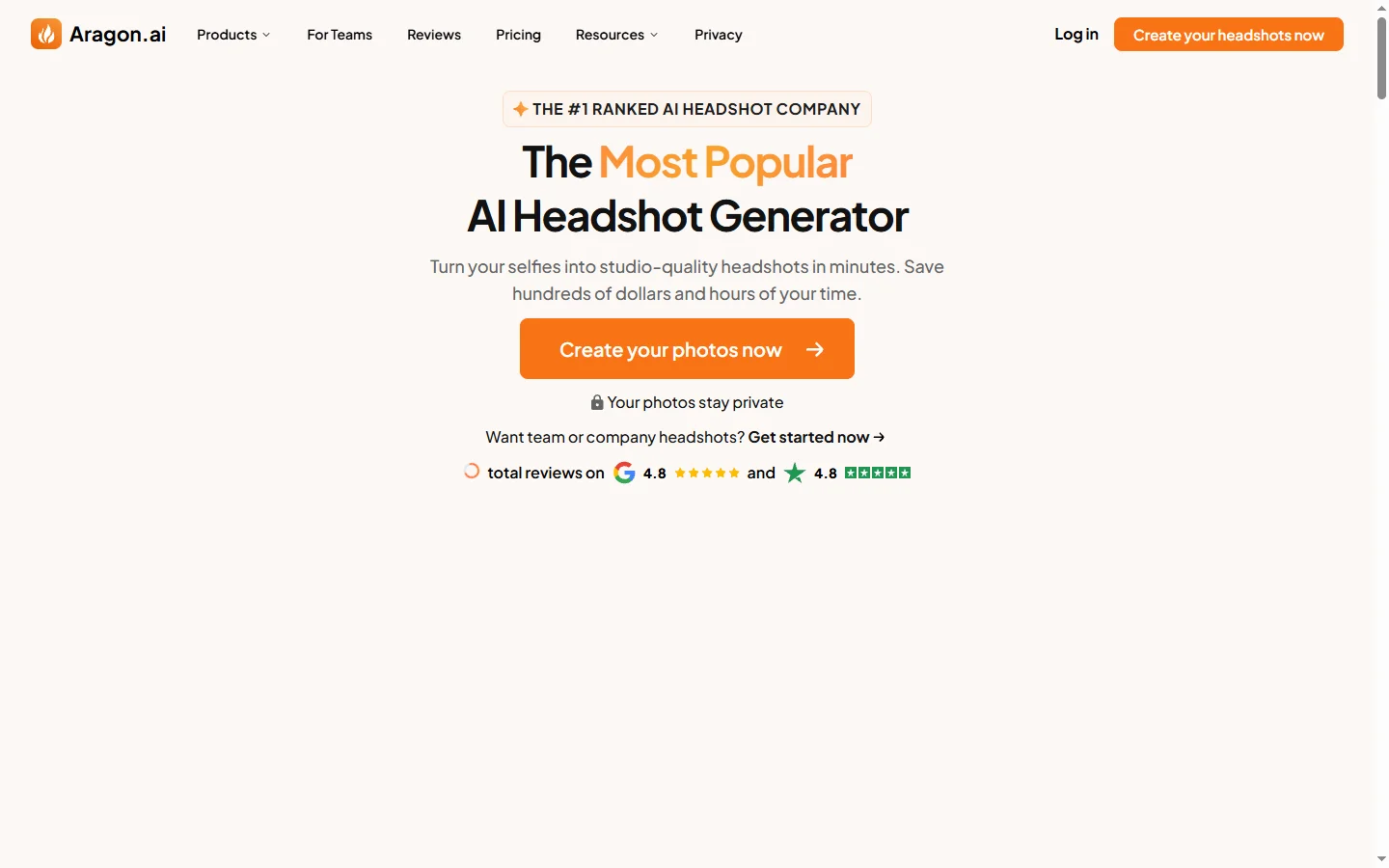
Aragon AI professional headshot generator that creates studio-quality portrait photos from uploaded selfies using a personalized AI model.
Arcads AI
Arcads AI generates UGC-style video ads using AI actors from scripts, enabling performance marketers to produce ad creative variations at scale.

ArtGuru AI
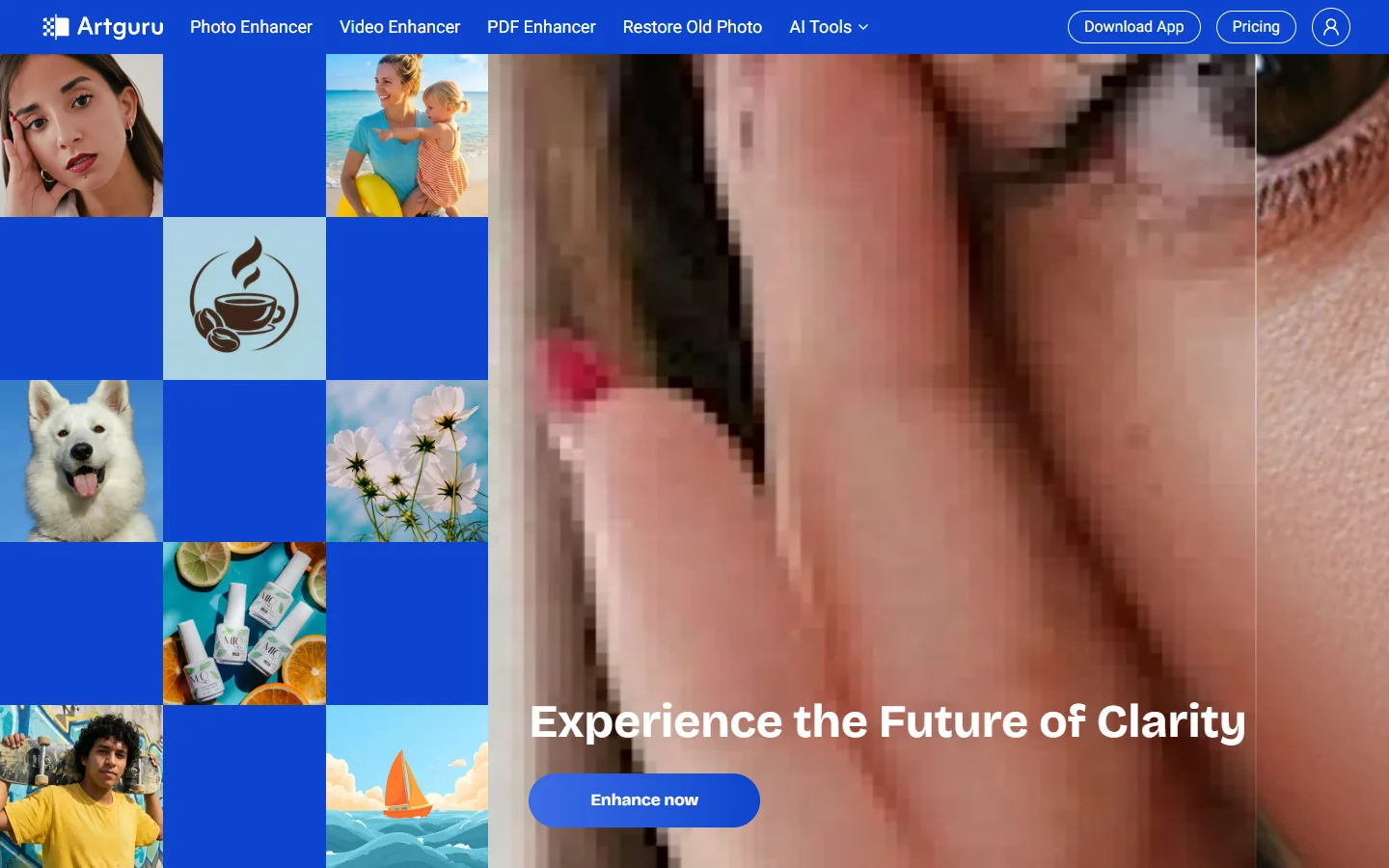
ArtGuru AI generates images from text prompts in a wide range of artistic styles, with additional tools for face enhancement, background removal, and image upscaling.

Artlist AI
Artlist AI music generation and royalty-free licensing platform for video creators, filmmakers, and content producers needing commercially cleared tracks.