Kano AI
Freemium ✓ VerifiedKano AI is an AI-powered children's storytelling and creative learning platform that generates personalized stories, illustrations, and coding activities for kids.
📋 About Kano AI
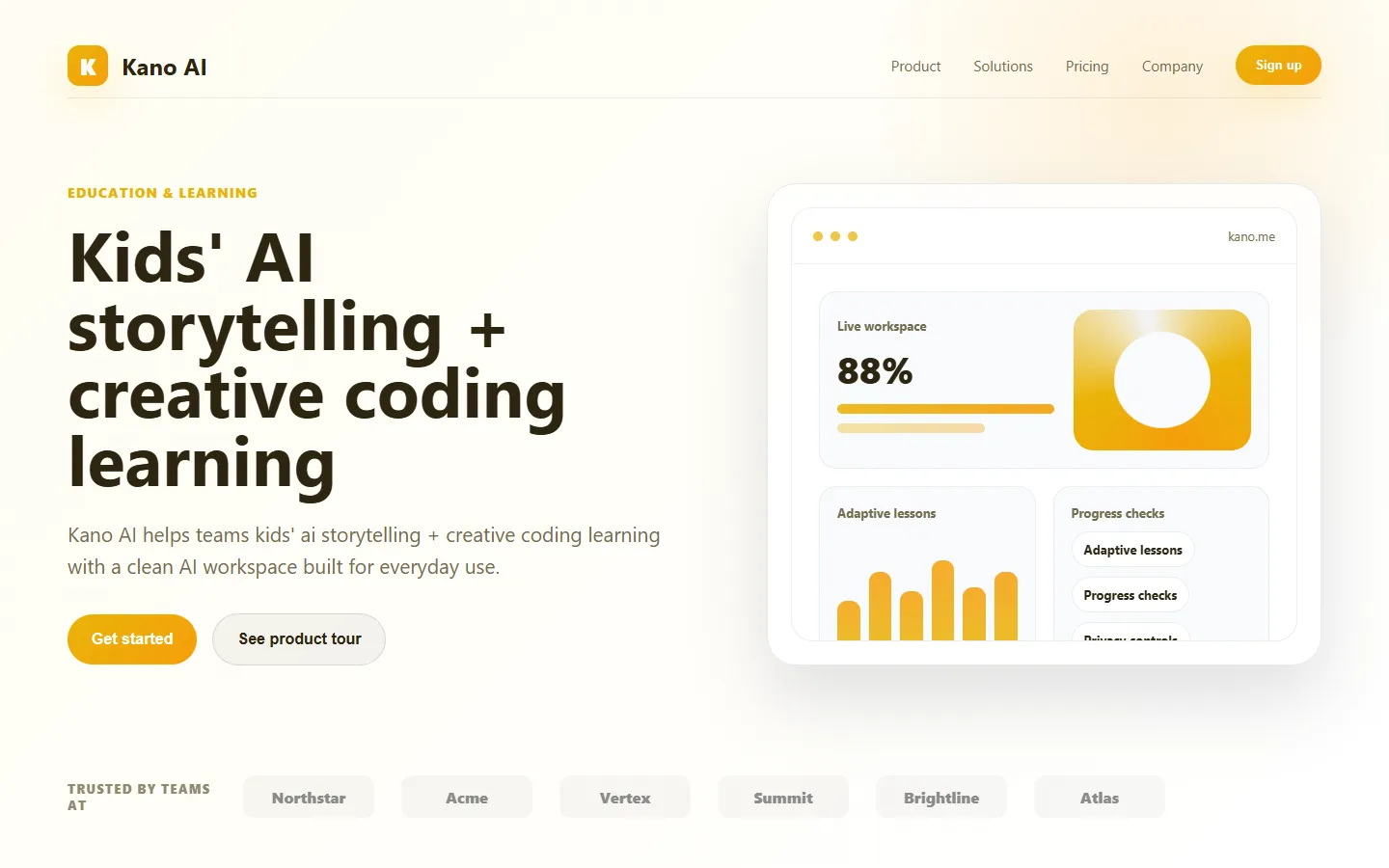
Kano AI is an educational creativity platform that uses generative AI to help children write stories, create illustrated picture books, and learn the basics of coding and computational thinking in a safe, age-appropriate environment. Built by the team behind the Kano Computer Kit, the tool combines a kid-friendly interface, moderated content filters, and teacher-reviewed prompts to deliver a creative playground that parents can trust. Kids describe what they want to build, and the system handles the heavy lifting while guiding them through the creative decisions.
The platform produces custom illustrations that match the storyline, generates age-appropriate narrative text, and lets children narrate their stories with AI voice synthesis. Progression through the activities teaches skills such as sequencing, prompt writing, character design, and basic logic, giving Kano AI strong pedagogical grounding beyond pure entertainment. Parent dashboards show which activities a child has completed and track reading and writing development over time.
Kano AI is designed for families, classrooms, and after-school programs that want to introduce AI literacy and creative writing to children ages 6 to 12. Schools use bulk licenses for STEAM curriculum, and parents subscribe to the consumer plan for home use. The service balances creative freedom with strict content safety controls tuned for younger audiences.
⚡ Key Features of Kano AI
Kid-Safe Story Generator
Kano AI generates original children's stories with characters, settings, and plots drawn from the child's own prompts, filtered through multiple layers of content moderation tuned for ages 6 to 12. Every output is screened for violence, scary imagery, mature language, and age-inappropriate themes before it reaches the child. Parents can set content sensitivity levels per child profile.
Illustrated Picture Books
The tool pairs every generated story with AI-produced illustrations styled as hand-drawn storybook art, avoiding the uncanny photorealism that confuses younger readers. Kids can edit or regenerate any page's artwork, change characters' appearance, or adjust the scene, giving them meaningful creative control. Finished books can be downloaded as PDFs or printed through the Kano print partner.
Voice Narration
Stories can be read aloud using age-appropriate AI voices with natural intonation and optional background music. Children can also record their own narration and layer it over the pages, turning the book into a podcast-style audio story. This supports both struggling readers and kids who prefer to create through speaking rather than typing.
Coding Quests
Beyond storytelling, Kano AI includes block-based coding quests where children build simple games and animations using natural language instructions that the tool translates into visual code blocks. This introduces computational thinking concepts such as loops, conditionals, and variables without requiring text-based syntax. Quests are structured as progressive lessons with clear learning outcomes.
Parent and Teacher Dashboard
Guardians get a dashboard showing time spent, activities completed, reading level progression, and examples of the child's work. Teachers can create classrooms, assign projects, and leave inline feedback on student stories. The dashboard supports multiple child profiles per account with individual content settings.
COPPA and GDPR-K Compliance
Kano AI is designed from the ground up for compliance with children's privacy laws including COPPA in the United States and GDPR-K in the European Union. No behavioral advertising, strict data minimization, and parent-verified consent flows are core to the product design. This compliance posture is why many schools can adopt the tool without legal friction.
Offline Story Bundles
Completed stories and audio narration can be downloaded for offline reading in the Kano mobile app, which is valuable for long car trips, camping, or households that limit screen-based internet time. Bundles preserve illustrations, text, and narration in a self-contained format. This feature addresses a common parent complaint about cloud-only kids' apps.
🎯 Use Cases for Kano AI
⚖️ Kano AI Pros & Cons
Advantages
- ✓Strong child safety and content moderation controls
- ✓Blends storytelling, illustration, and coding in one product
- ✓COPPA and GDPR-K compliant out of the box
- ✓Parent and teacher dashboards with progress tracking
- ✓Generous free tier for casual home use
Drawbacks
- ✗Limited customization compared to adult creative tools
- ✗Art style fixed to storybook aesthetic
- ✗Mobile app occasionally slow on older devices
- ✗Subscription required to unlock printing and advanced activities
📖 How to Use Kano AI
Visit kano.me and create a parent or teacher account, then add a child profile with age and content preferences.
Let your child choose a story quest or describe their own idea in the prompt box.
Review the generated story page-by-page and regenerate any illustrations or text the child wants to change.
Record narration or choose an AI voice to read the story aloud.
Download the finished book as a PDF or order a printed copy from the Kano print partner.
Check the parent dashboard to review progress and unlock advanced coding quests as your child grows.
❓ Kano AI FAQ
Kano AI is built for children ages 6 to 12, with content moderation, interface complexity, and reading levels tuned for that range. Younger kids typically need parent co-use, while older kids can use it independently.
Yes. Kano AI applies multi-layer content moderation, has no behavioral advertising, is COPPA and GDPR-K compliant, and gives parents granular content sensitivity controls per child profile.
No. Kano AI is a creative tool meant to complement reading practice, not replace it. The personalized stories it produces are designed to build reading motivation that transfers back to traditional books.
Yes. Kano offers school and district licensing that includes classroom dashboards, assignment tools, and bulk student accounts with appropriate data protection agreements.
Generating new stories requires internet, but completed stories and audio narration can be downloaded to the Kano mobile app for offline reading.
Related to Kano AI

Abby AI
Abby AI is an AI therapy and mental wellness chatbot that offers CBT-informed conversations, mood tracking, and self-guided coping tools.

Ace AI
Ace AI is an AI-powered interview and career coach that helps job seekers prepare with mock interviews, resume feedback, and personalized career guidance.

Alayna AI
Alayna AI is an all-in-one AI teaching assistant that helps K-12 educators plan lessons, differentiate activities, and give personalized feedback.

Alex AI
Alex AI is a macOS AI assistant that lives in your menu bar, offering instant writing help, code assistance, and context-aware productivity features.
Featured on WhatIf.ai
Add this badge to your website to show you're listed on WhatIf AI
Alternatives to Kano AI


Aragon AI
Aragon AI professional headshot generator that creates studio-quality portrait photos from uploaded selfies using a personalized AI model.

ArtGuru AI
ArtGuru AI generates images from text prompts in a wide range of artistic styles, with additional tools for face enhancement, background removal, and image upscaling.

Backyard AI
Backyard AI is a free desktop application for running local AI character chat with custom personas, private conversations, and full offline operation.


Blaze AI
Blaze AI generates on-brand social media posts, blog articles, email campaigns, and ad copy for marketers and small businesses using configurable brand voice settings.