
Higgsfield AI
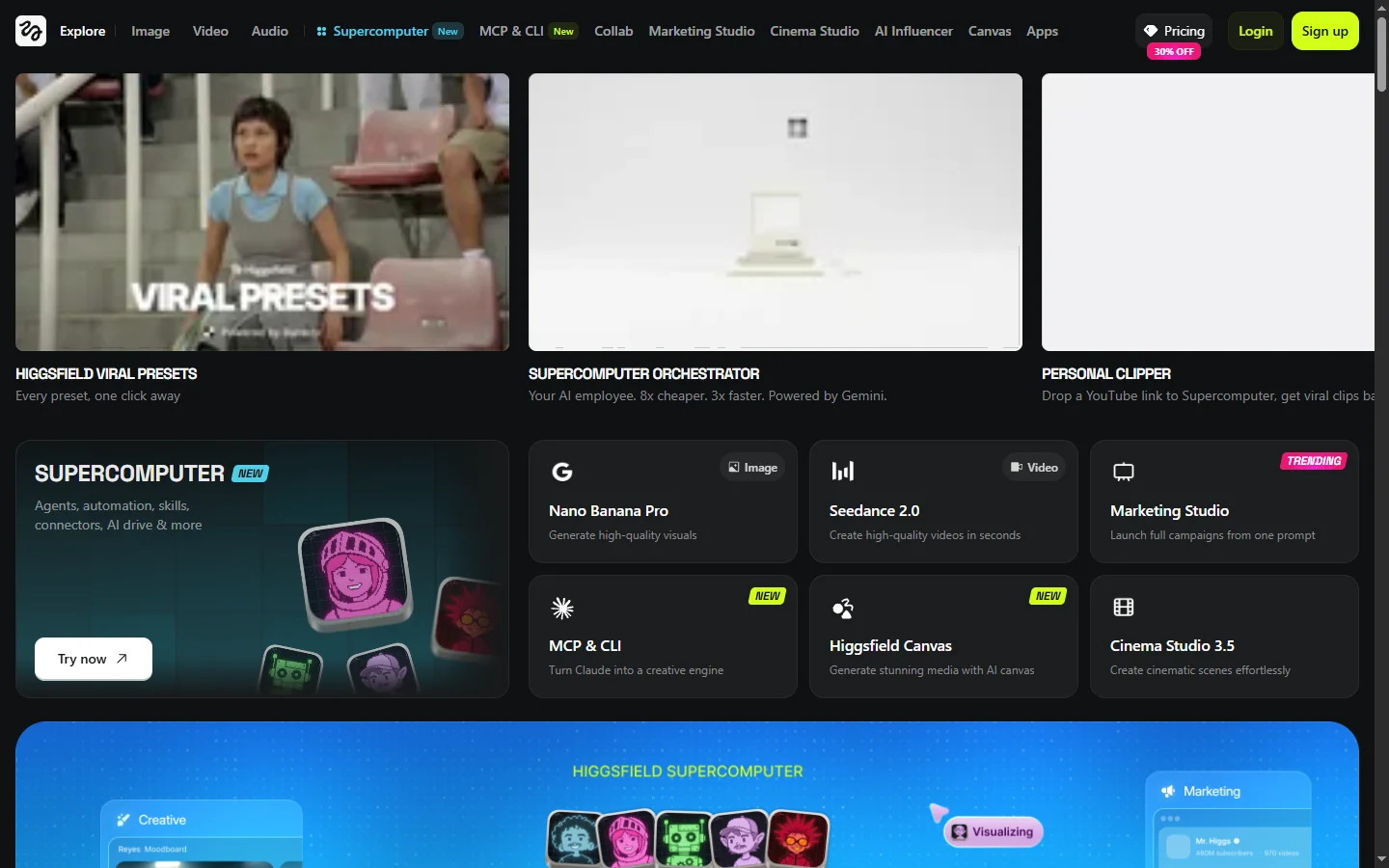
Freemium ✓ Verified 🔥 TrendingHiggsfield AI is a viral AI video generator focused on cinematic camera control, dynamic motion presets, and short-form social video templates.
📋 About Higgsfield AI
Higgsfield AI is a higgsfield ai video generation platform that has gone viral for one reason — it gives creators Hollywood-grade camera control inside AI video, something most text-to-video tools fail at. Where competitors render flat or wobbly camera moves, Higgsfield offers dozens of named cinematic camera presets — dolly zoom, crash zoom, FPV, bullet time, super dolly out, robo arm — that let users plug a still image into a viral-ready clip with a recognizable filmmaker's eye. The result is short videos that feel directed, not generated, which is why TikTok, Instagram Reels, and YouTube Shorts have been flooded with Higgsfield content over the past months.
The platform layers powerful video models (including Higgsfield's own Soul and Lite engines, plus integrations with leading video foundation models) under a UI built for speed. Creators upload or generate a still, pick a camera move, choose a duration, and get a polished clip in seconds. Beyond camera control, the higgsfield ai video generator includes templated effects, viral trend presets (everything from action sequences to fashion lookbooks), motion brushes, image-to-video, and a robust editing layer to combine multiple clips into a single short. The recently launched Higgsfield Mix and Speak features add lip-synced characters and dialogue, expanding the tool from pure b-roll into narrative content.
Higgsfield AI runs on a credit-based freemium plan with tiers for casual creators, professionals, and studios. The audience skews toward content creators, social media marketers, ad agencies, indie filmmakers, and product brands looking to produce scroll-stopping video without a film crew. With viral growth on social platforms, frequent model updates, and integrations with both web and mobile workflows, Higgsfield has established itself as the go-to AI video tool when motion design and camera language matter.
⚡ Key Features of Higgsfield AI
Cinematic Camera Control Presets
Higgsfield AI's signature feature is a library of named cinematic camera moves — dolly zoom, crash zoom, FPV drone, bullet time, super dolly out, robo arm, snorri cam, and more — that turn a static image into a directed short clip. Each preset replicates the framing, speed, and motion arc of a real camera operator, giving generated videos the polish of a music video or feature trailer. This is the single biggest reason the higgsfield ai video generator has gone viral — competitors generate motion, but Higgsfield generates cinematography. Users can stack camera moves, adjust intensity, and combine with subject motion.
Image-to-Video Generation
Upload any still photo or AI-generated image and Higgsfield animates it into a 5-10 second video clip using your chosen camera move and motion style. This is invaluable for marketers turning product shots into hero videos, photographers monetizing portfolios as motion content, and designers prototyping ad concepts. The motion stays anchored to the source image's composition rather than wandering into surreal hallucinations, so brand-critical visuals stay recognizable. Outputs are 1080p MP4 ready for social platforms.
Viral Trend Templates
Higgsfield maintains a constantly updated library of viral templates — action sequences, fashion lookbooks, music video moments, anime transformations, sports highlights — that wrap a proven creative formula around your input. Pick a template, drop in your image or prompt, and the platform produces a clip tuned for maximum engagement on TikTok or Reels. Marketing teams and creators use this to ride trends without spending hours studying what's working. Templates refresh weekly as new viral formats emerge.
Higgsfield Speak with Lip Sync
The Speak feature turns any character image into a talking head with lip-synced dialogue and natural facial micro-expressions. Type or upload audio, pick a voice, and the higgsfield ai video generator produces a clip of your character speaking the lines on camera. This unlocks narrative content, explainer videos, fake interviews, and character-driven ads without filming anyone. The lip sync is competitive with dedicated tools like HeyGen for short-form use cases.
Motion Brush and Region Control
Paint over specific regions of an input image to tell Higgsfield exactly what should move — a character's hair, a flag in the background, a car's wheels — while the rest stays anchored. This fine-grained control prevents the entire scene from morphing into chaos, which is a common failure mode of unrestricted video generators. Designers use motion brush to add subtle ambient motion to otherwise static product shots or environmental art.
Multi-Clip Editor and Storyboard
Combine multiple generated clips, add transitions, music, and text overlays in the built-in editor without exporting to a separate NLE. The storyboard view lets creators plan a sequence of camera moves and shots before generating, ensuring narrative continuity across a longer video. Useful for ads, short films, and serialized social content. Final exports are ready for direct upload to TikTok, Instagram, YouTube, or download as MP4.
Mobile and Web Workflows
Higgsfield AI runs in any browser and ships with iOS and Android apps that match the desktop feature set. Creators can generate on the go, sync projects across devices, and share previews instantly with collaborators. Mobile-first design means TikTok creators can prototype, generate, and post a viral clip without ever touching a laptop. The cloud-first architecture also means generation runs on Higgsfield's servers, not your device, keeping mobile battery use minimal.
🎯 Use Cases for Higgsfield AI
⚖️ Higgsfield AI Pros & Cons
Advantages
- ✓Best-in-class cinematic camera control among AI video tools
- ✓Viral trend templates make scroll-stopping content effortless
- ✓Motion brush keeps generations from going off the rails
- ✓Built-in editor avoids exporting to a separate video tool
- ✓Strong mobile apps for TikTok-native creators
Drawbacks
- ✗Credit costs add up quickly for heavy generation users
- ✗Clips capped at short durations — not a feature-film tool
- ✗Some camera presets work better on certain image styles
- ✗Generation queue can slow during viral trend spikes
📖 How to Use Higgsfield AI
Go to higgsfield.ai and sign up using Google or email — new accounts get free starter credits.
Upload an image or generate one inside the platform to use as your starting frame.
Pick a cinematic camera preset like crash zoom, FPV, or bullet time from the camera control library.
Adjust duration, motion intensity, and optionally use motion brush to control which regions animate.
Click Generate, wait 30-90 seconds, then preview and refine until the clip feels right.
Stitch multiple clips together in the built-in editor, add music, and export as MP4 for social platforms.
❓ Higgsfield AI FAQ
Higgsfield AI offers free starter credits when you sign up, plus daily refills on the free tier so you can generate a handful of clips per day. Paid plans starting around $9/month unlock more credits, higher resolution exports, faster queues, and commercial usage rights.
The higgsfield ai video generator is purpose-built around cinematic camera control — named presets like dolly zoom, crash zoom, FPV, and bullet time produce directed-looking motion that other AI video tools struggle to replicate. Runway and Pika are more general-purpose, while Higgsfield is the specialist for motion language and viral short-form clips.
Most clips are 5-10 seconds out of the box, which matches the optimal length for TikTok, Instagram Reels, and YouTube Shorts hooks. Multiple clips can be stitched together in the built-in editor to produce longer sequences, ads, or short-form narratives.
Yes. Paid Higgsfield plans grant commercial usage rights, making it suitable for client work, ads, and monetized social content. Always check the current terms on higgsfield.ai for specifics on enterprise or large-scale commercial deployment.
Yes. Higgsfield offers iOS and Android apps with the full feature set, plus a responsive web app. Creators can generate, edit, and post clips directly from a phone, which is part of why the tool has spread so quickly among TikTok-native creators.
Related to Higgsfield AI
DomoAI
AI anime image and video generator with style transfer that converts videos and photos into anime, cartoon, and stylized art outputs.

MagicHour AI
MagicHour AI is an all-in-one AI video platform for face swaps, lip sync, text-to-video, and automated short-form video creation.

Pollo AI
Pollo AI generates short video clips from text and images using multiple AI video models compared side by side in one platform.

Revid AI
Revid AI viral short video platform that creates trend-aligned TikTok, Reels, and YouTube Shorts content from topics or scripts using AI.

Runway
Runway AI video editor and generator offering text-to-video, inpainting, background removal, and motion tools in a browser-based creative suite.

Sora
Sora AI video generator by OpenAI that creates realistic 1080p video clips from text prompts with natural physics and cinematic motion.
Featured on WhatIf.ai
Add this badge to your website to show you're listed on WhatIf AI
Alternatives to Higgsfield AI

Arcads AI
Arcads AI generates UGC-style video ads using AI actors from scripts, enabling performance marketers to produce ad creative variations at scale.

Artlist AI
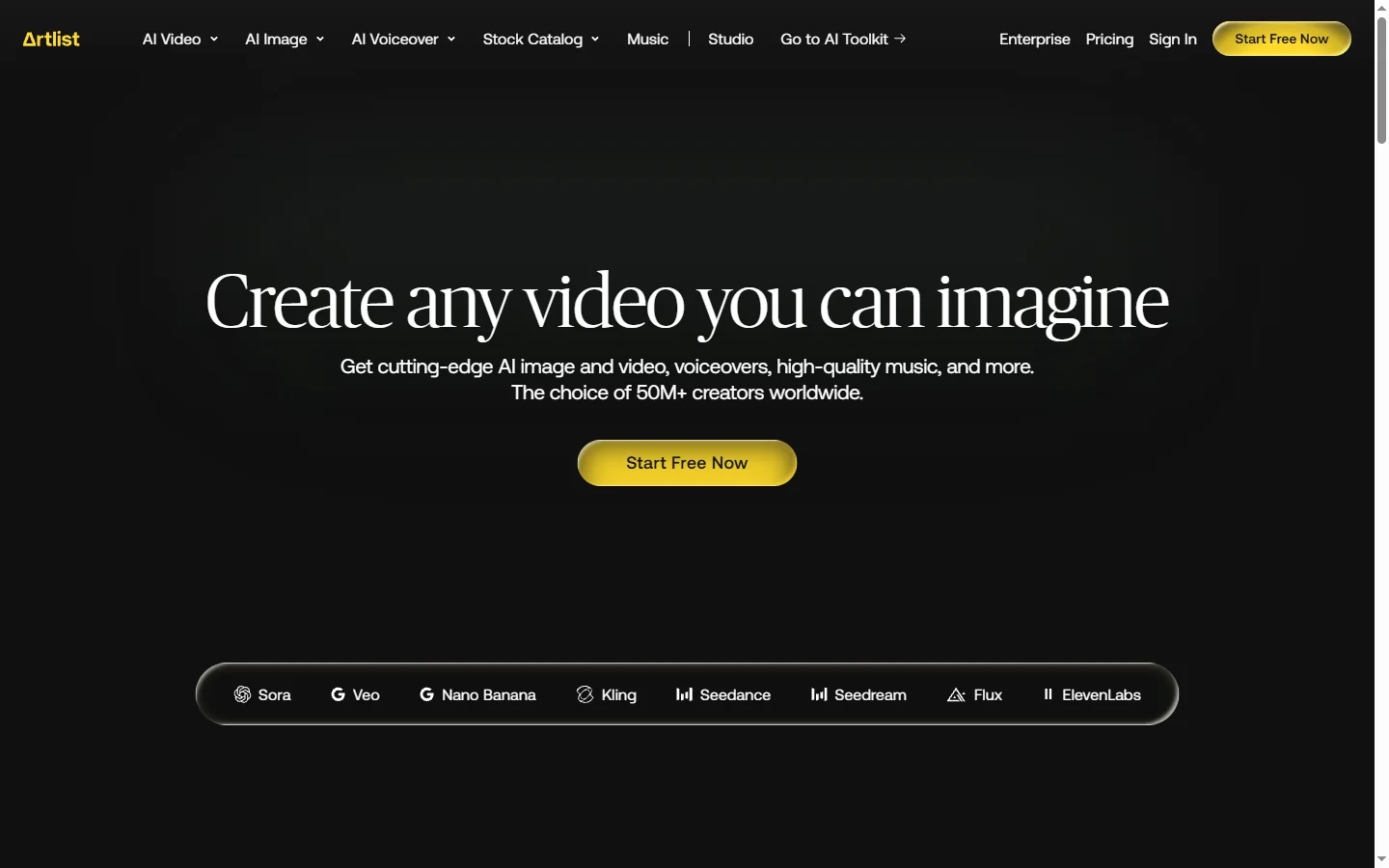
Artlist AI music generation and royalty-free licensing platform for video creators, filmmakers, and content producers needing commercially cleared tracks.

BigMotion AI
BigMotion AI video and animation generation platform that creates motion content from text prompts and image inputs without animation software skills.
Blaze AI
Blaze AI generates on-brand social media posts, blog articles, email campaigns, and ad copy for marketers and small businesses using configurable brand voice settings.