
Fadr AI
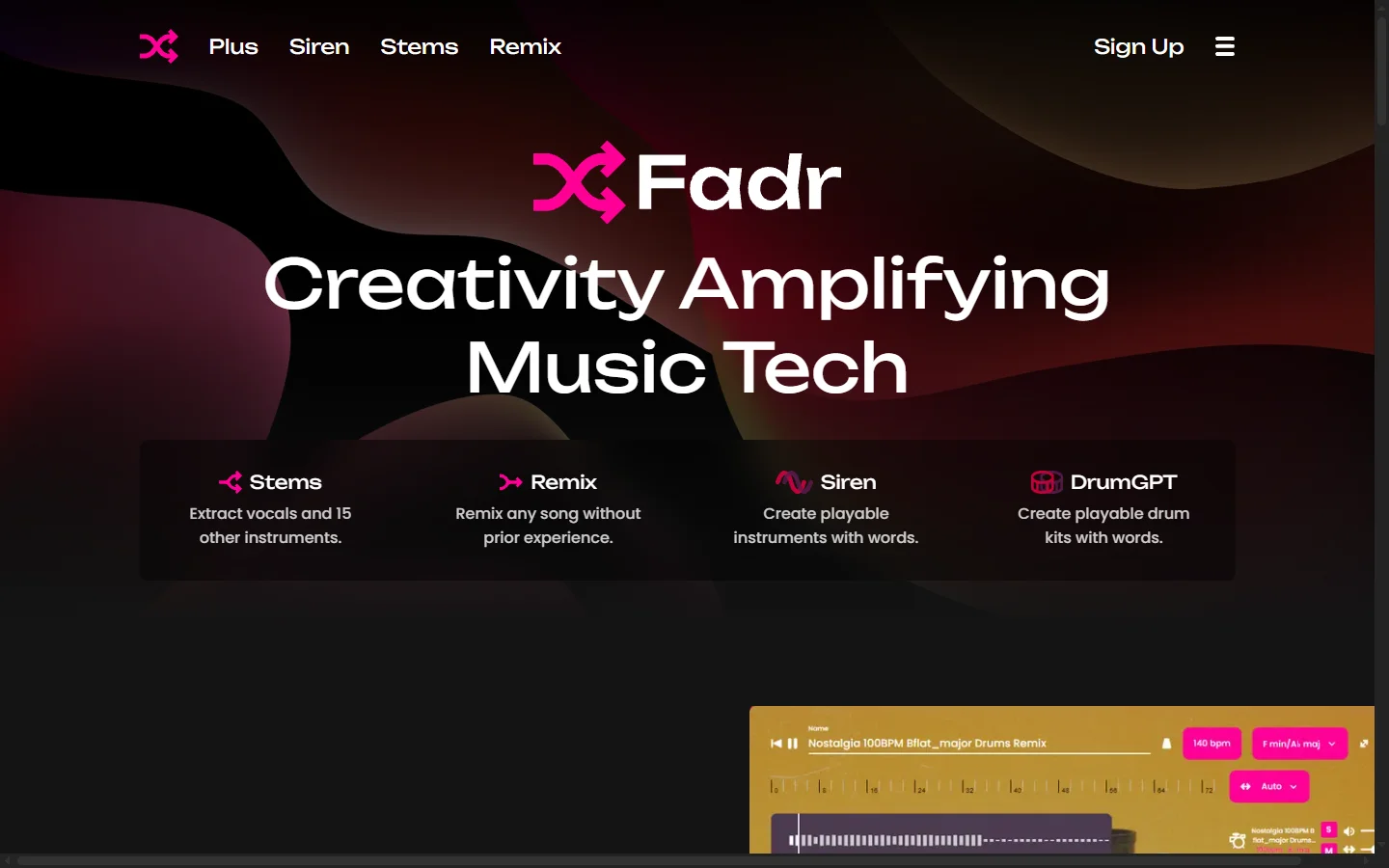
Freemium ✓ Verified 🔥 TrendingFadr AI is a music production tool that separates songs into clean vocal, drum, bass, and instrumental stems using AI source separation.
📋 About Fadr AI
Fadr AI is a web-based music production toolkit built around high-quality AI stem separation, letting producers, DJs, remixers, and musicians pull apart any song into isolated vocal, drum, bass, and instrumental tracks in seconds. The underlying source separation models rival and in some cases exceed the quality of open-source tools like Demucs and Spleeter, producing cleaner isolated vocals with fewer artifacts than the previous generation of stem splitters. Stems can be downloaded in WAV or MP3 for use in DAWs, mashups, karaoke tracks, practice backing tracks, and sampling.
Beyond stem separation, Fadr offers a growing suite of AI-powered music tools including a remix studio that lets users reassemble stems with beat matching and key shifting, an AI-generated music feature that produces original stems or full tracks from prompts, and an automatic key and BPM detector useful for DJs. The platform also supports creating AI mashups that intelligently blend two tracks by detecting compatible keys and tempos, a workflow that previously required skilled manual work in Ableton or Logic Pro.
Fadr targets hobbyist producers, content creators on TikTok and YouTube, DJs preparing mashup sets, music teachers building practice tracks, and musicians who want to learn songs by isolating a specific instrument part. Its web-first interface removes the barrier of installing DAW plugins or running Python scripts, and the freemium tier makes it approachable before committing to a paid subscription. The tool has built a sizeable creator audience through TikTok clips that showcase clean stem isolations of popular songs.
⚡ Key Features of Fadr AI
High-Quality AI Stem Separation
Upload any audio file or paste a YouTube link and Fadr splits it into clean vocal, drum, bass, and other instrument stems using a proprietary source separation model. The separation quality is noticeably better than older tools like Spleeter, with cleaner vocal isolation and far fewer bleed artifacts in the instrumental. Stems download as WAV or MP3 and are directly usable in any DAW, sampler, or live performance setup.
Remix Studio
Reassemble separated stems or combine stems from different songs inside Fadr's browser-based remix studio with automatic beat matching, tempo alignment, and pitch shifting. Users can solo or mute individual stems, add simple effects, and export a finished remix as a single audio file — all without opening a traditional DAW. This removes the largest technical barrier for TikTok creators and bedroom producers who want to make remixes but do not know Ableton or FL Studio.
AI Mashup Generator
Select two source tracks and Fadr's mashup engine automatically detects compatible sections, matches tempo and key, and blends the vocal of one track over the instrumental of another. The result often sounds production-quality on the first try, which is why the feature has gone viral on TikTok multiple times. Users can adjust the mashup manually afterward if the automatic blend is not quite right.
AI-Generated Original Music
Generate original royalty-free music from text prompts, with control over genre, mood, tempo, and key. Generated tracks come with separated stems by default, which means creators can use the drums from an AI track under live vocals or combine generated bass lines with existing instrumentals. This positions Fadr somewhere between stem separation and full AI music generation.
Key and BPM Detection
Automatic detection of the musical key, tempo, and time signature of any uploaded track, with results displayed instantly. DJs use this to build harmonically compatible sets without running tracks through Mixed In Key, and producers use it to pitch samples to the right key before dropping them into a session. Detection accuracy is high across most genres.
Web-Based with No Installation
Everything runs in a standard browser with no plugins, no Python environment, no GPU required locally. This makes Fadr accessible to creators who do not want to deal with installing Demucs or configuring command-line tools. Processing happens on Fadr's cloud servers, so stem separation completes in seconds even for users on low-powered laptops or tablets.
🎯 Use Cases for Fadr AI
⚖️ Fadr AI Pros & Cons
Advantages
- ✓High-quality AI stem separation with minimal artifacts
- ✓Runs entirely in the browser with no installation
- ✓Remix studio and mashup tools work without DAW knowledge
- ✓Includes BPM and key detection useful for DJs
- ✓Free tier is generous enough for casual use
Drawbacks
- ✗Cloud processing means you upload audio to Fadr's servers
- ✗Free tier has daily usage limits on stem separation
- ✗Remix studio is simpler than a full DAW — not for complex production
- ✗Separation quality varies on older or heavily compressed recordings
📖 How to Use Fadr AI
Go to fadr.com and sign up for a free account using email or Google sign-in.
Click Upload and select an audio file, or paste a YouTube link to split a song directly from the platform.
Wait a few seconds for Fadr to separate the track into vocal, drum, bass, and other stems.
Preview each stem, then download the ones you need as WAV or MP3.
Open the Remix Studio to recombine stems, adjust tempo and key, and export a finished remix.
Upgrade to a paid plan for unlimited separations, higher-quality exports, and commercial-use licensing.
❓ Fadr AI FAQ
Yes. Fadr offers a free tier that lets users separate stems and create remixes with daily usage limits. Paid plans unlock unlimited separations, higher export quality, and commercial usage rights.
Fadr's proprietary model produces notably cleaner separations than older tools like Spleeter, with high-quality vocal isolation and minimal bleed in the instrumental. Quality is highest on modern, well-recorded tracks and less consistent on very old or heavily processed recordings.
Commercial use of stems from copyrighted songs requires separate licensing from the original rights holders — Fadr's tool does not grant rights to the underlying composition or master recording. Stems of your own original uploads or Fadr-generated AI tracks can be used commercially on paid plans.
No. Fadr runs entirely in a web browser with no plugins or local installation. All processing happens on Fadr's cloud servers, so it works on any device including Chromebooks and tablets.
Yes. Fadr includes an AI music generation feature that creates original royalty-free tracks from text prompts, with control over genre, mood, tempo, and key. Generated tracks include separated stems by default.
Related to Fadr AI

15.ai
15.ai is a free AI voice cloning tool famous for generating realistic speech from cartoon, video game, and animated show characters using as little as 15 seconds of source audio.

Adobe Podcast AI
Adobe Podcast AI enhances spoken audio recordings by removing background noise and improving voice clarity to broadcast-quality standards.

Akuma AI
Akuma AI is an AI music generation platform that creates original songs, instrumentals, and soundtracks from text prompts for creators and indie artists.

Ambience AI
Ambience AI is an AI medical scribe and clinician platform that automates documentation, coding, and summaries for healthcare providers during patient visits.

Artflow AI
Artflow AI is an end-to-end AI animation platform that turns scripts into narrated animated stories with generated characters, voices, scenes, and lip-synced animation.

Artlist AI
Artlist AI music generation and royalty-free licensing platform for video creators, filmmakers, and content producers needing commercially cleared tracks.
Featured on WhatIf.ai
Add this badge to your website to show you're listed on WhatIf AI
Alternatives to Fadr AI
Adobe Podcast AI
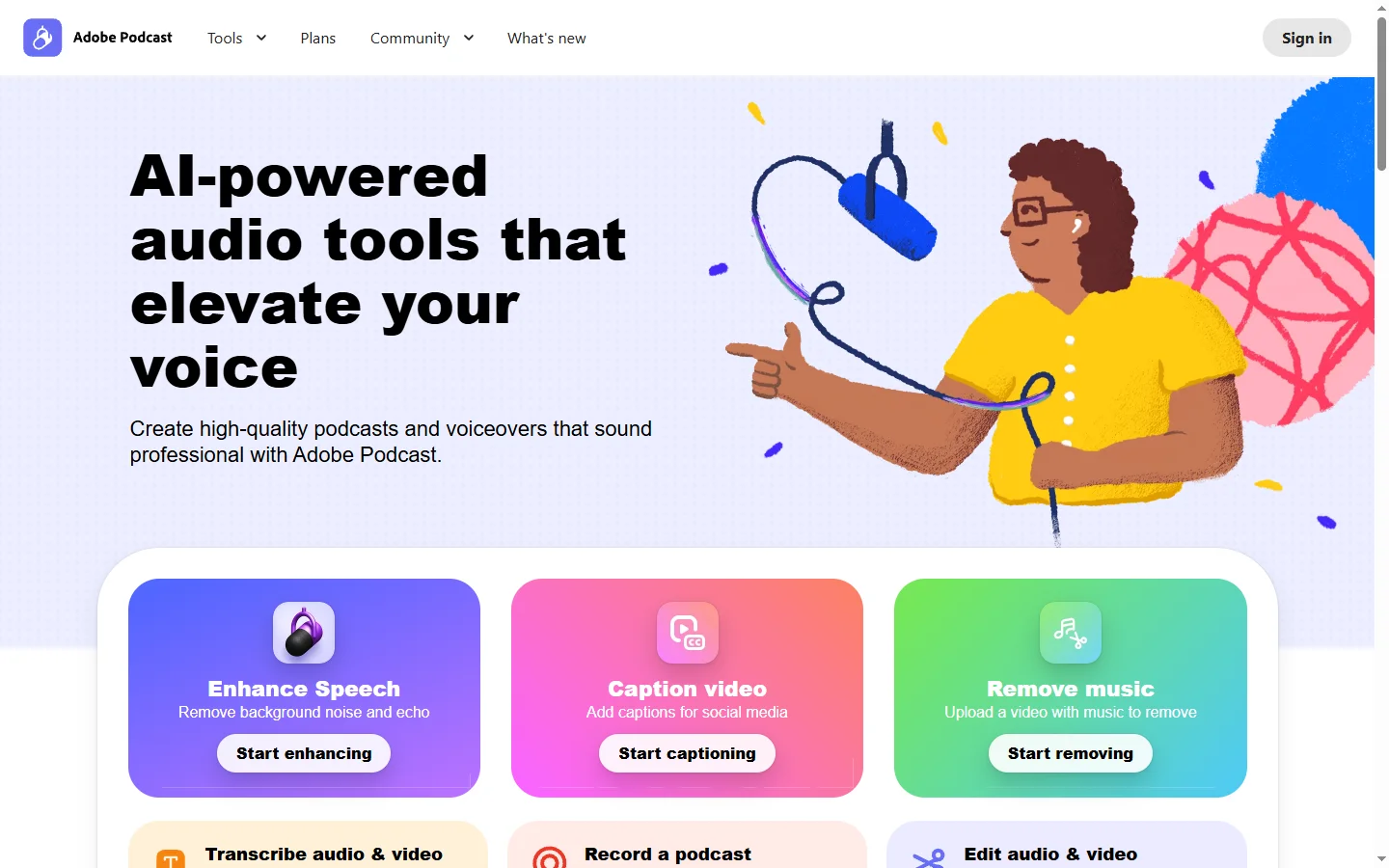
Adobe Podcast AI enhances spoken audio recordings by removing background noise and improving voice clarity to broadcast-quality standards.

Artlist AI
Artlist AI music generation and royalty-free licensing platform for video creators, filmmakers, and content producers needing commercially cleared tracks.

ElevenLabs
ElevenLabs AI voice generator for text-to-speech, voice cloning, dubbing, and sound effects in 30+ languages.

Parakeet AI
Parakeet AI speech-to-text platform transcribes audio and video with speaker diarization, timestamps, and multi-language support.