
Compose AI
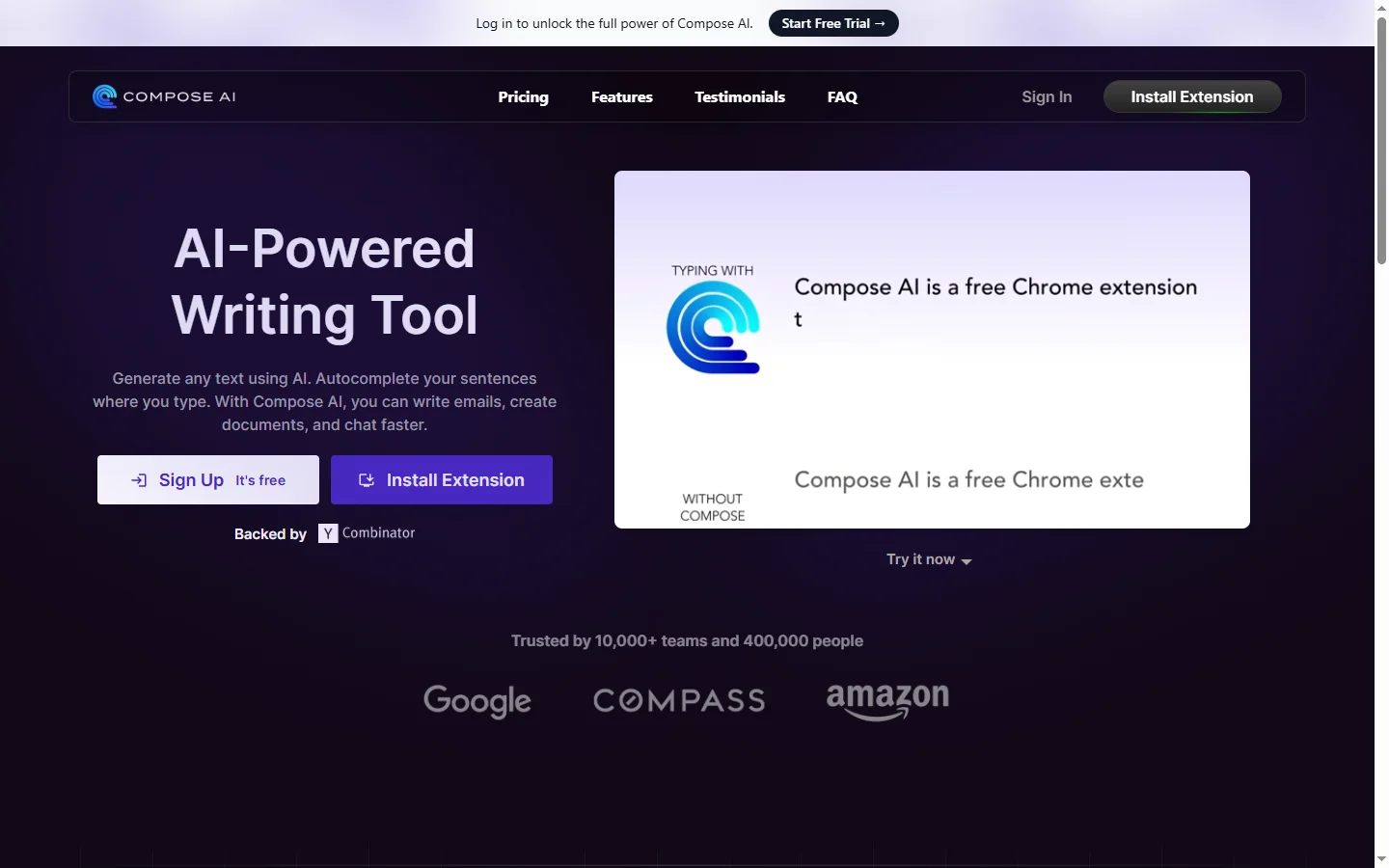
Freemium ✓ Verified 🔥 TrendingCompose AI is a free Chrome extension that autocompletes sentences, rewrites text, and speeds up writing across Gmail, Docs, and any web app.
📋 About Compose AI
Compose AI is a browser-based writing assistant that integrates directly into Gmail, Google Docs, LinkedIn, and any website where a user types text. The compose ai extension predicts sentence completions as users type, rewrites selected passages for clarity or tone, and generates full paragraphs from short prompts, all without leaving the app where writing is happening. This in-context design is the main reason users stick with it — there is no separate tab or tool to open, so the friction of using AI assistance drops to near zero.
The tool is particularly popular for email composition, where small time savings multiply across hundreds of messages per week. Gmail users type a few words and accept autocompletion suggestions that match their style, shaving seconds from each message and hours from a work week. Beyond email, the rewrite feature lets users highlight a sentence and instantly see alternatives that are shorter, more formal, or more persuasive — particularly useful for LinkedIn posts, client messages, and customer-facing writing where tone matters.
Compose AI is built for knowledge workers, salespeople, customer success reps, and anyone whose job involves writing routine messages. A generous free tier makes adoption friction-free, while paid plans add unlimited usage and advanced features. The extension-only architecture avoids the installation and permissions overhead of more heavyweight tools, which is a deliberate design choice aimed at maximizing adoption across the casual professional audience.
⚡ Key Features of Compose AI
Sentence Autocomplete
Compose ai predicts and autocompletes sentences as you type in Gmail, Google Docs, LinkedIn, and most other web apps. Users press Tab to accept suggestions, cutting typing time noticeably on repetitive phrasing. The autocomplete learns from each user's style over time so suggestions match individual voice rather than generic templates. Users report typing 30-40% less for routine email and message composition.
Text Rewrite in Multiple Tones
Highlight any text and rewrite it in different tones — professional, casual, concise, persuasive, or friendly — with a right-click or keyboard shortcut. The rewrite feature is particularly useful when the first draft sounds too stiff or too breezy for the recipient. Users can cycle through variations until one fits. This removes the editing friction that typically slows down careful writers.
Full Message Generation
Type a short prompt like "reply saying I can't make the meeting" and compose ai generates a complete, polished message. Generated messages can be regenerated with different tones or edited directly before sending. The prompt-based generation is useful for quick replies that do not need heavy customization. It saves the cognitive cost of composing from scratch for low-stakes messages.
Personalized Writing Style
Compose ai adapts to each user's writing patterns over time, matching vocabulary, sentence length, and tone so suggestions sound like the user rather than a generic assistant. Style personalization happens automatically without explicit training steps. Users notice that suggestions feel "right" after a few weeks of use as the model calibrates to them. The personalization differentiates compose ai from one-size-fits-all writing tools.
Universal Web App Integration
Works across Gmail, Google Docs, LinkedIn, Outlook web, Slack web, Twitter, and most other text input fields on the web through a single Chrome extension. Users do not need to learn different tools for different contexts or maintain separate subscriptions. The universal integration is a major adoption advantage over tools that only work in specific apps. One install covers most of a typical day's writing.
Generous Free Tier
The compose ai free tier includes meaningful daily usage rather than a short trial, letting users integrate the tool into daily work before deciding on a paid plan. Paid plans remove usage limits and add advanced features for heavy users. The low-friction entry point explains the platform's large user base across casual professional users. Teams often adopt the tool bottom-up through individual installs before formal rollout.
🎯 Use Cases for Compose AI
⚖️ Compose AI Pros & Cons
Advantages
- ✓Works across most web apps through a single extension
- ✓Generous free tier enables easy adoption
- ✓Personalized style feels natural over time
- ✓Low friction — no separate app or tab
- ✓Rewrite feature supports nuanced tonal adjustment
Drawbacks
- ✗Chrome and Chromium-based browsers only
- ✗Desktop-only — no mobile app
- ✗Limited customization for team-wide brand voice
- ✗Free tier has daily usage caps
📖 How to Use Compose AI
Install the compose ai extension from the Chrome Web Store.
Sign in with your Google or email account to activate the extension.
Start typing in Gmail, Docs, or any web text input and press Tab to accept autocomplete suggestions.
Highlight text and right-click to rewrite in a different tone or style.
Use the generate feature for quick full-message drafts from short prompts.
Upgrade to a paid plan if you hit the free-tier usage limits and want unlimited access.
❓ Compose AI FAQ
Yes. Compose ai offers a generous free tier with daily usage limits rather than a short trial. Paid plans unlock unlimited usage and some advanced features.
Compose AI runs as a Chrome extension and works in Chromium-based browsers including Chrome, Brave, and Edge. There is no Safari or Firefox version at this time.
Yes. Gmail is a primary use case for compose ai, with sentence autocomplete, rewrite, and full message generation integrated directly into the compose window.
Compose AI states that user data is used to provide and personalize the service rather than for training public models. Users should review the privacy policy for specific data handling practices.
Yes. The tool learns from each user's writing patterns over time so suggestions sound like the user rather than a generic assistant.
Related to Compose AI

A2E AI
A2E AI productivity platform converts audio and video recordings into transcripts, summaries, and action items with speaker identification.

Abnormal AI
Abnormal AI uses behavioral AI to detect business email compromise, account takeover, and socially engineered phishing that bypasses secure email gateways.

Abridge AI
Abridge AI medical documentation platform that records and summarizes clinical conversations into structured physician notes in real time.

Accrete AI
Accrete AI builds autonomous enterprise AI agents for defense, government, and commercial intelligence workflows.

Chatly AI
Chatly AI is an all-in-one AI chat and content assistant offering GPT-style conversations, image generation, and writing tools in one app.

Ember AI
Ember AI is an AI writing and learning platform that helps students and professionals study, summarize, and create better content.
Featured on WhatIf.ai
Add this badge to your website to show you're listed on WhatIf AI
Alternatives to Compose AI

A2E AI
A2E AI productivity platform converts audio and video recordings into transcripts, summaries, and action items with speaker identification.

Abnormal AI
Abnormal AI uses behavioral AI to detect business email compromise, account takeover, and socially engineered phishing that bypasses secure email gateways.

Abridge AI
Abridge AI medical documentation platform that records and summarizes clinical conversations into structured physician notes in real time.


Air AI
Air AI conducts autonomous full-length AI phone calls for sales prospecting, appointment setting, and customer service without human agents.