
Chatly AI
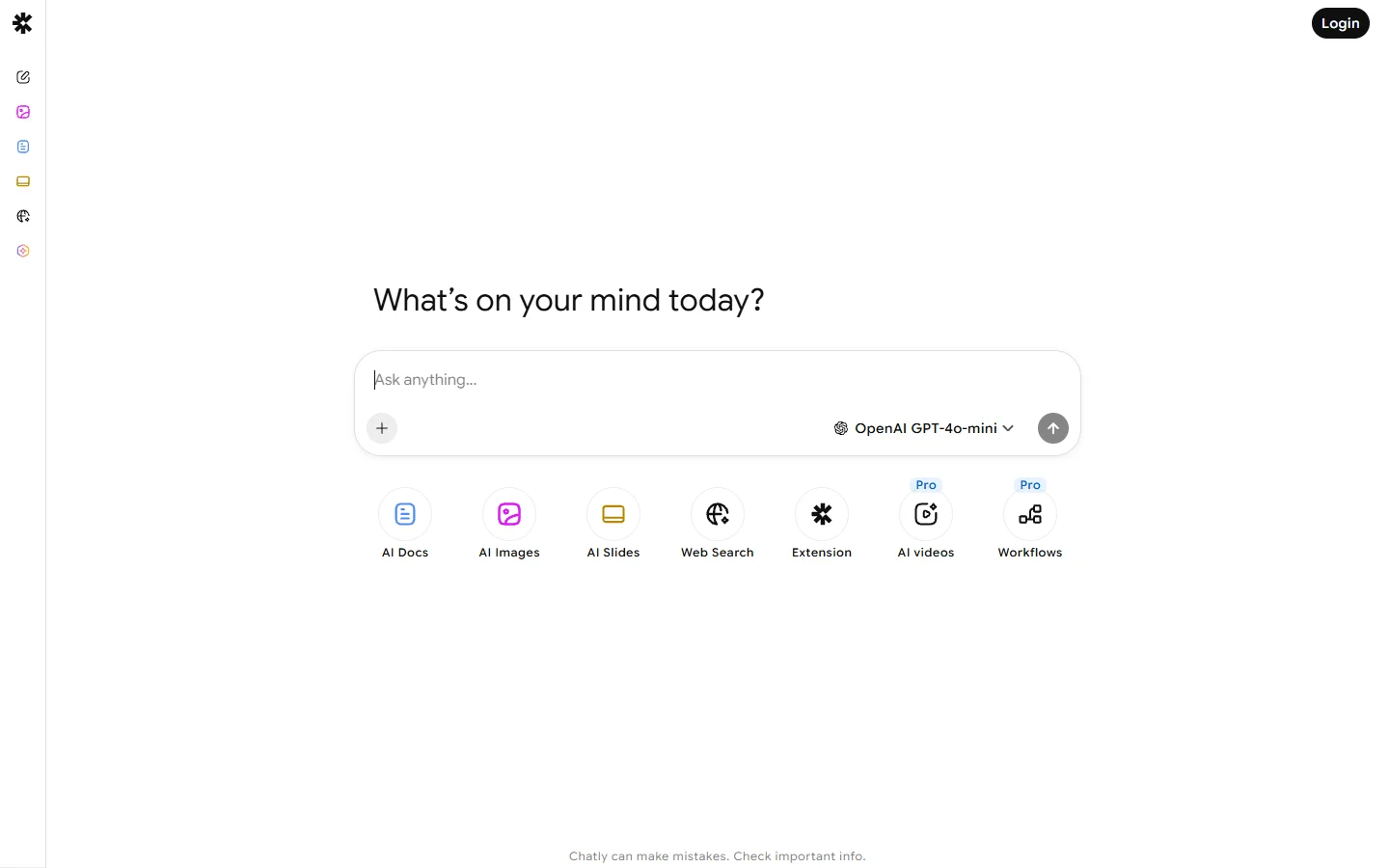
Freemium ✓ VerifiedChatly AI is an all-in-one AI chat and content assistant offering GPT-style conversations, image generation, and writing tools in one app.
📋 About Chatly AI
Chatly AI is a consumer AI assistant that bundles conversational chat, image generation, voice input, document analysis, and templated writing tools into a single mobile and web application. Rather than juggling separate apps for different generative tasks, users get a unified interface backed by multiple underlying models — typically a combination of large language models for text and diffusion models for images — so they can draft an email, generate a social graphic, and summarize a PDF without switching contexts. The app focuses on ease of use for non-technical audiences rather than developer-oriented power features.
The chat experience supports long conversations with memory, file uploads, and follow-up questions, while the built-in template library covers common use cases such as product descriptions, blog intros, resumes, lesson plans, captions, and translation. Image generation allows text-to-image prompts with style presets, and a voice mode supports speech input and text-to-speech output for hands-free conversations. Chatly AI runs as a subscription with a limited free tier for casual use and weekly, monthly, or annual plans that unlock unlimited messages, higher-resolution image generation, and priority access.
The audience is broad — students, freelancers, small-business owners, and everyday users who want one friendly app for generative AI tasks rather than stitching together ChatGPT, Midjourney, Grammarly, and a translation tool. Chatly's appeal lies in simplicity, a clean mobile experience, and bundled pricing. Power users who need API access, custom fine-tunes, or enterprise controls are better served by platform tools, but for personal productivity the all-in-one proposition is its core draw.
⚡ Key Features of Chatly AI
Unified Chat, Image, and Voice
Chatly AI combines conversational chat, text-to-image generation, and voice input and output inside a single app so users do not need separate tools. A conversation can include text questions, generated images, spoken prompts, and uploaded documents all in one thread. This makes the app useful as a daily driver rather than a niche tool. The unified experience is designed for mobile-first usage.
Template Library for Common Tasks
Dozens of pre-built templates cover frequent writing and productivity tasks such as blog intros, product descriptions, cold emails, resume bullets, lesson plans, social captions, and translations. Each template prompts for a few inputs and produces polished output without requiring users to write their own prompts. This lowers the learning curve for new AI users substantially.
Document Analysis and Summarization
Users can upload PDFs, Word documents, or images and ask Chatly AI to summarize, extract information, translate, or answer questions about the content. Typical uses include digesting long reports, pulling key facts from contracts, or understanding dense academic papers. File-size limits apply depending on the plan.
Image Generation With Style Presets
A built-in text-to-image module produces illustrations, product mockups, and social media graphics from written prompts, with preset styles (photorealistic, anime, watercolor, 3D render) to simplify results for non-designers. Images can be downloaded or continued as part of a chat conversation. Quality and resolution depend on the selected subscription tier.
Voice Conversations
Voice mode accepts spoken input and responds with natural-sounding text-to-speech, enabling hands-free interaction for driving, walking, or accessibility use cases. Multiple voice styles are available. Transcripts are retained in the conversation history so users can scroll back through spoken sessions as text.
Cross-Device Sync
Conversations, uploaded files, and generated images sync automatically between iOS, Android, and web so users can start a task on mobile and finish it on a laptop. Authentication is handled through email or social sign-in, with subscriptions managed through the respective app stores or the website.
🎯 Use Cases for Chatly AI
⚖️ Chatly AI Pros & Cons
Advantages
- ✓Combines chat, image, voice, and documents in one app
- ✓Clean mobile-first interface requires no technical skills
- ✓Large template library for common writing tasks
- ✓Cross-device sync across iOS, Android, and web
- ✓Subscription bundling is cheaper than separate tools
Drawbacks
- ✗Free tier is limited to short messages and a few images
- ✗Not as powerful as dedicated tools for specialists
- ✗Underlying models may not be the latest frontier versions
- ✗Limited API and developer-oriented features
📖 How to Use Chatly AI
Download Chatly AI from the App Store, Google Play, or sign up at chatly.ai on the web.
Create an account using email or social sign-in to enable cross-device sync.
Start a chat from the home screen or pick a template from the library for a specific task.
Use the attachment icon to upload PDFs, images, or documents for Chatly to analyze.
Tap the microphone to switch to voice mode for hands-free conversations.
Upgrade to a weekly, monthly, or annual plan for unlimited messages and higher-resolution images.
❓ Chatly AI FAQ
Chatly AI offers a limited free tier with a small number of daily messages and image generations. Paid subscriptions unlock unlimited chat, higher-quality image generation, larger file uploads, and priority access.
Chatly AI is powered by multiple underlying models, typically a mix of large language models for text and diffusion models for images. Specific model versions are chosen by the Chatly team and updated over time, rather than exposed to the end user.
Yes. Users can upload PDFs, Word documents, and images for Chatly AI to summarize, translate, or answer questions about. File size limits vary depending on the subscription plan.
Yes. Chatly AI includes a text-to-image module with style presets for photorealistic, anime, watercolor, and other common styles. Image resolution and daily generation counts depend on the plan.
Subscriptions purchased through the App Store or Google Play are canceled in those stores' subscription settings. Web-based subscriptions can be canceled from the account settings page on chatly.ai.
Related to Chatly AI

A2E AI
A2E AI productivity platform converts audio and video recordings into transcripts, summaries, and action items with speaker identification.

Abby AI
Abby AI is an AI therapy and mental wellness chatbot that offers CBT-informed conversations, mood tracking, and self-guided coping tools.

Abnormal AI
Abnormal AI uses behavioral AI to detect business email compromise, account takeover, and socially engineered phishing that bypasses secure email gateways.
Abridge AI
Abridge AI medical documentation platform that records and summarizes clinical conversations into structured physician notes in real time.

ChatGPT
ChatGPT AI assistant by OpenAI for writing, coding, research, image analysis, and everyday problem-solving.
Featured on WhatIf.ai
Add this badge to your website to show you're listed on WhatIf AI
Alternatives to Chatly AI
A2E AI
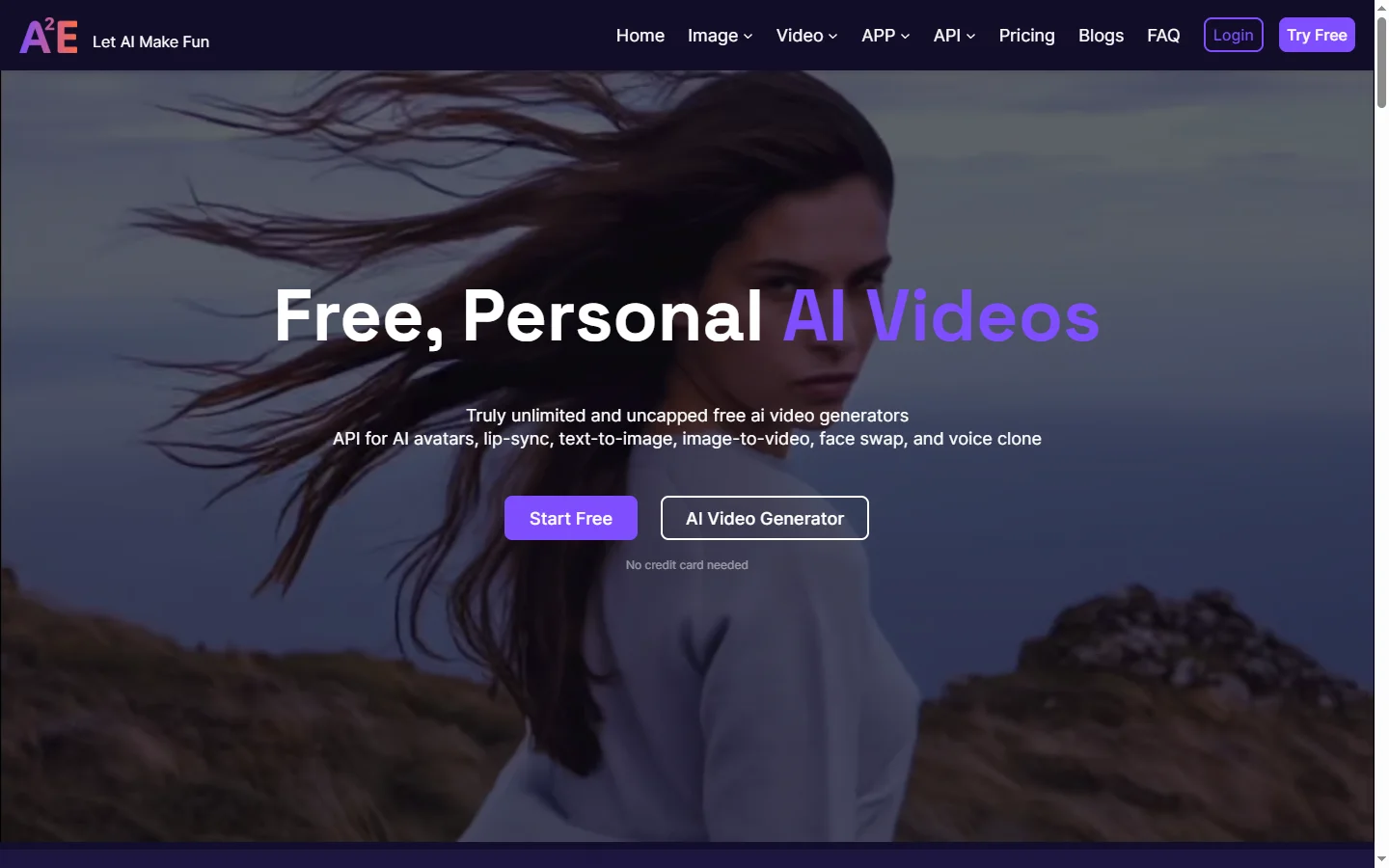
A2E AI productivity platform converts audio and video recordings into transcripts, summaries, and action items with speaker identification.

Abnormal AI
Abnormal AI uses behavioral AI to detect business email compromise, account takeover, and socially engineered phishing that bypasses secure email gateways.
Abridge AI
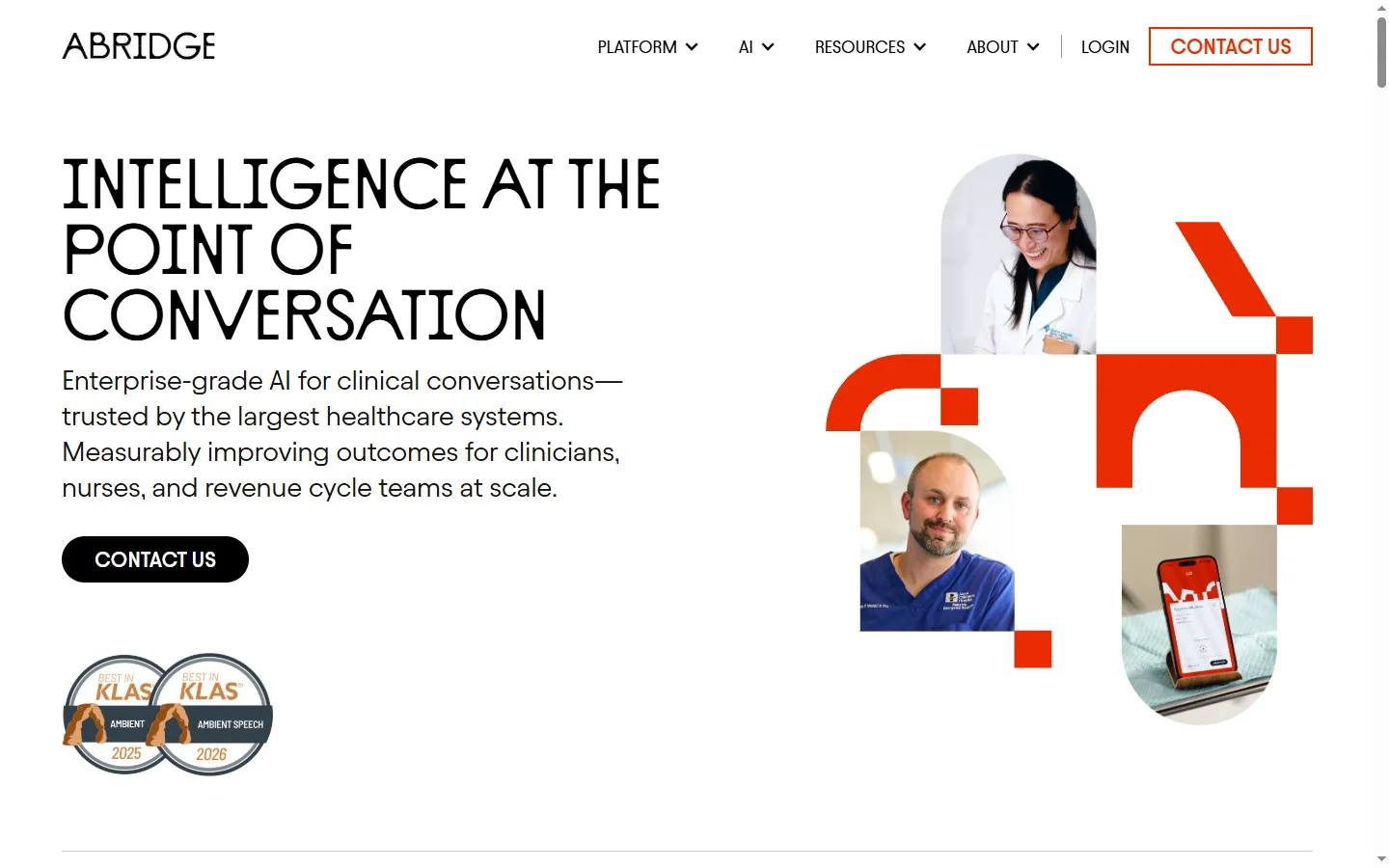
Abridge AI medical documentation platform that records and summarizes clinical conversations into structured physician notes in real time.

Air AI
Air AI conducts autonomous full-length AI phone calls for sales prospecting, appointment setting, and customer service without human agents.