
Cleanvoice AI
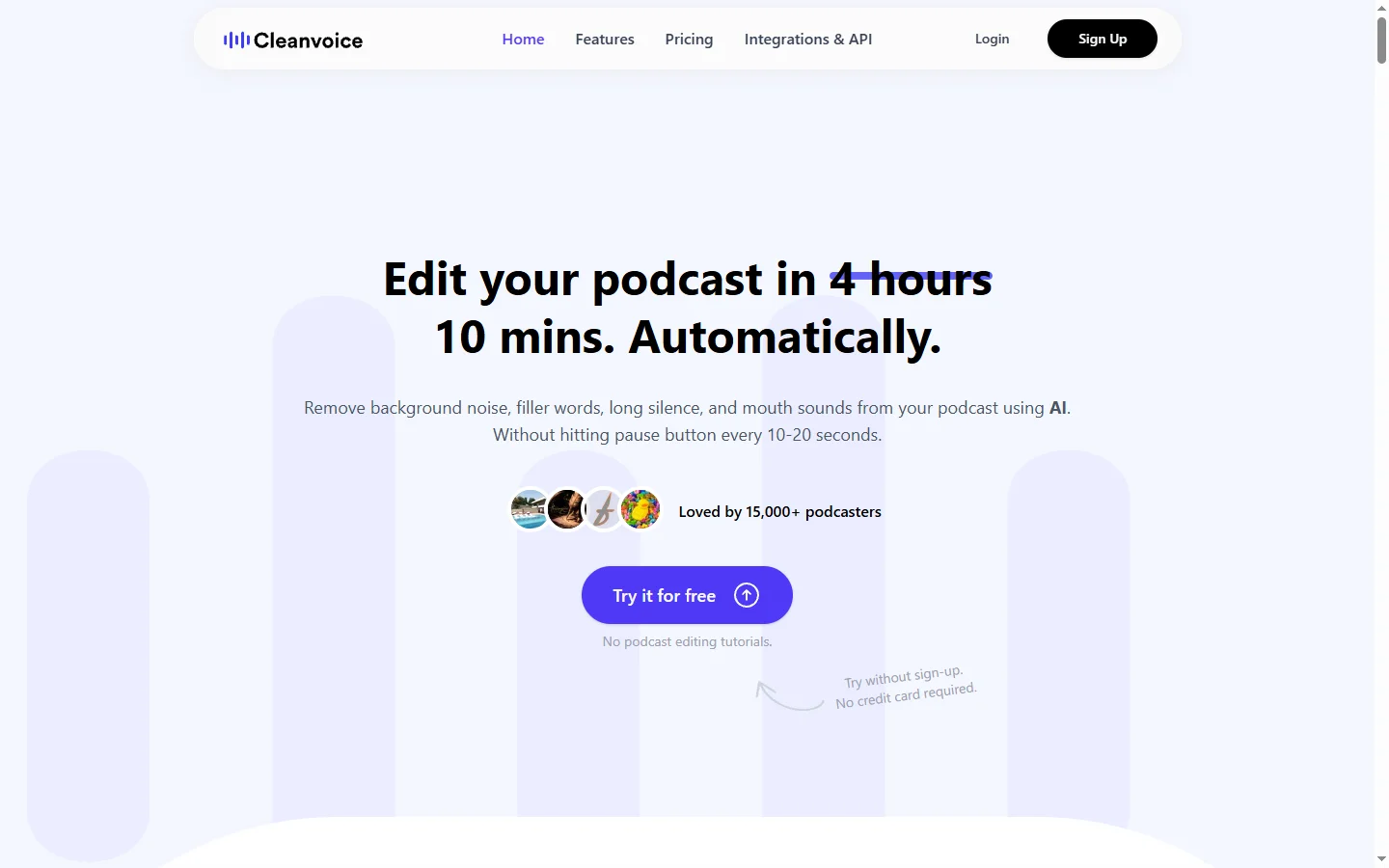
Freemium ✓ Verified 🔥 TrendingCleanvoice AI automatically removes filler words, stutters, mouth sounds, and background noise from podcast and video recordings.
📋 About Cleanvoice AI
Cleanvoice AI is an AI audio editor built specifically for podcasters, YouTubers, and course creators who want studio-quality audio without hours of manual editing. The cleanvoice ai engine automatically detects and removes filler words like 'um' and 'uh', repeated phrases, long awkward silences, stutters, mouth clicks, lip smacks, and background noise — all in a single automated pass. What would normally take a skilled editor several hours per hour of recording happens in minutes, at a fraction of the cost.
The tool supports all major audio and video formats, including MP3, WAV, MP4, and MOV, and integrates with popular podcast production platforms such as Hindenburg, Adobe Audition, Descript, and Riverside. Users upload a file, choose which issues to fix, and Cleanvoice returns a cleaned version with edit markers for review. A browser-based editor lets creators accept or reject individual edits without leaving the platform. As an ai podcast editor, Cleanvoice preserves the natural rhythm of speech while removing distracting artifacts.
Cleanvoice AI serves independent podcasters, small studios, corporate content teams, and online course creators who need professional-sounding audio without hiring a full-time editor. Its pay-as-you-go and subscription options make it accessible to solo creators, while the API supports higher-volume production pipelines. Users consistently cite the time savings — often 70-90% — as the biggest value, alongside consistent quality across episodes without editor-to-editor variation.
⚡ Key Features of Cleanvoice AI
Automatic Filler Word Removal
The cleanvoice ai engine detects and removes filler words like 'um,' 'uh,' 'like,' and 'you know' in dozens of languages. Users can choose which categories to strip while preserving natural speech patterns. The algorithm distinguishes between genuine filler usage and cases where the word is grammatically necessary. This alone often saves hours per podcast episode.
Stutter and Repetition Cleanup
Automatically identifies and trims stutters, false starts, and repeated words or phrases common in natural conversation. The tool preserves the speaker's voice and cadence while making them sound more polished. This is especially valuable for interview podcasts and livestream edits where speakers often restart sentences. The result sounds naturally tightened rather than artificially clipped.
Background Noise and Echo Reduction
Removes hum, hiss, fan noise, room echo, and other environmental artifacts that plague non-studio recordings. The ai audio cleaner works on both dialogue and ambient tracks without introducing the warbly artifacts common in aggressive noise reduction. Remote and mobile recordings benefit most from this feature. Output approaches studio quality in many cases.
Mouth Sound and Breath Control
Detects and softens mouth clicks, lip smacks, and heavy breathing — distracting artifacts especially noticeable in close-mic podcast recordings. Users can set how aggressive the cleanup should be, from light touch-up to heavy smoothing. This feature addresses one of the most time-consuming aspects of manual podcast editing. It works cleanly on both male and female voices.
Multi-Track and Multi-Speaker Support
Upload separate tracks for each speaker in a conversation and Cleanvoice processes them independently, avoiding cross-talk bleed artifacts. This matches how professional podcasts are typically recorded. The ai podcast editor keeps track alignment intact so the final edit imports cleanly into Hindenburg, Audition, or Descript. Multi-speaker sessions up to 8 tracks are supported.
API and Workflow Integration
A developer API enables automation in production pipelines, which is valuable for studios handling many episodes per week. Integrations exist for Hindenburg, Adobe Audition, Riverside, and Descript. Output formats include edited audio, edit decision lists, and text transcripts. This makes Cleanvoice a drop-in component for existing post-production workflows.
🎯 Use Cases for Cleanvoice AI
⚖️ Cleanvoice AI Pros & Cons
Advantages
- ✓Saves 70-90% of editing time per episode
- ✓Consistent quality across episodes and speakers
- ✓Supports all major audio and video formats
- ✓API available for production pipelines
- ✓Works on interviews, solo shows, and multi-track recordings
Drawbacks
- ✗Highly stylized or creative audio may over-sanitize
- ✗Not a full DAW replacement — only handles cleanup
- ✗Credits-based billing can get expensive at high volume
- ✗Requires stable internet for upload of large files
📖 How to Use Cleanvoice AI
Sign up for a free trial at cleanvoice.ai — no credit card required for the initial credits.
Upload your audio or video file in MP3, WAV, MP4, or MOV format, or connect a cloud source like Dropbox.
Select which issues to fix: filler words, stutters, mouth sounds, silences, and noise.
Let the cleanvoice ai engine process the file — typically faster than real-time playback for audio.
Review suggested edits in the browser-based editor and accept, reject, or adjust as needed.
Export the cleaned audio file or an edit decision list into your preferred DAW for final mixing.
❓ Cleanvoice AI FAQ
Cleanvoice offers a free trial with a small number of credits. Paid plans start around $10 per month for regular podcasters, with pay-as-you-go credit packs and higher-tier subscriptions for studios.
Cleanvoice supports filler word detection in over 50 languages including English, Spanish, German, French, Portuguese, Italian, Dutch, and many more.
Yes. You can upload video files directly and Cleanvoice will process the audio track, returning a cleaned version that can be reimported into your video editor.
No. The cleanvoice ai engine only removes artifacts like filler words and noise — it does not modify your voice, tone, or pitch. Your natural sound is preserved.
Yes. Cleanvoice integrates with Hindenburg, Adobe Audition, Descript, and Riverside, and exports edit decision lists that work with most professional DAWs.
Related to Cleanvoice AI

15.ai
15.ai is a free AI voice cloning tool famous for generating realistic speech from cartoon, video game, and animated show characters using as little as 15 seconds of source audio.

A2E AI
A2E AI productivity platform converts audio and video recordings into transcripts, summaries, and action items with speaker identification.

Abnormal AI
Abnormal AI uses behavioral AI to detect business email compromise, account takeover, and socially engineered phishing that bypasses secure email gateways.

Abridge AI
Abridge AI medical documentation platform that records and summarizes clinical conversations into structured physician notes in real time.

Accrete AI
Accrete AI builds autonomous enterprise AI agents for defense, government, and commercial intelligence workflows.

Claude
Claude AI assistant by Anthropic with a 200K context window, strong reasoning, and safety-focused design for writing, coding, and analysis.
Featured on WhatIf.ai
Add this badge to your website to show you're listed on WhatIf AI
Alternatives to Cleanvoice AI

A2E AI
A2E AI productivity platform converts audio and video recordings into transcripts, summaries, and action items with speaker identification.

Abnormal AI
Abnormal AI uses behavioral AI to detect business email compromise, account takeover, and socially engineered phishing that bypasses secure email gateways.

Abridge AI
Abridge AI medical documentation platform that records and summarizes clinical conversations into structured physician notes in real time.

Adobe Podcast AI
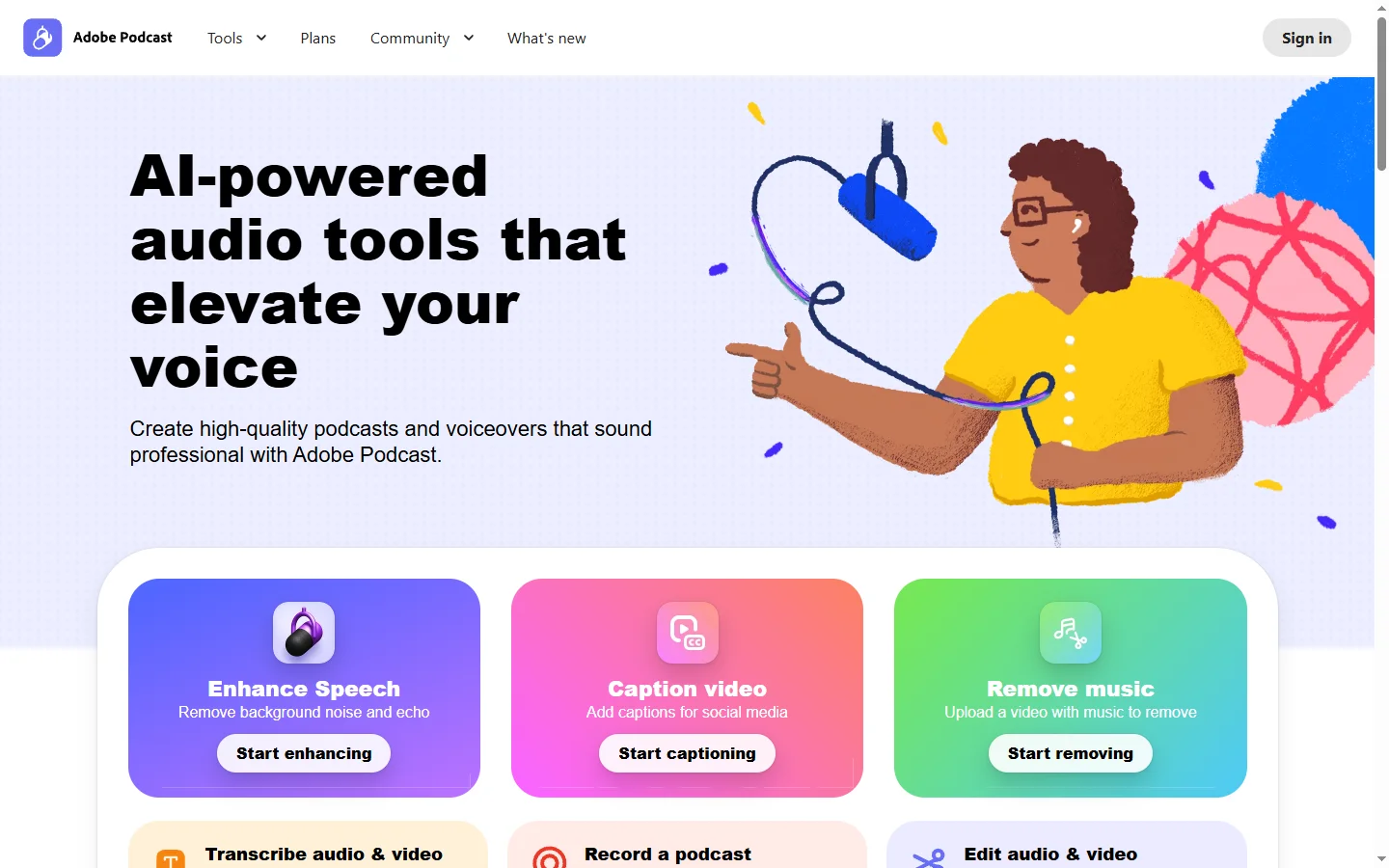
Adobe Podcast AI enhances spoken audio recordings by removing background noise and improving voice clarity to broadcast-quality standards.