
Capybara AI
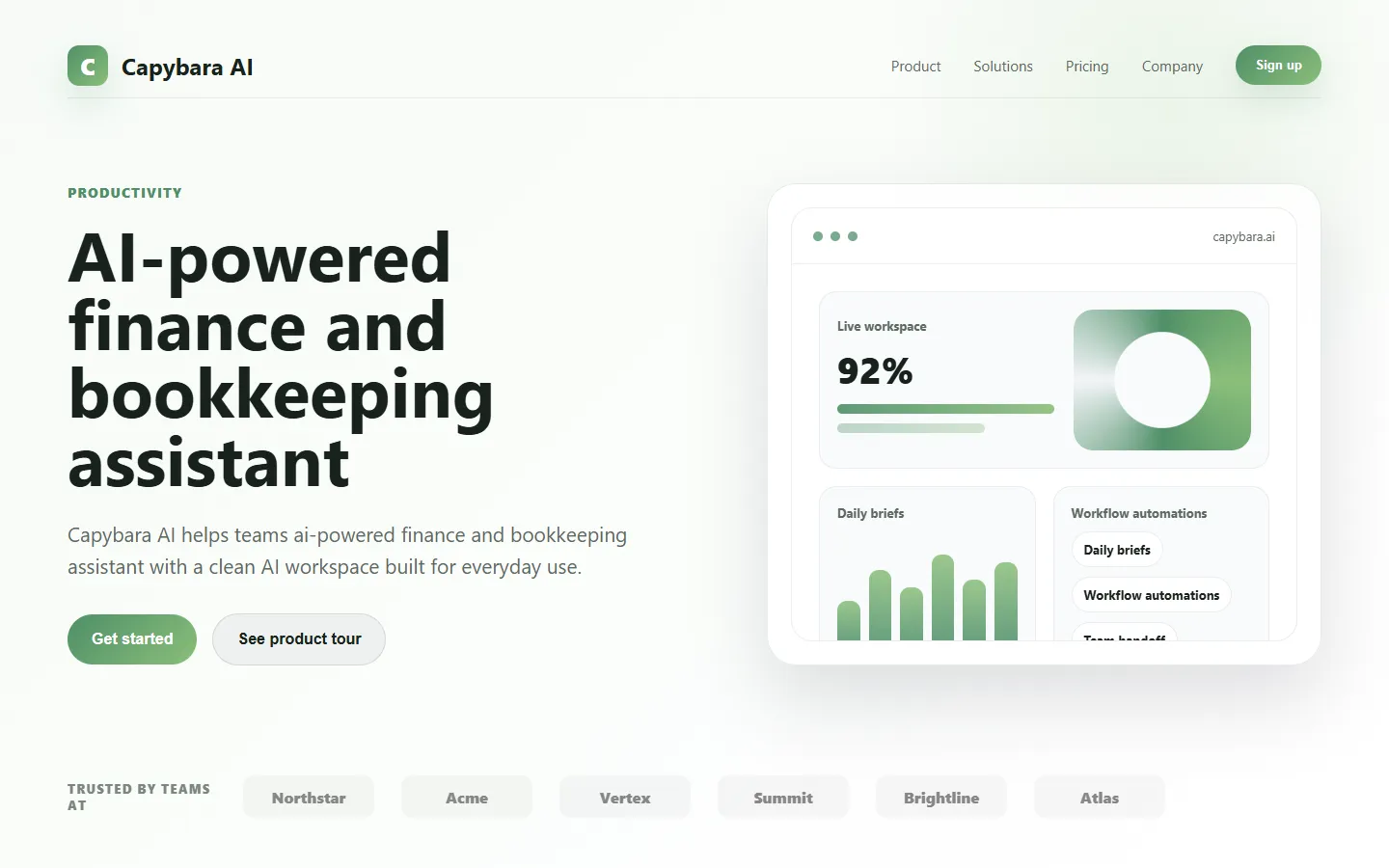
Freemium 🔥 TrendingCapybara AI is a friendly conversational AI assistant that helps with writing, brainstorming, and everyday productivity tasks in a relaxed chat interface.
📋 About Capybara AI
Capybara AI is a consumer-focused conversational AI assistant designed around the idea that a good AI helper should feel approachable and calm rather than intimidating. The product leans into a friendly, low-pressure personality while delivering capable text generation, summarization, brainstorming, and light coding help. It targets users who find traditional AI chatbots sterile or overwhelming and want an assistant that fits the pace of casual daily tasks.
Under the hood Capybara AI uses modern large language models to handle writing, rewriting, translation, and question answering, with prompt templates tailored for common use cases like emails, social posts, and study notes. The interface emphasizes quick starting points, saved conversations, and one-click style switching so that non-technical users can get useful output without writing complex prompts. Mobile-friendly design and light-weight feature surface keep the experience accessible from phones as well as desktops.
Capybara AI serves students, creators, freelancers, and casual users who want a single friendly assistant for small daily tasks rather than a specialized professional tool. Its tone, preset templates, and onboarding flow make it easier for first-time AI users to start getting value without reading tutorials. While it does not replace deep specialist tools for coding or enterprise use, it covers the broad middle of daily personal productivity reliably.
⚡ Key Features of Capybara AI
Friendly Conversational Interface
Capybara AI is designed with a warm, approachable personality that encourages users to ask questions without feeling judged or rushed. The tone stays helpful and patient even through messy multi-turn conversations where the user is still figuring out what they want. This friendliness is a genuine design choice rather than a novelty, reducing the friction that stops many casual users from getting value from AI. Responses remain factual and useful while feeling conversational.
Prompt Templates and Starters
Built-in templates cover the most common daily uses including email drafts, social media posts, meeting summaries, cover letters, and study flashcards. New users can pick a template, fill a few fields, and get a quality first draft without writing a prompt from scratch. Templates are editable so power users can adapt them to personal writing style or brand voice. This dramatically lowers the learning curve for first-time AI users.
Writing Style Switching
Users can toggle between tones like friendly, professional, concise, enthusiastic, or academic with one click on any response. The system rewrites existing output to match the new style while preserving meaning and key facts. This is particularly useful when adapting the same core message for different audiences like a casual message versus a formal business email. Style preferences can be saved as defaults for future chats.
Document and Text Summarization
Paste long articles, notes, or uploaded files and get concise summaries tailored to your preferred length and detail level. Capybara AI can produce bullet lists, executive summaries, or study-style key-point digests depending on your needs. This is popular with students processing lecture readings and professionals scanning long reports quickly. Summaries include preserved citations and quoted key lines when relevant.
Brainstorming Mode
A dedicated ideation mode generates diverse lists of ideas, angles, names, or approaches to a given problem without the model filtering too aggressively. This is ideal for content creators, marketers, and product thinkers who want many starting points to pick from rather than one polished answer. The mode intentionally encourages breadth over depth, with follow-up options to expand any promising direction further. Results can be saved into idea boards for later refinement.
Mobile-First Experience
The interface is optimized for quick use on phones with large tap targets, voice input, and fast message loading. Users can carry on conversations seamlessly between desktop and mobile with history synced across devices. Keyboard shortcuts and gesture controls speed up power users while remaining invisible to casual users. Offline caching lets users review past conversations without a live connection.
Saved Chats and Collections
Every conversation is saved automatically and can be organized into themed collections like work, study, or personal. Search across all past conversations makes it easy to find previous answers or reuse successful prompts. Collections can be exported to text or PDF for sharing or archival. Privacy controls let users delete individual messages or entire histories permanently.
🎯 Use Cases for Capybara AI
⚖️ Capybara AI Pros & Cons
Advantages
- ✓Friendly, approachable tone lowers barrier for first-time AI users
- ✓Strong template library covers common daily tasks
- ✓Mobile-first design works smoothly on phones
- ✓Free tier available for light daily use
- ✓Saved chats and collections keep work organized
Drawbacks
- ✗Not optimized for heavy coding or enterprise use
- ✗Feature set is intentionally narrower than flagship chatbots
- ✗Free tier has daily message limits
- ✗Fewer integrations than established incumbents
📖 How to Use Capybara AI
Sign up for a free account at capybara.ai using email or Google login.
On first launch, pick a template like Email, Summary, or Brainstorm to start your first chat with guided fields.
Type your question or paste your text into the chat box, or use voice input on mobile to dictate quickly.
Use the style switcher to rewrite any response in a different tone like professional, casual, or concise.
Save useful conversations into collections so you can find them later or reuse good prompts.
Upgrade to the paid plan for higher message limits, longer document uploads, and priority response speed.
❓ Capybara AI FAQ
Yes. Capybara AI has a free tier with daily message limits that covers light personal use. Paid plans unlock higher limits, longer document uploads, and faster response times for regular daily users.
Capybara AI is aimed at students, creators, freelancers, and casual users who want a friendly everyday AI assistant rather than a specialist coding or enterprise tool.
Yes. Writing help is a core use case, including drafting emails, rewriting text in different tones, summarizing long content, and brainstorming ideas through a simple chat interface.
Yes. The interface is mobile-first with voice input, large tap targets, and fast loading, and conversations sync automatically between desktop and mobile.
Chats are saved to your account and can be deleted at any time. Capybara AI provides privacy controls including full history deletion for users who prefer not to retain their conversations.
Related to Capybara AI

A2E AI
A2E AI productivity platform converts audio and video recordings into transcripts, summaries, and action items with speaker identification.

Abby AI
Abby AI is an AI therapy and mental wellness chatbot that offers CBT-informed conversations, mood tracking, and self-guided coping tools.

Abnormal AI
Abnormal AI uses behavioral AI to detect business email compromise, account takeover, and socially engineered phishing that bypasses secure email gateways.

Abridge AI
Abridge AI medical documentation platform that records and summarizes clinical conversations into structured physician notes in real time.

Alex AI
Alex AI is a macOS AI assistant that lives in your menu bar, offering instant writing help, code assistance, and context-aware productivity features.

Claude
Claude AI assistant by Anthropic with a 200K context window, strong reasoning, and safety-focused design for writing, coding, and analysis.
Featured on WhatIf.ai
Add this badge to your website to show you're listed on WhatIf AI
Alternatives to Capybara AI

A2E AI
A2E AI productivity platform converts audio and video recordings into transcripts, summaries, and action items with speaker identification.

Abnormal AI
Abnormal AI uses behavioral AI to detect business email compromise, account takeover, and socially engineered phishing that bypasses secure email gateways.

Abridge AI
Abridge AI medical documentation platform that records and summarizes clinical conversations into structured physician notes in real time.


Air AI
Air AI conducts autonomous full-length AI phone calls for sales prospecting, appointment setting, and customer service without human agents.