
Spinach AI
Freemium ✓ VerifiedSpinach AI is an AI meeting assistant that joins calls, takes notes, writes summaries, and assigns action items automatically.
📋 About Spinach AI
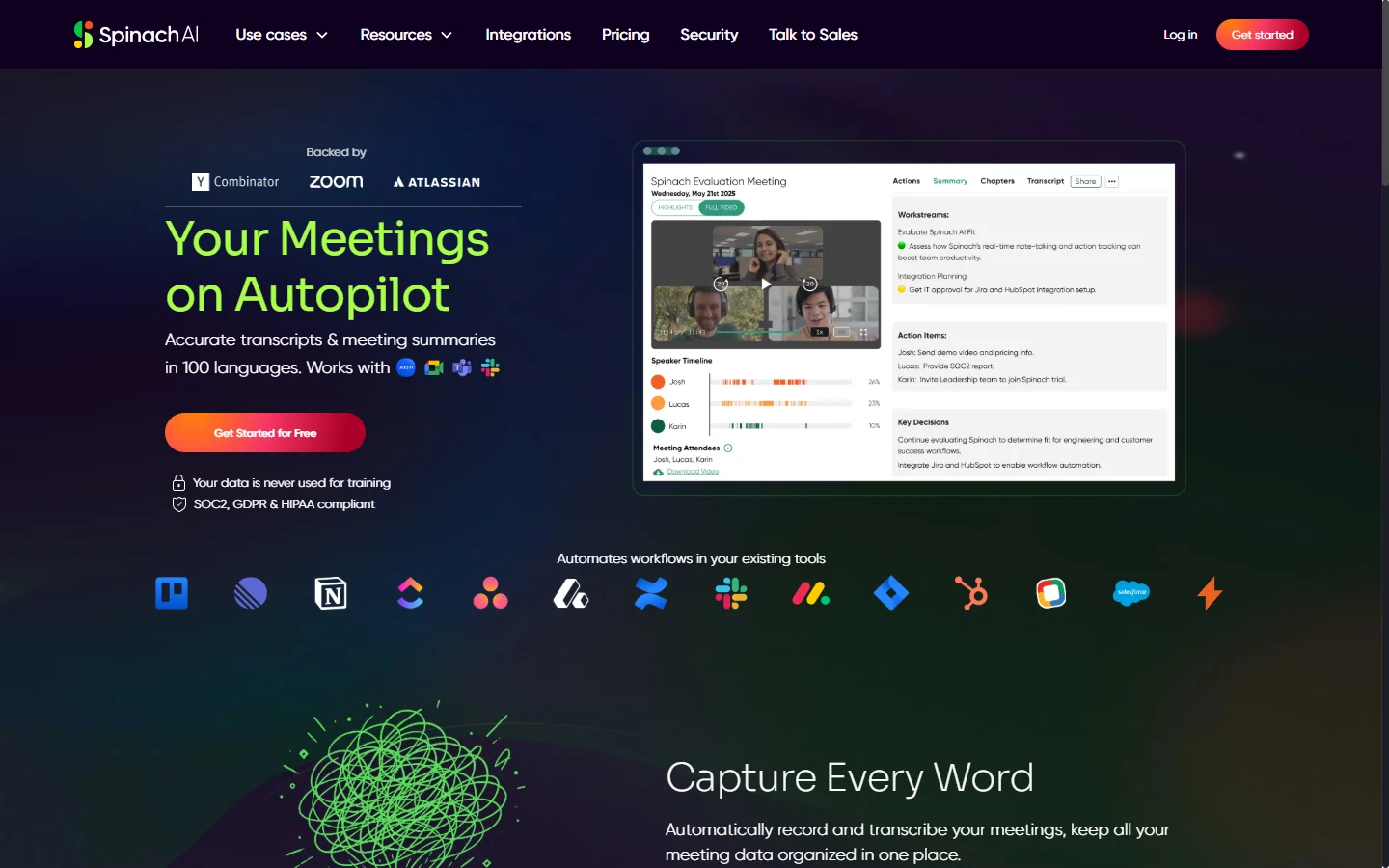
Spinach AI is an AI meeting assistant built for agile software teams and cross-functional collaborators who want to get rid of manual note-taking during stand-ups, sprint reviews, retrospectives, and client calls. The tool joins Zoom, Google Meet, or Microsoft Teams calls as a participant, transcribes the conversation in real time, and produces structured summaries tailored to the meeting type. For a sprint retro it surfaces blockers, wins, and action items, while for a customer discovery call it produces pain points, next steps, and a pipeline update.
What sets Spinach AI apart from generic transcription tools is the depth of integration with ticketing and documentation systems. After each meeting it can automatically create Jira tickets, update Asana tasks, push notes to Notion or Confluence, and post formatted recaps to Slack channels. Product managers and engineering leads use it to turn scattered verbal agreements into tracked work without copy-pasting between apps. It supports custom agenda templates and learns team vocabulary over time to improve accuracy.
The product is particularly popular with remote engineering teams that run many short syncs and struggle to keep documentation up to date. By removing the cognitive load of note-taking, Spinach AI frees the meeting facilitator to actually facilitate. Enterprise plans add SOC 2 compliance, SSO, admin controls, and retention policies for regulated industries.
⚡ Key Features of Spinach AI
Automatic Meeting Notes and Summaries
Spinach AI joins your scheduled calls on Zoom, Google Meet, or Microsoft Teams and produces structured notes within minutes of the meeting ending. Summaries are formatted specifically for the meeting type — stand-ups get blockers and updates, retros get wins and action items, client calls get decisions and next steps. This eliminates the need for a dedicated note-taker and ensures every meeting has a consistent written record. Notes are automatically shared with invited attendees via email and Slack.
Ticketing System Integration
The tool automatically creates or updates Jira, Linear, Asana, and Trello tickets based on action items discussed in the meeting. When someone says 'I'll take the authentication bug', Spinach AI can generate the ticket with proper context, assignee, and links to meeting notes. This closes the gap between verbal commitments and tracked work that plagues most remote teams. Integration settings are configurable per team and per meeting type.
Slack and Email Recaps
Formatted meeting recaps are posted automatically to designated Slack channels or sent via email to attendees and stakeholders. The recap includes a brief executive summary, key decisions, action items with owners, and a link to the full transcript. Teams use this to keep async collaborators in the loop without requiring them to watch recordings. Channel routing can be customized based on meeting tags or calendar categories.
Agile Ceremony Templates
Built-in templates for sprint planning, daily stand-ups, backlog refinement, sprint reviews, and retrospectives ensure consistency across a team's agile rituals. Each template captures the fields that matter for that ceremony — capacity, velocity, blockers, retrospective themes — without asking the user to structure the conversation unnaturally. Scrum masters use these templates to standardize documentation across squads. Custom templates can be created for non-standard meeting formats.
Action Item Tracking Across Meetings
Spinach AI tracks action items across consecutive meetings and flags commitments that have not been closed out. In the next stand-up it can surface 'Sarah committed to the API review last Tuesday — is that complete?' This continuity turns one-off commitments into tracked accountability without the team having to maintain a separate list. The follow-up logic can be toggled on or off per workspace.
Multi-Language Support
The meeting assistant supports transcription and summaries in English, Spanish, French, German, Portuguese, and several other languages, making it usable for globally distributed teams. Summaries can optionally be translated to a team's primary language even when the meeting itself occurred in another language. This feature has been particularly valuable for engineering groups that span Europe and the Americas.
Enterprise Security and Admin Controls
Enterprise plans include SOC 2 Type II compliance, SSO via Okta or Azure AD, configurable data retention policies, and admin controls over which channels and tools Spinach AI can access. Recordings and transcripts can be scoped so that only authorized members can view sensitive meetings. This makes the tool viable for financial services, healthcare, and other regulated industries.
🎯 Use Cases for Spinach AI
⚖️ Spinach AI Pros & Cons
Advantages
- ✓Purpose-built for agile software teams with tailored templates
- ✓Deep integrations with Jira, Linear, Asana, Notion, and Slack
- ✓Automatic action item extraction and ticket creation
- ✓Free tier covers individual usage without a credit card
- ✓SOC 2 Type II compliance for enterprise deployments
Drawbacks
- ✗Summary accuracy drops in very technical discussions with heavy jargon
- ✗Bot joining the call can feel intrusive for external attendees
- ✗Custom template configuration requires some setup effort
- ✗Pricing scales quickly for teams with many active users
📖 How to Use Spinach AI
Sign up at spinach.io using your Google or Microsoft work account to connect your calendar.
Choose which upcoming meetings Spinach AI should join — you can toggle this per meeting or set defaults.
Connect Slack, Jira, Notion, or Asana so the tool can post recaps and create tickets automatically.
Let Spinach AI join your next meeting — it appears as a participant and begins transcribing silently.
After the call, review the generated summary and edit any action items or owner assignments.
Publish the recap to Slack or push tickets to Jira with one click, or let the defaults handle it automatically.
❓ Spinach AI FAQ
Yes. Spinach AI integrates with all three major video platforms and can join meetings scheduled through Google Calendar or Microsoft Outlook. It appears as a bot participant in the meeting.
Yes. Spinach AI offers a free plan for individuals with limited meetings per month. Paid plans start around $12 per user per month and add integrations, admin controls, and higher meeting limits.
Yes. When action items are discussed during a meeting, Spinach AI can create Jira, Linear, or Asana tickets with the assignee, due date, and context automatically attached. Integration settings are configurable per team.
Spinach AI is SOC 2 Type II compliant and offers SSO, data retention controls, and admin permissions on its Enterprise plan. Recordings and transcripts can be scoped to authorized members only.
Yes. Spinach AI supports English, Spanish, French, German, Portuguese, and several other languages for both transcription and summary generation.
Related to Spinach AI

A2E AI
A2E AI productivity platform converts audio and video recordings into transcripts, summaries, and action items with speaker identification.

Abnormal AI
Abnormal AI uses behavioral AI to detect business email compromise, account takeover, and socially engineered phishing that bypasses secure email gateways.

Abridge AI
Abridge AI medical documentation platform that records and summarizes clinical conversations into structured physician notes in real time.

Accrete AI
Accrete AI builds autonomous enterprise AI agents for defense, government, and commercial intelligence workflows.
Featured on WhatIf.ai
Add this badge to your website to show you're listed on WhatIf AI
Alternatives to Spinach AI
A2E AI
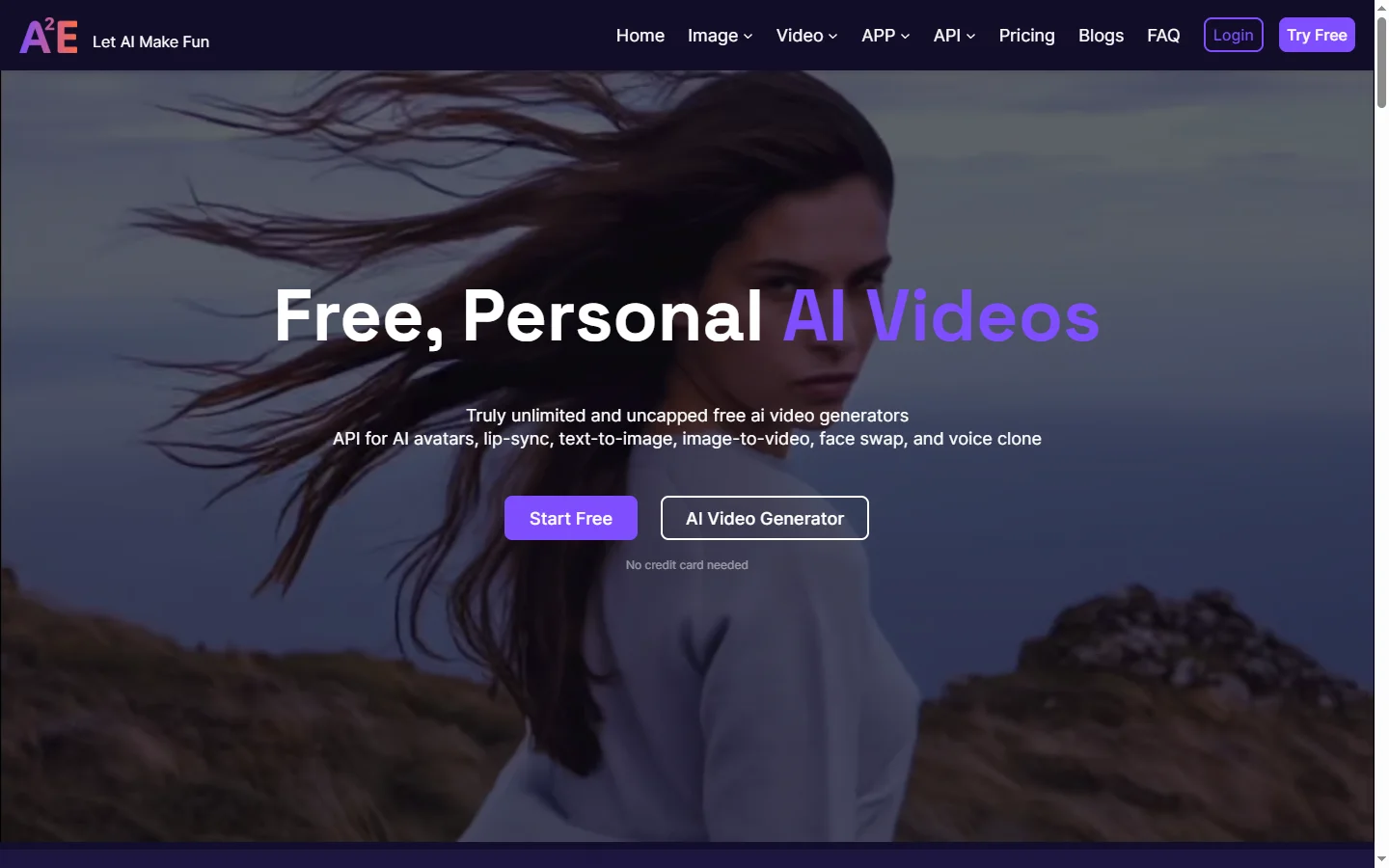
A2E AI productivity platform converts audio and video recordings into transcripts, summaries, and action items with speaker identification.
Abnormal AI
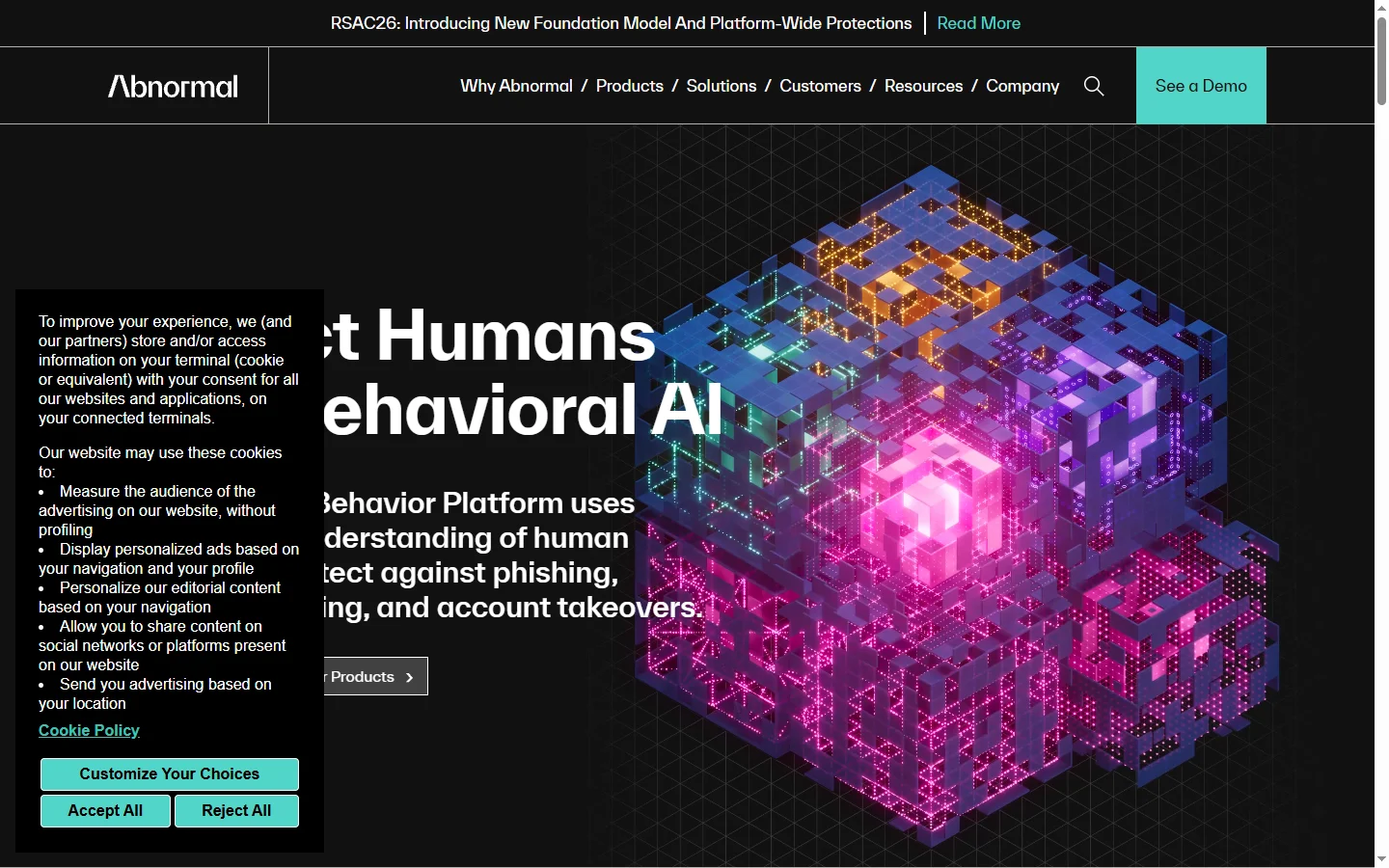
Abnormal AI uses behavioral AI to detect business email compromise, account takeover, and socially engineered phishing that bypasses secure email gateways.
Abridge AI
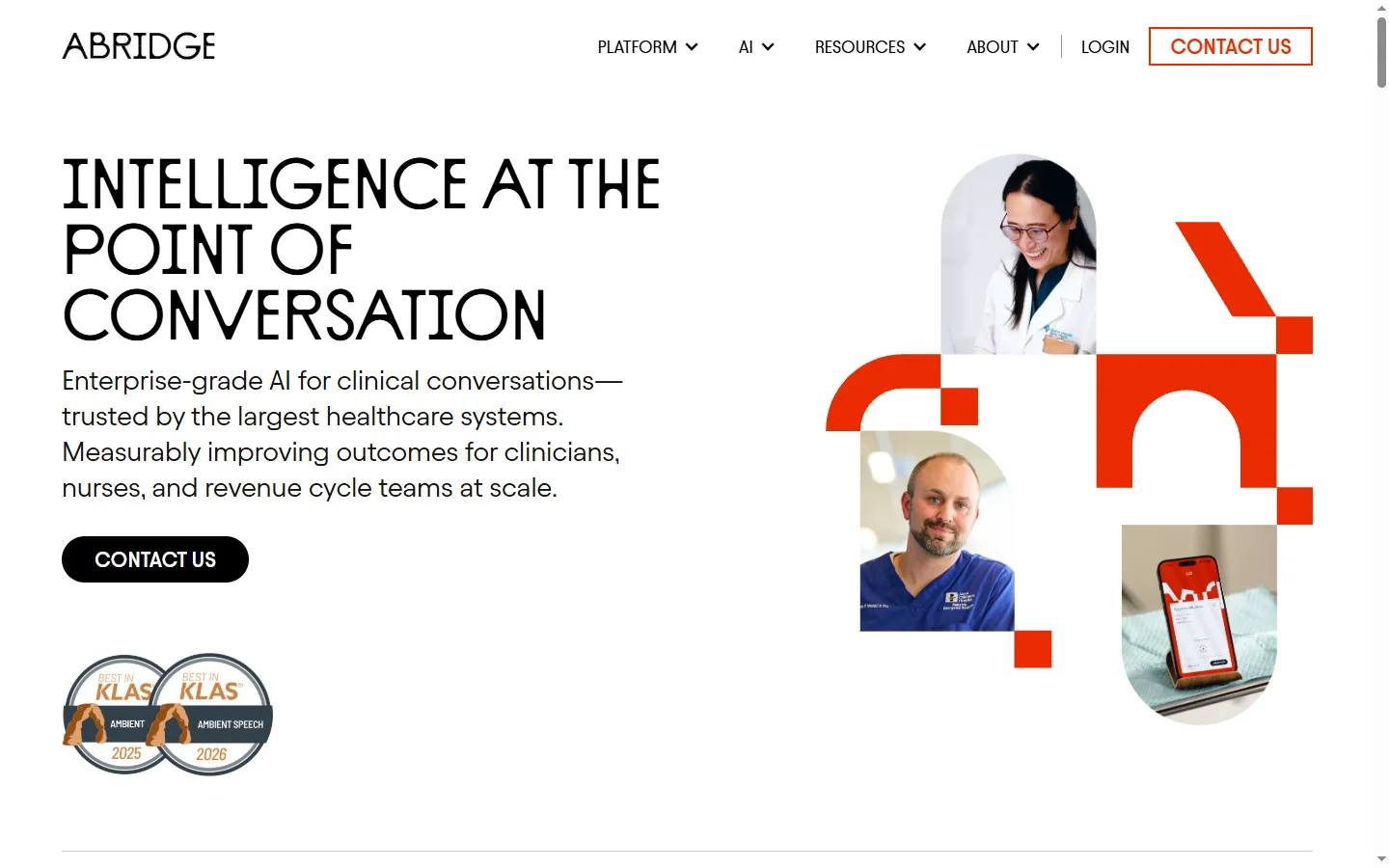
Abridge AI medical documentation platform that records and summarizes clinical conversations into structured physician notes in real time.

Air AI
Air AI conducts autonomous full-length AI phone calls for sales prospecting, appointment setting, and customer service without human agents.