
Quizard AI
Freemium ✓ VerifiedQuizard AI is an AI-powered homework helper and study assistant that scans math, science, and multiple-choice questions from photos and delivers step-by-step solutions and explanations.
📋 About Quizard AI
Quizard AI is a mobile-first AI homework helper and study assistant designed for students who want instant, step-by-step solutions and explanations for problems across math, science, history, English, and standardized test prep. Students snap a photo of a problem — a math equation, a multiple-choice quiz, a physics diagram, or a reading-comprehension passage — and the quizard-ai engine returns a worked solution, a short explanation of the underlying concept, and, where relevant, similar practice problems. The app is built for speed and simplicity, removing the friction of typing long questions or browsing through textbook solutions.
Unlike generic chatbots, Quizard AI is tuned for academic formats. It recognizes multiple-choice layouts, handwritten math, graphs, and typical worksheet styles, and its responses are structured as study content rather than conversational prose. A key positioning is that it explains the reasoning rather than just delivering the answer, which students and parents who want actual learning outcomes find more useful than copy-paste answer bots. The tool covers topics from elementary math through AP courses and early college subjects.
Quizard AI is popular among middle-school, high-school, and early-college students, especially during exam season. It is also used by homeschool parents and tutors as a quick reference for walking learners through difficult problems. The app is available on iOS and Android with a freemium model: a daily allowance of free scans, and a subscription that unlocks unlimited use, deeper explanations, and advanced subjects. As with any AI homework tool, Quizard works best when students use the step-by-step explanations to understand the material rather than just copying final answers.
⚡ Key Features of Quizard AI
Photo Scan to Solution
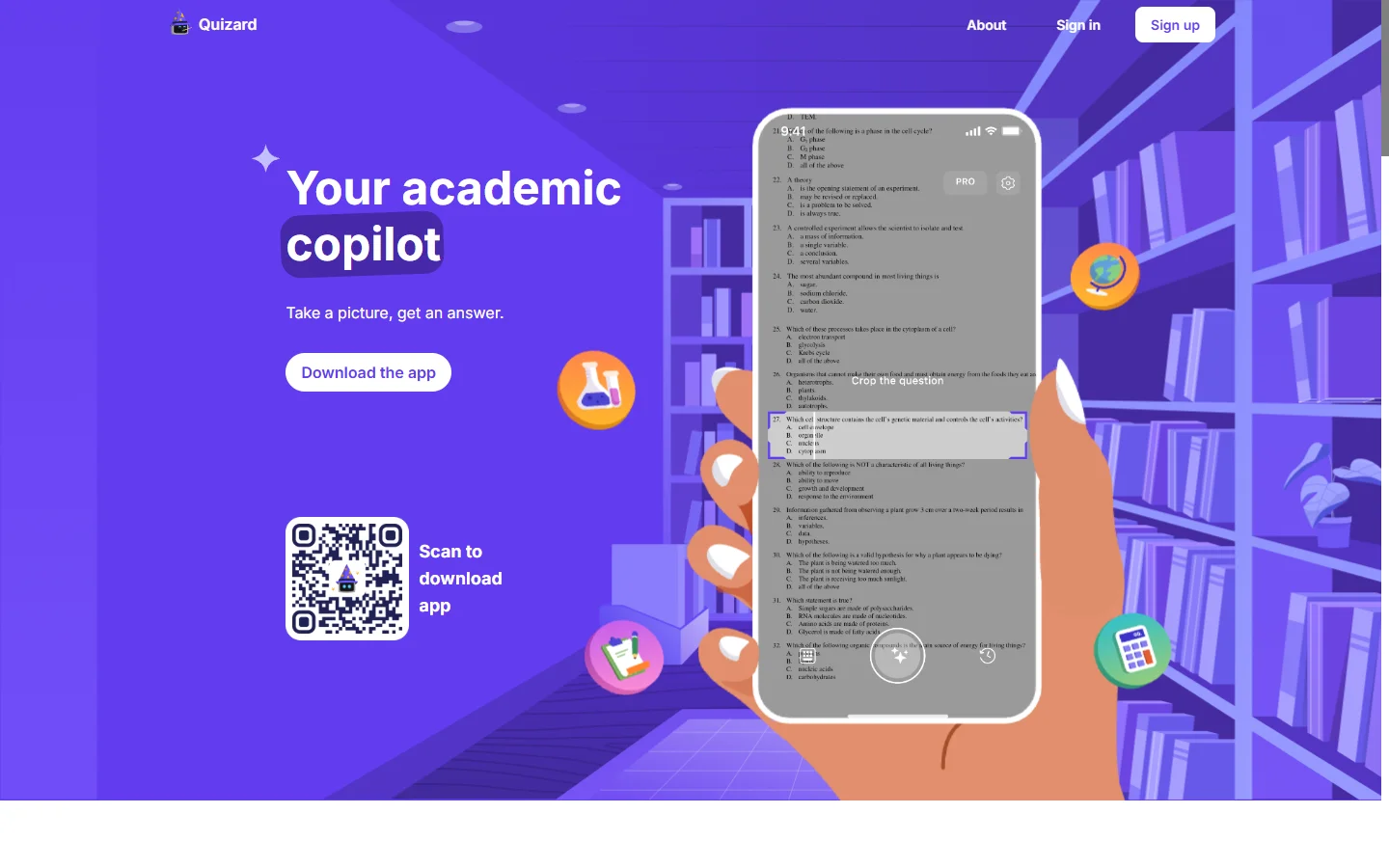
Point the camera at a math problem, multiple-choice question, or worksheet, and Quizard AI reads the question, identifies the correct format, and returns a solution in seconds. The scanner handles printed text, handwriting, diagrams, and mixed layouts. This saves students the time of manually retyping long problems or complex equations into a chatbot. It is the core interaction pattern that makes quizard-ai feel native to how students actually study.
Step-By-Step Explanations
Rather than just returning a final answer, Quizard AI walks through each reasoning step in a way that mirrors how a teacher or tutor would explain the problem. Students can review the individual moves of an algebra manipulation or the logic of a multiple-choice elimination. This is especially useful for studying concepts rather than cramming answers, and it is a core reason parents and teachers recommend it over simple answer bots.
Multi-Subject Coverage
Quizard AI handles math (pre-algebra through calculus), physics, chemistry, biology, history, literature, grammar, and foreign languages, among other subjects. This one-app coverage is attractive to students who otherwise juggle multiple specialized solvers. It also makes the app useful throughout the school year rather than just during specific test seasons.
Multiple-Choice Mode
A dedicated mode is optimized for multiple-choice question banks and practice quizzes, extracting the stem and options and returning the correct choice with a short justification. This is popular for AP prep, SAT and ACT sections, and driver's ed tests. Students can scan a full worksheet and get answers ordered by question number without re-typing anything.
Similar Practice Problems
After a problem is solved, Quizard AI can generate similar practice problems targeting the same concept to reinforce learning. Students who got a problem wrong can drill the same skill several more times before moving on, which improves retention. This turns the app from a one-shot answer engine into a lightweight study loop.
Chat With AI Tutor
In addition to scan-based solutions, Quizard offers an AI chat interface where students can ask follow-up questions, request a simpler explanation, or ask the tool to check their own worked answer. This mimics the back-and-forth of a real tutor and is useful when the first explanation did not fully click. The chat remembers the current problem context to keep the conversation coherent.
🎯 Use Cases for Quizard AI
⚖️ Quizard AI Pros & Cons
Advantages
- ✓Fast photo-scan workflow matches how students actually study
- ✓Step-by-step explanations help understanding, not just copying answers
- ✓Covers a wide range of subjects from elementary through AP-level content
- ✓Dedicated multiple-choice mode is well-suited to practice exams
- ✓Practice problem generator turns one-shot answers into real study loops
Drawbacks
- ✗Free tier includes daily scan limits, pushing heavy users to subscribe
- ✗As with any AI homework tool, can be misused to copy answers without learning
- ✗Accuracy on messy handwriting or complex diagrams is imperfect
- ✗Some advanced college-level problems exceed the model's reliable range
📖 How to Use Quizard AI
Download Quizard AI from the App Store or Google Play and create a free account.
Open the camera tab and take a clear photo of the problem, question, or worksheet.
Confirm the detected question text, then tap Solve to get the answer and explanation.
Use the step-by-step toggle to see each reasoning move rather than just the final answer.
Tap the practice button to generate similar problems for drilling the same concept.
Switch to the chat tab to ask follow-up questions or request a simpler explanation.
❓ Quizard AI FAQ
Quizard AI uses a freemium model. Users get a daily allowance of free scans, and a paid subscription unlocks unlimited scans, deeper explanations, and some advanced subjects.
Quizard AI covers math from pre-algebra through calculus, physics, chemistry, biology, history, literature, grammar, and foreign languages, along with standardized test prep such as SAT, ACT, and AP practice content.
That depends on how it is used. Quizard AI is designed as a study assistant — using step-by-step explanations to understand material is legitimate homework help, but submitting AI-generated answers as your own work typically violates school academic integrity rules.
Yes. The scanner can handle handwritten math and short text, though accuracy is best with clear, legible writing. Messy or ambiguous handwriting may require manual editing after the scan.
Quizard AI is available on iOS and Android smartphones, which is where most students study. The same account syncs between devices for users who switch phones or share with family members.
Related to Quizard AI

A2E AI
A2E AI productivity platform converts audio and video recordings into transcripts, summaries, and action items with speaker identification.

Abby AI
Abby AI is an AI therapy and mental wellness chatbot that offers CBT-informed conversations, mood tracking, and self-guided coping tools.

Abnormal AI
Abnormal AI uses behavioral AI to detect business email compromise, account takeover, and socially engineered phishing that bypasses secure email gateways.

Abridge AI
Abridge AI medical documentation platform that records and summarizes clinical conversations into structured physician notes in real time.

Accrete AI
Accrete AI builds autonomous enterprise AI agents for defense, government, and commercial intelligence workflows.

ChatGPT
ChatGPT AI assistant by OpenAI for writing, coding, research, image analysis, and everyday problem-solving.
Featured on WhatIf.ai
Add this badge to your website to show you're listed on WhatIf AI
Alternatives to Quizard AI

A2E AI
A2E AI productivity platform converts audio and video recordings into transcripts, summaries, and action items with speaker identification.

Abnormal AI
Abnormal AI uses behavioral AI to detect business email compromise, account takeover, and socially engineered phishing that bypasses secure email gateways.

Abridge AI
Abridge AI medical documentation platform that records and summarizes clinical conversations into structured physician notes in real time.


Air AI
Air AI conducts autonomous full-length AI phone calls for sales prospecting, appointment setting, and customer service without human agents.