
Playlab AI
Freemium ✓ VerifiedPlaylab AI is a no-code platform for educators to build and share custom AI tools and assistants designed for classroom use without coding or engineering.
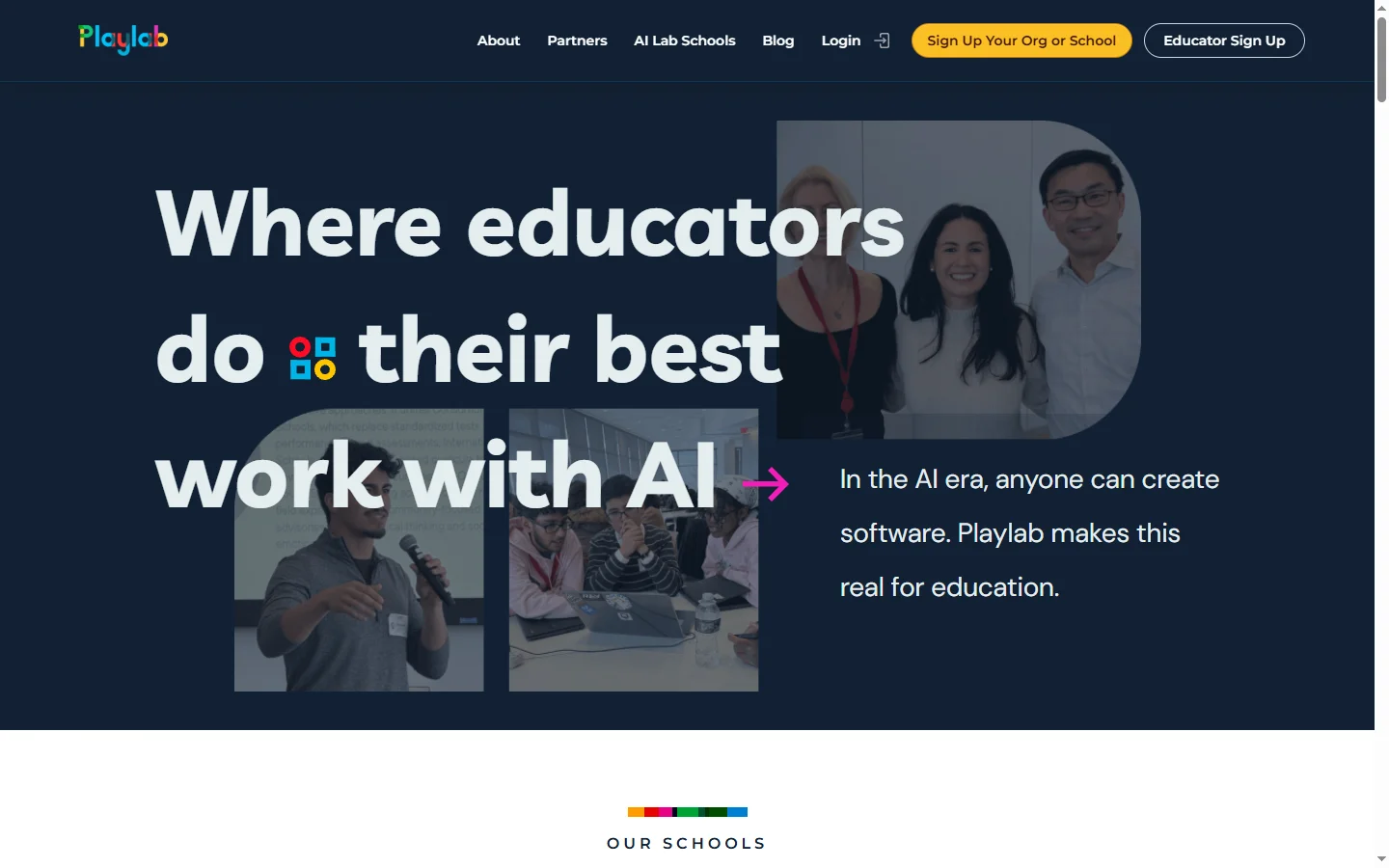
📋 About Playlab AI
Playlab AI is a mission-driven platform that lets teachers, instructional coaches, and school leaders build, remix, and share AI-powered educational tools without writing any code. Educators describe what they want the AI to do in plain English — for example, a Socratic tutor for algebra, a feedback generator for sixth-grade essays, or a lesson plan builder aligned to state standards — and Playlab AI compiles those instructions into a deployable app that colleagues and students can use. The platform places strong emphasis on pedagogy, responsible AI, and student data privacy.
Playlab AI hosts a growing public library of teacher-built apps organized by subject, grade level, and skill so educators can borrow from peers rather than starting from scratch. Apps can be duplicated and customized, encouraging a remix culture that accelerates the spread of effective designs. Built-in guardrails prevent students from accessing the underlying models directly, and teachers can review transcripts of student interactions to understand how learners are engaging and where they are stuck.
The platform is used by districts, individual teachers, and education nonprofits seeking to responsibly integrate AI into learning while retaining teacher authorship and editorial judgment. Playlab AI offers free access for educators through grants and partnerships, with paid district-level plans for centralized management, PD support, and enterprise features. Its nonprofit origins and strong focus on equity differentiate it from purely commercial AI tutoring platforms.
⚡ Key Features of Playlab AI
No-Code AI App Builder
Teachers describe what they want an AI tool to do in plain language and Playlab AI compiles those instructions into a working app. Builders can add input fields, system prompts, knowledge sources, and persona definitions without touching code. This lets classroom educators iterate on AI tools themselves rather than waiting on engineers or admins.
Public Library of Teacher-Built Apps
Educators can browse a growing library of tools built by peers — Socratic tutors, rubric-based feedback graders, lesson planners, writing conference simulators — and duplicate or remix them for their own classrooms. This accelerates the spread of effective pedagogical designs and helps newer teachers benefit from the experience of more advanced colleagues.
Student Safety Guardrails
Students never access the underlying AI model directly. Playlab AI mediates every conversation through teacher-defined system prompts, content filters, and transcript logging. Teachers can review session transcripts to understand student thinking, identify misconceptions, and ensure interactions stay on-topic and age-appropriate.
Curriculum-Aligned Templates
Pre-built templates support common classroom workflows like standards-aligned lesson planning, rubric feedback on student work, differentiation for multiple reading levels, and study session coaching. Teachers can adapt templates to their state standards, learning goals, and student populations with minimal effort.
Teacher and Student Accounts
Separate account types for teachers and students enable classroom deployment with appropriate permissions, data boundaries, and usage reporting. Districts can manage users centrally while individual teachers retain control of the tools they build and share with their own students.
Free Educator Access
Playlab AI offers substantial free access to individual educators through grants, nonprofit partnerships, and philanthropic funding. Districts pay for enterprise features like SSO, centralized management, and professional development support, keeping the classroom experience accessible regardless of school budget.
🎯 Use Cases for Playlab AI
⚖️ Playlab AI Pros & Cons
Advantages
- ✓True no-code authoring for educators
- ✓Strong emphasis on safety and transcripts for oversight
- ✓Vibrant library of peer-built classroom apps
- ✓Free access for individual educators
- ✓Mission-driven, nonprofit-backed approach
Drawbacks
- ✗Focused on K-12 and higher ed, not general business use
- ✗Advanced custom integrations limited compared to full LLM platforms
- ✗Some features require district-level adoption to unlock
📖 How to Use Playlab AI
Sign up at playlab.ai as an educator using your school email address.
Browse the public library and remix an existing app, or start a new one from scratch.
Write clear instructions for the AI describing its role, tone, and boundaries.
Add optional knowledge sources, inputs, and example interactions.
Share the app link with your students or colleagues and review transcripts after use.
Iterate on the prompt and design based on student interactions and outcomes.
❓ Playlab AI FAQ
Yes. Playlab AI is free for individual educators thanks to grant and nonprofit funding. Districts and schools can pay for enterprise features like SSO and centralized management.
Playlab AI mediates all student interactions through teacher-defined prompts, logs transcripts for teacher review, and filters inappropriate content. Teachers retain visibility into how the tool is being used.
No. Playlab AI is a no-code platform. Teachers describe the tool they want in plain English and the platform handles the rest.
Yes. Tools can be shared publicly in the Playlab AI library, shared privately with colleagues or your school, or kept private for your own classroom.
Related to Playlab AI

A2E AI
A2E AI productivity platform converts audio and video recordings into transcripts, summaries, and action items with speaker identification.

Abby AI
Abby AI is an AI therapy and mental wellness chatbot that offers CBT-informed conversations, mood tracking, and self-guided coping tools.

Abnormal AI
Abnormal AI uses behavioral AI to detect business email compromise, account takeover, and socially engineered phishing that bypasses secure email gateways.

Abridge AI
Abridge AI medical documentation platform that records and summarizes clinical conversations into structured physician notes in real time.
Featured on WhatIf.ai
Add this badge to your website to show you're listed on WhatIf AI
Alternatives to Playlab AI

A2E AI
A2E AI productivity platform converts audio and video recordings into transcripts, summaries, and action items with speaker identification.

Abnormal AI
Abnormal AI uses behavioral AI to detect business email compromise, account takeover, and socially engineered phishing that bypasses secure email gateways.

Abridge AI
Abridge AI medical documentation platform that records and summarizes clinical conversations into structured physician notes in real time.


Air AI
Air AI conducts autonomous full-length AI phone calls for sales prospecting, appointment setting, and customer service without human agents.