Pincel AI
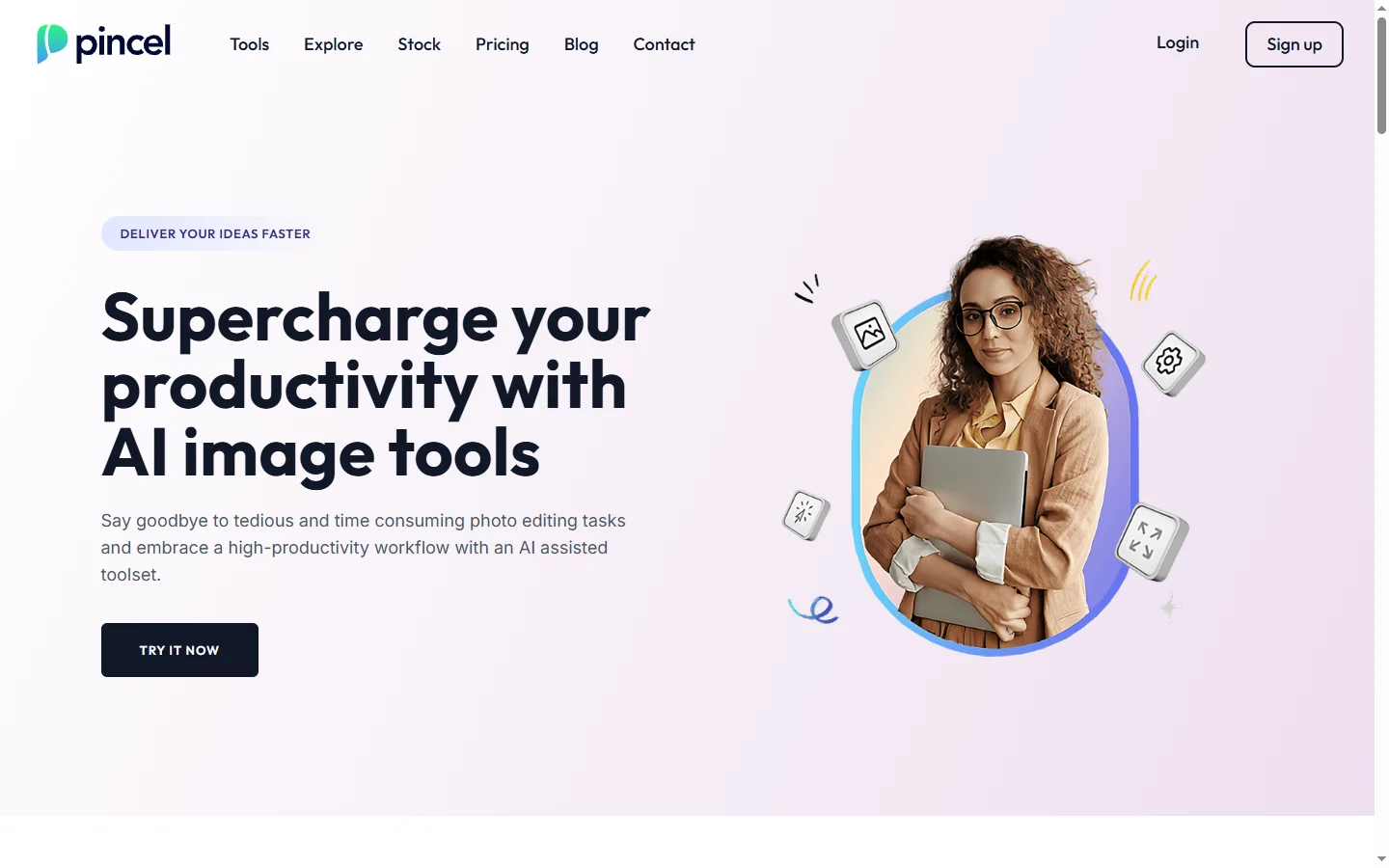
FreemiumPincel AI is an online image editor that uses AI to remove objects, expand backgrounds, upscale photos, and generate images from text.
📋 About Pincel AI
Pincel AI is a browser-based image editor that bundles the most useful generative image tools into a single, simple interface. It targets users who want Photoshop-style results without Photoshop's learning curve, combining inpainting, outpainting, background removal, upscaling, and text-to-image generation in one workspace. Everything runs in the browser, so there is no installation required.
The editor uses a brush-based interaction model where users paint over areas they want to change and then issue a text prompt or tool action. Inpainting replaces selected regions with AI-generated content that matches the surrounding image, while outpainting extends the canvas beyond the original frame. Additional tools handle background removal, object removal without prompts, photo upscaling up to 4x, and style transfer. A text-to-image mode generates new images from scratch. Because the tools share a common editor, users can chain operations naturally, such as generating a base image and then outpainting to add context.
Pincel AI serves designers, content creators, ecommerce sellers, and casual users who need occasional image editing without the complexity of professional software. Its low-friction interface and pay-as-you-go pricing make it accessible to individuals and small businesses, while batch features support higher-volume use cases like product photography. The platform offers credit-based plans, with free credits for new users and subscriptions for regular users.
⚡ Key Features of Pincel AI
AI Inpainting
Paint over any area of an image and describe what should replace it, and Pincel AI generates new content that blends with the surrounding pixels. This is used to remove unwanted objects, swap backgrounds, change clothing, or fix photo flaws without manual retouching. The brush-based interaction is more intuitive than mask-based workflows in traditional editors. Results are produced in seconds, and users can regenerate variations if the first attempt is not ideal.
Outpainting and Canvas Expansion
Extend an image beyond its original borders by dragging the canvas and letting the AI generate coherent content in the new area. This is useful for changing aspect ratios, adding context, or repositioning subjects within a wider scene. The outpainting model matches lighting, perspective, and style to keep the expanded image looking natural. Photographers and ecommerce sellers often use this to reformat images for different channels.
Background Removal
One-click background removal isolates subjects cleanly, producing transparent PNGs suitable for product listings, thumbnails, and composites. The underlying model handles tricky edges like hair and fur reasonably well. Users can refine the mask manually if the automatic result misses details. Batch processing is available for higher-volume ecommerce use cases.
Photo Upscaling
Upscale low-resolution images up to 4x while preserving detail and reducing noise. The upscaler works on photos, illustrations, and AI-generated images alike. This is useful for restoring old photos, printing web-sized images at larger formats, or improving quality of AI outputs for downstream use. Different upscaling models are available for photographic versus illustrative content.
Text-to-Image Generation
Generate new images from text prompts without leaving the editor, then immediately refine them using inpainting, outpainting, or upscaling. The integrated workflow is faster than jumping between a generation tool and a separate editor. Style controls let users bias output toward photographic, illustrated, or stylized looks. Generated images can be saved directly or composed into larger projects.
Simple Browser-Based Workspace
Everything runs in the browser on both desktop and mobile, with a clean interface that avoids the complexity of professional editors. There is no installation, no account required to try basic features, and no dependence on GPU hardware on the user's device. This makes Pincel AI approachable for casual users while still powerful enough for many professional tasks. Files are handled securely and deleted on request.
🎯 Use Cases for Pincel AI
⚖️ Pincel AI Pros & Cons
Advantages
- ✓Bundles multiple useful AI image tools in one editor
- ✓Intuitive brush-based interaction for non-designers
- ✓Runs entirely in the browser without installation
- ✓Free credits for new users to try the tools
- ✓Integrated workflow from generation to refinement
Drawbacks
- ✗Credit-based model can get expensive for heavy users
- ✗Less precise control than professional editors for fine retouching
- ✗Quality depends on prompt and image quality
- ✗Limited advanced features like layers and masks
📖 How to Use Pincel AI
Visit pincel.app and sign up with email or Google to receive free credits.
Upload an image or start from a text-to-image generation prompt.
Choose a tool such as inpainting, outpainting, background removal, or upscaling.
Brush over the area you want to change and enter a prompt if required.
Review the generated result and regenerate variations if needed.
Download the finished image or continue editing with additional tools.
❓ Pincel AI FAQ
Pincel AI offers free credits to new users so they can try the tools without paying. Paid plans are credit-based or subscription-based and scale with usage for heavier users.
Pincel AI combines inpainting, outpainting, background removal, upscaling, and text-to-image generation in a single browser-based editor. Users can edit existing photos or generate new images from prompts.
No. Pincel AI runs entirely in the browser on desktop and mobile. No installation or GPU hardware is required on the user's device.
Yes. Batch processing is available for operations like background removal, which is useful for ecommerce sellers processing many product photos at once.
Photoshop offers far deeper professional editing capabilities but has a steeper learning curve. Pincel AI focuses on generative AI tools with a simple interface, making it faster for the specific tasks it covers.
Related to Pincel AI

A2E AI
A2E AI productivity platform converts audio and video recordings into transcripts, summaries, and action items with speaker identification.

Abnormal AI
Abnormal AI uses behavioral AI to detect business email compromise, account takeover, and socially engineered phishing that bypasses secure email gateways.

Abridge AI
Abridge AI medical documentation platform that records and summarizes clinical conversations into structured physician notes in real time.

Accrete AI
Accrete AI builds autonomous enterprise AI agents for defense, government, and commercial intelligence workflows.

Ace AI
Ace AI is an AI-powered interview and career coach that helps job seekers prepare with mock interviews, resume feedback, and personalized career guidance.

Actively AI
Actively AI is an AI sales prospecting platform that researches accounts, identifies buyer signals, and writes personalized outbound at pipeline scale.
Featured on WhatIf.ai
Add this badge to your website to show you're listed on WhatIf AI
Alternatives to Pincel AI

A2E AI
A2E AI productivity platform converts audio and video recordings into transcripts, summaries, and action items with speaker identification.

Abnormal AI
Abnormal AI uses behavioral AI to detect business email compromise, account takeover, and socially engineered phishing that bypasses secure email gateways.

Abridge AI
Abridge AI medical documentation platform that records and summarizes clinical conversations into structured physician notes in real time.


Air AI
Air AI conducts autonomous full-length AI phone calls for sales prospecting, appointment setting, and customer service without human agents.