
Onyx AI
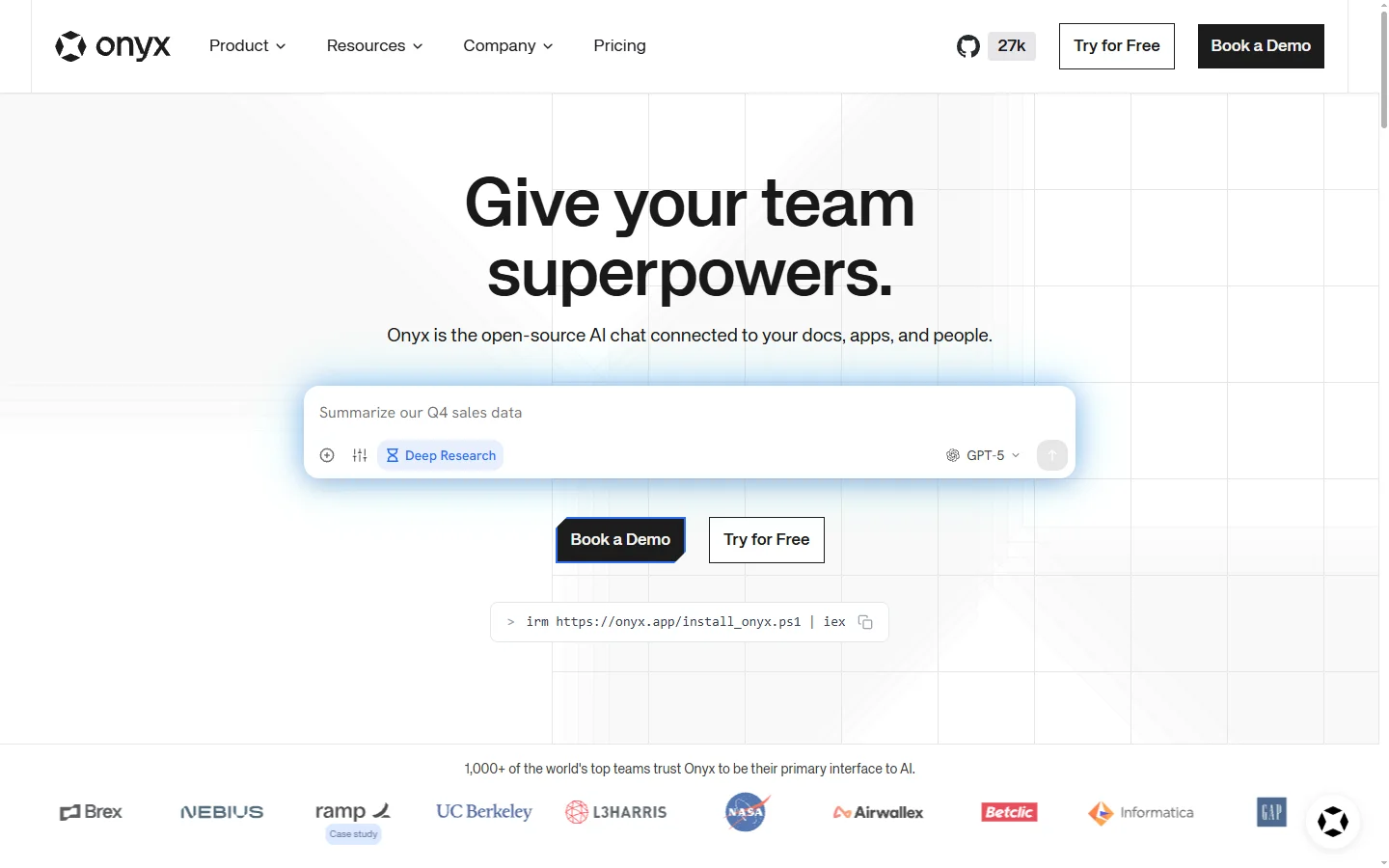
Freemium ✓ Verified 🔥 TrendingOnyx AI is an open-source enterprise AI search and chat platform that connects to company data sources and delivers grounded answers across teams.
📋 About Onyx AI
Onyx AI, previously known as Danswer, is an open-source enterprise AI search and chat platform that unifies company knowledge across documents, wikis, messaging, ticketing, and source control. Unlike closed-source enterprise AI tools that require trusting a vendor with sensitive data, Onyx AI can be self-hosted by any company that wants full control over how their internal information is processed and retrieved.
At its core, Onyx AI indexes company data sources and uses retrieval-augmented generation to answer employee questions with grounded citations back to the original documents. This prevents the hallucination issues that plague general-purpose AI on private content. The platform supports over forty native connectors out of the box, including Slack, Google Drive, Confluence, Notion, Jira, GitHub, and Salesforce, so most organizations can cover their real knowledge footprint without custom integration work.
Onyx AI serves engineering, customer support, sales, and operations teams that waste significant time searching fragmented internal systems. Because it is open source with a permissive license, enterprises can verify the code, host it inside their own cloud, and contribute custom connectors specific to their stack. A cloud version is available for teams who prefer managed hosting.
⚡ Key Features of Onyx AI
Forty-Plus Native Connectors
Onyx AI ships with native connectors for Slack, Google Drive, Confluence, Notion, Jira, GitHub, Salesforce, and many more. This broad coverage means most organizations can cover their real knowledge footprint without custom integration work. New connectors are contributed regularly by the community.
Grounded Retrieval-Augmented Generation
Answers are grounded in retrieved documents with citations back to source, which virtually eliminates hallucination on private data. Employees can verify claims directly against the originals. This is essential for trust in enterprise AI.
Open Source with Self-Hosting
Onyx AI's code is open source under a permissive license, enabling self-hosting inside the company's own cloud or on-prem. This appeals to enterprises with strict data governance requirements that rule out closed-source alternatives. The code can be audited fully for security.
Role-Aware Permissions
The platform respects the access permissions defined in the source systems, so employees only see information they are already authorized to access. This is critical for enterprise deployment across teams with different sensitivity levels. It avoids the leakage risk that naive enterprise search would create.
Assistants and Workflows
Users can create specialized assistants tuned to specific teams or tasks, such as a support assistant that knows the product documentation and ticket history. Assistants have their own personas, knowledge scopes, and response styles. This turns Onyx AI into a platform for team-specific AI rather than a single generic chat.
Managed Cloud Option
For teams that do not want to self-host, Onyx AI offers a managed cloud version with enterprise security features. This lets organizations choose the deployment model that fits their compliance posture. Migration between self-hosted and managed is supported.
🎯 Use Cases for Onyx AI
⚖️ Onyx AI Pros & Cons
Advantages
- ✓Open source with self-hosting appeals to security-conscious enterprises
- ✓Broad connector coverage reduces custom integration work
- ✓Grounded RAG with citations prevents hallucinations
- ✓Respects source system permissions to protect sensitive data
- ✓Assistants enable team-specific AI on top of shared infrastructure
Drawbacks
- ✗Self-hosting requires ongoing infrastructure operations
- ✗Advanced enterprise features may lag behind closed-source competitors
- ✗Connector quality varies, with community connectors less polished than official ones
📖 How to Use Onyx AI
Visit onyx.app and choose between the managed cloud offering and self-hosted deployment.
For self-hosted, follow the documentation to deploy Onyx AI using Docker or Helm.
Connect your data sources such as Slack, Google Drive, Confluence, and GitHub.
Configure permissions so Onyx AI respects access controls defined in each source.
Create assistants tuned for specific teams or tasks with curated knowledge scopes.
Invite users to search and chat with company knowledge through the web interface or Slack integration.
❓ Onyx AI FAQ
Yes. The project was renamed to Onyx AI and remains open source under the same community stewardship.
Yes. The core is available under a permissive open source license. Managed cloud and enterprise features are offered commercially by the same team.
Onyx AI ships with more than forty native connectors out of the box, with community contributions adding new ones regularly.
Yes. Enterprises can deploy Onyx AI inside their own cloud or on-prem to retain full control of data.
Yes. Users only see information they already have access to in the underlying systems.
Related to Onyx AI

A2E AI
A2E AI productivity platform converts audio and video recordings into transcripts, summaries, and action items with speaker identification.

Abnormal AI
Abnormal AI uses behavioral AI to detect business email compromise, account takeover, and socially engineered phishing that bypasses secure email gateways.

Abridge AI
Abridge AI medical documentation platform that records and summarizes clinical conversations into structured physician notes in real time.

Accrete AI
Accrete AI builds autonomous enterprise AI agents for defense, government, and commercial intelligence workflows.
Featured on WhatIf.ai
Add this badge to your website to show you're listed on WhatIf AI
Alternatives to Onyx AI

A2E AI
A2E AI productivity platform converts audio and video recordings into transcripts, summaries, and action items with speaker identification.

Abnormal AI
Abnormal AI uses behavioral AI to detect business email compromise, account takeover, and socially engineered phishing that bypasses secure email gateways.

Abridge AI
Abridge AI medical documentation platform that records and summarizes clinical conversations into structured physician notes in real time.


Air AI
Air AI conducts autonomous full-length AI phone calls for sales prospecting, appointment setting, and customer service without human agents.