
NaturalReader
Freemium ✓ VerifiedAI text-to-speech platform with hundreds of natural voices for studying, accessibility, audiobook listening, and document narration.
📋 About NaturalReader
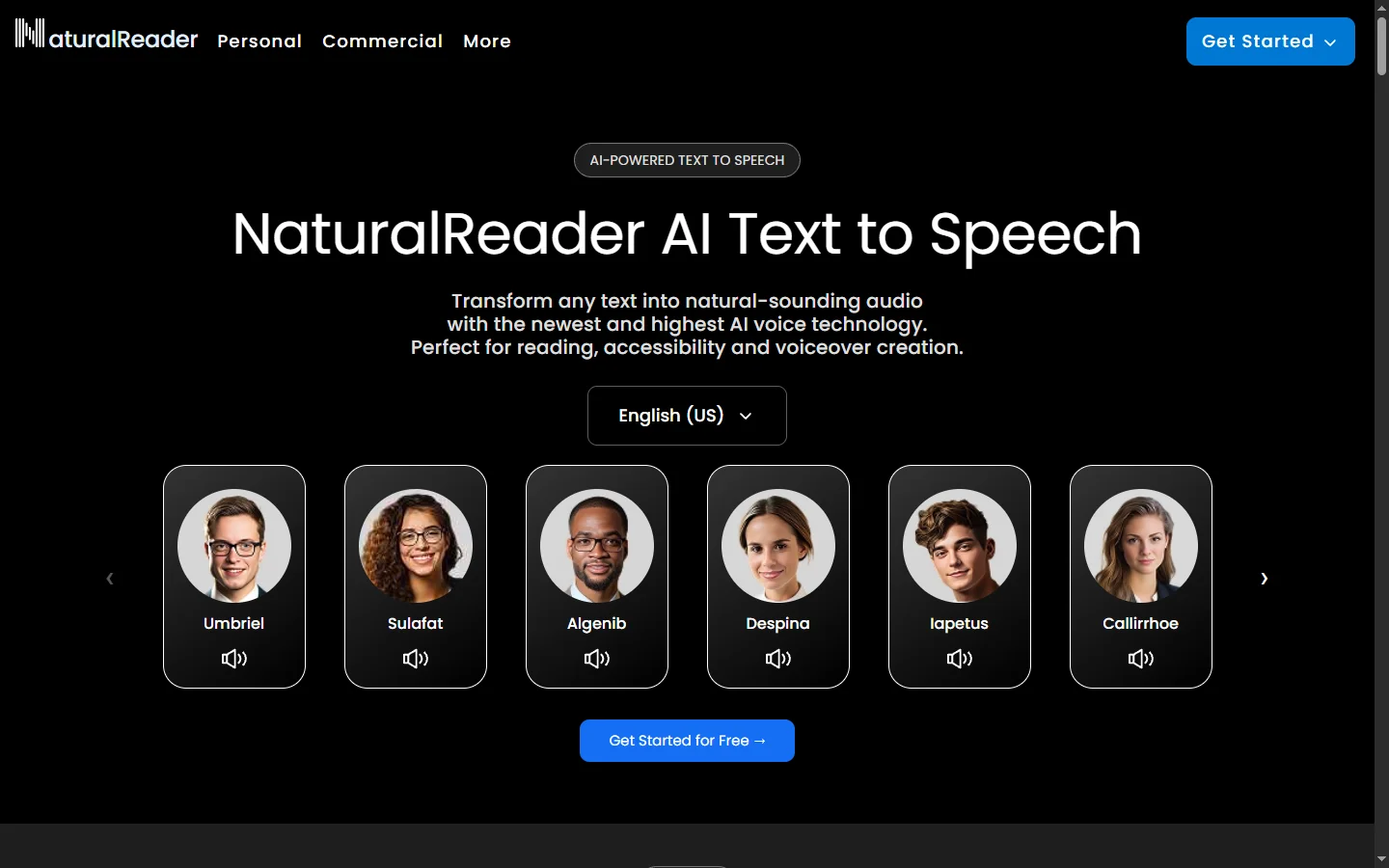
NaturalReader is a long-running AI text-to-speech (TTS) platform that converts written content — PDFs, documents, websites, ebooks, and pasted text — into natural-sounding spoken audio. The naturalreader service offers hundreds of voices across multiple languages, ranging from standard cloud voices to premium AI-generated voices that closely mimic human cadence, breath, and emotion. Users can upload documents, paste text, or use the browser extension to read web pages aloud in a chosen voice and speed.
The platform is widely used in education, accessibility, and productivity contexts. Students use it to listen to textbooks and study notes while commuting or doing other tasks; users with dyslexia or visual impairment rely on it as a daily accessibility tool; and professionals use it to proofread documents by ear, where TTS surfaces awkward phrasing the eye misses. NaturalReader supports dozens of languages with native-quality voices and offers OCR for scanned PDFs and image-based text.
NaturalReader serves a broad audience from students and accessibility users to commercial creators who need royalty-free voiceover for videos and podcasts. The free tier provides limited daily reading minutes with basic voices, while paid plans unlock premium AI voices, unlimited reading, faster processing, audio download for offline listening, and commercial use rights. The product is available as a web app, desktop software for Windows and Mac, and mobile apps for iOS and Android, with cloud sync across devices.
⚡ Key Features of NaturalReader
Hundreds of Natural AI Voices
Choose from over 200 voices across dozens of languages, including premium AI-generated voices with realistic cadence, breath, and emotional inflection. Voice options range from neutral narration styles to expressive voices suited for storytelling or character work. Premium voices are powered by neural TTS models that significantly outperform classic robotic speech synthesis. Users preview voices before applying them to a document to find the best match for content tone.
Multi-Format Document Support
Read PDFs, Word documents, ePub ebooks, HTML pages, plain text files, and pasted text with consistent quality across formats. The naturalreader engine handles complex layouts, multi-column PDFs, and footnotes intelligently, skipping or including elements based on user preference. OCR support automatically extracts text from scanned PDFs and image-based content. Documents stay in the library for repeated access without re-uploading.
Browser Extension and Web Page Reading
The Chrome, Edge, and Firefox extensions let users select any text on a webpage or read entire pages aloud with one click. This is particularly valuable for users who consume long-form web content like articles, research papers, or documentation through audio. The extension respects page structure to skip navigation and ads, focusing on the main content. Saved articles sync to the cloud account for later listening on other devices.
Offline Audio Download
Premium plans allow downloading generated audio as MP3 files for offline listening on any device, including phones, smart speakers, and audio players. This is essential for students commuting without reliable data, or for users who want to load study material onto their preferred audio app. Downloaded audio includes commercial use rights on appropriate plans, making it suitable for video voiceover and podcast intros. File quality is high enough for professional use.
Accessibility Features
The naturalreader interface includes dyslexia-friendly fonts, adjustable colors, synchronized text highlighting that tracks the spoken word, and one-key playback controls designed for users with motor or vision impairments. These features have made the product a standard accommodation in schools and workplaces for users with reading-related disabilities. Schools often deploy NaturalReader district-wide for accessibility compliance. The platform meets common accessibility standards including WCAG.
OCR for Scanned Documents
Optical character recognition converts scanned PDFs, photographed documents, and image-based text into readable content automatically. This unlocks audio access to older textbooks, printed forms, or any document available only as scanned images. OCR accuracy is strong on clean scans and acceptable on lower-quality inputs with minor corrections. The feature is included on most paid plans.
Commercial Voiceover Rights
Higher-tier plans grant commercial use rights to generated audio, making the platform suitable for YouTube voiceover, podcast intros, training videos, and other monetized content. Royalty-free TTS at this quality level competes with paid voice actors for many production needs. License terms are clearly documented per voice. This makes naturalreader practical for solo creators and small studios.
🎯 Use Cases for NaturalReader
⚖️ NaturalReader Pros & Cons
Advantages
- ✓Wide voice library including premium neural TTS
- ✓Supports PDFs, ePub, Word, web pages, and OCR for scans
- ✓Strong accessibility features used in schools and workplaces
- ✓Commercial use rights available on higher plans
- ✓Available on web, desktop, and mobile with cloud sync
Drawbacks
- ✗Best voices require premium subscription
- ✗Free tier reading minutes are limited
- ✗Some users find UI design dated compared to newer competitors
- ✗Voice cloning is more limited than dedicated providers like ElevenLabs
📖 How to Use NaturalReader
Visit naturalreaders.com or download the desktop or mobile app, then create a free account.
Upload a PDF, Word doc, or ePub, or paste text directly into the reader.
Select a voice from the library, previewing options before committing to one.
Adjust speed, pitch, and synchronized highlighting to match your reading preference.
Use the browser extension to read web pages aloud during normal browsing.
Upgrade to a premium plan for unlimited reading, premium AI voices, offline audio download, and commercial use rights.
❓ NaturalReader FAQ
Yes. NaturalReader offers a free tier with limited daily reading minutes and basic voices. Paid plans unlock premium AI voices, unlimited reading, offline MP3 download, OCR, and commercial use rights.
The naturalreader platform handles PDFs, Word documents, ePub ebooks, plain text, HTML web pages, and OCR for scanned documents. Paste-in text and clipboard reading are also supported.
Yes, on higher-tier plans that include commercial use rights. This makes the platform suitable for YouTube voiceover, podcast intros, training videos, and other monetized content. License terms are documented per voice.
Reading new content requires a connection for premium voices, but generated audio can be downloaded as MP3 on paid plans for offline listening on any device. The desktop and mobile apps also cache audio for offline playback.
Yes. The platform includes dyslexia-friendly fonts, adjustable color schemes, synchronized text highlighting, and one-key controls — features that make it a standard accommodation in schools and workplaces for users with reading-related disabilities.
Related to NaturalReader

A2E AI
A2E AI productivity platform converts audio and video recordings into transcripts, summaries, and action items with speaker identification.

Abridge AI
Abridge AI medical documentation platform that records and summarizes clinical conversations into structured physician notes in real time.

Adobe Podcast AI
Adobe Podcast AI enhances spoken audio recordings by removing background noise and improving voice clarity to broadcast-quality standards.

Alayna AI
Alayna AI is an all-in-one AI teaching assistant that helps K-12 educators plan lessons, differentiate activities, and give personalized feedback.

Ambience AI
Ambience AI is an AI medical scribe and clinician platform that automates documentation, coding, and summaries for healthcare providers during patient visits.

Amelia AI
Amelia is an enterprise conversational AI platform that automates customer service, IT helpdesk, and employee support workflows at scale.
Featured on WhatIf.ai
Add this badge to your website to show you're listed on WhatIf AI
Alternatives to NaturalReader

A2E AI
A2E AI productivity platform converts audio and video recordings into transcripts, summaries, and action items with speaker identification.


Abnormal AI
Abnormal AI uses behavioral AI to detect business email compromise, account takeover, and socially engineered phishing that bypasses secure email gateways.

Abridge AI
Abridge AI medical documentation platform that records and summarizes clinical conversations into structured physician notes in real time.
Adobe Podcast AI
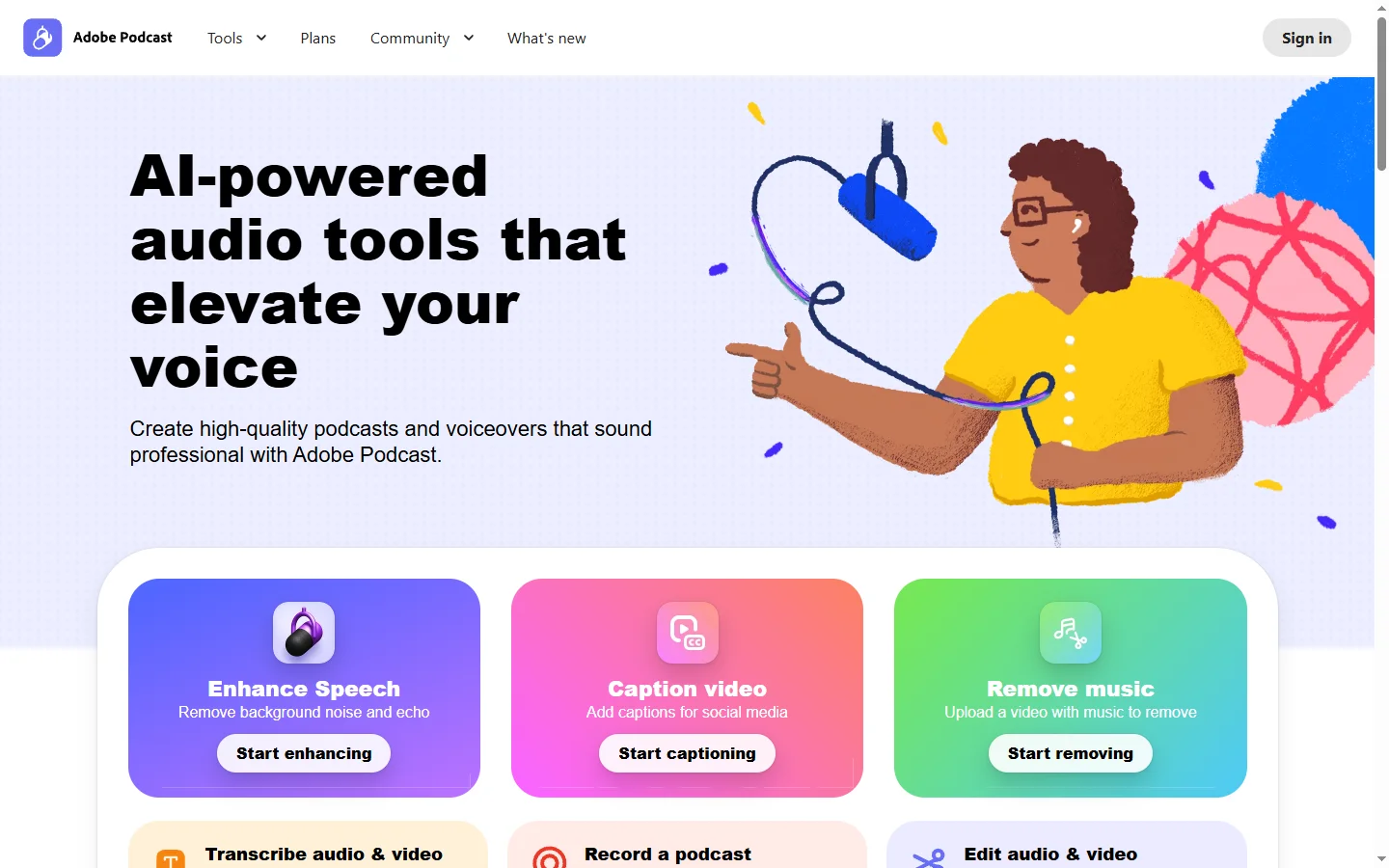
Adobe Podcast AI enhances spoken audio recordings by removing background noise and improving voice clarity to broadcast-quality standards.