
Magai
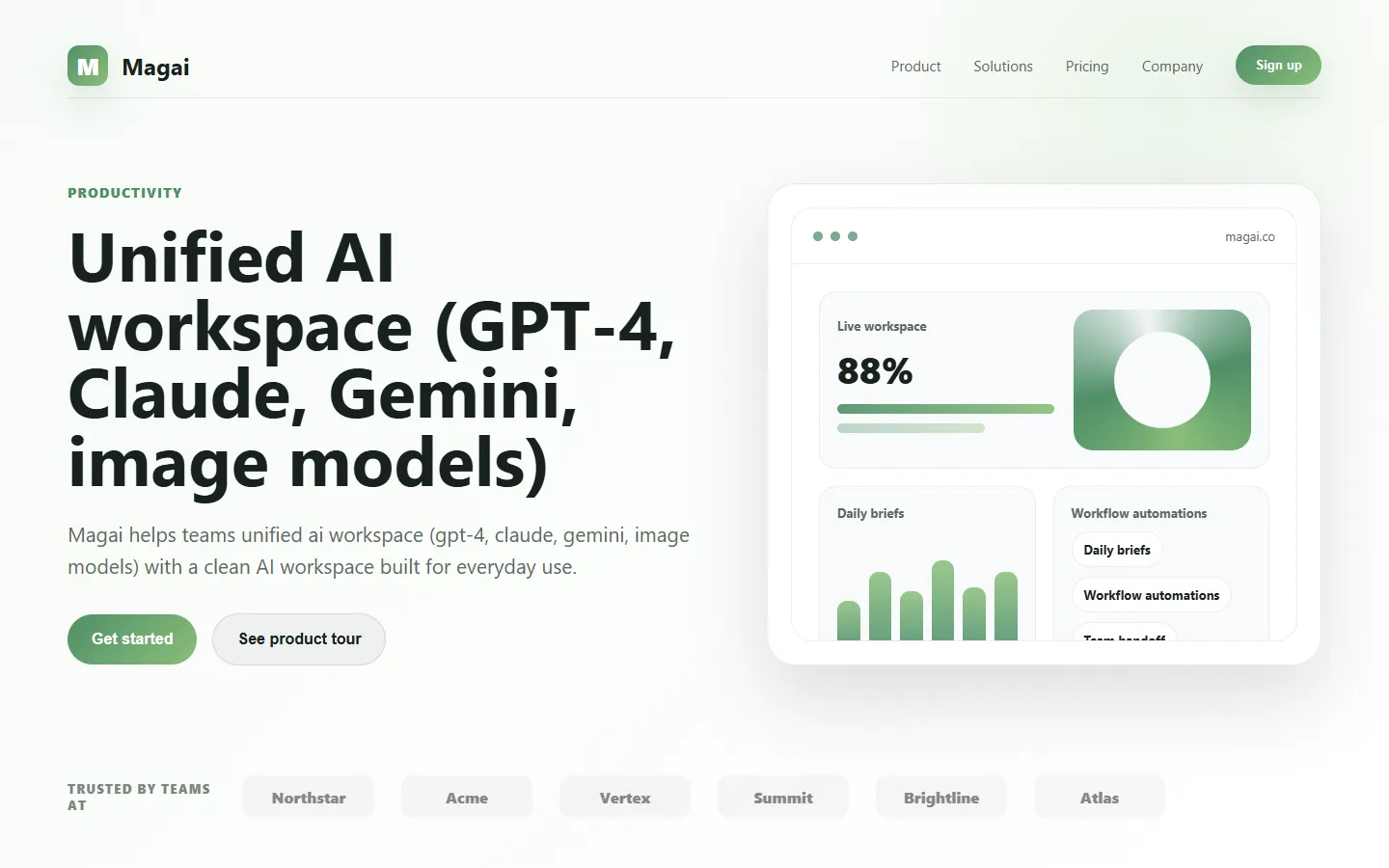
Paid ✓ Verified 🔥 TrendingMagai is an all-in-one AI workspace that unifies GPT-4, Claude, Gemini, image models, and team features under a single subscription for content creators and agencies.
📋 About Magai
Magai is a unified AI platform that gives creators, marketers, and agencies access to dozens of leading AI models — including GPT-4, Claude, Gemini, Llama, Mistral, Perplexity, DALL-E, Stable Diffusion, and Midjourney-style image engines — through a single subscription and a single interface. Instead of juggling separate logins, billing, and API keys for each provider, magai ai users switch models mid-conversation, compare outputs side by side, and pay one predictable monthly fee that typically costs less than subscribing to two or three individual services. This makes it an appealing ai workspace for teams that need flexibility without operational overhead.
Beyond raw model access, magai ai adds a productivity layer on top: prompt libraries, chat folders, document and URL context, YouTube transcript analysis, image generation, web browsing, and custom AI personas tuned for specific roles like copywriter or SEO editor. The platform saves your entire history searchably, exports chats as markdown or PDF, and supports team sharing so agencies and small businesses can collaborate on prompts and deliverables. The magai ai assistant also bundles newer capabilities like voice transcription, file uploads, and AI-powered search as they become available upstream.
Magai targets solo creators, marketing teams, and agencies that want an all-in-one ai content platform without building their own stack. It is especially popular with freelancers who charge clients for AI-assisted writing, video editors who need transcript analysis, and small agencies that want their whole team on a shared AI toolkit. The pricing model — flat monthly with generous usage caps — is predictable, and the unified interface reduces context-switching compared to jumping between ChatGPT, Claude, and separate image tools throughout the day.
⚡ Key Features of Magai
Unified Access to Leading AI Models
Magai ai includes access to GPT-4, GPT-4o, Claude 3.5 Sonnet, Claude 3 Opus, Gemini Pro, Llama 3, Mistral, Perplexity, and more under a single subscription, with new models added as they release. Users switch models mid-conversation or run the same prompt across multiple models to compare quality, style, and accuracy. This eliminates the common pain of maintaining five or six separate AI subscriptions and simplifies workflow for anyone who prefers different models for different tasks. The approach routinely saves teams significant monthly cost compared to paying individual Pro plans.
Built-In Image Generation
Generate images directly inside the magai ai workspace using DALL-E 3, Stable Diffusion, FLUX, and Midjourney-style models without separate accounts or API setup. Users describe the visual they need and the platform handles model selection, prompt optimization, and quota management behind the scenes. Generated images are saved to your gallery and can be downloaded, edited, or referenced in follow-up prompts. This makes magai a practical choice for content creators who need both text and visuals in one flow.
Prompt Library and Personas
The built-in prompt library ships with hundreds of pre-made prompts across categories like SEO, email marketing, social media, and coding, while custom personas let you define AI assistants tuned for specific roles — a brand voice copywriter, a technical editor, or a customer support agent. Personas carry context, tone, and instructions automatically so users get consistent output without re-pasting guidelines each session. Teams share prompt templates and personas across accounts so the whole agency follows the same conventions. This is a core productivity boost for repetitive client work.
Document, URL, and YouTube Context
Upload PDFs, paste URLs, or drop YouTube links into any conversation and the magai ai assistant ingests the content as context for the chat. This enables tasks like summarizing long research papers, extracting quotes from web articles, or generating blog posts based on a podcast transcript — all without manually copying content. The platform handles parsing, chunking, and embedding behind the scenes so users just ask questions. Supported formats include PDF, DOCX, TXT, CSV, and popular video platforms.
Chat Organization and Search
Every conversation is saved automatically and organized in folders, with full-text search across your entire chat history so past work is always retrievable. Users star important threads, add tags, and group chats by client or project to keep long-running work separate. The system auto-generates chat titles and summaries so browsing history is efficient. This is a significant upgrade over the default chat lists in single-model tools where finding an old conversation often requires scrolling.
Team Workspaces and Sharing
Paid team plans let multiple users share a single magai ai workspace, with shared prompt libraries, chat folders, and billing. Agency owners add team members, control permissions, and monitor usage centrally, while individual team members maintain private chats when needed. Shared personas and prompts keep output on-brand across writers, and consolidated billing replaces managing dozens of individual AI subscriptions. This structure is well suited to small agencies and in-house marketing teams.
Export, Browse, and Voice Features
Export any chat as markdown, PDF, or plain text for easy handoff to clients, and use the web browsing feature to let models cite current information rather than relying solely on training data. Voice input lets users dictate prompts, and voice transcription turns uploaded audio into searchable text that can feed directly into follow-up generation tasks. These integrations round out the magai ai workspace as a full content production environment rather than a simple chat UI.
🎯 Use Cases for Magai
⚖️ Magai Pros & Cons
Advantages
- ✓Single subscription for GPT-4, Claude, Gemini, and image models
- ✓Cheaper than paying for multiple individual Pro plans
- ✓Strong productivity features: folders, search, personas, exports
- ✓Built-in image generation across multiple engines
- ✓Team plans with shared prompts and centralized billing
Drawbacks
- ✗Usage caps apply on each tier for premium models
- ✗Advanced features locked to higher-priced plans
- ✗Not fully free — only a limited trial without payment
- ✗Relies on upstream providers, so downtime at OpenAI or Anthropic propagates
📖 How to Use Magai
Visit magai.co and create an account, then choose a subscription tier based on your usage needs and team size.
Start a new chat and select the AI model you want to use — GPT-4, Claude, Gemini, or one of the open-source options.
Create custom personas for recurring roles such as brand copywriter or SEO editor to keep output consistent across sessions.
Upload documents, paste URLs, or drop YouTube links into chats to give the magai ai assistant context for your prompts.
Organize conversations into folders by client or project and use the prompt library to speed up recurring tasks.
Invite team members on a team plan to share prompts, personas, and consolidated billing across your agency or in-house team.
❓ Magai FAQ
Magai ai is an all-in-one AI workspace that bundles access to GPT-4, Claude, Gemini, image generation models, and productivity features like prompt libraries and team sharing under a single monthly subscription.
Magai offers tiered pricing starting around $19 per month for individual users, with higher tiers unlocking more usage, team seats, and premium models. A short free trial is available for new users to test the platform.
The magai ai platform includes GPT-4, GPT-4o, Claude 3.5 Sonnet, Claude 3 Opus, Gemini Pro, Llama 3, Mistral, Perplexity, DALL-E 3, Stable Diffusion, and FLUX, with new models added as they become available.
For users who actively use multiple AI models, Magai is typically cheaper than subscribing to ChatGPT Plus and Claude Pro individually, and it adds productivity features like shared prompts and persistent folders.
Yes. Team plans support multiple seats, shared prompt libraries and personas, centralized billing, and permission controls, making it suitable for small agencies and in-house marketing teams.
Related to Magai

A2E AI
A2E AI productivity platform converts audio and video recordings into transcripts, summaries, and action items with speaker identification.

Abby AI
Abby AI is an AI therapy and mental wellness chatbot that offers CBT-informed conversations, mood tracking, and self-guided coping tools.

Abnormal AI
Abnormal AI uses behavioral AI to detect business email compromise, account takeover, and socially engineered phishing that bypasses secure email gateways.

Abridge AI
Abridge AI medical documentation platform that records and summarizes clinical conversations into structured physician notes in real time.

ChatGPT
ChatGPT AI assistant by OpenAI for writing, coding, research, image analysis, and everyday problem-solving.

Claude
Claude AI assistant by Anthropic with a 200K context window, strong reasoning, and safety-focused design for writing, coding, and analysis.
Featured on WhatIf.ai
Add this badge to your website to show you're listed on WhatIf AI
Alternatives to Magai

A2E AI
A2E AI productivity platform converts audio and video recordings into transcripts, summaries, and action items with speaker identification.

Abnormal AI
Abnormal AI uses behavioral AI to detect business email compromise, account takeover, and socially engineered phishing that bypasses secure email gateways.
Abridge AI
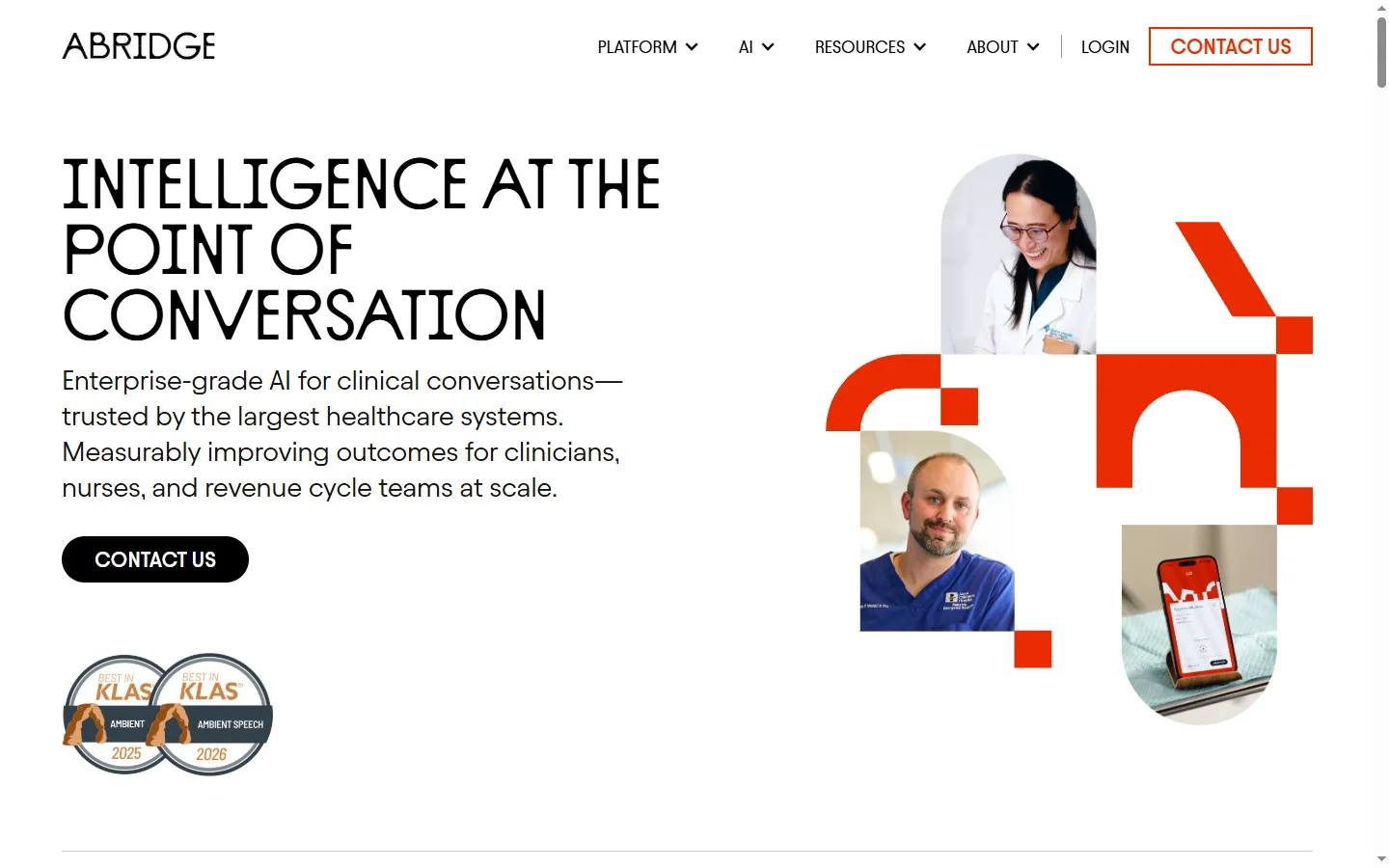
Abridge AI medical documentation platform that records and summarizes clinical conversations into structured physician notes in real time.

Air AI
Air AI conducts autonomous full-length AI phone calls for sales prospecting, appointment setting, and customer service without human agents.