
Lightning AI
Freemium ✓ Verified 🔥 TrendingLightning AI is a cloud platform for building, training, and deploying AI models with pre-configured GPU environments and collaborative studios.
📋 About Lightning AI
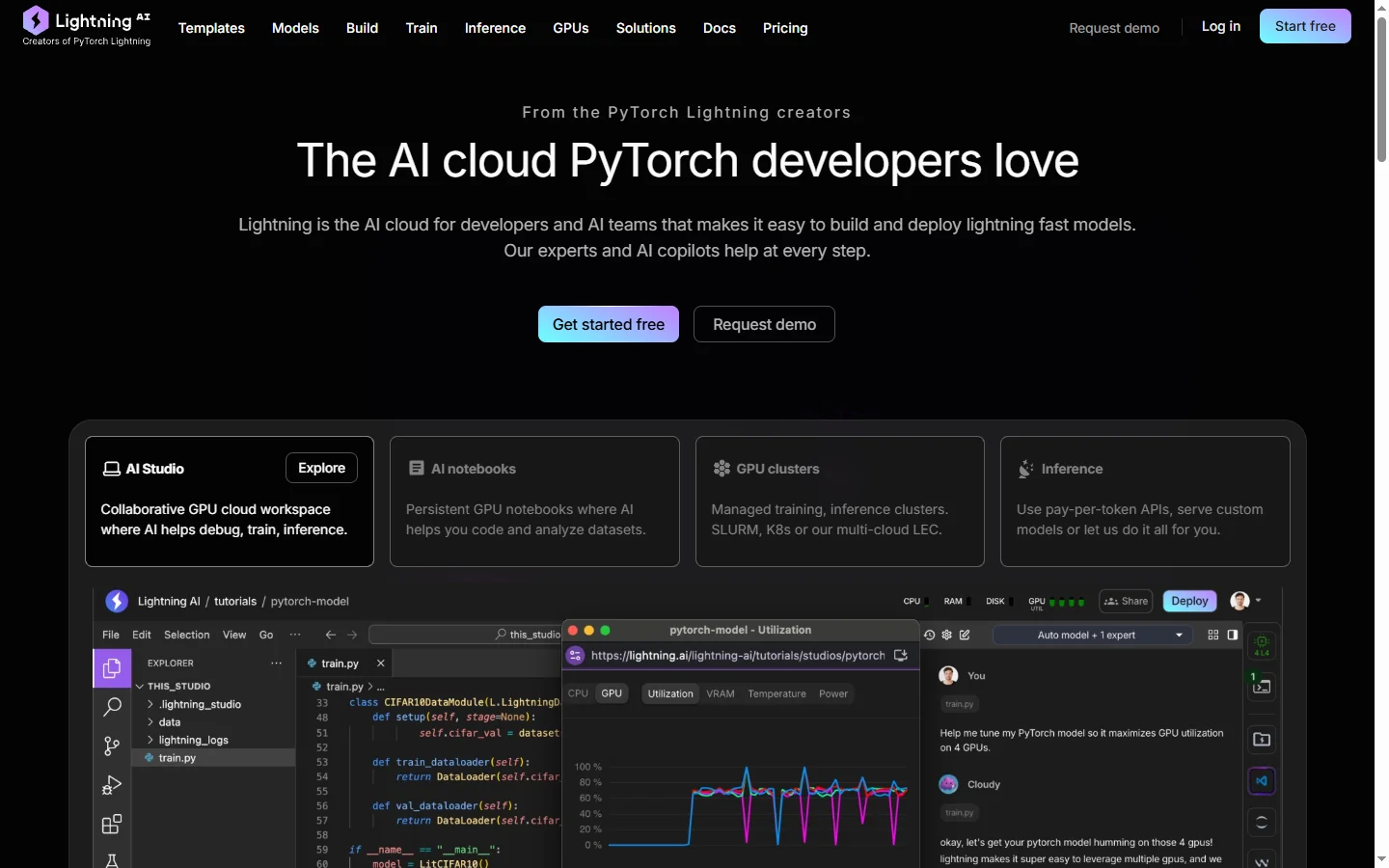
Lightning AI is an end-to-end platform for building, training, and deploying AI models, created by the team behind PyTorch Lightning. It provides pre-configured cloud GPU environments called 'Studios' where ML engineers can spin up a full development setup — CUDA, PyTorch, common data libraries, and their own code — in seconds rather than spending hours provisioning infrastructure. Once a model is ready, the same platform handles distributed training across many GPUs and production deployment as scalable endpoints.
The core value proposition is removing the infrastructure friction that slows ML work. Researchers and engineers who previously had to configure AWS or GCP VMs, wrestle with CUDA versions, and build deployment pipelines can focus instead on modeling. Studios come in a range of GPU configurations from free CPU-only environments for learning, up to multi-H100 setups for large-scale training. Teams collaborate inside shared workspaces where code, data, and compute resources are managed centrally.
Lightning AI also hosts a large community-driven catalog of pre-built Studio templates for common tasks — fine-tuning Llama, training diffusion models, building RAG systems — that let newcomers get productive immediately without starting from a blank slate. The PyTorch Lightning framework itself integrates natively, so code written using Lightning's abstractions runs unchanged locally and in the cloud. This consistency between local dev and cloud training is a significant productivity unlock for ML teams.
⚡ Key Features of Lightning AI
Pre-Configured GPU Studios
Studios are pre-configured cloud development environments with CUDA, PyTorch, and common data libraries already installed. Users spin up a full ML development setup in seconds rather than wrestling with AWS or GCP VM configuration. Studios come in CPU, single-GPU, multi-GPU, and multi-node variants, so users can match compute to their current need and scale up as work progresses. The removal of infrastructure friction is the platform's headline benefit.
Distributed Training at Scale
The same platform handles distributed training across many GPUs and multiple nodes with minimal configuration. Users who have developed a model on a single Studio can launch large-scale training runs with a few lines of configuration. This closes the gap between prototype and production scale that often stalls research translation. Training metrics and logs are captured centrally for comparison and reproducibility.
Model Deployment as Endpoints
Trained models can be deployed as scalable HTTP endpoints directly from the platform without assembling a separate deployment pipeline. Endpoints autoscale based on traffic, handle GPU hosting, and expose simple APIs for integration. This end-to-end flow means a research project can move from notebook to production without a platform team's involvement.
Shared Team Workspaces
Teams collaborate in shared workspaces where code, data, models, and compute are managed centrally. Permissions control who can access which resources, and activity logs support reproducibility and audit. This collaboration layer is particularly useful for research groups where multiple students or engineers contribute to shared projects.
Studio Template Catalog
A large community-driven catalog of pre-built Studio templates covers common ML tasks — fine-tuning Llama, training diffusion models, building RAG systems, running specific research reproductions. Users can clone a template and be productive immediately instead of starting from scratch. This catalog effectively serves as a shared best-practices library for the ML community.
PyTorch Lightning Integration
The PyTorch Lightning framework integrates natively, so code written using Lightning's abstractions runs unchanged locally and in the cloud. This consistency means researchers can develop on a laptop and scale to a multi-GPU cluster without refactoring. Lightning's organizational conventions also encourage cleaner ML code that is easier to reproduce and share.
Free CPU Tier for Learners
Lightning AI offers free CPU Studios suitable for learning ML concepts, running tutorials, and prototyping small models. This makes the platform accessible to students and hobbyists who cannot afford GPU time. Paid tiers unlock GPU access and larger compute for production work. The free tier has helped make Lightning AI a default platform for ML education.
🎯 Use Cases for Lightning AI
⚖️ Lightning AI Pros & Cons
Advantages
- ✓Eliminates ML infrastructure setup friction
- ✓Free CPU tier accessible to students and hobbyists
- ✓Template catalog accelerates common ML workflows
- ✓Native PyTorch Lightning integration for consistency
- ✓End-to-end platform from training to deployment
Drawbacks
- ✗GPU pricing can be higher than raw cloud providers
- ✗Complex custom workflows may outgrow the platform
- ✗Currently PyTorch-focused — less ideal for JAX or TensorFlow shops
- ✗Deployment endpoints lack some advanced MLOps features
📖 How to Use Lightning AI
Sign up at lightning.ai with email or GitHub for a free account that includes CPU Studios.
Browse the Studio template catalog and clone a template matching your task — Llama fine-tuning, diffusion training, RAG.
Start the Studio and open the built-in VS Code or Jupyter interface — everything is pre-configured.
Attach a GPU when you are ready to train, scaling up to multi-GPU or multi-node as needed.
Use the deployment feature to serve your trained model as a scalable HTTP endpoint.
Invite teammates to your workspace to collaborate on shared code, data, and compute.
❓ Lightning AI FAQ
Lightning AI offers a free tier with CPU Studios and limited GPU credits suitable for learning and light work. Paid plans start around $10 per month for individuals and scale up based on GPU usage. Enterprise plans add SSO, admin controls, and dedicated support.
Lightning AI is PyTorch-focused and has native integration with PyTorch Lightning. It also supports Hugging Face Transformers, Llama.cpp, and other common libraries through Studio templates. TensorFlow and JAX workloads are possible but less natively supported.
Yes. Lightning AI supports distributed training across many GPUs and multiple nodes, including H100 configurations suitable for large-scale training. Studios can be scaled up as a project's compute needs grow.
Yes. Trained models can be deployed as scalable HTTP endpoints directly from the platform. Endpoints autoscale with traffic and expose simple APIs for integration into applications. This closes the loop from research to production.
Lightning AI is developed by the team behind PyTorch Lightning, led by William Falcon. The company has expanded from the open-source framework to a full cloud platform for ML development and deployment.
Related to Lightning AI

Abby AI
Abby AI is an AI therapy and mental wellness chatbot that offers CBT-informed conversations, mood tracking, and self-guided coping tools.

Accrete AI
Accrete AI builds autonomous enterprise AI agents for defense, government, and commercial intelligence workflows.

Ace AI
Ace AI is an AI-powered interview and career coach that helps job seekers prepare with mock interviews, resume feedback, and personalized career guidance.

Alayna AI
Alayna AI is an all-in-one AI teaching assistant that helps K-12 educators plan lessons, differentiate activities, and give personalized feedback.
Featured on WhatIf.ai
Add this badge to your website to show you're listed on WhatIf AI
Alternatives to Lightning AI

Base44 AI
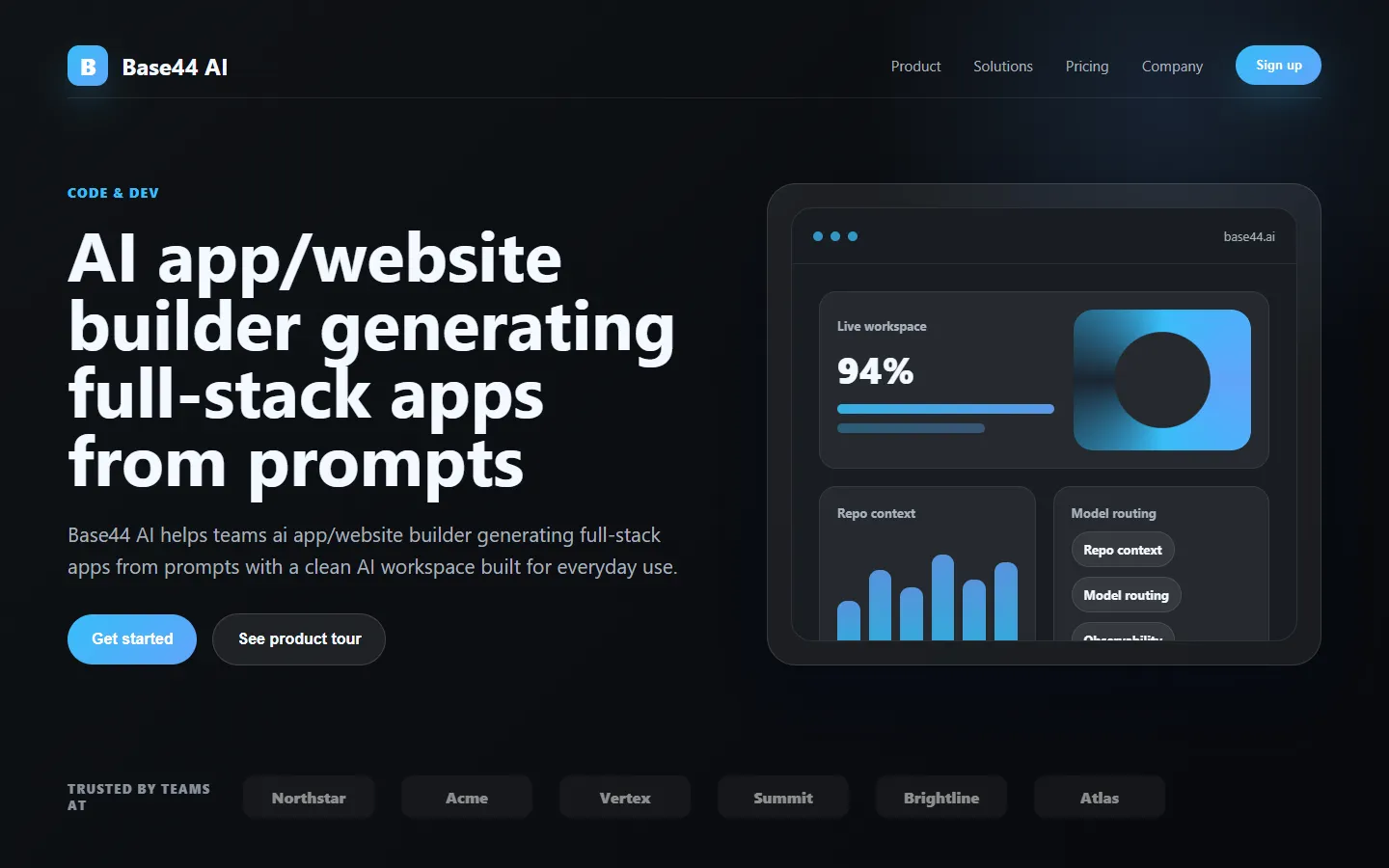
Base44 AI is an AI app builder and website builder that generates full-stack web applications from natural language descriptions with backend, database, and UI included.

Browse AI
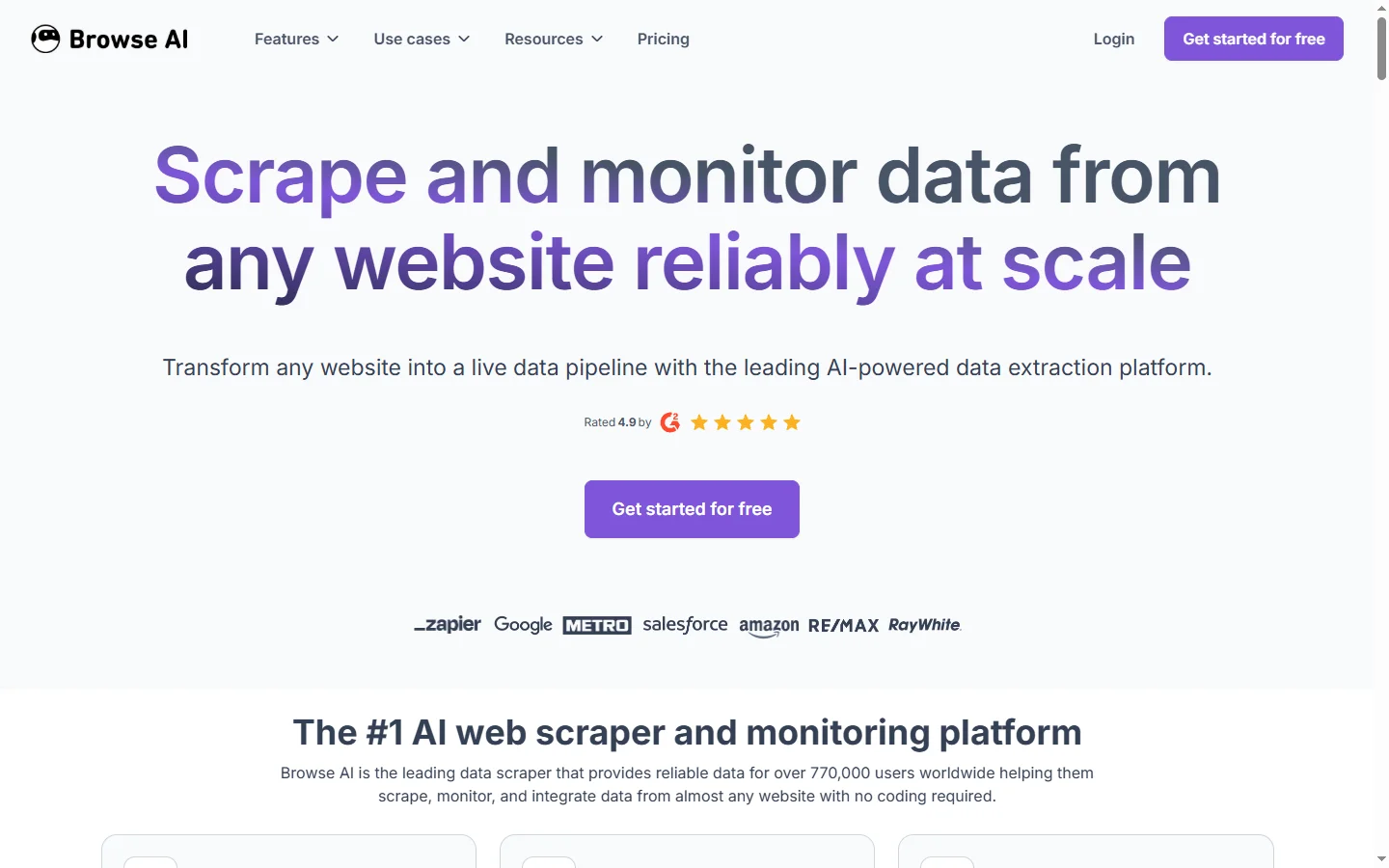
Browse AI is a no-code web scraping and monitoring tool that extracts structured data from any website and tracks changes over time without writing code.

Cantina AI
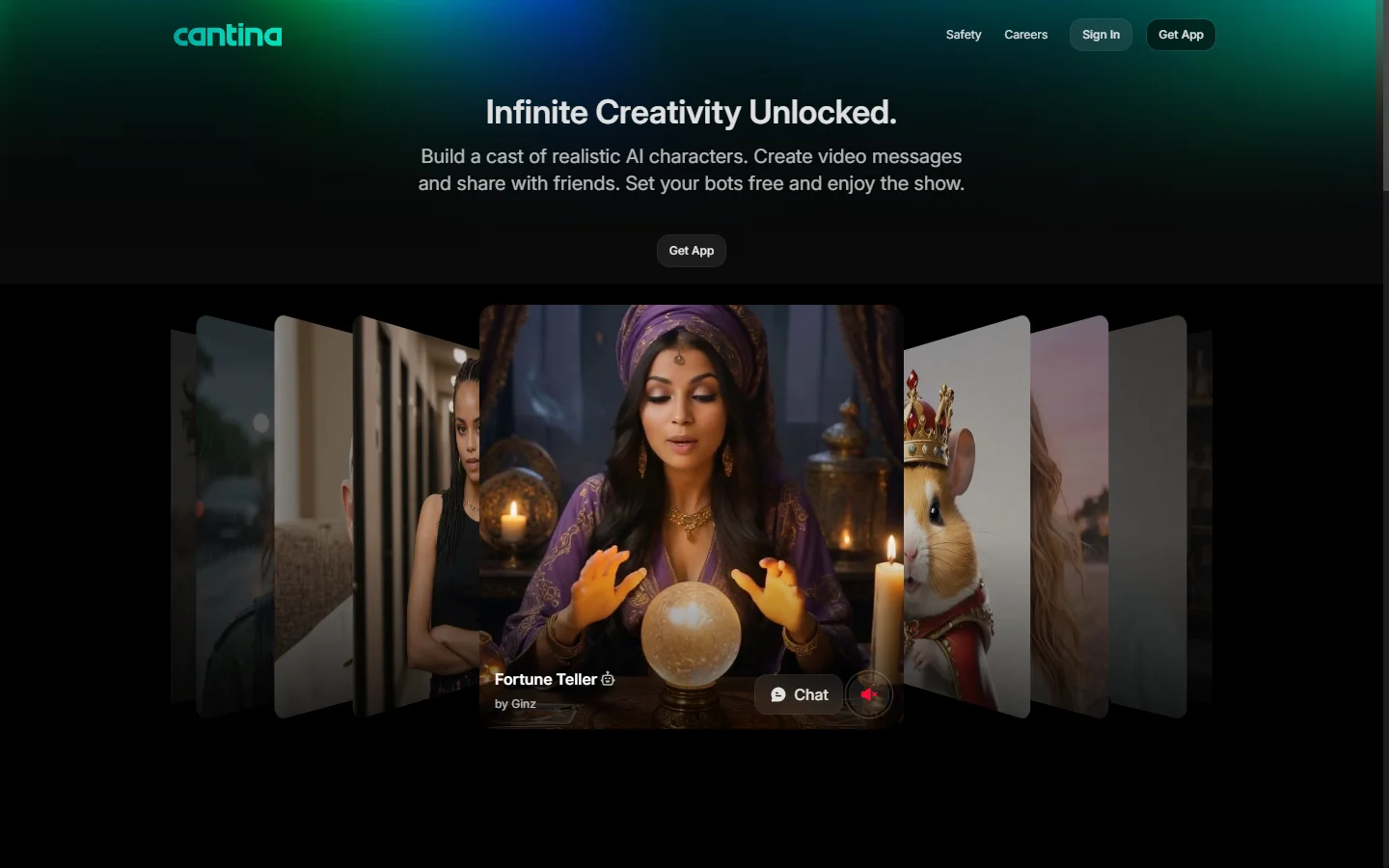
Cantina AI is a freemium platform for building and deploying full-stack web applications using AI-assisted development with live preview and one-click deployment.


Chalkie AI
Chalkie AI creates lesson plans, worksheets, quizzes, and differentiated materials mapped to curriculum standards for teachers and tutors.