
Image Combiner AI
Freemium ✓ VerifiedImage Combiner AI merges, blends, and composites multiple images into a single cohesive picture using generative AI for subject, style, and lighting alignment.
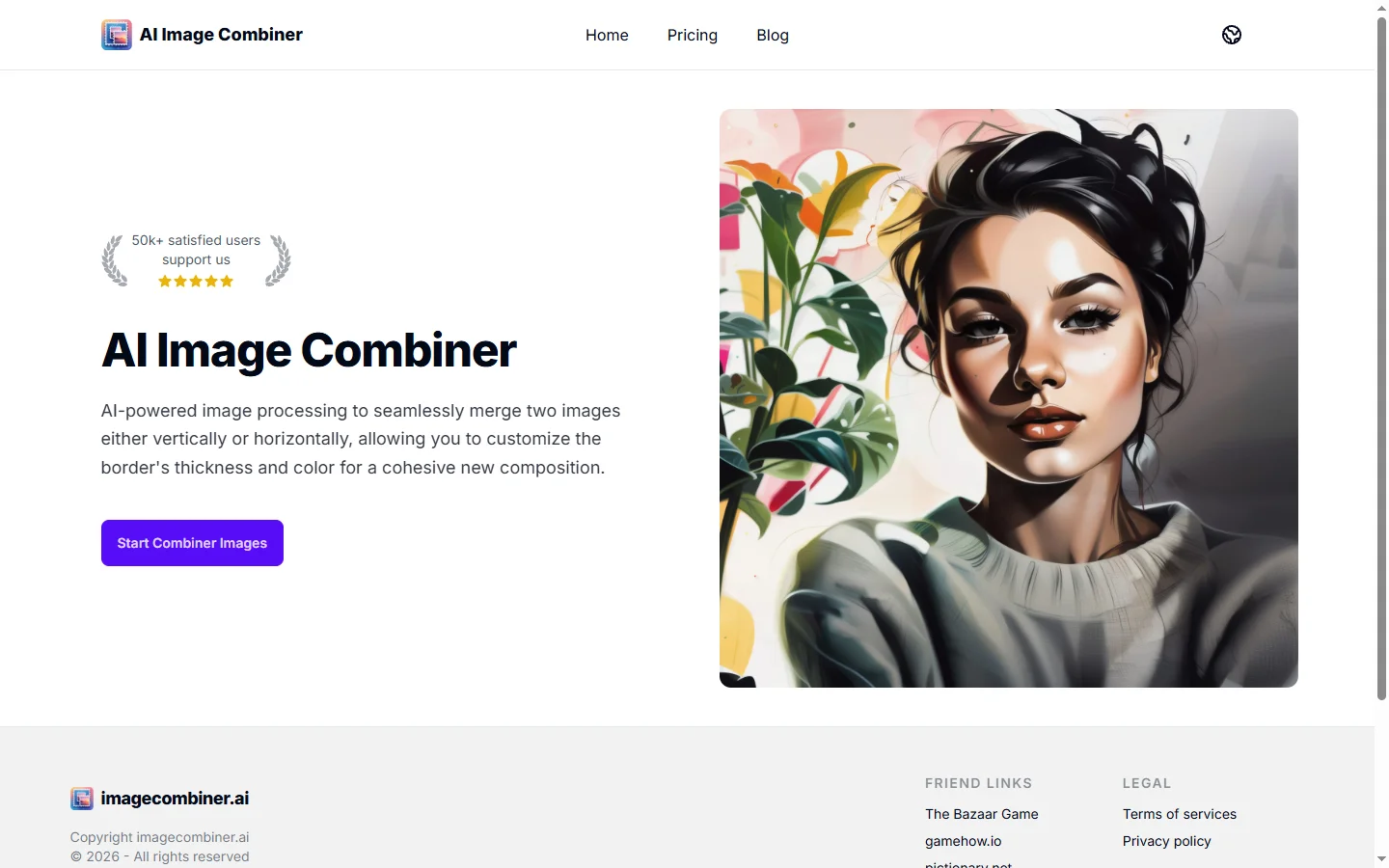
📋 About Image Combiner AI
Image Combiner AI is an AI-powered image compositing tool that takes two or more input photos and merges them into a single cohesive image with consistent lighting, color grading, and perspective. Unlike a simple collage maker, it uses generative diffusion models to re-render edges, shadows, and reflections so that combined subjects look like they were photographed together in the same scene. The platform handles subject cutouts, background blending, and style matching automatically, removing most of the manual work traditionally done in Photoshop.
Typical inputs include a person photo plus a location background, a product shot plus a lifestyle scene, or multiple subjects placed into one family portrait where no single photo captured everyone together. The tool exposes controls for blend strength, lighting direction, and subject scale so users can steer the final composition without diving into layer-based editing. Outputs are available at standard social resolutions on the free plan and up to commercial print resolution on paid plans.
Image Combiner AI is used by social media creators, e-commerce sellers, real estate agents, family photographers, and marketers who need believable composite images in minutes rather than hours. Its browser-first interface works on desktop and mobile without installing software, making it practical for fieldwork and same-day turnaround jobs.
⚡ Key Features of Image Combiner AI
Subject-Aware Cutouts
Image Combiner AI uses a subject segmentation model trained on people, pets, vehicles, and products to produce clean cutouts with hair, fur, and soft-edge accuracy that rivals manual masking. The cutouts preserve transparency and sub-pixel edge detail, which is critical for believable compositing over busy backgrounds. Users can refine the mask with quick brush tools when needed.
Lighting and Color Harmonization
After combining subjects the tool analyzes shadow direction, color temperature, and ambient light from the background and re-renders the subject to match. This automatic harmonization removes the flat pasted-in look that plagues amateur composites. Advanced users can override direction and intensity for creative effects.
Generative Background Fill
When subjects are placed into a partial background or when the canvas is expanded, the tool uses generative outpainting to fill missing areas with matching content. This is useful for converting portrait-orientation source photos into landscape-orientation composites without stretching. Generated content follows the lighting harmonized by the previous step.
Multi-Subject Family Portraits
A dedicated mode lets users upload multiple individual portraits and combine them into a single group photo, with the tool managing overlap, scale, and consistent lighting. This is popular for assembling family portraits when not everyone was available in a single photo session. The tool can also use a reference group photo for pose guidance.
Product-in-Scene Generator
E-commerce sellers upload a product shot on white and a lifestyle scene, and the tool places the product with realistic shadow, reflection, and surface contact. This replaces expensive photo shoots for catalog and ad imagery. The mode handles glass, metal, and fabric materials with per-material compositing parameters.
Batch Processing
Paid plans support uploading many subjects or backgrounds in a single job and automatically generating all combinations, with filename-templated outputs for easy downstream use. This saves hours for marketing teams producing A/B variants. Batch jobs can be paused and resumed.
Commercial License and API
Paid plans include an explicit commercial use license and an API for programmatic compositing workflows. E-commerce platforms can generate lifestyle imagery on demand when sellers upload new products. The API supports webhook callbacks and volume pricing.
🎯 Use Cases for Image Combiner AI
⚖️ Image Combiner AI Pros & Cons
Advantages
- ✓Believable lighting and color harmonization between subjects and backgrounds
- ✓Handles hair, fur, and glass edges better than simple cutout tools
- ✓No software install required — runs in the browser on any device
- ✓Batch processing and API for high-volume workflows
- ✓Commercial license included on paid plans
Drawbacks
- ✗Free plan watermarks and caps output resolution
- ✗Complex multi-subject scenes may still need manual touch-ups
- ✗Style transfer can struggle with stylized or cartoon inputs
- ✗No native layered output for further Photoshop work
📖 How to Use Image Combiner AI
Open imagecombiner.ai in your browser and sign up for a free account.
Upload your subject image or images and a background image you want to combine them with.
Adjust subject position, scale, and orientation using the drag-and-drop canvas.
Choose a compositing mode such as Subject + Background, Family Portrait, or Product in Scene.
Review the harmonized output and refine lighting direction or mask edges if needed.
Download the finished composite or upgrade to a paid plan for high-resolution, watermark-free output.
❓ Image Combiner AI FAQ
Paid plans include an explicit commercial use license suitable for advertising, e-commerce, and editorial work. The free plan is limited to personal use and adds a watermark.
The tool accepts JPG, PNG, HEIC, and WebP inputs and produces JPG or PNG outputs. PSD export is on the roadmap but not currently available.
Free plans support combining up to three images per composite. Paid plans support up to ten subjects plus a background in a single scene.
Uploads are stored temporarily for processing and automatically deleted after 30 days on free plans. Paid plans allow explicit opt-out of any retention beyond the active job.
Photoshop offers more manual control and layered output, while Image Combiner AI automates 80 percent of routine compositing tasks in seconds. Many professionals use it for fast drafts and polish the final in Photoshop.
Related to Image Combiner AI

A2E AI
A2E AI productivity platform converts audio and video recordings into transcripts, summaries, and action items with speaker identification.

Abnormal AI
Abnormal AI uses behavioral AI to detect business email compromise, account takeover, and socially engineered phishing that bypasses secure email gateways.

Abridge AI
Abridge AI medical documentation platform that records and summarizes clinical conversations into structured physician notes in real time.

Accrete AI
Accrete AI builds autonomous enterprise AI agents for defense, government, and commercial intelligence workflows.
Featured on WhatIf.ai
Add this badge to your website to show you're listed on WhatIf AI
Alternatives to Image Combiner AI

A2E AI
A2E AI productivity platform converts audio and video recordings into transcripts, summaries, and action items with speaker identification.

Abnormal AI
Abnormal AI uses behavioral AI to detect business email compromise, account takeover, and socially engineered phishing that bypasses secure email gateways.

Abridge AI
Abridge AI medical documentation platform that records and summarizes clinical conversations into structured physician notes in real time.


Air AI
Air AI conducts autonomous full-length AI phone calls for sales prospecting, appointment setting, and customer service without human agents.