
Guidde AI
Freemium ✓ Verified 🔥 TrendingGuidde AI is a generative AI platform that automatically turns screen recordings into polished, narrated how-to videos and step-by-step documentation in minutes.
📋 About Guidde AI
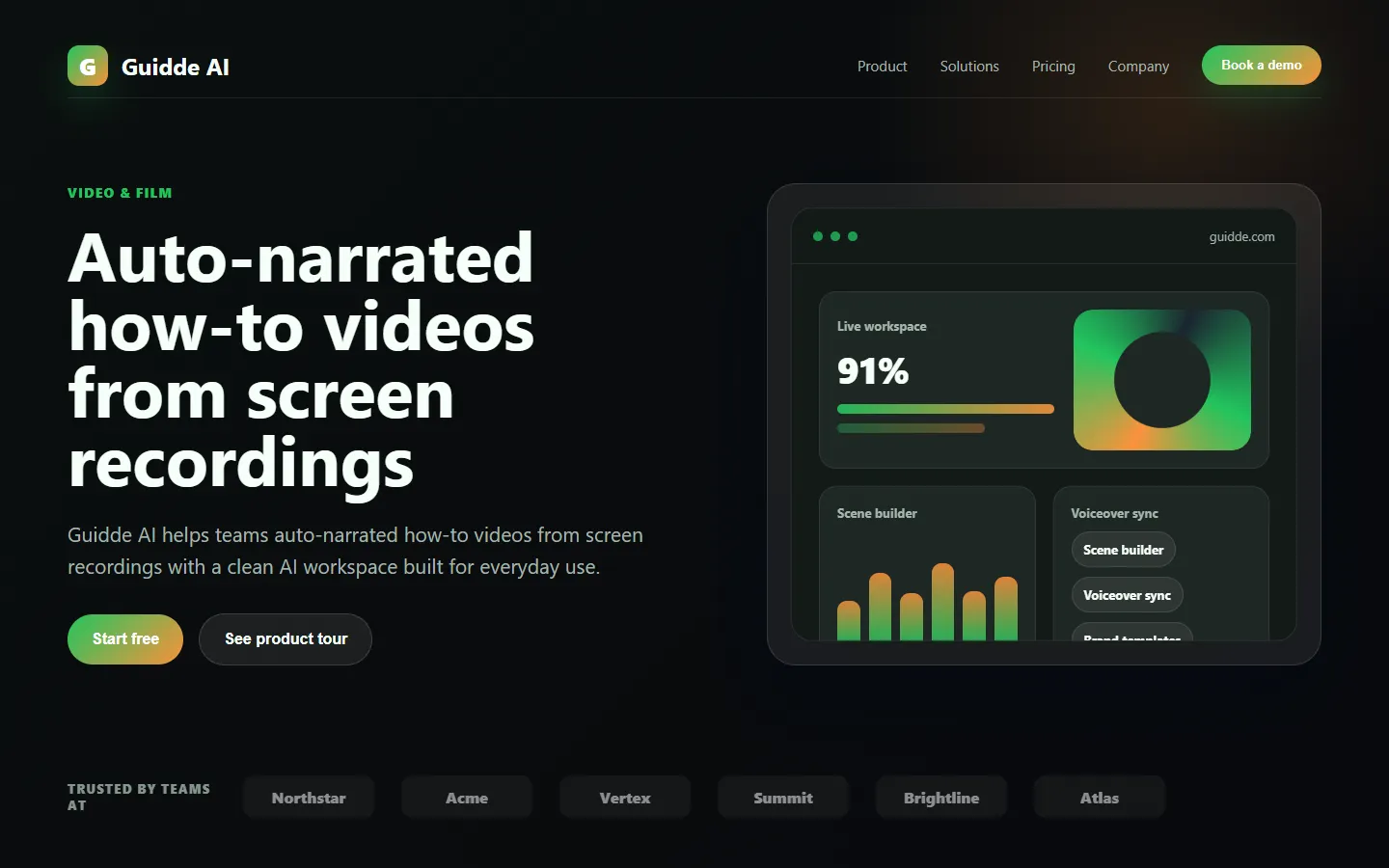
Guidde AI is a generative AI video documentation platform that turns plain screen captures into professionally narrated, step-by-step how-to videos and written guides. The guidde ai platform records user actions in a browser extension or desktop app, automatically detects steps, generates written explanations for each action, and produces a narrated video with AI voices, captions, and on-screen annotations — all from a single recording pass. What would take hours in Camtasia or manual documentation tools takes minutes in guidde, making it practical for teams to document processes, onboard customers, and train employees at scale.
Beyond automatic video creation, guidde ai includes editing tools to refine generated scripts, swap AI voices across dozens of languages, blur sensitive information automatically, and brand videos with company colors, logos, and intro screens. Finished videos can be embedded on help sites, shared via links, exported as MP4 or GIF, or delivered as step-by-step text documentation. Integrations with Salesforce, Zendesk, Notion, Confluence, and HubSpot let teams slot guides directly into their knowledge bases and support workflows without separate hosting.
Guidde AI is used by customer support teams answering how-to questions, product marketers creating feature walkthroughs, customer success teams onboarding new users, and internal operations teams documenting processes for colleagues. The platform's appeal is the speed-to-polish ratio: non-video-professionals can produce training content that looks and sounds professional in a fraction of the time traditional tools require. For SaaS companies with constantly evolving products, guidde ai turns documentation from a bottleneck into a fast, continuous process.
⚡ Key Features of Guidde AI
Automatic Screen Recording to Video
Capture a screen recording through the guidde ai browser extension or desktop app and the platform automatically detects each step, generates a written explanation, and produces a narrated video with captions and on-screen callouts. There is no manual editing required to get a publishable first draft. This is the core speed advantage: instead of spending hours in video editors, users record once and ship a finished guide. Typical completion goes from 2 hours of manual work to 5 minutes of recording plus light review.
AI Voiceover and Multi-Language Narration
Choose from dozens of natural-sounding AI voices across multiple languages and accents to narrate your guides, with text automatically synced to actions in the recording. This lets global teams localize training content efficiently and lets creators produce professional narration without recording their own voice. Voice selection covers common business languages like English, Spanish, French, German, and Japanese along with regional variants. Users can re-generate narration instantly when they update scripts.
AI-Generated Scripts and Explanations
The guidde ai assistant writes a first-draft script for each step based on detected actions — clicks, typing, page navigation — and the platform's understanding of common UX patterns. Users edit the script in a simple inline editor to add context, fix terminology, or emphasize key points. This removes the blank-page problem of writing documentation and lets non-technical staff produce usable guides. Scripts can be regenerated with different tones or levels of detail.
Automatic Sensitive Data Blurring
Guidde ai detects and blurs sensitive information — credit card numbers, email addresses, personal names, API keys — in screen recordings automatically so users can capture real workflows without manually editing every frame. This is critical for showing SaaS workflows that include real data, internal tools with customer information, or admin screens. Manual blur tools remain available for edge cases the AI misses. This safety feature is a major advantage for enterprise customers with strict data policies.
Branding and Custom Styles
Apply company logos, brand colors, intro and outro screens, and custom fonts to every video automatically, ensuring every guide produced by any team member looks professionally on-brand. Brand settings apply globally so marketing does not need to police individual creators' output. This turns guidde ai into a scalable brand-consistent documentation engine for companies that care about polish. Branding also carries through to embedded players and exported files.
Step-by-Step Text Documentation
Every video generated on the platform also exports as a written step-by-step guide with numbered instructions, screenshots, and captions — useful for users who prefer reading, for search indexing, and for accessibility. The same recording produces both video and text so teams get two documentation formats from a single effort. Written guides can be exported to Notion, Confluence, or other knowledge bases. This dual-output approach doubles the value of every recording.
Integrations and Embedding
Guidde ai integrates with Salesforce, Zendesk, HubSpot, Notion, Confluence, Slack, and popular knowledge base platforms so guides can be embedded directly in support tickets, help center articles, onboarding emails, and internal wikis. Public and private sharing links let teams distribute guides without moving content across systems. Analytics on views and completion help measure which guides actually help users. This distribution layer prevents videos from sitting unused in a separate library.
🎯 Use Cases for Guidde AI
⚖️ Guidde AI Pros & Cons
Advantages
- ✓Dramatic speed improvement over manual video editing
- ✓Automatic sensitive data blurring protects real workflows
- ✓Dual output: polished video plus written step-by-step guide
- ✓Multi-language AI voice for global documentation
- ✓Strong integrations with knowledge base and support platforms
Drawbacks
- ✗Free tier has tight limits on videos and features
- ✗AI narration still slightly less natural than professional voiceover
- ✗Complex workflows sometimes require manual script edits
- ✗Detection of sensitive data is not 100 percent — review recommended
📖 How to Use Guidde AI
Install the guidde ai browser extension or desktop app and sign in with a free or paid account.
Click the record button and complete the workflow you want to document in your usual application.
Let guidde ai auto-detect steps, generate a script, and produce a narrated video with captions.
Review the script and re-generate narration in your preferred AI voice and language if needed.
Apply your brand settings, blur any remaining sensitive areas, and add an intro or outro if desired.
Share the video via public link, embed it in your help center, or export as MP4 or step-by-step text documentation.
❓ Guidde AI FAQ
Guidde ai is a generative AI platform that turns screen recordings into polished, narrated how-to videos and step-by-step written documentation automatically, compressing hours of video editing into minutes.
Yes. Guidde ai offers a free tier with limited monthly videos and features. Paid plans starting around $20 per month unlock unlimited videos, premium voices, advanced branding, and integrations.
Guidde ai works on Chrome, Firefox, and Edge via browser extension, with desktop apps for Mac and Windows. The majority of users start with the browser extension since most documented workflows happen in web apps.
Yes. The platform automatically detects and blurs common sensitive data like emails, credit card numbers, and API keys. Manual blur controls let users protect any additional areas before publishing.
Yes. Guidde offers AI narration in dozens of languages and accents, and captions can be generated in many additional languages. This makes it suitable for global teams localizing training content.
Related to Guidde AI

A2E AI
A2E AI productivity platform converts audio and video recordings into transcripts, summaries, and action items with speaker identification.

Abby AI
Abby AI is an AI therapy and mental wellness chatbot that offers CBT-informed conversations, mood tracking, and self-guided coping tools.

Abnormal AI
Abnormal AI uses behavioral AI to detect business email compromise, account takeover, and socially engineered phishing that bypasses secure email gateways.

Abridge AI
Abridge AI medical documentation platform that records and summarizes clinical conversations into structured physician notes in real time.
Featured on WhatIf.ai
Add this badge to your website to show you're listed on WhatIf AI
Alternatives to Guidde AI

A2E AI
A2E AI productivity platform converts audio and video recordings into transcripts, summaries, and action items with speaker identification.

Abnormal AI
Abnormal AI uses behavioral AI to detect business email compromise, account takeover, and socially engineered phishing that bypasses secure email gateways.

Abridge AI
Abridge AI medical documentation platform that records and summarizes clinical conversations into structured physician notes in real time.


Air AI
Air AI conducts autonomous full-length AI phone calls for sales prospecting, appointment setting, and customer service without human agents.