
Glide AI
Freemium ✓ Verified 🔥 TrendingGlide AI is a no-code platform that turns spreadsheets and databases into custom business apps with built-in generative AI workflows.
📋 About Glide AI
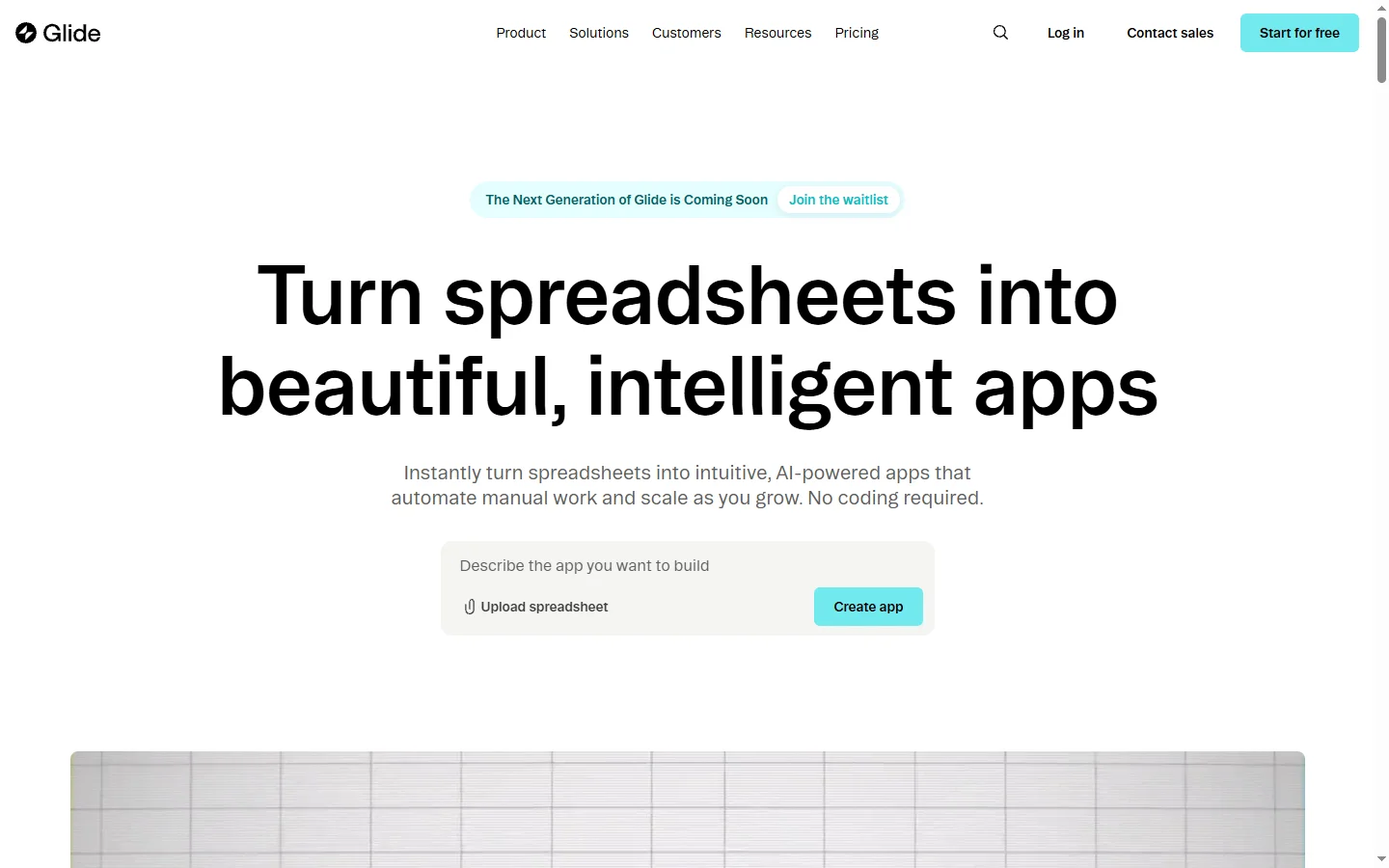
Glide AI is a no-code app development platform that lets non-technical users build custom business applications from spreadsheets, databases, or other data sources in minutes, now with native generative AI features woven throughout the app building experience. Users connect data from Google Sheets, Airtable, Excel, or Glide's built-in database, then design mobile and web apps with a visual editor that requires no coding. The generative AI layer can create entire apps from a text description, generate UI screens, write formulas in plain English, and power AI-native features inside the resulting apps like summarization, classification, and image generation.
The platform was originally known for producing polished mobile apps from Google Sheets with near-zero learning curve, but has evolved into a business application platform that supports internal tools, customer portals, inventory systems, dispatch apps, and CRMs. Glide apps include built-in user authentication, role-based access, push notifications, offline support, and integrations with Zapier and Make. The AI Actions feature lets app builders add LLM-powered steps into workflows — so a field technician app can auto-summarize service notes, a sales app can draft follow-up emails, and an inventory app can classify product images automatically.
Glide targets small and mid-sized businesses, operational teams inside larger enterprises, consultants who build apps for clients, and solo entrepreneurs automating their own workflows. Typical use cases include field service management, equipment tracking, employee directories, custom CRMs, and customer-facing portals — applications that were previously too expensive to custom-develop but too specific for off-the-shelf SaaS. The generative AI features reduce the time to a working app from weeks to hours, which is particularly attractive to teams without in-house engineering capacity.
⚡ Key Features of Glide AI
AI App Generation from Description
Describe the app you need in plain English and Glide's AI generates a starting application with relevant screens, data tables, forms, and navigation structure. Users can then refine the generated app visually rather than starting from a blank canvas. This dramatically shortens the time to a functional prototype, which is particularly valuable for teams validating an idea before investing in custom build-out.
Data Sources and Glide Tables
Connect Google Sheets, Excel, Airtable, BigQuery, or SQL databases as live data sources, or use Glide Tables — the platform's built-in database — for performance-sensitive apps. Changes in the underlying data reflect in the app in near real time, and writes from the app push back to the source. This flexibility means teams can start with an existing spreadsheet and graduate to a proper database without rebuilding the app.
AI Actions in Workflows
Drop LLM-powered steps into app workflows using AI Actions — summarize a customer note, classify an image, draft an email, translate text, extract data from a form. Builders configure AI Actions visually without writing prompts from scratch, and results flow into downstream app logic or data writes. This turns Glide into an AI-native app builder rather than a plain no-code tool with AI bolted on.
Visual App Designer
Build mobile and web apps with a drag-and-drop visual editor that supports lists, forms, dashboards, maps, charts, and custom components. Styling, branding, and component layouts are controlled through a simple properties panel, not CSS. The designer produces apps that feel like native iOS or Android apps rather than obviously templated no-code output, which has been a consistent differentiator for Glide in user reviews.
User Authentication and Roles
Built-in user authentication via email, Google, or SSO, plus role-based access control that lets builders restrict screens, actions, and data rows to specific user segments. This is essential for internal tools where different departments see different information and for customer-facing portals where each user sees only their own records.
Integrations and Automation
Connect Glide apps to Zapier, Make, and direct APIs so app actions trigger external workflows — sending Slack messages, creating Stripe charges, updating HubSpot contacts, firing webhook calls. The integration layer lets Glide apps serve as the front end for richer backend systems rather than existing as isolated islands. This is particularly important for business-critical workflows that span multiple SaaS tools.
🎯 Use Cases for Glide AI
⚖️ Glide AI Pros & Cons
Advantages
- ✓AI-native app generation from plain English descriptions
- ✓Apps look polished rather than obviously templated
- ✓Strong spreadsheet and Airtable integrations for existing data
- ✓AI Actions embed LLM capabilities into app workflows
- ✓Freemium tier enables free prototyping and learning
Drawbacks
- ✗Per-user or per-row pricing can escalate quickly at scale
- ✗Less flexibility than code for highly custom UI requirements
- ✗Performance can degrade with very large datasets on some plans
- ✗Some advanced features gated to higher-tier plans
📖 How to Use Glide AI
Visit glideapps.com and create a free account using email or Google sign-in.
Choose to start with the AI app generator by describing what you want to build, or import a Google Sheet, Airtable base, or Excel file as your data source.
Use the visual editor to refine screens, add components, and configure forms, lists, and dashboards.
Add AI Actions where you want the app to summarize text, classify inputs, or generate content inside workflows.
Configure user authentication, roles, and row-level access rules to control who sees what.
Publish the app and share the link with users, or install it as a progressive web app on iOS and Android.
❓ Glide AI FAQ
No. Glide is a no-code platform — the visual editor and AI app generator let non-technical users build working apps without writing code. Advanced builders can use JavaScript expressions and custom components for edge cases, but most apps never need any code.
Glide supports Google Sheets, Microsoft Excel, Airtable, BigQuery, SQL databases, and Glide's own built-in database called Glide Tables. Apps can combine multiple data sources and keep them in sync with the underlying data in near real time.
Glide has a free tier that supports small apps with limited users, rows, and features — plenty for prototyping and personal use. Paid plans start at modest monthly rates and scale based on user count, row count, and feature tier.
Glide focuses on beautiful, mobile-first apps with minimal learning curve and integrates AI throughout the builder. Bubble is more flexible but has a steeper learning curve, and Retool is oriented toward internal tools for engineering teams. Glide's sweet spot is polished business apps for non-technical builders.
Yes. Glide apps are progressive web apps that can be installed to a phone's home screen and behave like native apps, including offline support and push notifications. This avoids the friction of publishing to the Apple and Google app stores.
Related to Glide AI

A2E AI
A2E AI productivity platform converts audio and video recordings into transcripts, summaries, and action items with speaker identification.

Abnormal AI
Abnormal AI uses behavioral AI to detect business email compromise, account takeover, and socially engineered phishing that bypasses secure email gateways.

Abridge AI
Abridge AI medical documentation platform that records and summarizes clinical conversations into structured physician notes in real time.

Accrete AI
Accrete AI builds autonomous enterprise AI agents for defense, government, and commercial intelligence workflows.

Ace AI
Ace AI is an AI-powered interview and career coach that helps job seekers prepare with mock interviews, resume feedback, and personalized career guidance.

Actively AI
Actively AI is an AI sales prospecting platform that researches accounts, identifies buyer signals, and writes personalized outbound at pipeline scale.
Featured on WhatIf.ai
Add this badge to your website to show you're listed on WhatIf AI
Alternatives to Glide AI

A2E AI
A2E AI productivity platform converts audio and video recordings into transcripts, summaries, and action items with speaker identification.

Abnormal AI
Abnormal AI uses behavioral AI to detect business email compromise, account takeover, and socially engineered phishing that bypasses secure email gateways.

Abridge AI
Abridge AI medical documentation platform that records and summarizes clinical conversations into structured physician notes in real time.


Air AI
Air AI conducts autonomous full-length AI phone calls for sales prospecting, appointment setting, and customer service without human agents.