
Fathom AI
Freemium ✓ VerifiedFathom AI is a free AI meeting recorder and summarizer for Zoom, Google Meet, and Microsoft Teams that produces searchable notes, action items, and CRM-ready highlights.

📋 About Fathom AI
Fathom AI (fathom.video) is an AI meeting recorder and summarizer that joins Zoom, Google Meet, and Microsoft Teams calls to capture the recording, generate transcripts, and produce structured summaries with action items, key decisions, and follow-ups. The fathom ai assistant is widely loved by sales teams, customer success managers, recruiters, and consultants for the simple reason that it stays out of the way during the meeting and delivers a usable summary within minutes of the call ending. The free plan covers unlimited recording, transcription, and AI notes — a generosity that drove rapid viral adoption.
Under the hood the platform handles speaker diarization, multi-language transcription, and topic extraction, then organizes summaries by meeting type. A sales discovery call produces different sections than a customer onboarding meeting or a team standup, because Fathom's templates are tuned by use case. The fathom ai assistant can push structured summaries straight to HubSpot, Salesforce, Pipedrive, and other CRMs, eliminating the manual note-taking that revenue teams traditionally hate. Slack and email integrations distribute summaries to teammates automatically based on rules.
Fathom is aimed at individuals and teams who want enterprise-grade meeting intelligence without enterprise-grade pricing. The free tier is genuinely usable for individual professionals — unlike many competitors that hide core features behind paywalls — and the Team Edition adds shared call libraries, coaching analytics for sales managers, keyword tracking, and admin controls. With strong privacy controls, SOC 2 compliance, and the option to disable AI processing on sensitive calls, the fathom ai platform is a practical choice for everyone from solo consultants to large revenue organizations.
⚡ Key Features of Fathom AI
Auto-Recording and Transcription
The fathom ai assistant joins Zoom, Google Meet, and Microsoft Teams calls automatically based on calendar rules, records video and audio, and produces accurate multi-speaker transcripts within minutes of the meeting ending. Transcription supports more than two dozen languages with speaker diarization that correctly attributes utterances even in fast-moving group calls. Free users get unlimited recording and transcription, which is unusually generous in this category and one of the main reasons Fathom adoption has spread so widely.
AI-Generated Meeting Summaries
After each meeting, the fathom ai engine produces a structured summary with key topics, decisions, action items, and quotable highlights organized by section rather than as a single block of text. Summary templates adapt by meeting type — sales discovery, customer onboarding, interview, internal sync — so each summary surfaces what matters for that context. Summaries are typically ready within five minutes of meeting end, and users can copy them into email, Slack, or notes with a single click.
CRM and Tool Integrations
Push fathom ai summaries directly into HubSpot, Salesforce, Pipedrive, Close, Copper, Notion, Slack, and email with structured fields mapped to your CRM properties. Revenue teams stop typing call notes entirely because the fathom assistant produces field-mapped summaries that drop into the right CRM object. Automation rules can route different meeting types to different destinations, so a sales discovery call goes to HubSpot while an internal sync goes to Slack.
Action Items and Follow-Up Tracking
Fathom automatically extracts action items, decisions, and follow-ups from the conversation with the responsible party identified where context allows. The fathom ai assistant flags commitments like 'I'll send the proposal by Friday' and attributes them to the speaker, making post-meeting follow-through significantly easier. Action items can be pushed to task managers, email, or CRM next-step fields automatically.
Coaching Analytics for Sales Teams
Team Edition includes coaching analytics that track talk-time ratios, question rates, monologue length, and keyword usage across reps and across the team. Sales managers use these fathom ai analytics to identify coaching opportunities — reps who talk too much, miss discovery questions, or fail to address objections — and surface specific call moments to review with the rep. This turns Fathom from a note-taking tool into a meaningful revenue enablement platform.
Keyword and Topic Tracking
Define keywords and topics — competitor names, product features, objection phrases, pricing concerns — and Fathom tracks how often they appear across calls, segmented by rep, segment, deal stage, or time period. Sales and product teams use this to identify trends in customer language, surface emerging objections, and route relevant calls to the right people. The fathom ai dashboard makes it easy to drill from a trend to the underlying call moments.
Privacy and Compliance Controls
The fathom ai platform offers granular consent management, data residency options, and the ability to pause AI processing for sensitive conversations. SOC 2 Type II compliance, encrypted storage, and admin-controlled retention policies satisfy enterprise security requirements. Hosts can require participant consent before recording starts, and recordings can be permanently deleted with audit logging. This balance of usability and compliance makes Fathom acceptable to legal teams that block consumer-grade recorders.
🎯 Use Cases for Fathom AI
⚖️ Fathom AI Pros & Cons
Advantages
- ✓Free plan with unlimited recording and AI notes
- ✓Fast, accurate summaries with structured sections
- ✓Strong CRM integrations for revenue teams
- ✓Coaching analytics rival enterprise-only competitors
- ✓Privacy controls and SOC 2 compliance for enterprise use
Drawbacks
- ✗Bot joining calls can feel intrusive to some participants
- ✗Coaching analytics require Team Edition
- ✗Limited customization of summary structure
- ✗Heavy reliance on calendar integration for auto-recording
📖 How to Use Fathom AI
Go to fathom.video and sign up with your Google or Microsoft work account.
Connect your calendar so the fathom ai assistant can auto-join scheduled meetings.
Configure which meetings Fathom should record — all, only external, or selected manually.
Join your meeting as normal — the Fathom bot joins automatically and records in the background.
After the meeting ends, the fathom ai summary appears in your dashboard within a few minutes with sections, action items, and key moments.
Push the summary to your CRM, Slack, or email with one click, or upgrade to Team Edition for shared call libraries and coaching analytics.
❓ Fathom AI FAQ
Yes. The fathom ai free plan includes unlimited recording, transcription, and AI summaries — unusually generous for this category. Team Edition starts around $19/user/month and adds shared call libraries, coaching analytics, keyword tracking, and admin controls for managers and revenue teams.
Yes. The fathom ai assistant joins meetings on Zoom, Google Meet, and Microsoft Teams via a calendar-triggered bot. The setup is identical across platforms, and Fathom handles audio quality and speaker diarization across all three.
Fathom summaries are widely considered among the most accurate in the meeting AI category, with strong section structure and reliable action item extraction. The fathom ai engine handles complex multi-speaker discussions well and rarely fabricates content. Reviewers commonly rank Fathom alongside Gong and Otter for summary quality, with Fathom ahead on free-tier value.
Yes. Fathom pushes structured summaries directly to HubSpot, Salesforce, Pipedrive, Close, Copper, and other CRMs with fields mapped to CRM properties. Revenue teams use this to eliminate manual CRM updates after sales calls, which often saves reps half an hour or more per meeting.
Yes. The fathom ai platform offers granular consent controls, SOC 2 Type II compliance, encrypted storage, and the option to pause AI processing on sensitive calls. Admins control retention policies and can require participant consent before recording starts.
Fathom supports transcription and AI summaries in more than two dozen languages including English, Spanish, French, German, Portuguese, Italian, Dutch, Japanese, and Mandarin. The fathom ai engine handles mixed-language calls reasonably well, though monolingual calls produce the cleanest output.
Reviewers consistently rate the fathom ai assistant as the best free meeting recorder available, with paid Team Edition competitive against enterprise tools costing several times more. Common critiques are the visible bot in meetings and limited summary customization. For sales, customer success, and consulting use cases, Fathom is widely considered a top-tier meeting AI platform.
Related to Fathom AI

Abridge AI
Abridge AI medical documentation platform that records and summarizes clinical conversations into structured physician notes in real time.

Ambience AI
Ambience AI is an AI medical scribe and clinician platform that automates documentation, coding, and summaries for healthcare providers during patient visits.

Attention AI
Attention AI is a real-time AI sales assistant that listens to calls, coaches reps live, and automates CRM data entry.

AutoNotes AI
AutoNotes AI generates clinical progress notes, SOAP notes, and behavioral health documentation from brief session details, saving clinicians hours per week.

Balto AI
Balto AI is a real-time guidance platform for contact centers that coaches agents live on every call using AI-powered conversation analysis.

Bardeen AI
Bardeen AI is a browser-based automation platform that uses AI to scrape, synthesize, and move data between the tools knowledge workers use every day.
Featured on WhatIf.ai
Add this badge to your website to show you're listed on WhatIf AI
Alternatives to Fathom AI


A2E AI
A2E AI productivity platform converts audio and video recordings into transcripts, summaries, and action items with speaker identification.


Abnormal AI
Abnormal AI uses behavioral AI to detect business email compromise, account takeover, and socially engineered phishing that bypasses secure email gateways.

Abridge AI
Abridge AI medical documentation platform that records and summarizes clinical conversations into structured physician notes in real time.
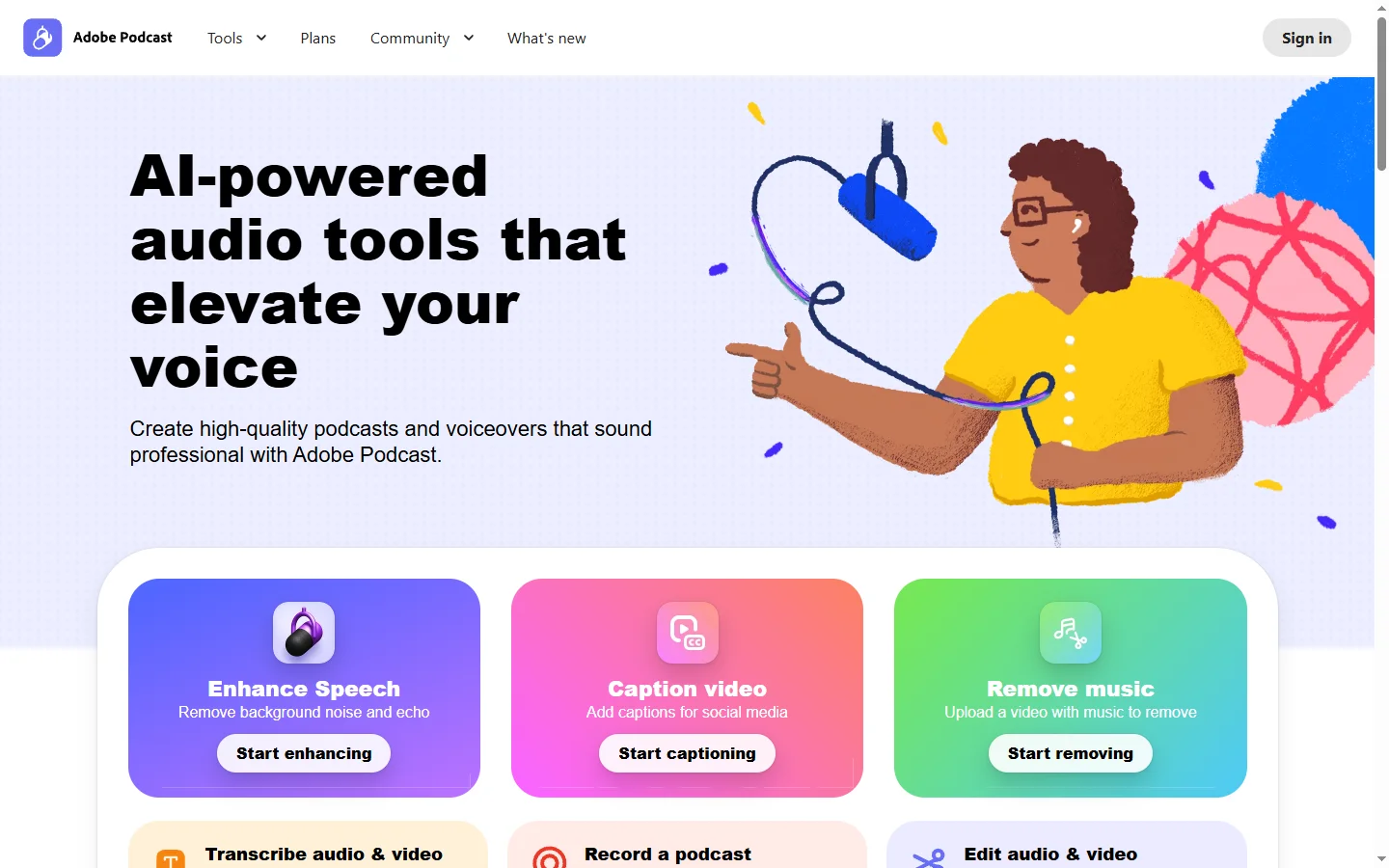

Adobe Podcast AI
Adobe Podcast AI enhances spoken audio recordings by removing background noise and improving voice clarity to broadcast-quality standards.