
Confluence AI
Paid ✓ Verified 🔥 TrendingConfluence AI (Atlassian Intelligence) brings generative AI to Confluence for page drafting, summarization, and knowledge search.
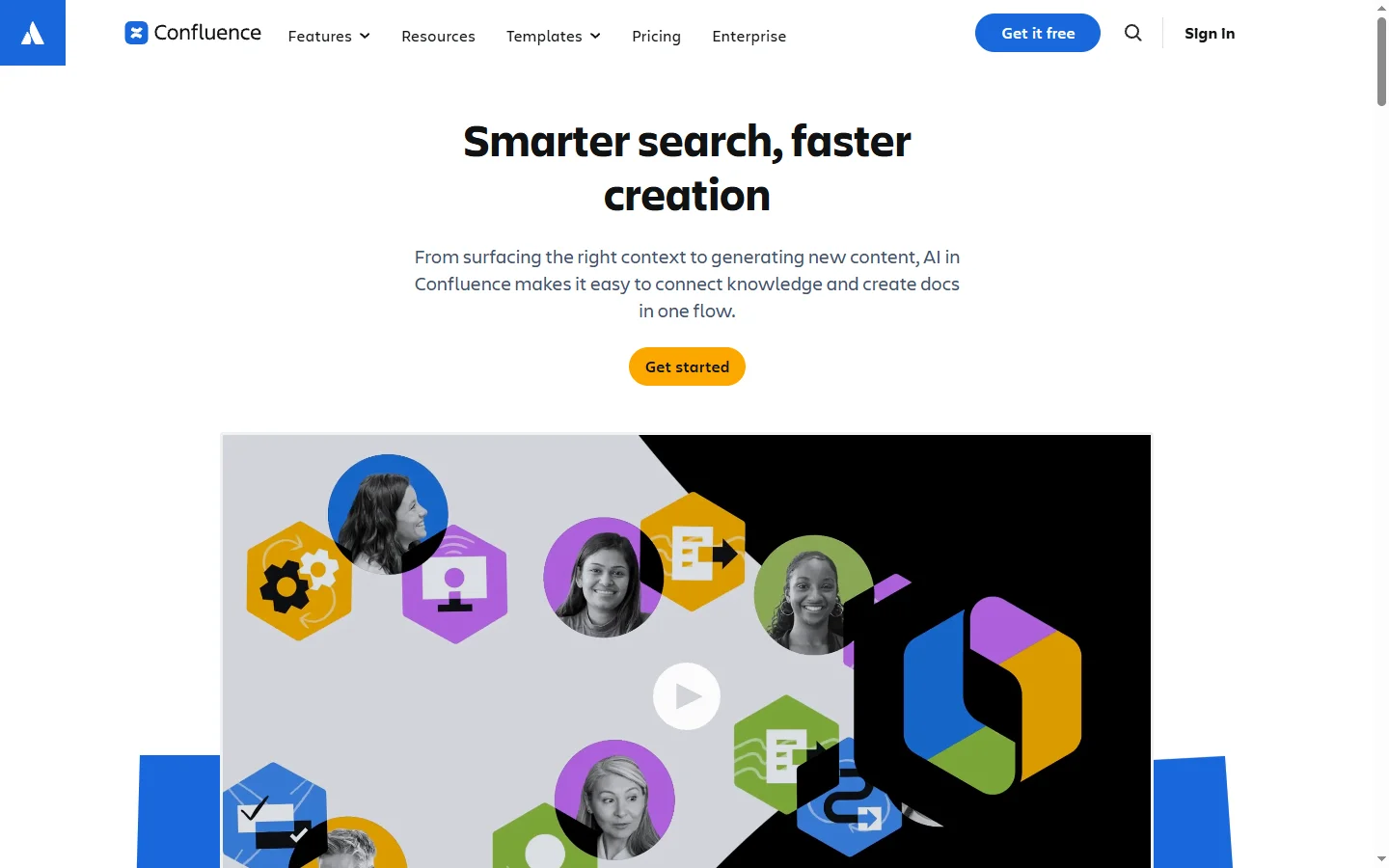
📋 About Confluence AI
Confluence AI is the generative AI capability embedded into Atlassian Confluence through Atlassian Intelligence. It turns the organization's wiki from a static repository of pages into an active knowledge system that can draft content, summarize long documents, answer questions using existing pages, and surface related knowledge automatically. Because Confluence is where many organizations store product specs, meeting notes, runbooks, and policies, having AI that reads and reasons over that content natively eliminates much of the manual work of finding and synthesizing information.
Core capabilities include AI-assisted writing for drafting meeting notes, product requirements, how-to guides, and project summaries; page summarization that produces concise overviews of long documents; definitions that explain acronyms and terms in context using the wiki's own pages; and a conversational search experience that answers questions using linked Confluence content with citations. For administrators, AI-assisted automation generates smart link previews, suggests page improvements, and streamlines cross-product workflows with Jira. Atlassian Intelligence runs inside Atlassian's cloud boundary, so data stays subject to existing tenant controls.
Confluence AI is primarily used by product, engineering, IT, and HR teams who rely on Confluence as their single source of truth. Developers use it to summarize long RFCs, project managers use it to draft status updates from raw notes, and support teams use it to find policies and past solutions faster. Atlassian Intelligence is bundled into premium and enterprise Confluence plans rather than sold separately, with specific features rolling out over time as Atlassian expands its AI roadmap.
⚡ Key Features of Confluence AI
AI-Assisted Writing
Generate draft pages — meeting notes, PRDs, project plans, FAQs — directly inside the Confluence editor using a prompt and optional references to existing pages. Drafts follow structured templates so the output is production-ready rather than free-form. Editors refine generated text rather than starting from a blank page. This shortens documentation work meaningfully for busy teams.
Page Summarization
Long Confluence pages can be summarized into concise overviews on demand, making it faster to catch up on initiatives, RFCs, and post-mortems. Summaries respect page structure and highlight decisions, action items, and open questions. This is particularly useful for new team members onboarding into deep spaces.
Definitions in Context
Hover over acronyms and unfamiliar terms to get AI-generated definitions grounded in the organization's own Confluence pages rather than generic web answers. This turns the wiki into a living glossary that maintains itself as content evolves. New hires ramp faster because they do not need to interrupt colleagues to ask what internal terms mean.
Conversational Knowledge Search
Ask questions in natural language and receive answers synthesized from Confluence pages with citations linking back to source content. This replaces keyword-based search with an assistant that reasons across multiple pages to produce complete answers. Permissions are respected so users only get answers from content they can access.
Smart Automation and Links
Atlassian Intelligence powers automation rules and smart link previews that enrich cross-product workflows between Confluence, Jira, and other Atlassian tools. Administrators can build no-code rules using natural-language descriptions rather than configuring logic manually. This lowers the barrier to automation for non-technical admins.
Respects Tenant Permissions
AI outputs and search results only reference content the user has permission to see, so sensitive spaces remain scoped correctly. Data stays inside the Atlassian Cloud boundary, subject to existing tenant security, residency, and compliance controls. This makes Confluence AI deployable in regulated environments without reauditing data flow.
🎯 Use Cases for Confluence AI
⚖️ Confluence AI Pros & Cons
Advantages
- ✓Native integration — no third-party setup required
- ✓Respects existing Confluence permissions and tenant controls
- ✓Summaries and definitions make long pages scannable
- ✓Search answers questions with citations to source pages
- ✓Drafting follows existing templates and organizational tone
Drawbacks
- ✗Requires Premium or Enterprise Confluence plan
- ✗Only available on Confluence Cloud, not server/data center
- ✗Quality depends on how well the wiki is already maintained
- ✗Some features roll out gradually by region
📖 How to Use Confluence AI
Ensure your organization is on Confluence Cloud Premium or Enterprise, which include Atlassian Intelligence.
Have an admin enable Atlassian Intelligence features in the organization settings.
Open a Confluence page and highlight text to use AI actions like rewrite, summarize, or improve.
Use the AI button in the editor to generate a new draft from a prompt.
Type natural-language questions in Confluence search to get synthesized answers with citations.
Configure AI-assisted automation rules for cross-product workflows between Confluence and Jira.
❓ Confluence AI FAQ
Confluence AI is the set of generative AI features powered by Atlassian Intelligence inside Confluence. It supports AI-assisted writing, page summarization, contextual definitions, and conversational knowledge search using the organization's own wiki content.
Atlassian Intelligence is available on Confluence Cloud Premium and Enterprise plans. Specific features roll out progressively so availability may vary by region and tenant.
Atlassian Intelligence uses models that run within Atlassian's processing boundaries. Data is not used to train public foundation models, and organizations retain existing tenant controls over permissions and residency.
Yes. Conversational search lets users ask questions in natural language and receive answers synthesized from Confluence pages the user has permission to access, with citations linking back to the source pages.
Atlassian Intelligence features are Cloud-only. Confluence Data Center and Server installations do not include these capabilities.
Related to Confluence AI

A2E AI
A2E AI productivity platform converts audio and video recordings into transcripts, summaries, and action items with speaker identification.

Abnormal AI
Abnormal AI uses behavioral AI to detect business email compromise, account takeover, and socially engineered phishing that bypasses secure email gateways.

Abridge AI
Abridge AI medical documentation platform that records and summarizes clinical conversations into structured physician notes in real time.

Accrete AI
Accrete AI builds autonomous enterprise AI agents for defense, government, and commercial intelligence workflows.
Featured on WhatIf.ai
Add this badge to your website to show you're listed on WhatIf AI
Alternatives to Confluence AI

A2E AI
A2E AI productivity platform converts audio and video recordings into transcripts, summaries, and action items with speaker identification.

Abnormal AI
Abnormal AI uses behavioral AI to detect business email compromise, account takeover, and socially engineered phishing that bypasses secure email gateways.

Abridge AI
Abridge AI medical documentation platform that records and summarizes clinical conversations into structured physician notes in real time.


Air AI
Air AI conducts autonomous full-length AI phone calls for sales prospecting, appointment setting, and customer service without human agents.