
Coda AI
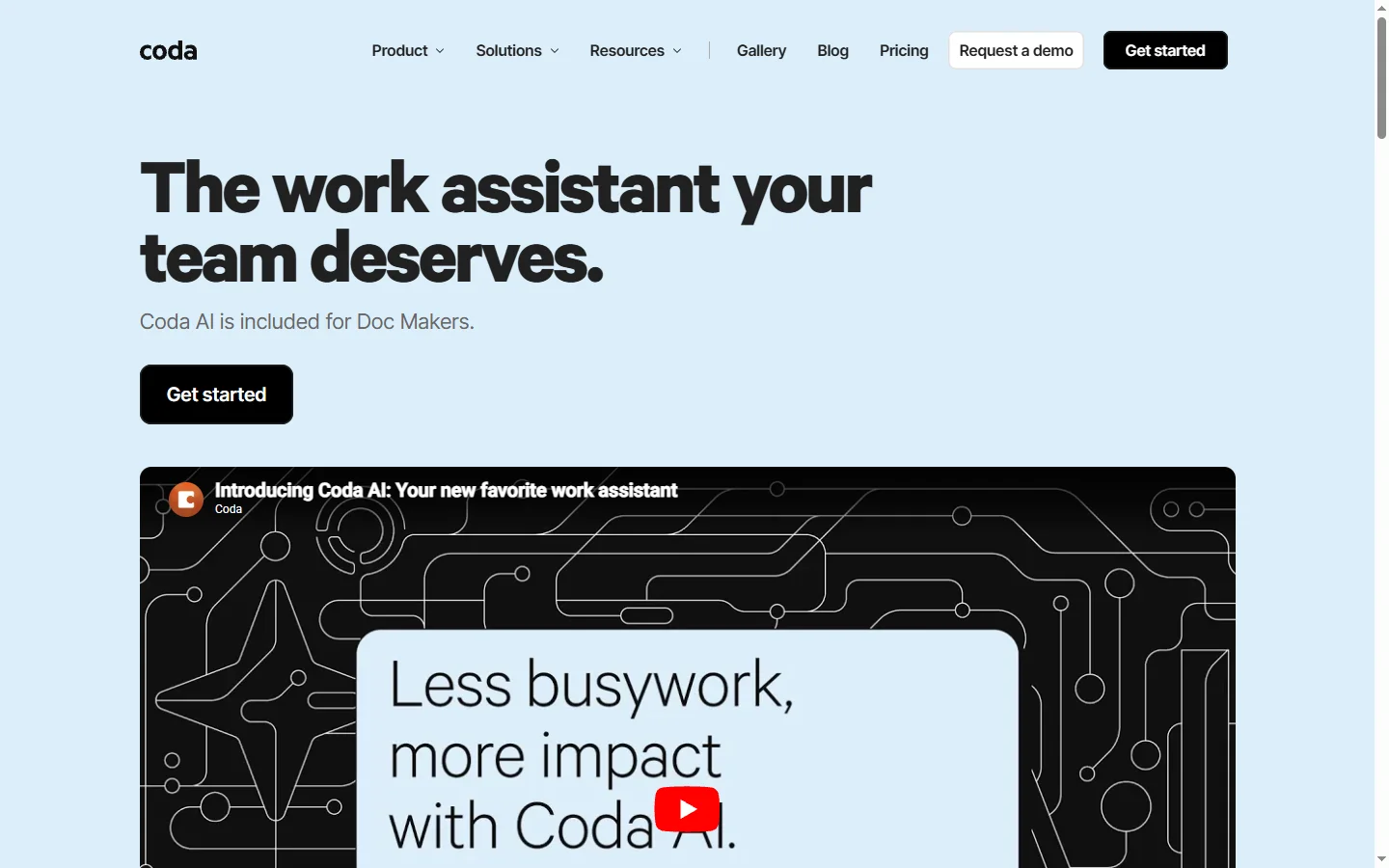
Freemium ✓ VerifiedCoda AI brings generative AI directly into Coda docs, enabling writing, data transformation, and custom AI blocks in one flexible workspace.
📋 About Coda AI
Coda AI is the generative AI capability built into Coda, a doc-and-database hybrid that combines writing, tables, and automation in a single surface. Rather than switching to ChatGPT and pasting results back, Coda users can invoke AI inline — asking for a summary, generating a structured table from a list, rewriting a paragraph, or filling a column of data with AI-generated values based on other columns. This makes generative AI a first-class capability in the same doc where work already happens.
The system exposes AI in three main forms. Inline AI helps writers draft, edit, and rewrite prose anywhere in a doc. AI columns compute values across rows automatically, turning a Coda table into a batch-AI pipeline for classification, extraction, translation, or scoring tasks. AI blocks (Chat) give teams a persistent chat surface inside a doc that can reference the doc's content, letting questions be answered against the team's own knowledge. Underlying models rotate across frontier providers so Coda can pick the best fit for each task.
Coda AI is particularly popular with product teams, operations teams, consultants, and founders who use Coda as their central workspace for OKRs, project tracking, launch planning, and knowledge management. Because AI runs inside the doc where structured data lives, outputs can drive downstream automation and feed dashboards rather than remaining stuck in a separate chat window. Pricing is usage-based on AI credits bundled into higher Coda tiers or purchased separately.
⚡ Key Features of Coda AI
Inline AI Writing
Users invoke AI anywhere in a Coda doc with a simple keystroke to draft, edit, rewrite, translate, or summarize text without leaving the page. Outputs appear directly in-place as editable text rather than as a separate chat window. This makes AI a natural extension of the writing flow, not a context switch. Prompts can reference doc variables for personalization.
AI Columns in Tables
Coda AI can be added as a column type so every row in a table is automatically processed through a prompt — extracting categories from free-text feedback, translating product names, or scoring candidates against criteria. This turns tables into batch-AI pipelines that keep structured data alongside AI-derived outputs. Columns refresh as source data changes.
AI Chat Block
Docs can embed a persistent chat block that references the doc's content, letting teams ask questions about their own knowledge base without uploading it elsewhere. The chat respects doc permissions so answers only use information the user can access. This makes Coda docs queryable as knowledge systems rather than static pages.
Meeting and Project Summaries
Templates leverage Coda AI to summarize long meeting notes, generate action-item tables, and draft project status updates from raw data. Outputs are structured rather than blob-of-text so they flow into downstream tracking. This compresses after-meeting admin from a chore into a single command.
Formula-Friendly Integration
AI outputs can be piped into Coda's formula language and automation system, so a summary or classification can trigger notifications, update other tables, or drive dashboards. AI becomes another building block inside Coda's automation graph rather than a dead-end answer. This is powerful for ops and workflow use cases.
Frontier Model Rotation
Coda selects from multiple frontier model providers to pick appropriate performance for each task rather than locking users to a single model. Teams do not need to manage API keys or model selection themselves. Updates propagate as new and better models become available without any user configuration.
🎯 Use Cases for Coda AI
⚖️ Coda AI Pros & Cons
Advantages
- ✓AI lives inside the same doc where work already happens
- ✓AI columns turn tables into batch processing pipelines
- ✓Outputs integrate with Coda formulas and automations
- ✓Chat respects doc permissions for safe knowledge search
- ✓Model selection is handled automatically behind the scenes
Drawbacks
- ✗AI credit usage can run out quickly on large tables
- ✗Requires adoption of Coda as a core tool
- ✗Limited ability to choose specific underlying models
- ✗AI is less powerful than dedicated chat UIs for free-form exploration
📖 How to Use Coda AI
Sign up at coda.io and create a workspace if you do not already have one.
Open a doc and type '/' followed by 'AI' to invoke an inline AI command.
Add an AI column to a table by selecting the column type and writing a prompt that references other columns.
Insert an AI Chat block on any page for persistent question-answering against doc content.
Monitor AI credit usage in workspace settings — credits are bundled with paid plans or purchasable as add-ons.
Combine AI outputs with Coda automations to trigger notifications, updates, or downstream actions.
❓ Coda AI FAQ
Coda AI is the set of generative AI features built into Coda's doc-and-database workspace. It offers inline writing assistance, AI columns for batch processing tables, and an embeddable chat block that references doc content.
Coda AI uses an AI-credit model that is bundled into paid Coda plans or purchasable as additional packs. The free tier includes a limited number of AI actions for evaluation. See the Coda pricing page for current credit allocations.
Coda selects from multiple frontier model providers depending on the task. The exact model is handled transparently so users do not need to choose or manage API keys.
Yes. AI columns let you add a prompt that runs on every row automatically, producing outputs that update as source data changes. This is how Coda AI enables batch processing of structured data.
Coda AI references doc content you explicitly include in prompts or chat blocks, and it respects existing doc permissions so users cannot query data they do not otherwise have access to. Coda's data handling terms cover how inputs are processed by model providers.
Related to Coda AI

A2E AI
A2E AI productivity platform converts audio and video recordings into transcripts, summaries, and action items with speaker identification.

Abnormal AI
Abnormal AI uses behavioral AI to detect business email compromise, account takeover, and socially engineered phishing that bypasses secure email gateways.

Abridge AI
Abridge AI medical documentation platform that records and summarizes clinical conversations into structured physician notes in real time.

Accrete AI
Accrete AI builds autonomous enterprise AI agents for defense, government, and commercial intelligence workflows.
Featured on WhatIf.ai
Add this badge to your website to show you're listed on WhatIf AI
Alternatives to Coda AI

A2E AI
A2E AI productivity platform converts audio and video recordings into transcripts, summaries, and action items with speaker identification.

Abnormal AI
Abnormal AI uses behavioral AI to detect business email compromise, account takeover, and socially engineered phishing that bypasses secure email gateways.

Abridge AI
Abridge AI medical documentation platform that records and summarizes clinical conversations into structured physician notes in real time.


Air AI
Air AI conducts autonomous full-length AI phone calls for sales prospecting, appointment setting, and customer service without human agents.