
Clara AI
Paid ✓ VerifiedClara AI is an intelligent virtual assistant that schedules meetings through natural email conversations, handling the back-and-forth like a human assistant.
📋 About Clara AI
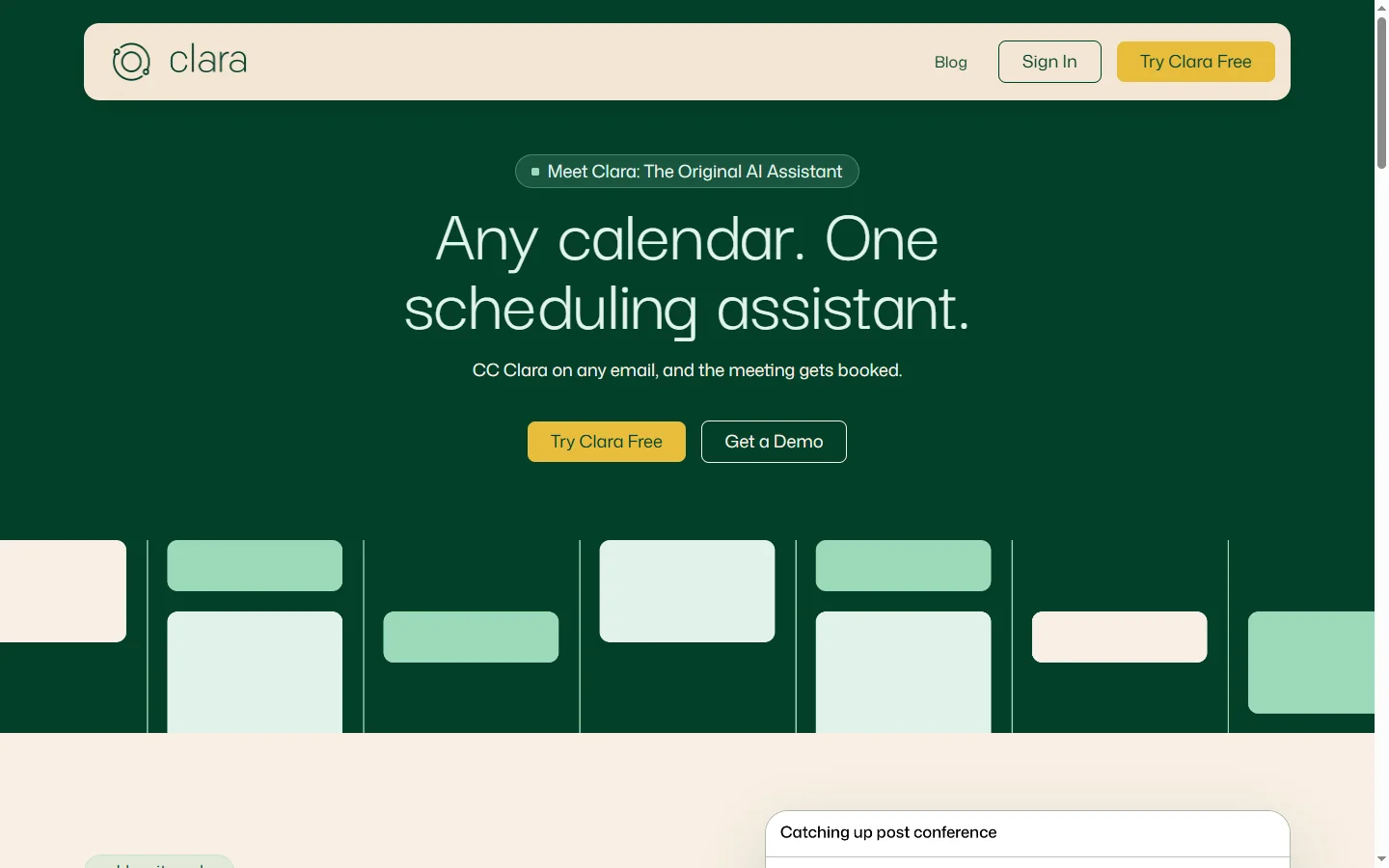
Clara AI is a virtual scheduling assistant that coordinates meetings by participating in email threads on your behalf. The clara ai platform reads inbound meeting requests, checks calendars, negotiates times, and confirms invites — all through natural, human-sounding email responses. Unlike scheduling links that force the other party to click and choose, Clara handles the full conversational scheduling workflow the way a human executive assistant would. You simply copy Clara on an email thread and she takes over.
Built on large language models and integrated with Google Calendar, Microsoft 365, and Exchange, Clara understands availability windows, time zones, meeting preferences, travel buffers, and recurring commitments. The ai scheduling assistant gracefully handles reschedules, cancellations, and multi-party coordination across time zones. Clara's messages read like polite, professional email correspondence rather than automated bot replies, which is why executives and salespeople trust her on high-stakes customer communications. The product is available in English with multi-language awareness for international threads.
Clara AI serves busy professionals, executives, sales teams, and recruiters who spend hours every week on meeting logistics. Power users report saving 6-10 hours weekly compared to manual scheduling. Because Clara works in email rather than through links, recipients don't need to adopt any new tools — which is why adoption remains high even when coordinating with clients, candidates, or partners outside your organization.
⚡ Key Features of Clara AI
Email-Native Scheduling
Clara works entirely through email — you copy her on a thread and she takes over the scheduling conversation. There's no link for the other party to click or new tool to learn, which keeps friction low with external contacts. The clara ai assistant responds with polite, human-sounding messages that fit the tone of the original email. Recipients often don't realize they're corresponding with AI.
Calendar Integration
Connects with Google Calendar, Microsoft 365, and Exchange to check availability in real time and book meetings directly onto your calendar. Clara respects existing events, travel buffers, and time zone preferences. The ai scheduling assistant also writes the final invite with accurate subject lines, locations or video links, and agenda details. Recurring meetings and series are supported.
Multi-Party and Cross-Time-Zone Coordination
Clara juggles scheduling across multiple participants and time zones by proposing shared availability windows and adapting as replies come in. This is particularly valuable for international sales calls, board meetings, and hiring panels. She keeps track of who has replied, who hasn't, and gently follows up with stragglers. Complex multi-party scheduling that would take hours shrinks to a single email.
Reschedules and Cancellations
When meetings need to move or cancel, Clara handles the diplomatic outreach and rebooks automatically. She maintains polite phrasing and avoids blaming either party. This is one of the most time-consuming parts of calendar management for busy professionals. Clara removes the emotional overhead of initiating reschedules.
Preference and Policy Learning
Configure your meeting preferences once — preferred times, durations, default video platforms, travel buffers, and meeting-free days — and Clara applies them to every scheduling conversation. She learns exceptions over time, such as how you handle VIP clients differently. This personalization is what makes her feel like a real assistant rather than a rigid scheduling tool.
CRM and Team Integration
Integrates with Salesforce, HubSpot, and Gmail/Outlook so that scheduled meetings sync automatically to the appropriate CRM records. Team plans let shared inboxes and administrative assistants use Clara for executive calendars. The clara ai product fits into existing workflows rather than requiring new ones. Audit logs show every action she takes on your behalf.
🎯 Use Cases for Clara AI
⚖️ Clara AI Pros & Cons
Advantages
- ✓Works through email — no new tool for recipients to learn
- ✓Natural, human-sounding email tone
- ✓Handles reschedules, cancellations, and multi-party scheduling
- ✓Integrates with Google, Microsoft 365, Salesforce, and HubSpot
- ✓Saves 6-10 hours per week for heavy users
Drawbacks
- ✗Paid-only with no free tier
- ✗Edge-case phrasing occasionally needs human correction
- ✗Single-tenant email setup takes some initial configuration
- ✗Best suited for English-language correspondence
📖 How to Use Clara AI
Sign up at claralabs.com and connect your calendar (Google Calendar, Microsoft 365, or Exchange).
Configure your scheduling preferences, including working hours, default meeting lengths, buffers, and preferred video platforms.
Customize Clara's tone and signature so her emails match your voice and branding.
When a meeting request comes in, reply to the sender and CC Clara (e.g., [email protected]).
Let the clara ai assistant handle the back-and-forth — she'll propose times, confirm, and send calendar invites automatically.
Review the audit log periodically to see scheduled meetings and adjust preferences as needed.
❓ Clara AI FAQ
No. Clara is a paid product. Plans start around $99 per month per user for the basic tier, with higher tiers for teams and organizations with more complex scheduling needs.
Clara's emails are written to sound like a human assistant, and many recipients don't realize they're corresponding with AI. However, Clara's signature typically notes that she is a virtual assistant, and transparency preferences are configurable.
Clara integrates with Google Calendar, Microsoft 365/Outlook, and Microsoft Exchange. She can read availability, propose times, and send invites through your existing calendar system.
Yes. The ai scheduling assistant handles reschedules and cancellations diplomatically, proposing alternative times and maintaining a professional email tone throughout.
Clara Labs uses enterprise-grade encryption for data in transit and at rest, and is SOC 2 compliant. Access tokens to your calendar can be revoked at any time from your settings.
Related to Clara AI

A2E AI
A2E AI productivity platform converts audio and video recordings into transcripts, summaries, and action items with speaker identification.

Abby AI
Abby AI is an AI therapy and mental wellness chatbot that offers CBT-informed conversations, mood tracking, and self-guided coping tools.

Abnormal AI
Abnormal AI uses behavioral AI to detect business email compromise, account takeover, and socially engineered phishing that bypasses secure email gateways.
Abridge AI
Abridge AI medical documentation platform that records and summarizes clinical conversations into structured physician notes in real time.

Accrete AI
Accrete AI builds autonomous enterprise AI agents for defense, government, and commercial intelligence workflows.

Claude
Claude AI assistant by Anthropic with a 200K context window, strong reasoning, and safety-focused design for writing, coding, and analysis.
Featured on WhatIf.ai
Add this badge to your website to show you're listed on WhatIf AI
Alternatives to Clara AI
A2E AI
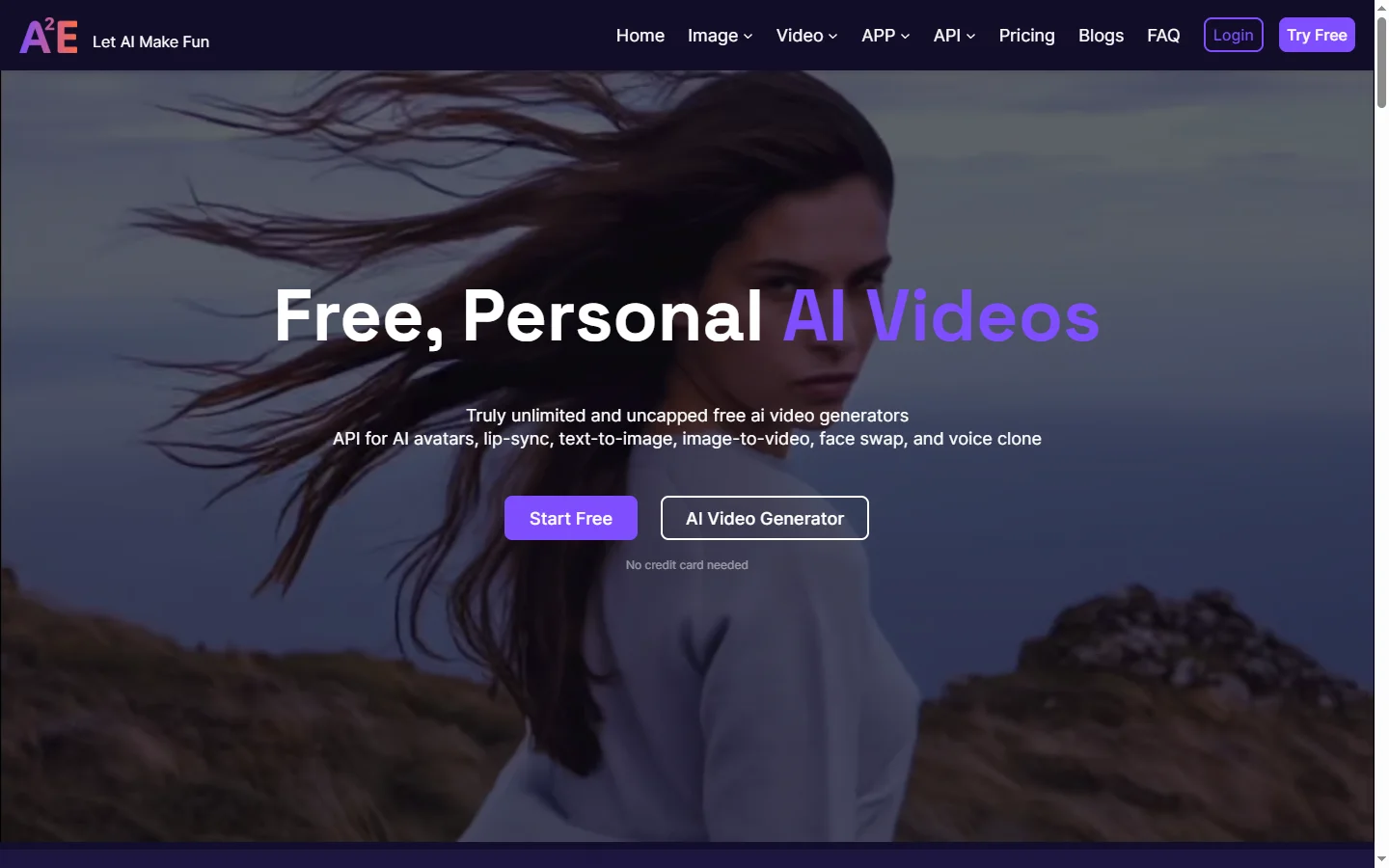
A2E AI productivity platform converts audio and video recordings into transcripts, summaries, and action items with speaker identification.
Abnormal AI
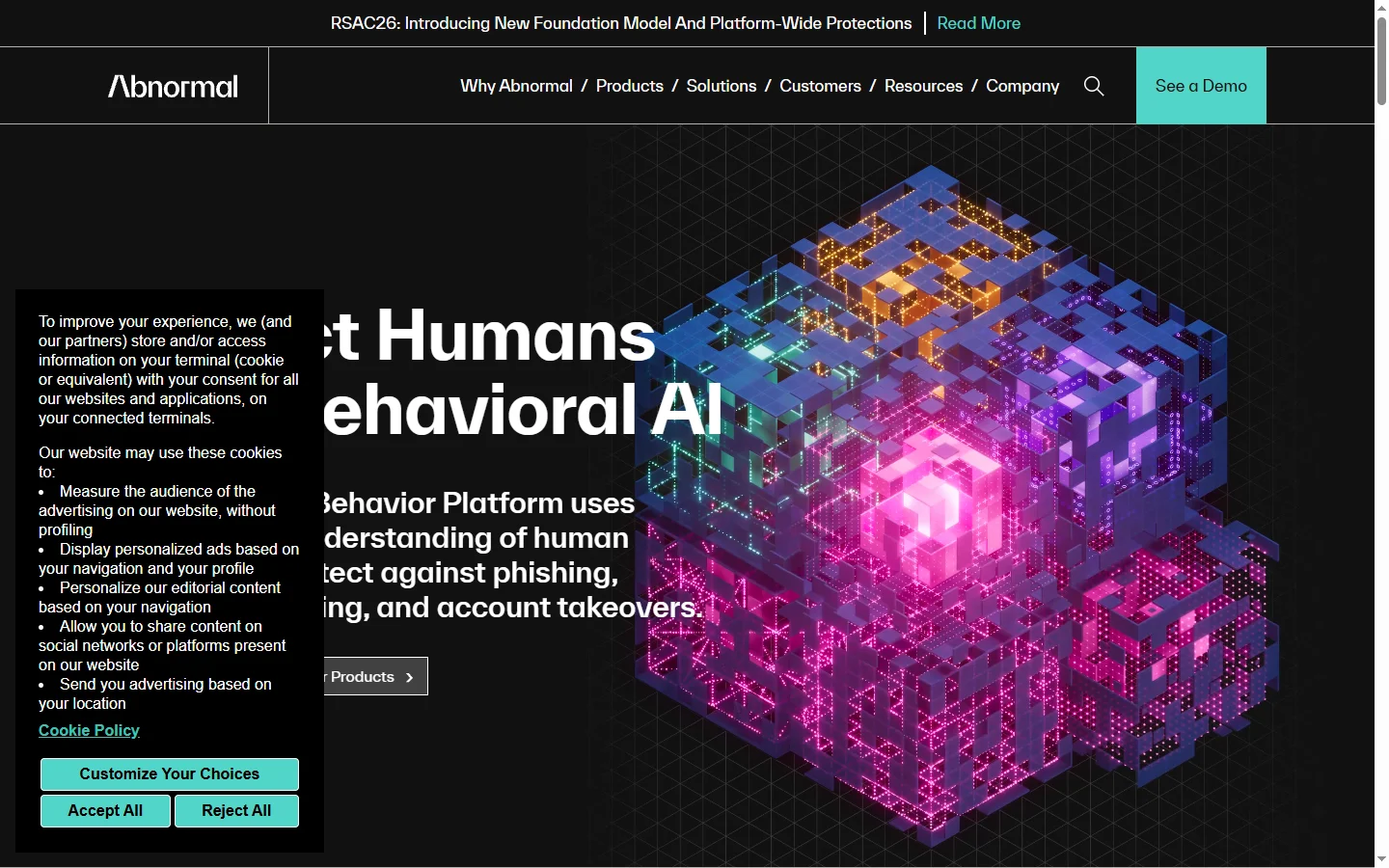
Abnormal AI uses behavioral AI to detect business email compromise, account takeover, and socially engineered phishing that bypasses secure email gateways.
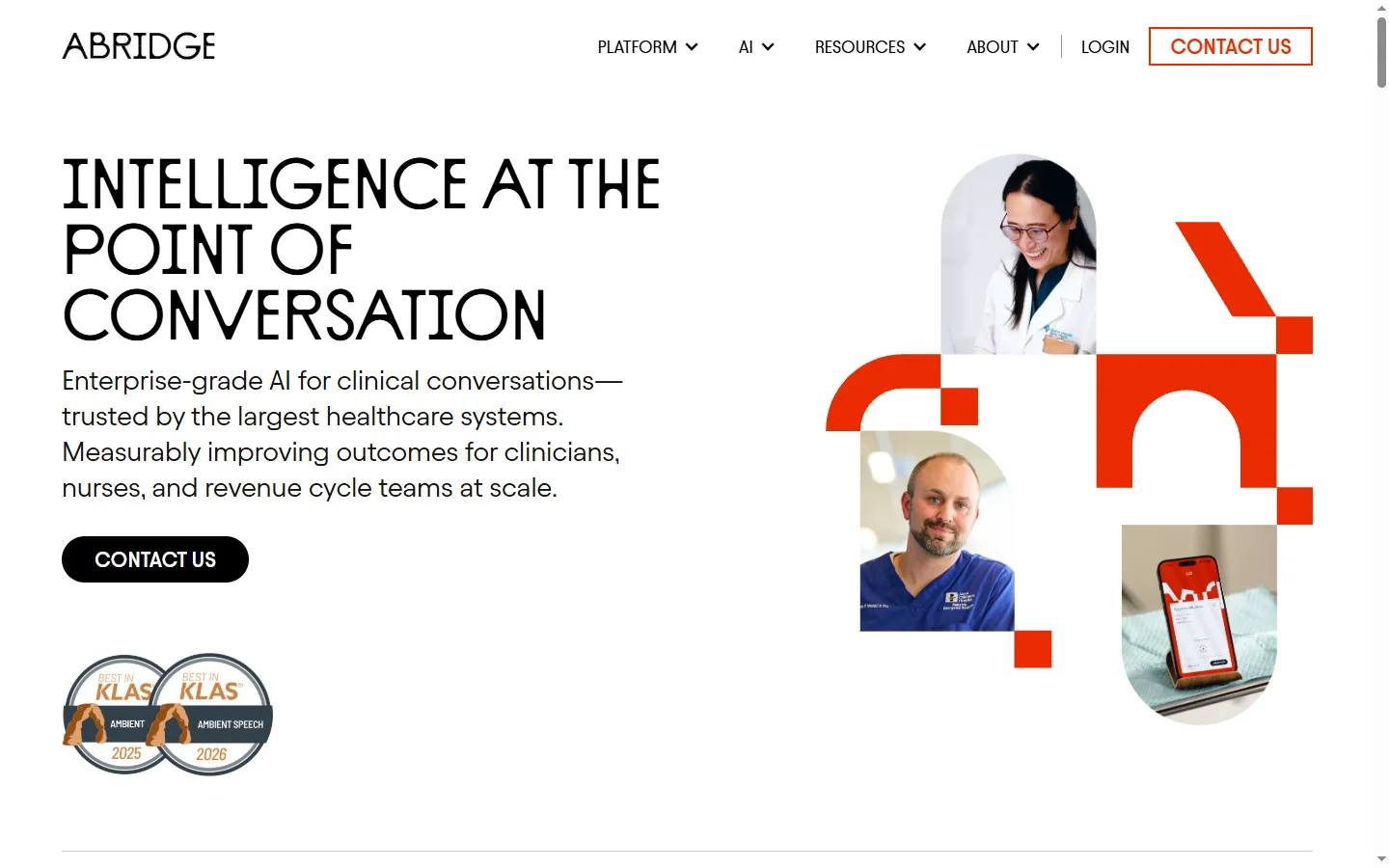
Abridge AI
Abridge AI medical documentation platform that records and summarizes clinical conversations into structured physician notes in real time.

Air AI
Air AI conducts autonomous full-length AI phone calls for sales prospecting, appointment setting, and customer service without human agents.