
BeMusic
Freemium ✓ VerifiedBeMusic is an AI music platform for generating, remixing, and discovering tracks — combining text-to-music generation with a streaming-style listening experience.
📋 About BeMusic
BeMusic is an AI music platform that combines text-to-music generation, AI-assisted remixing, and a streaming-style discovery experience inside one product. Users describe the mood, genre, instrumentation, and length they want, and the AI music engine produces an original track they can play, edit, download, or share. Beyond pure generation, BeMusic offers a community feed of user-created tracks, playlist building, and creator profiles, which makes it function more like a Spotify-meets-Suno experience than a single-shot generator. The platform is aimed at hobbyist musicians, content creators, and listeners who enjoy exploring AI-generated catalogs.
The underlying AI model handles full songs with vocals, instrumental beds, ambient loops, and short stings, with style coverage spanning pop, hip-hop, EDM, lo-fi, cinematic, and traditional genres. Creators can refine outputs by editing lyrics, regenerating sections, or remixing existing tracks with new style prompts, which gives more control than fully blind generation. Outputs can be downloaded as MP3 or WAV, embedded into videos and podcasts, or published to the BeMusic community for other users to discover. The platform also supports collaborative playlists and follows, so users build personal libraries of AI music in the same way they would on a normal streaming service.
BeMusic is built around a freemium model where casual users get daily generation credits and full listening access, while paid subscribers unlock higher daily quotas, commercial licensing, higher audio quality, and faster generation queues. The platform appeals to YouTubers and podcasters who need royalty-friendly background music, indie creators who want to prototype song ideas without a DAW, and listeners who simply enjoy the novelty of an entire catalog produced by AI. By blending creation and consumption, BeMusic positions itself as both a tool and a destination rather than just an AI music generator endpoint.
⚡ Key Features of BeMusic
Text-to-Music Generation
Describe a genre, mood, instrumentation, tempo, and approximate length in natural language and BeMusic generates a full track that matches the prompt. The engine handles instrumentals as well as songs with vocals and lyrics, covering pop, hip-hop, EDM, lo-fi, cinematic, and folk styles. Outputs typically take less than a minute to render and can be regenerated with the same prompt for variations.
Lyrics Generation and Editing
BeMusic can generate original lyrics in a chosen theme and language, or accept user-supplied lyrics and sing them in a selected vocal style. Users can edit individual lines and have only the changed sections re-rendered, which is faster than regenerating an entire track. This makes it practical to iterate on a chorus or hook without losing the rest of the production.
AI Remix and Style Transfer
Upload an existing track or pick a BeMusic generation and apply a new style — for example, turning an acoustic ballad into a lo-fi instrumental or an EDM track into a cinematic score. The remix engine preserves melody and structure while restyling instrumentation and production. This is useful for repurposing one composition across different contexts or moods.
Streaming-Style Discovery Feed
Browse a community feed of tracks generated by other users, follow creators, build playlists, and like or share songs you enjoy. This turns BeMusic into a listening destination as well as a generation tool, which is unusual in the AI music category. The feed surfaces trending genres and creators, so users can find new AI music without ever generating themselves.
Stems and DAW-Ready Export
Paid plans can export tracks as separated stems (vocals, drums, bass, melody) for further mixing in a DAW like Ableton, Logic, or FL Studio. This is critical for creators who want to use BeMusic as a starting point rather than a final deliverable, and it removes the need for source separation tools to extract instrument tracks. Standard outputs are also available as high-quality MP3 or WAV.
Commercial License on Paid Plans
Subscribers receive a commercial-use license for the music they generate, which is essential for YouTubers, podcasters, ad agencies, and indie game developers. The license covers monetized video, broadcast, and most commercial contexts. Free-tier music is intended for personal and non-commercial use only.
Playlists, Profiles, and Collaboration
Users have personal profiles with their generated catalogue, can build and share playlists, and can collaborate with other creators on shared tracks. This social layer is one of BeMusic's main differentiators in a category mostly populated by one-shot generators. Following and discovery work the same way as on a normal music streaming service.
🎯 Use Cases for BeMusic
⚖️ BeMusic Pros & Cons
Advantages
- ✓Combines generation with a real streaming-style listening experience
- ✓Lyrics editing and section regeneration enable iterative songwriting
- ✓Stems export available on paid plans
- ✓Community feed makes discovery effortless
- ✓Commercial license available for paid users
Drawbacks
- ✗AI vocals can sound robotic on slower ballad styles
- ✗Free tier daily quota is small for active creators
- ✗Niche or non-Western genres are less well-supported
- ✗No mobile-native app on some platforms — web-first experience
📖 How to Use BeMusic
Visit bemusic.app and create a free account using email or a social login.
Open the generator and describe the genre, mood, instrumentation, and approximate length you want.
Choose whether to include vocals, then either let BeMusic generate lyrics or paste your own.
Wait for the track to render — typically under a minute — and listen to the result in the built-in player.
Edit lyrics, regenerate sections, or apply a remix style to refine the track until it matches your vision.
Download the final track as MP3, WAV, or stems (on paid plans), or publish it to your BeMusic profile.
❓ BeMusic FAQ
BeMusic offers a freemium plan with daily generation credits and unlimited listening to community tracks. Paid plans unlock higher generation quotas, commercial licensing, higher audio quality, and stems export.
Yes, but you'll need a paid plan for monetized use. Paid subscribers receive a commercial license that covers YouTube monetization, podcasts, ads, and most commercial contexts. Free-tier tracks are intended for personal use only.
Yes, BeMusic can generate full songs with AI vocals, custom lyrics, and arranged instrumentation. Users can let the AI write the lyrics or paste their own, and the vocal style can be matched to the chosen genre.
BeMusic combines AI music generation with a streaming-style social layer — playlists, follows, and a discovery feed — making it both a tool and a listening destination. Suno and Udio focus more purely on the generation side without an equivalent built-in community experience.
Yes, paid plans support stem export — vocals, drums, bass, and melody as separate audio files — which is useful for finishing tracks in a DAW. Free users receive a single mixed MP3 export.
Featured on WhatIf.ai
Add this badge to your website to show you're listed on WhatIf AI
Alternatives to BeMusic


Artlist AI
Artlist AI music generation and royalty-free licensing platform for video creators, filmmakers, and content producers needing commercially cleared tracks.
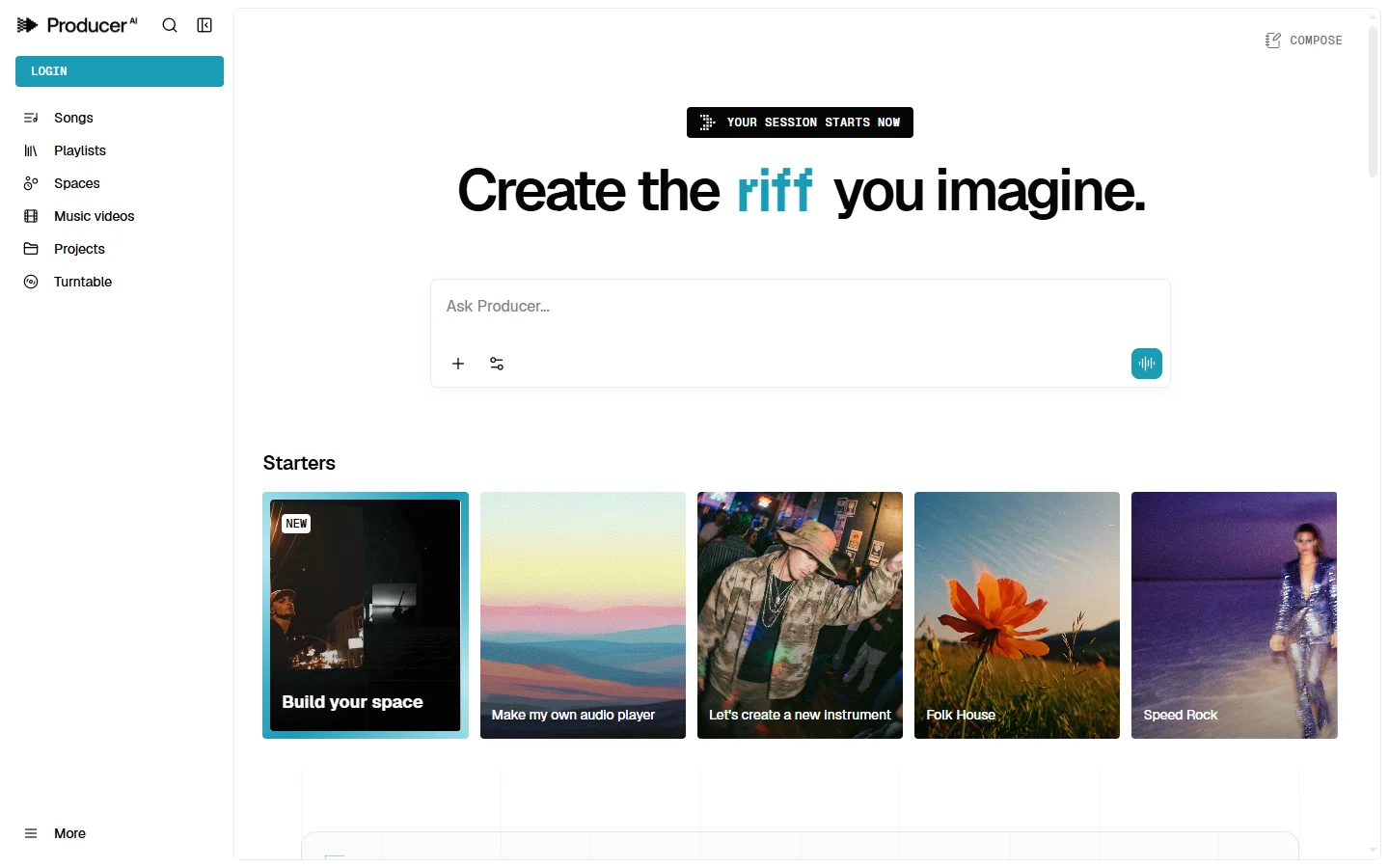

Riffusion AI
Riffusion AI music generation tool that creates original audio clips from text prompts using a spectrogram diffusion model, completely free with no account.
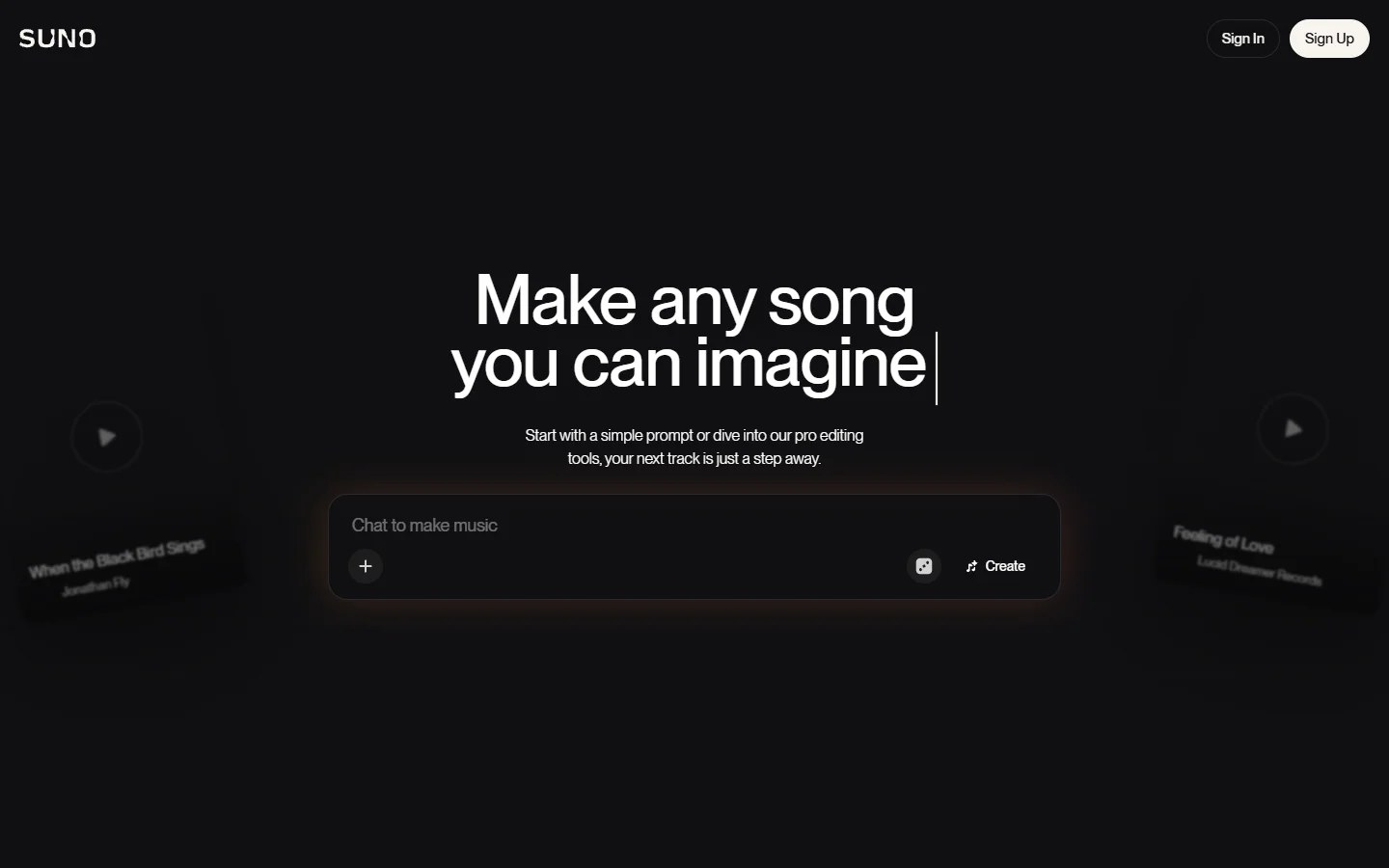

Suno
Suno ai music generator that creates complete songs with vocals, instruments, and lyrics from a text prompt.


Akuma AI
Akuma AI is an AI music generation platform that creates original songs, instrumentals, and soundtracks from text prompts for creators and indie artists.