
Amazon Bedrock
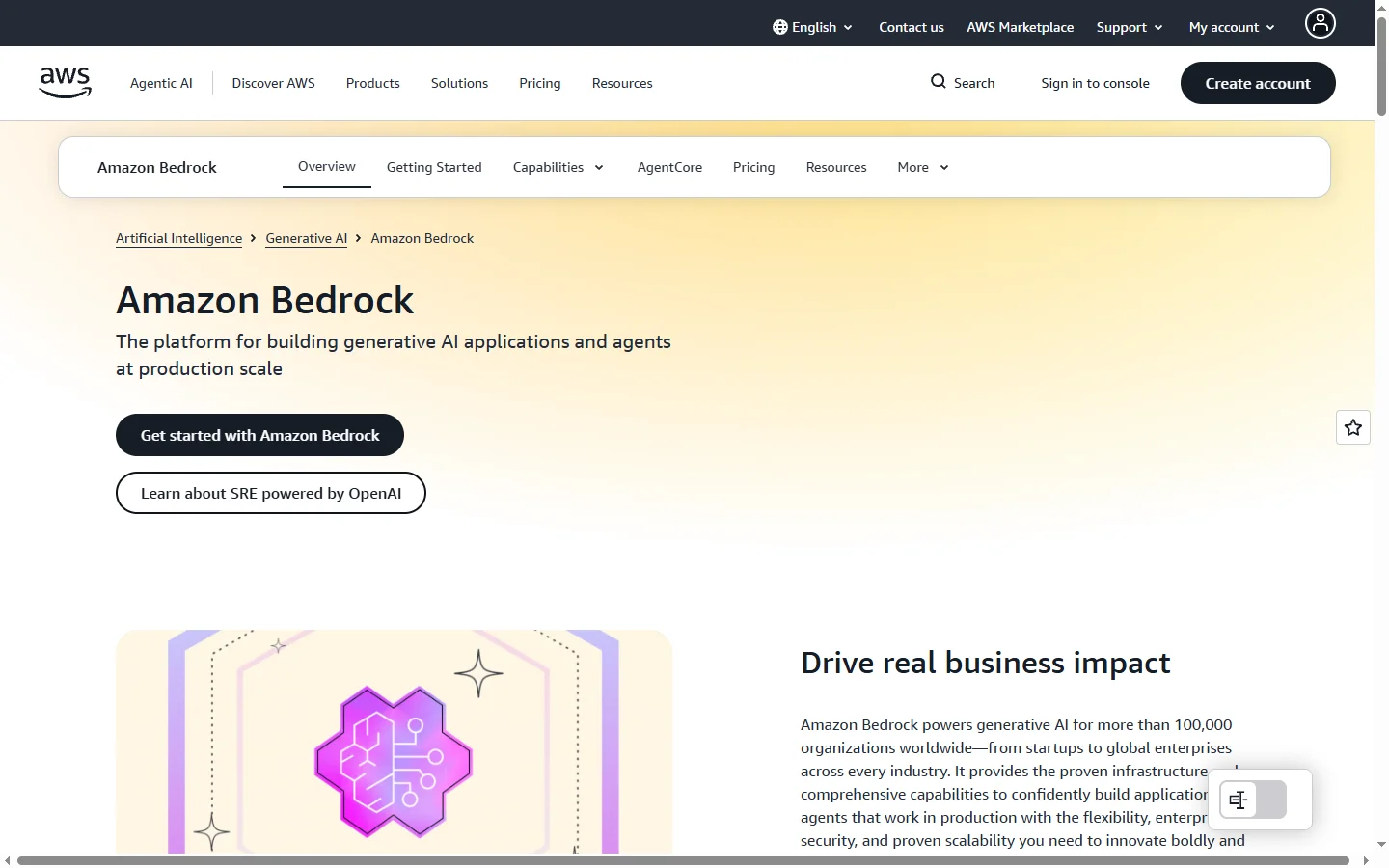
Paid ✓ Verified 🔥 TrendingAmazon Bedrock is AWS's fully managed service for building generative AI apps using foundation models from Anthropic, Meta, Mistral, and more.
📋 About Amazon Bedrock
Amazon Bedrock is a fully managed AWS service that gives developers a single API to access a catalog of foundation models from providers like Anthropic (Claude), Meta (Llama), Mistral, Cohere, AI21 Labs, Stability AI, and Amazon's own Titan and Nova families. Rather than self-hosting open-source models or stitching together separate vendor contracts, teams can switch models behind the same integration, compare results, and deploy the best fit for each task. All interactions stay inside the customer's AWS account, with data never used to train the underlying models.
Bedrock ships with Agents for building goal-oriented assistants that call APIs and business systems, Knowledge Bases for retrieval-augmented generation over private data in S3, Guardrails for applying safety and compliance filters across any model, and Flows for orchestrating multi-step generative workflows visually. Fine-tuning, continued pretraining, and provisioned throughput are supported for teams that need dedicated capacity or domain adaptation. Bedrock integrates with the wider AWS ecosystem — IAM for access control, KMS for encryption, CloudWatch for logging, PrivateLink for network isolation, and VPC endpoints for compliance.
Bedrock is used by enterprises that already standardize on AWS and want generative AI that meets their security, compliance, and residency requirements. Typical workloads include customer support automation, internal knowledge assistants, document analysis at scale, code generation, and content production. Pricing is usage-based per input and output token with optional provisioned throughput for predictable latency, so small experiments start cheap while production workloads scale without rearchitecting.
⚡ Key Features of Amazon Bedrock
Multi-Model Catalog With a Single API
Bedrock exposes Claude, Llama, Mistral, Cohere, AI21, Titan, and Nova models behind one consistent API so teams can swap models per task without rewriting integration code. The same prompt payload format, streaming semantics, and SDK work across providers. Developers can A/B test models by changing a model ID, which is particularly useful as new model versions release rapidly. This removes the lock-in risk of hardcoding a single vendor.
Knowledge Bases for RAG
Managed retrieval-augmented generation lets teams connect S3 buckets and other data sources so Bedrock automatically chunks, embeds, stores vectors, and retrieves context for queries. No separate vector database deployment is required for common workloads. Citations show which source documents contributed to an answer, which is essential for regulated industries. Supported stores include OpenSearch Serverless, Aurora PostgreSQL pgvector, Pinecone, and Redis Enterprise.
Agents for Multi-Step Tasks
Bedrock Agents orchestrate calls to Lambda functions, internal APIs, and knowledge bases so a natural-language request can trigger multi-step business workflows. The agent plans, calls tools, observes results, and continues until the goal is reached, all with built-in tracing for debugging. Teams use this to build assistants that book travel, resolve tickets, reconcile invoices, and similar task-oriented flows.
Guardrails for Safety and Compliance
Configurable guardrails apply denied topics, word filters, PII redaction, and contextual grounding checks across any Bedrock model uniformly. Organizations can enforce the same compliance behavior regardless of which underlying model handles a request. This centralizes policy management rather than implementing safety logic in each application.
Fine-Tuning and Model Customization
Selected models on Bedrock support fine-tuning and continued pretraining with customer data, producing a private custom model that stays inside the account. This improves accuracy on domain-specific tasks like specialized medical coding or proprietary document formats without exposing training data. Training jobs run as managed AWS jobs with IAM-controlled access.
Deep AWS Integration
Bedrock integrates natively with IAM for fine-grained permissions, KMS for encryption keys, CloudWatch for logging, PrivateLink for private networking, and VPC endpoints for keeping traffic off the public internet. Enterprises get the same governance posture as every other AWS service. This meets most enterprise security, audit, and compliance requirements out of the box.
🎯 Use Cases for Amazon Bedrock
⚖️ Amazon Bedrock Pros & Cons
Advantages
- ✓Single API for Claude, Llama, Mistral, Cohere, Titan, and more
- ✓Data stays in the customer AWS account and is never used for training
- ✓Deep integration with IAM, KMS, CloudWatch, and VPC networking
- ✓Managed RAG, agents, and guardrails reduce plumbing work
- ✓Usage-based pricing scales from experiments to production
Drawbacks
- ✗Model availability varies by AWS region
- ✗Provisioned throughput pricing can be expensive for low volume
- ✗Latency is generally higher than calling providers directly
- ✗Learning curve if the team is not already AWS-experienced
📖 How to Use Amazon Bedrock
Open the AWS console and navigate to Amazon Bedrock in a supported region.
Request model access for each foundation model you want to use — this is a one-time approval step.
Create an IAM role with bedrock:InvokeModel permissions for your application.
Use the AWS SDK (Python, JavaScript, Java) or API to call InvokeModel or InvokeModelWithResponseStream.
Set up a Knowledge Base, Agent, or Guardrail through the console if your workload needs RAG, tool use, or content filtering.
Monitor usage and costs in CloudWatch and the AWS Cost Explorer as workloads scale.
❓ Amazon Bedrock FAQ
Bedrock offers models from Anthropic (Claude), Meta (Llama), Mistral, Cohere, AI21 Labs, Stability AI, and Amazon's own Titan and Nova families. The exact model catalog varies by AWS region and is expanded frequently as new models are released.
No. Inputs and outputs on Bedrock are not used to train the underlying foundation models and stay within your AWS account. Each provider's terms are surfaced when you request model access.
Bedrock uses on-demand pricing per input and output token that varies by model. Provisioned throughput is available for predictable latency and capacity at a committed hourly rate. See the AWS Bedrock pricing page for the current rates by model and region.
Yes. Selected models support fine-tuning and continued pretraining with your own data. The resulting custom model remains private to your AWS account and is served through the same InvokeModel API.
Yes. Bedrock Knowledge Bases provide managed RAG over data in S3 and other sources, handling chunking, embeddings, vector storage, retrieval, and citation automatically. Supported vector stores include OpenSearch Serverless, Aurora pgvector, Pinecone, and Redis Enterprise.
Related to Amazon Bedrock

A2E AI
A2E AI productivity platform converts audio and video recordings into transcripts, summaries, and action items with speaker identification.

Abnormal AI
Abnormal AI uses behavioral AI to detect business email compromise, account takeover, and socially engineered phishing that bypasses secure email gateways.

Abridge AI
Abridge AI medical documentation platform that records and summarizes clinical conversations into structured physician notes in real time.

Accrete AI
Accrete AI builds autonomous enterprise AI agents for defense, government, and commercial intelligence workflows.

Claude
Claude AI assistant by Anthropic with a 200K context window, strong reasoning, and safety-focused design for writing, coding, and analysis.
Featured on WhatIf.ai
Add this badge to your website to show you're listed on WhatIf AI
Alternatives to Amazon Bedrock

A2E AI
A2E AI productivity platform converts audio and video recordings into transcripts, summaries, and action items with speaker identification.

Abnormal AI
Abnormal AI uses behavioral AI to detect business email compromise, account takeover, and socially engineered phishing that bypasses secure email gateways.

Abridge AI
Abridge AI medical documentation platform that records and summarizes clinical conversations into structured physician notes in real time.


Air AI
Air AI conducts autonomous full-length AI phone calls for sales prospecting, appointment setting, and customer service without human agents.