Aduvee
Freemium ✓ VerifiedAduvee is an AI learning platform that turns documents, videos, and topics into personalized study materials, flashcards, quizzes, and tutoring conversations.
📋 About Aduvee
Aduvee is an AI learning platform that turns any source material — uploaded documents, slide decks, recorded lectures, YouTube videos, or just a topic prompt — into a personalized study experience with summaries, flashcards, quizzes, mind maps, and an interactive AI tutor that can answer follow-up questions. Instead of forcing learners to choose between siloed tools for note-taking, flashcards, and tutoring, Aduvee combines them in one workspace where every artifact stays connected to the original source. Students can highlight a passage in a PDF, ask the AI tutor to explain it, then drag the explanation into a flashcard deck or quiz with one click.
The platform's tutoring AI is grounded in the user's own uploaded materials, which keeps explanations on-topic and consistent with what the course or textbook actually says. This is a meaningful improvement over open-ended chatbots that hallucinate or contradict the assigned reading. Aduvee tracks what a student has studied, where they're struggling, and adjusts recommended review topics using spaced repetition principles, so review sessions surface the right cards at the right time. Mind maps and concept maps are auto-generated from source material to help visual learners see how ideas connect.
Aduvee is built primarily for high school and university students, professional certification candidates, and self-directed learners working through technical or academic material. It's also adopted by tutors and small teaching businesses who use it as infrastructure to deliver personalized study plans to their students. The platform is freemium, with daily generation caps on the free plan and unlimited use plus advanced features like collaborative study rooms, longer document uploads, and exam mode on paid tiers. Compared to using ChatGPT as an ad-hoc study tool, Aduvee's structured workflow and source grounding produce a more focused, less distracting learning experience.
⚡ Key Features of Aduvee
Source-Grounded AI Tutor
Aduvee's tutoring AI answers questions grounded in the user's uploaded materials — PDFs, slide decks, video transcripts, articles — rather than from general training data alone. This means explanations stay consistent with the course or textbook the student is actually studying, dramatically reducing the risk of contradictions or hallucinations. The tutor cites the source passage for each explanation so users can verify.
Auto-Generated Flashcards
Convert any source material into a flashcard deck in seconds, with front/back content automatically extracted from the most testable concepts. Flashcards can be edited, organized into decks, and shared with study partners. Compared to manual flashcard creation in Anki or Quizlet, Aduvee saves hours per chapter on long technical subjects.
Quizzes and Practice Tests
Generate multiple-choice, true/false, short-answer, and fill-in-the-blank questions from source material with control over difficulty and number of questions. Practice tests can simulate timed exam conditions, which is particularly useful for certification prep, professional exams, and high-stakes academic tests.
Spaced Repetition Review
Aduvee schedules flashcard and concept review using spaced repetition principles, surfacing cards exactly when the user is about to forget them. The system tracks performance per card and adjusts intervals automatically, which is significantly more effective for long-term retention than cramming or fixed-schedule review.
Mind Maps and Concept Maps
Auto-generated visual diagrams show how ideas in a document connect, which helps visual learners build mental models of complex topics. Mind maps can be exported as images or interactive web pages, and individual nodes link back to the source passage they were extracted from for deeper review.
Video and Audio Learning
Upload YouTube links or audio/video files and Aduvee transcribes, summarizes, and generates flashcards from the content. This is particularly valuable for students using lecture recordings or for self-learners working through online courses where the original material is video rather than text.
Collaborative Study Rooms
Paid plans support shared study rooms where multiple users can study the same materials, share flashcard decks, take group quizzes, and chat in real time. This is useful for study groups, tutoring sessions, and small classes that want a shared AI-augmented workspace.
🎯 Use Cases for Aduvee
⚖️ Aduvee Pros & Cons
Advantages
- ✓Source-grounded tutoring stays consistent with course material
- ✓Combines flashcards, quizzes, mind maps, and tutoring in one workspace
- ✓Spaced repetition is built in, not bolted on
- ✓Handles video and audio sources, not just text
- ✓Free tier covers light personal use
Drawbacks
- ✗Free tier daily caps limit heavy study days
- ✗Mind map quality varies by source complexity
- ✗Long documents may need to be split on lower tiers
- ✗Less customization than power-user tools like Anki
📖 How to Use Aduvee
Sign up at aduvee.com using email or a social login.
Create a study workspace and upload a PDF, slide deck, YouTube video, or paste a topic prompt.
Let Aduvee generate the initial summary, flashcards, and quiz from the source material.
Chat with the AI tutor to ask follow-up questions, request deeper explanations, or generate worked examples.
Run timed practice quizzes and review flashcards on the spaced repetition schedule the system suggests.
Track progress in the dashboard, focus on weak topics, and add new sources as your study advances.
❓ Aduvee FAQ
Aduvee is freemium with daily generation caps and document length limits on the free plan. Paid subscriptions remove most caps and unlock collaborative study rooms, longer document uploads, exam mode, and advanced analytics.
Aduvee accepts PDFs, DOCX files, slide decks, plain text, URLs, YouTube videos, and audio files. It can also generate content from a topic prompt alone if no source material is uploaded.
Aduvee grounds the tutor in the user's own uploaded materials and cites source passages with explanations, which dramatically reduces hallucination compared to open-ended chatbots. Users should still verify against the source for high-stakes use, but accuracy is generally strong when source material is provided.
Aduvee auto-generates flashcards and quizzes from any source — Quizlet and Anki rely on manual or community-shared decks. Aduvee also combines flashcards with an AI tutor and spaced repetition in one workspace, whereas Quizlet and Anki focus more narrowly on the flashcard interaction itself.
Yes. Many users prep for AWS, PMP, CFA, medical board exams, and other certifications by uploading study guides into Aduvee and using the practice test and spaced repetition features alongside the source-grounded tutor.
Related to Aduvee

Featured on WhatIf.ai
Add this badge to your website to show you're listed on WhatIf AI
Alternatives to Aduvee

Diffit AI
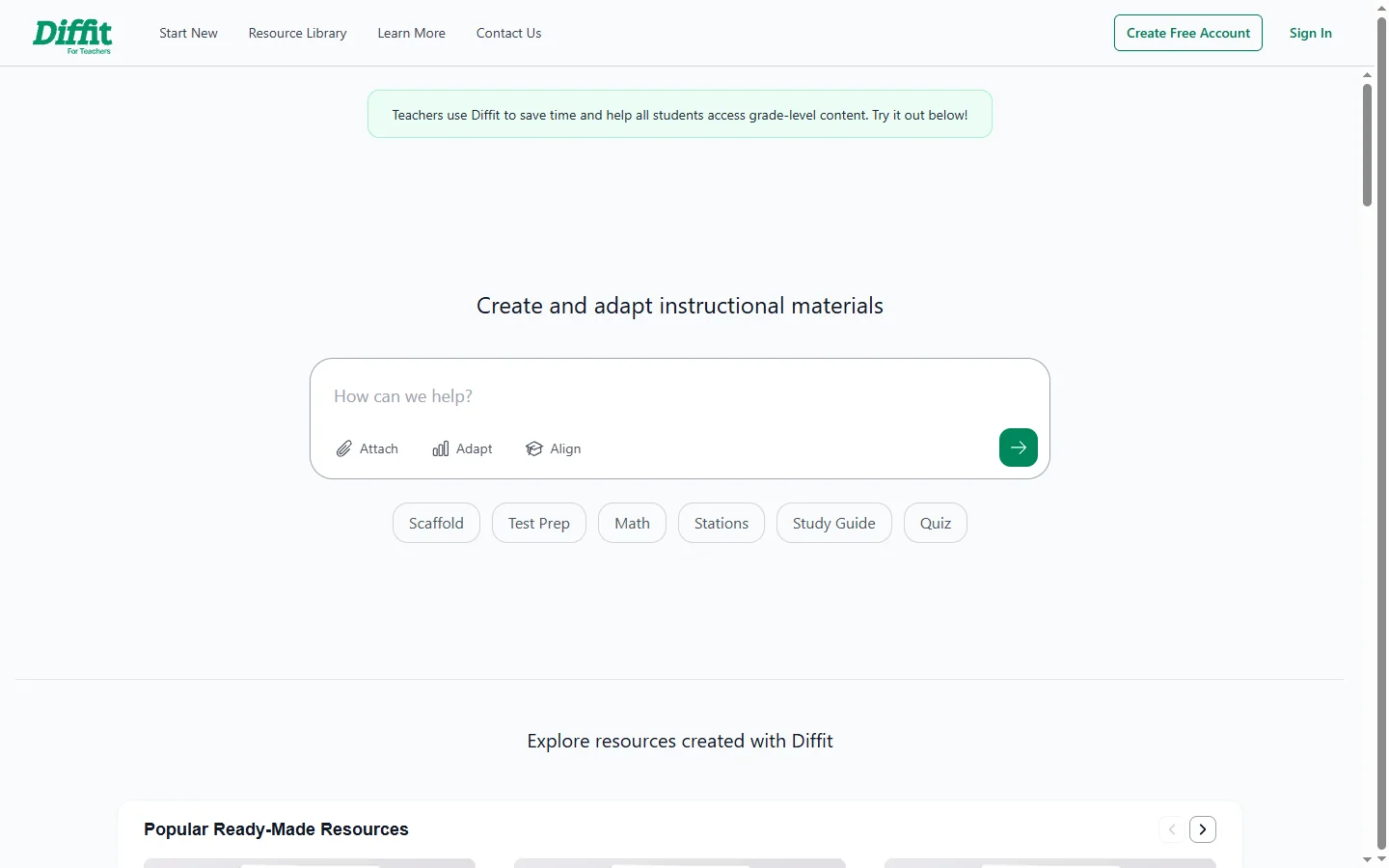
Diffit AI is a free educational tool that generates differentiated reading materials, quizzes, and vocabulary supports from any topic or source for classroom use.

Inspirit AI
Inspirit AI is an AI education platform offering courses, hands-on projects, and mentorship programs for students learning machine learning and AI.

StudyFetch AI
StudyFetch AI converts course materials into flashcards, quizzes, and AI tutoring sessions to help students study more effectively from their own content.


Abby AI
Abby AI is an AI therapy and mental wellness chatbot that offers CBT-informed conversations, mood tracking, and self-guided coping tools.